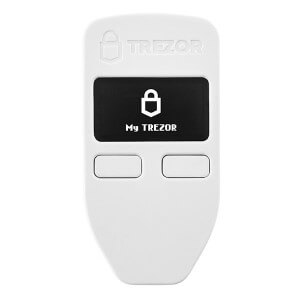
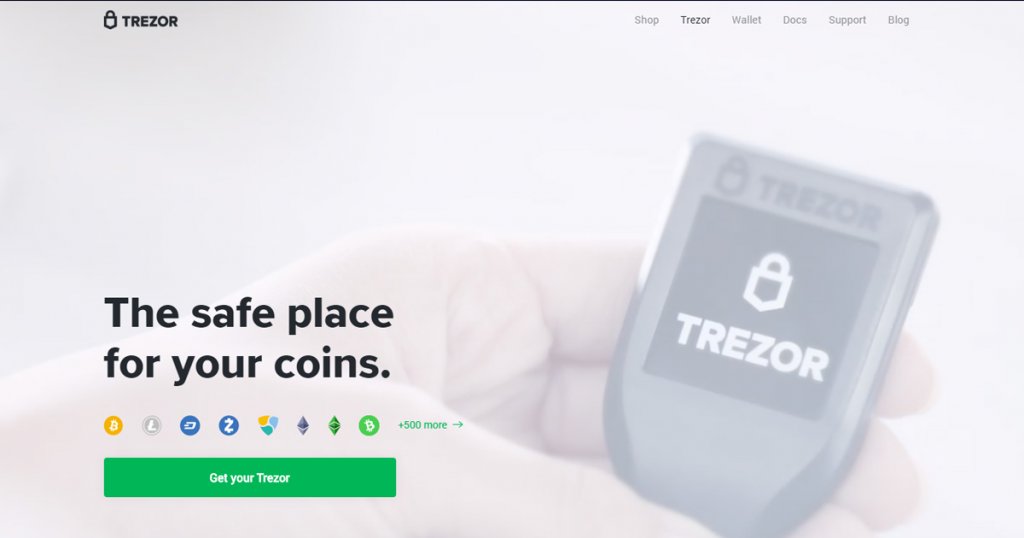
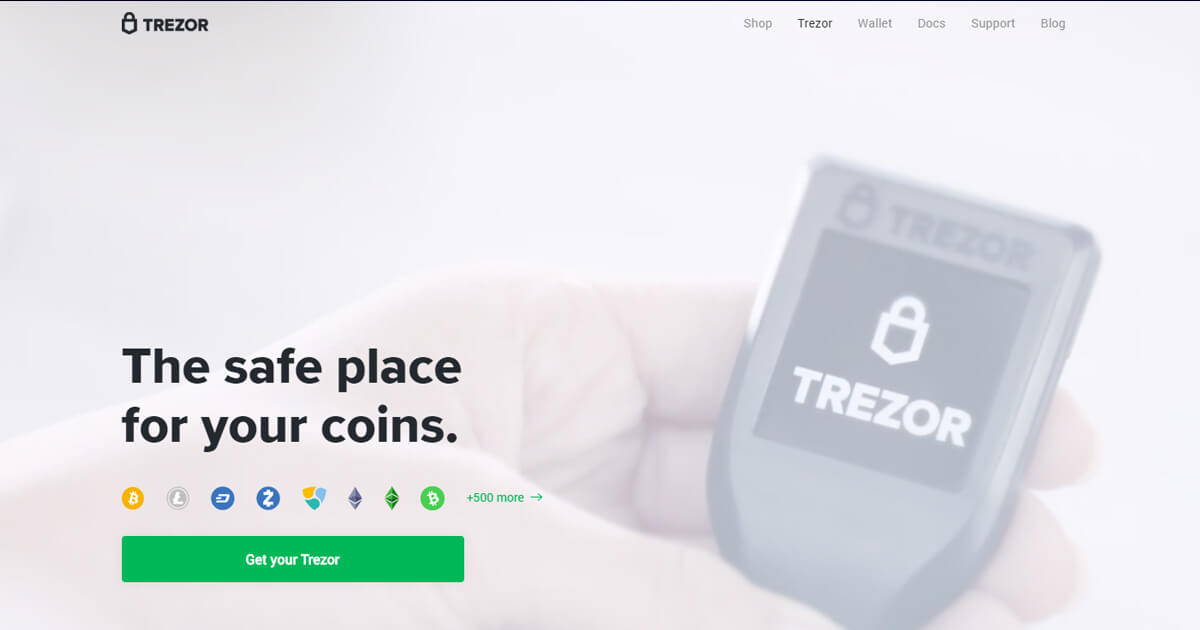
Trezor Model One is a self-custody hardware wallet created by SatoshiLabs, widely recognized as one of the earliest consumer devices designed to keep crypto private keys offline. First launched in 2014, it helped establish the “hardware wallet” category by requiring users to verify and approve transactions on a dedicated device instead of trusting a computer or phone alone. Although Trezor has since moved to newer products, Model One remains a reference point for offline signing and straightforward, button-based security for assets such as Bitcoin and Ethereum.
Overview
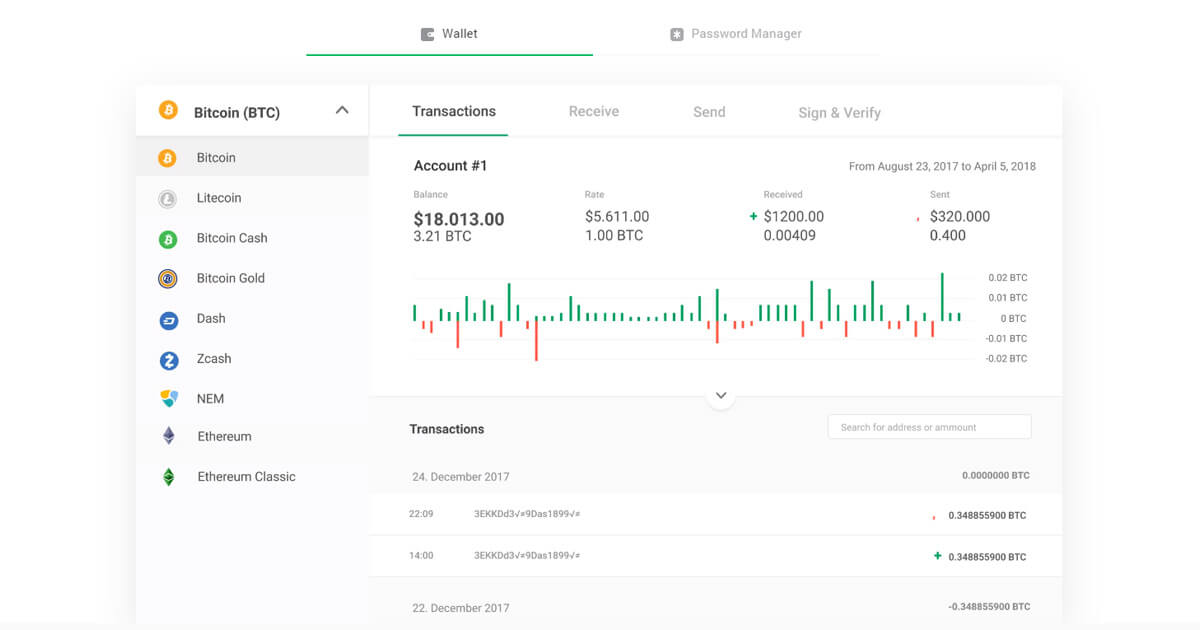
Trezor Model One follows a classic cold-storage workflow. Transactions are prepared in wallet software such as Trezor Suite or compatible third-party wallets, then confirmed on the device using a small OLED screen and two physical buttons. This separation is intended to reduce exposure to malware on the host device, because keys are generated and stored on the hardware wallet and signing happens on-device.
Trezor lists the Model One as discontinued and no longer sold, with the Trezor Safe 3 positioned as its successor. The company also states the Model One will continue to receive maintenance updates until at least 2031 and critical security fixes until at least 2036.
History and Background
Trezor Model One was launched on July 29, 2014. Its early availability and open-source approach made it a widely discussed option among users looking for an offline signing device that was simpler to operate than air-gapped DIY setups. Over time, it became a common baseline for comparing newer devices with touchscreens, secure elements, and additional connectivity options.
Core Products and Services
- Offline key storage and transaction signing: Private keys are stored on the device, and transactions require physical confirmation.
- Device-based verification: Transaction details can be checked on the OLED screen before approval.
- Software compatibility: Designed to work with Trezor Suite and selected third-party wallet applications, depending on asset and network support.
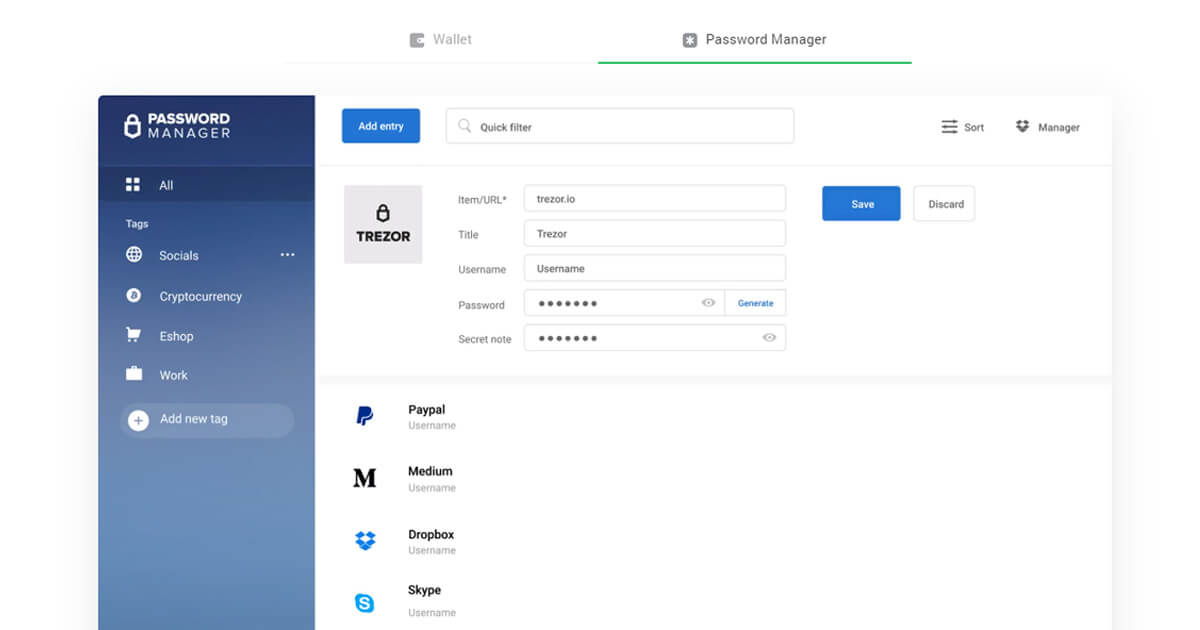
- Authentication use case: Trezor describes using the device as a 2FA tool for supported services.
Technology and Features
Trezor Model One uses a two-button interface and a 0.96-inch monochrome OLED display (128 × 64 pixels). The device connects via Micro USB (Type B) and is compatible with USB 2.0 and USB 3.0 host ports. Trezor lists the CPU as an ARM Cortex-M3 processor running at 120 MHz with custom software.
For access control, Trezor describes a user-defined PIN of up to 50 digits. It also supports passphrases, which can add an additional secret beyond the standard wallet backup and create separate “hidden” wallets. Privacy-oriented features described for the Model One include coin control and Tor support when used with compatible software.
For recovery, Trezor lists a 24-word wallet backup as the standard option and notes that a 12-word backup is available through an advanced setup. The device’s two-button design is also used in an advanced recovery process for entering backup words without typing them on a computer keyboard.
Use Cases and Market Position
Trezor Model One is most relevant for users who want a straightforward, cable-connected hardware wallet workflow and prefer physical buttons to touch input. It is commonly used for long-term self-custody, for “vault” style storage of major assets, and as a secondary signer kept in a separate location. Depending on software support, it can also be used to sign token transactions on EVM networks, where careful review of approvals and contract interactions is important.
Risks and Considerations
- Discontinued hardware: While support timelines are stated, the device is no longer sold and may be harder to source through official channels.
- Self-custody responsibility: Losing wallet backups or passphrases can make funds unrecoverable; exposing them can enable theft.
- Transaction deception risk: Hardware wallets protect keys, but users can still approve malicious transactions if prompted by phishing sites or unsafe dApps.
- Older connectivity and interface: Micro USB and a small OLED screen can be less convenient than newer devices, especially for reviewing complex smart contract prompts.