


Choosing the best USDT wallet is not just about picking the most popular app. The right choice also depends on which Tether networks the wallet supports, how much you will pay to send funds, and whether you want full self-custody or a simpler managed experience.
In this guide, we compare the best Tether wallets for different use cases, including TRC20 transfers, ERC20 compatibility, mobile apps, and cold storage. We also explain how a USDT wallet works, how wallet addresses differ by network, how to create and use a wallet safely, and how to transfer Tether without making costly mistakes.
Top Tether Crypto Wallets
- SEAL anti-phishing network member
- Self-custodial Mastercard debit card
- HackerOne bug bounty on wallet code
- Flags known-malicious contracts pre-sign
- Optional passphrase adds a hidden wallet
- Recovery Key card keeps backup in your hands
- Google or Apple login instead of a seed phrase
- One recovery phrase across desktop and mobile
- In-app cross-chain swaps stay non-custodial
- Pre-sign Security Scanner flags risky dApps
- On-device AES-encrypted private keys
- Open-source Wallet Core under Apache 2.0
- Self-custodial in-app wallets with an exportable recovery phrase.
- Buy, sell, send, receive, and convert from one mobile app.
- MoonTags simplify transfers without pasting long wallet addresses.
- Multi-share SLIP39 seed for large balances
- On-device WalletConnect signing for dApps
- 2.5-inch touchscreen for address checks
- Smart-wallet contract is open on GitHub
- Pairs a Ledger via the browser extension
- Card and Apple Pay on-ramp built in
- Duress Mode hides funds under coercion
- No seed phrase to write down or lose
- Recovery token plus optional 2FA layer
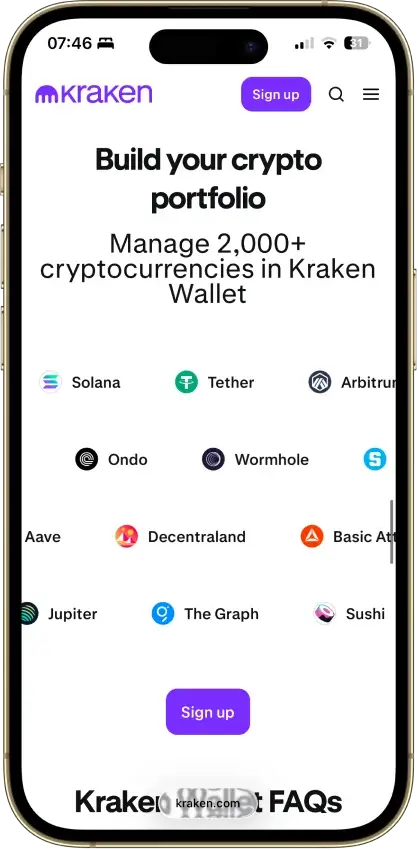
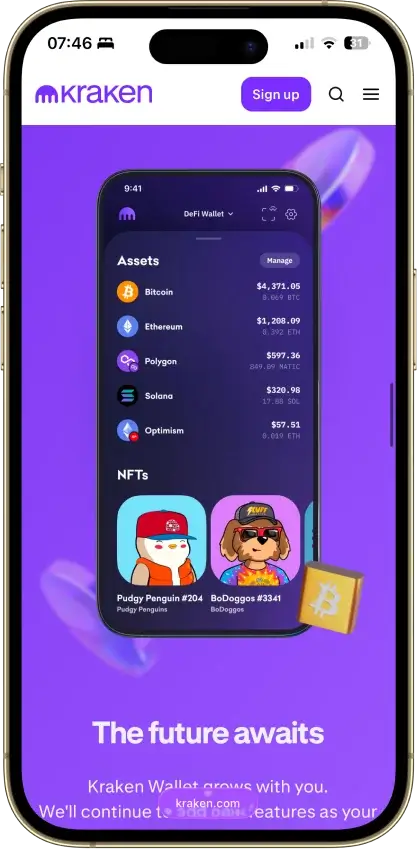
- Built by the team behind Kraken exchange
- Native Dogecoin support, not wrapped
- Token risk scoring and spam-NFT filter
- Multi-network deposits and withdrawals across major blockchains
- Built-in exchange, credit, and card tools inside one account
- Strong account-level security controls, including whitelisting and anti-scam checks
- Watch-only mode tracks any address
- 0.25% swaps, cheaper than MetaMask
- Address whitelist locks send targets
- Made by the original hardware-wallet maker
- Vendor co-authored the BIP39 standard
- Seed restores on any BIP39 wallet
- Made by the original hardware-wallet maker
- Restores on any SLIP-39-compatible wallet
- Vendor co-authored the BIP39 standard
- On-device approval for every transaction
- Pairs with MetaMask as a hardware signer
- Optional passphrase for a hidden wallet
- Largest hardware-wallet maker by units sold
- Deepest app ecosystem in the category
- Seed restores on any BIP39 wallet
- Pre-approval scam and phishing alerts
- Built-in token-approval revoke tool
- Cross-chain bridging in one interface
- Its own first-party hardware device
- Transaction simulation before you sign
- Scam warnings before you approve
- Native Tron support many wallets skip
- One-tap transfers to your Binance balance
- In-app anti-scam transaction tooling
- No vendor kill switch on the signing path
- Pairs with MetaMask over QR codes
- Staking on five chains, keys stay put
- Metal card as durable as a bank card
- MetaMask and WalletConnect dApp access
- Built by the Amex Centurion card maker
- Keys cloned across cards, not written down
- Optional 12/24-word seed on 2.0 cards
- Wearable Ring runs the same secure chip
- One seed across desktop, mobile, and browser
- Add custom tokens on 21 networks
- In-app swap and fiat on-ramps built in
- SEAL anti-phishing network member
- Self-custodial Mastercard debit card
- HackerOne bug bounty on wallet code
- Google or Apple login instead of a seed phrase
- One recovery phrase across desktop and mobile
- In-app cross-chain swaps stay non-custodial
- Pre-sign Security Scanner flags risky dApps
- On-device AES-encrypted private keys
- Open-source Wallet Core under Apache 2.0
- Built by the team behind Kraken exchange
- Native Dogecoin support, not wrapped
- Token risk scoring and spam-NFT filter
- Its own first-party hardware device
- Transaction simulation before you sign
- Scam warnings before you approve
- Flags known-malicious contracts pre-sign
- Optional passphrase adds a hidden wallet
- Recovery Key card keeps backup in your hands
- Multi-share SLIP39 seed for large balances
- On-device WalletConnect signing for dApps
- 2.5-inch touchscreen for address checks
- Made by the original hardware-wallet maker
- Vendor co-authored the BIP39 standard
- Seed restores on any BIP39 wallet
- Made by the original hardware-wallet maker
- Restores on any SLIP-39-compatible wallet
- Vendor co-authored the BIP39 standard
- On-device approval for every transaction
- Pairs with MetaMask as a hardware signer
- Optional passphrase for a hidden wallet
- Largest hardware-wallet maker by units sold
- Deepest app ecosystem in the category
- Seed restores on any BIP39 wallet
- No vendor kill switch on the signing path
- Pairs with MetaMask over QR codes
- Staking on five chains, keys stay put
- Metal card as durable as a bank card
- MetaMask and WalletConnect dApp access
- Built by the Amex Centurion card maker
- Keys cloned across cards, not written down
- Optional 12/24-word seed on 2.0 cards
- Wearable Ring runs the same secure chip
- SEAL anti-phishing network member
- Self-custodial Mastercard debit card
- HackerOne bug bounty on wallet code
- Flags known-malicious contracts pre-sign
- Optional passphrase adds a hidden wallet
- Recovery Key card keeps backup in your hands
- Google or Apple login instead of a seed phrase
- One recovery phrase across desktop and mobile
- In-app cross-chain swaps stay non-custodial
- Pre-sign Security Scanner flags risky dApps
- On-device AES-encrypted private keys
- Open-source Wallet Core under Apache 2.0
- Smart-wallet contract is open on GitHub
- Pairs a Ledger via the browser extension
- Card and Apple Pay on-ramp built in
- Built by the team behind Kraken exchange
- Native Dogecoin support, not wrapped
- Token risk scoring and spam-NFT filter
- Made by the original hardware-wallet maker
- Vendor co-authored the BIP39 standard
- Seed restores on any BIP39 wallet
- On-device approval for every transaction
- Pairs with MetaMask as a hardware signer
- Optional passphrase for a hidden wallet
- Metal card as durable as a bank card
- MetaMask and WalletConnect dApp access
- Built by the Amex Centurion card maker
- Keys cloned across cards, not written down
- Optional 12/24-word seed on 2.0 cards
- Wearable Ring runs the same secure chip
These top picks show that there is no single best Tether wallet for every type of user. Trust Wallet and Exodus stand out for flexibility and ease of use, SafePal is a stronger fit for TRC20-heavy transfers, MetaMask makes more sense for ERC20 and DeFi activity, and Ledger is better when long-term security matters more than convenience. The comparison table below should make those trade-offs easier to scan by putting custody, supported USDT networks, platform coverage, and ideal use case side by side.
Comparison Table
| Name | Custody | Blockchains | Hardware Support | Staking | Fiat On-ramp |
|---|---|---|---|---|---|
 MetaMask MetaMask | Non-custodial | Ethereum, Arbitrum, Optimism, Polygon, Base, Avalanche, BNB Smart Chain, Solana, Bitcoin, Tron | Yes | Full | Yes |
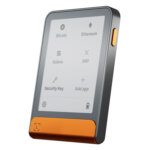 Ledger Flex Ledger Flex | Non-custodial | Bitcoin, Polygon, Ethereum, BNB Smart Chain, Avalanche, Tron, Arbitrum, Base, Optimism, Solana | No | Limited | Yes |
 Phantom Phantom | Non-custodial | Solana, Ethereum, Base, Polygon, Bitcoin | Yes | Limited | Yes |
 Trust Wallet Trust Wallet | Non-custodial | Bitcoin, Ethereum, BNB Smart Chain, Avalanche, Tron, Arbitrum, Base, Optimism, Polygon, Solana | Yes | Full | Yes |
 MoonPay MoonPay | Non-custodial | Bitcoin, Solana, Tron, Ethereum, Polygon, Base, Arbitrum, Optimism, BNB Smart Chain | Yes | Limited | Yes |
 Trezor Safe 7 Trezor Safe 7 | Non-custodial | Bitcoin, Ethereum, BNB Smart Chain, Avalanche, Arbitrum, Base, Optimism, Polygon, Solana | No | Limited | Yes |
 Base App Base App | Non-custodial | Ethereum, Base, Arbitrum, Optimism, Polygon, Avalanche, BNB Smart Chain, Solana | Yes | Limited | Yes |
 Edge Wallet Edge Wallet | Non-custodial | Bitcoin, Ethereum, BNB Smart Chain, Avalanche, Tron, Optimism, Polygon, Solana | No | Limited | Yes |
 Kraken Wallet Kraken Wallet | Non-custodial | Bitcoin, Ethereum, Arbitrum, Base, Optimism, Polygon, Solana | No | Limited | No |
 Nexo Nexo | Custodial | Bitcoin, Ethereum, Base, Polygon, BNB Smart Chain, Arbitrum, Optimism, Solana, Avalanche, Tron | No | Limited | Yes |
 Rabby Wallet Rabby Wallet | Non-custodial | Ethereum, BNB Smart Chain, Avalanche, Arbitrum, Base, Optimism, Polygon | Yes | None | No |
 Trezor Safe 3 Trezor Safe 3 | Non-custodial | Bitcoin, Ethereum, BNB Smart Chain, Avalanche, Arbitrum, Base, Polygon, Optimism, Solana | No | Limited | Yes |
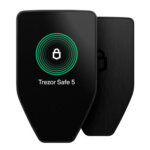 Trezor Safe 5 Trezor Safe 5 | Non-custodial | Bitcoin, Ethereum, BNB Smart Chain, Avalanche, Arbitrum, Base, Optimism, Polygon, Solana | No | Limited | Yes |
 Ledger Nano S Plus Ledger Nano S Plus | Non-custodial | Bitcoin, Ethereum, BNB Smart Chain, Avalanche, Tron, Arbitrum, Base, Optimism, Polygon, Solana | No | Limited | Yes |
 Ledger Nano X Ledger Nano X | Non-custodial | Bitcoin, Ethereum, BNB Smart Chain, Avalanche, Tron, Arbitrum, Base, Optimism, Polygon, Solana | No | Limited | No |
 OKX Wallet OKX Wallet | Non-custodial | Bitcoin, Ethereum, BNB Smart Chain, Avalanche, Tron, Arbitrum, Base, Optimism, Polygon, Solana | Yes | Limited | Yes |
 Solflare Solflare | Non-custodial | Solana | Yes | Full | Yes |
 Binance Wallet Binance Wallet | Non-custodial | Bitcoin, Ethereum, BNB Smart Chain, Tron, Arbitrum, Base, Optimism, Polygon, Solana | No | Limited | Yes |
 ELLIPAL Titan 2.0 ELLIPAL Titan 2.0 | Non-custodial | Bitcoin, Ethereum, BNB Smart Chain, Avalanche, Tron, Base, Polygon, Solana | No | Limited | Yes |
 Arculus Wallet Arculus Wallet | Non-custodial | Bitcoin, Ethereum, BNB Smart Chain, Avalanche, Tron, Arbitrum, Base, Optimism, Polygon, Solana | No | Limited | Yes |
 Tangem Tangem | Non-custodial | Bitcoin, Ethereum, BNB Smart Chain, Avalanche, Tron, Arbitrum, Optimism, Base, Polygon, Solana | No | Limited | Yes |
 Exodus Exodus | Non-custodial | Bitcoin, Ethereum, BNB Smart Chain, Avalanche, Tron, Arbitrum, Base, Optimism, Polygon, Solana | Yes | Full | Yes |
Some exchanges and wallets list USDT on BNB Smart Chain as “BEP20” and USDT on Polygon. These routes are not listed on Tether’s supported-protocol page, so only use them when both the sender and receiver explicitly support that exact network.
The clearest pattern in the table is that hot wallets win on convenience while hardware wallets win on security. Trust Wallet and Exodus are the strongest general-use options if you want to hold and move USDT regularly, especially across more than one network. SafePal is a better fit if you prioritize TRC20 transfers and lower-cost movement, while MetaMask is more compelling for ERC20 USDT and DeFi use than for TRON-based Tether. Ledger stands apart as the best option for long-term storage, where protecting a larger balance matters more than quick day-to-day access.
If you’d rather choose by scenario than features, the use-case table below maps the most common USDT workflows (TRC20 transfers, ERC20 DeFi, long-term storage) to the best wallet for the job.
Best Tether Wallets By Use Case
Different Tether wallets solve different problems. Some are better for low-fee TRC20 transfers, some are better for ERC20 and DeFi, and some make more sense when security matters more than convenience. This table pulls those use cases into one place so you can match the wallet to how you actually use USDT.
| Use case | Best wallet | Main USDT networks | Why it stands out | Best for | Main drawback |
|---|---|---|---|---|---|
| Best overall USDT wallet | Trust Wallet | ERC20, TRC20, and other supported in-app routes | It combines broad network coverage, an easy mobile experience, and self-custody without forcing a complex setup. It is one of the easiest ways to manage Tether across common routes from a single app. | Most users who want one flexible wallet for storing, receiving, and sending USDT. | It does not give you the same hardware-first security as a device wallet, and power users may want deeper DeFi tooling. |
| Best for beginners | Exodus | ERC20, TRC20 on desktop and mobile, plus other supported networks such as Solana and Polygon (platform-listed route) | Exodus has one of the cleanest interfaces in the category, which helps newer users understand balances, networks, and transfers without getting lost. Desktop support also helps if you do not want to manage everything on a phone. | Newer USDT users who want a wallet that feels straightforward on both mobile and desktop. | Its Web3 experience is not identical across every network, and advanced DeFi users may still prefer MetaMask. |
| Best USDT wallet app | Exodus | ERC20, TRC20 on desktop and mobile, plus other supported networks | The app experience is polished, easy to scan, and available across mobile, desktop, and browser extension, though TRON is not supported in Exodus Web3 Wallet. That makes it a strong pick if you specifically want the best USDT wallet app rather than a cold-storage-first product. | Users who care most about ease of use, device flexibility, and simple portfolio management. | Built-in swaps and buys can add spread or service costs compared with moving funds manually. |
| Best wallet for USDT TRC20 | SafePal | TRC20, ERC20 (plus BSC/BEP20 routes where supported) | SafePal is the best fit when cheap TRON-based transfers are the priority. It gives access to TRC20 USDT inside a broader multichain wallet, so it still works well if you move funds between ecosystems. | Anyone who sends USDT often and wants to keep transfer costs down. | The interface can feel more crowded than a simpler beginner wallet, especially if you only use one or two chains. |
| Best wallet for USDT ERC20 | MetaMask | ERC20 and other EVM-compatible routes | MetaMask remains the most natural choice for ERC20 USDT when the goal is DeFi access, token approvals, browser-based workflows, and Ethereum ecosystem compatibility. | DeFi users, DEX traders, and anyone who spends most of their time on Ethereum and EVM networks. | ERC20 transfers can cost more than TRC20, and MetaMask is less beginner-friendly than Exodus or Trust Wallet. |
| Best cold wallet for Tether | Ledger | ERC20 directly, with broader USDT access through compatible wallet connections | Ledger is the strongest USDT cold wallet option if you want to secure larger USDT balances offline. It shifts the focus away from convenience and toward long-term key protection. | Long-term holders and security-first users. | It costs money upfront and is slower to use for quick everyday transfers. |
| Best free USDT wallet | Trust Wallet | ERC20, TRC20, and other supported in-app routes | Trust Wallet is free to install, simple to start using, and broad enough for most mainstream USDT use cases. | Users who want self-custody without paying for a device or desktop-first setup. | Free does not mean fee-free. You still pay network fees and any swap or on-ramp costs. |
| Best for multichain users | Exodus | ERC20, TRC20 on desktop and mobile, plus other supported networks such as Solana and Polygon (platform-listed route) | Exodus is especially useful if you do not want a separate wallet for every chain. It gives a cleaner way to manage Tether across several supported networks with a lower learning curve than many multichain alternatives. | Users who move between Ethereum, Solana, Polygon (platform-listed route), and TRON (on Exodus Mobile/Desktop), plus other supported ecosystems. | TRON/TRC20 is supported on Exodus Mobile and Desktop, but not in Exodus Web3 Wallet (browser extension), so confirm the platform before transferring funds. |
The biggest split here is between convenience and specialization. Trust Wallet and Exodus are the easiest places to start, SafePal is stronger when TRC20 transfer costs matter most, MetaMask is the better fit for ERC20 and DeFi-heavy use, and Ledger is the right answer when storage security matters more than speed. The detailed reviews below expand on those trade-offs so you can see where each wallet fits beyond the headline label.
Tether Crypto Wallets Reviews
MetaMask
Pros
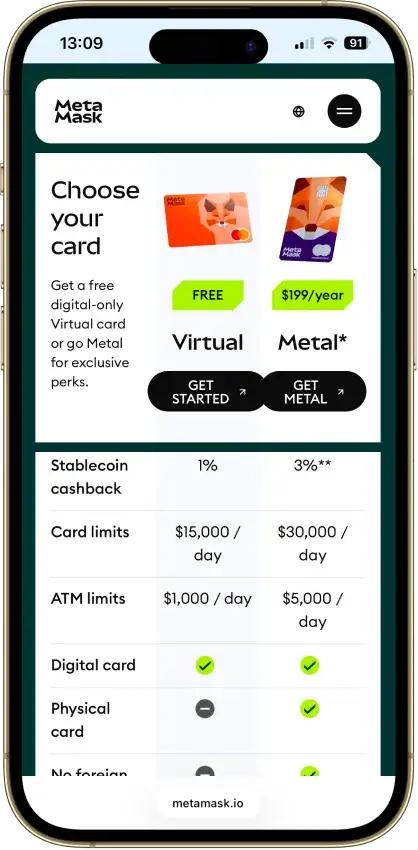
- Real self-custody, Consensys cannot touch keys
- Native Solana, Bitcoin, and Tron from one phrase
- Default transaction simulation and scam alerts
- Pairs with Ledger and Trezor for cold signing
- Deepest dApp reach of any mainstream hot wallet
Cons
- 0.875% swap fee on top of pool costs
- ETH staking blocked for US and UK users
- Crypto's most drainer-targeted wallet
- Source-available license, not open source
- No secure element, browser-level exposure



Ledger Flex
Pros
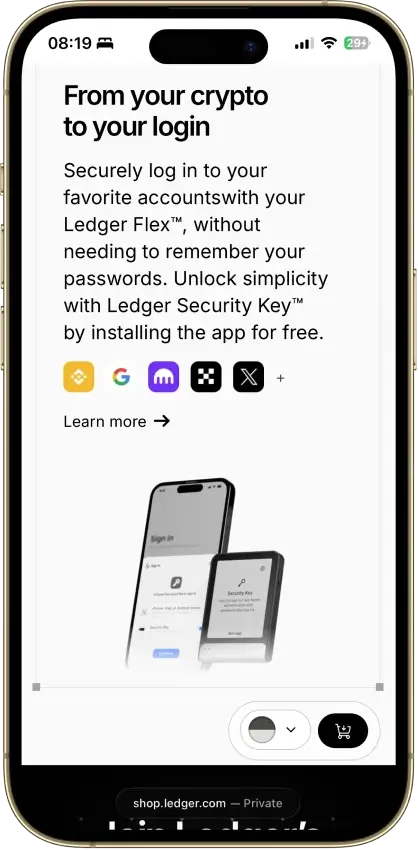
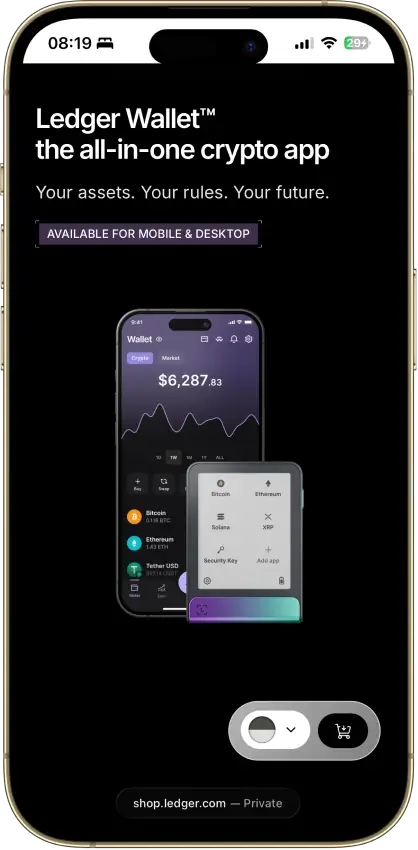
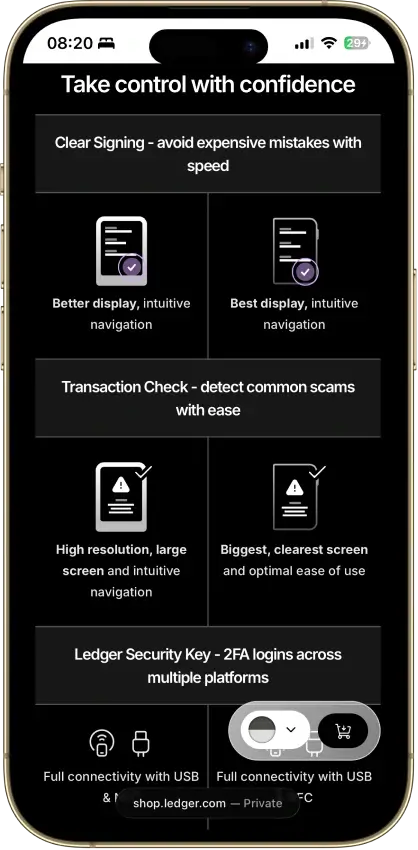
- CC EAL6+ secure element, top consumer cert
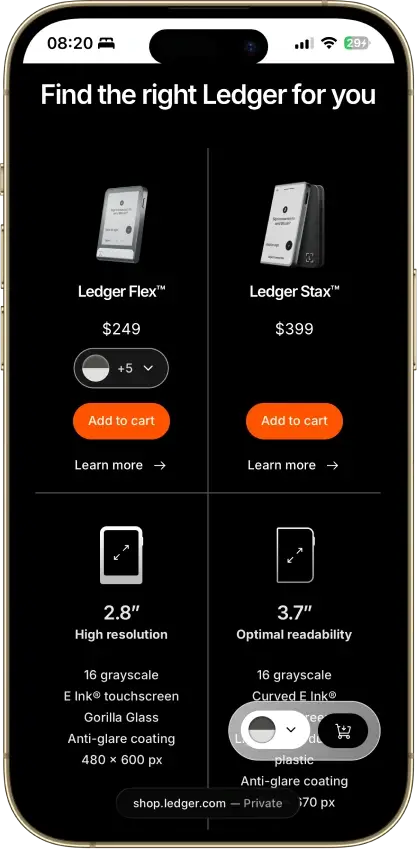
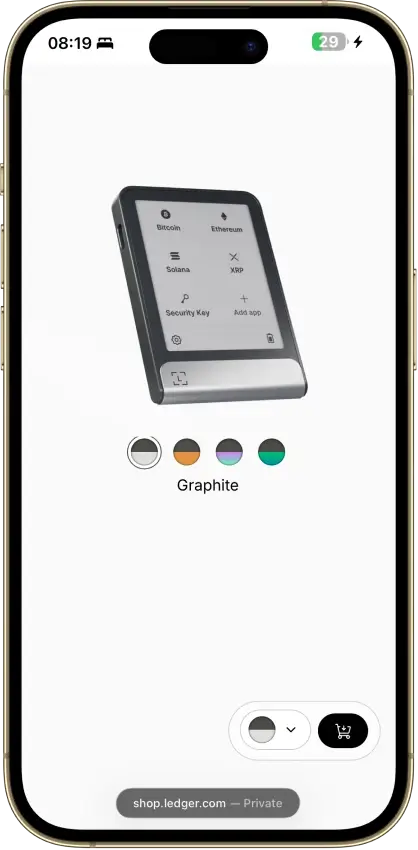
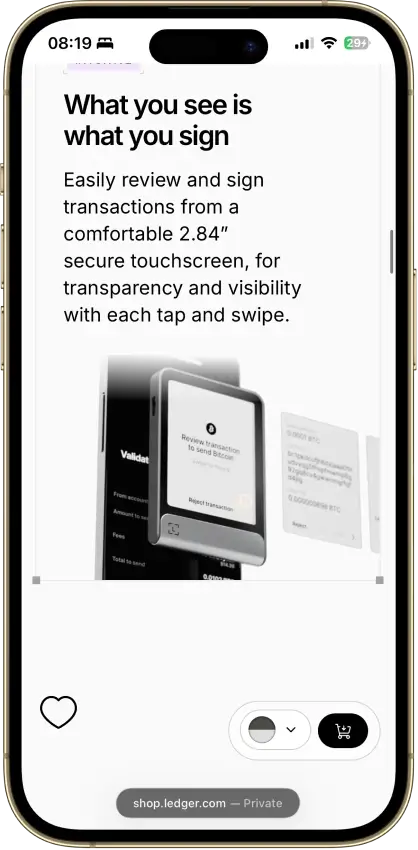
- Clear Signing on a 2.84-inch E Ink touchscreen
- 24-word BIP39 seed portable to other wallets
- Donjon bug bounty and in-house attack lab
- Bluetooth, NFC, and USB-C cover mobile use
Cons
- Customer data breached in 2020 and 2026
- Recover can move seed fragments off-device
- Secure Element firmware is closed source
- Not air-gapped, three radios plus a cable
- $249 is a lot for storage-only users
Phantom
Pros
- Non-custodial, keys never leave your device
- Nine chains including Bitcoin and Solana
- Audits from Kudelski and Least Authority
- Scam detection and transaction previews
- Native SOL staking plus PSOL liquid staking
Cons
- Core code is closed source
- Disputed 2025 vulnerability lawsuit
- Users are a recurring phishing target
- Cloud login recovery widens attack surface
- No native Arbitrum, Optimism, BSC, Avalanche


Trust Wallet
Pros
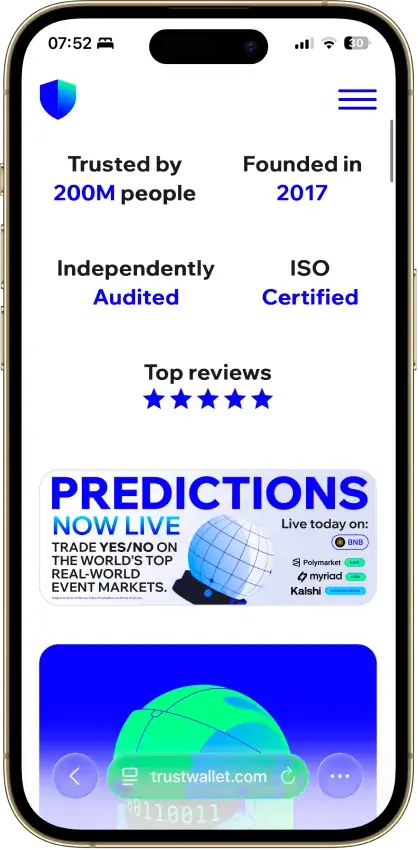
- Real self-custody, only you hold the seed
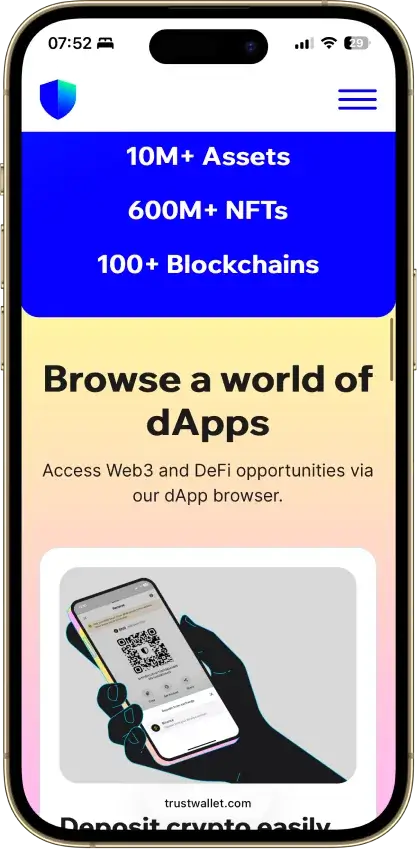
- 100+ chains native, custom EVM chains addable
- Free app, no explicit add-on swap fee
- Kudelski and CertiK audited, ISO 27001
- Staking, NFTs, and a dApp browser built in
Cons
- Three extension incidents in three years
- App and extension are closed source
- Binance-owned, a DOJ-settled parent
- No native desktop app
- Ledger pairing works in the extension only



MoonPay
Pros
- MoonPay’s in-app wallets are non-custodial, and you can export the recovery phrase to import the wallet into another app if you want to leave the MoonPay ecosystem later.
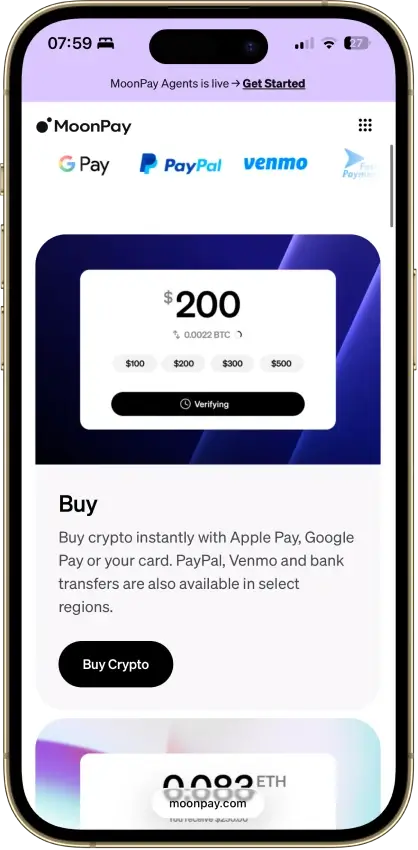
- The mobile app covers the main retail flow in one place: buy, sell, send, receive, and convert, which removes a lot of setup friction for newer users.
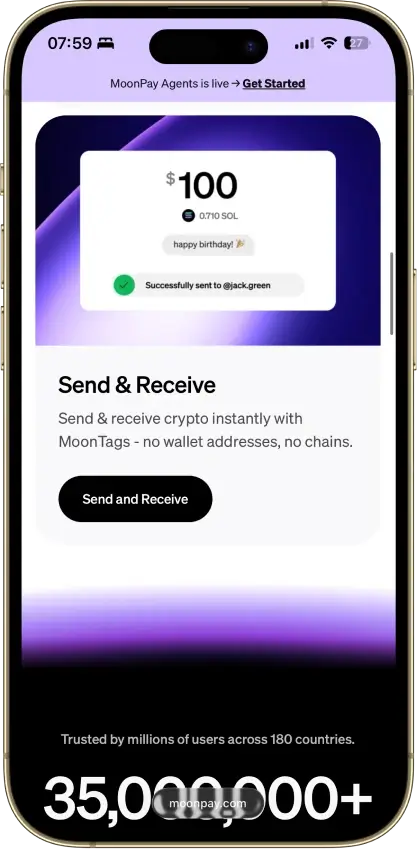
- MoonTags make transfers between MoonPay users easier because you can use a username instead of manually checking long wallet addresses.
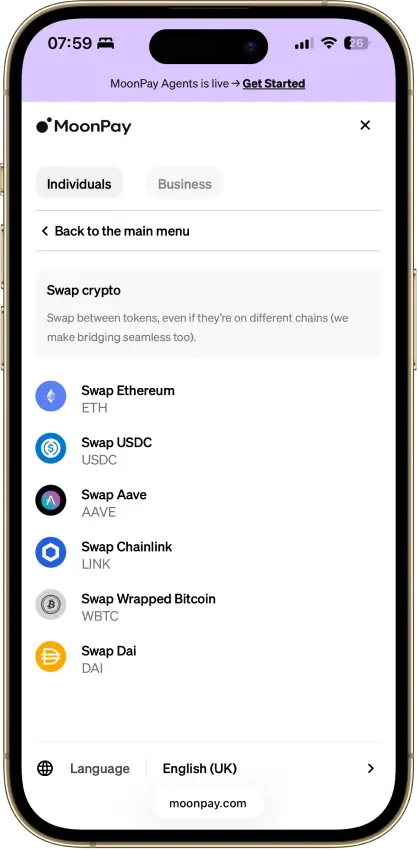
- MoonPay Convert supports same-chain and cross-chain swaps through Swaps.xyz, which is more useful than a basic single-chain token swap tool.
Cons
- - Verification is part of the product, not an edge case. MoonPay requires identity verification to unlock the full range of services, and higher limits or withdrawals can trigger source-of-wealth checks.
- The wallet is mobile-first, with no dedicated browser extension or desktop-native wallet experience for users who spend most of their time in browser-based DeFi and Web3 tools.
- MoonPay’s account-management guidance says the app is currently available only in English, which is a real limitation for a global consumer wallet.
- Key features vary by region. Sell availability, payout methods, and MoonPay Pots access are not universal, so readers need to check whether their country or state is supported before relying on the app.
Trezor Safe 7
Pros
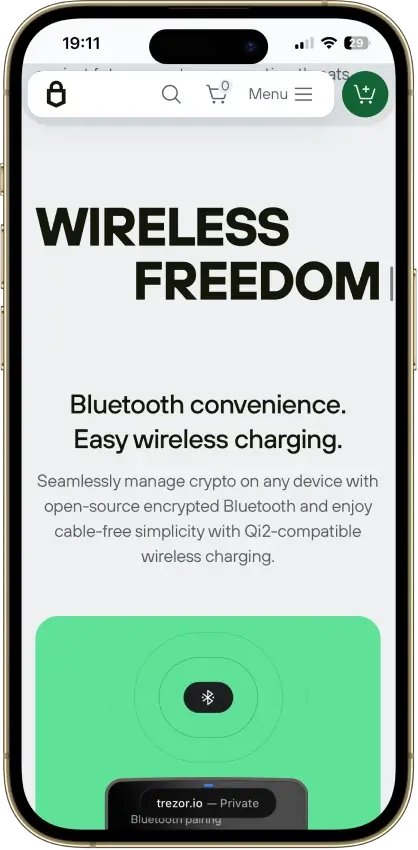
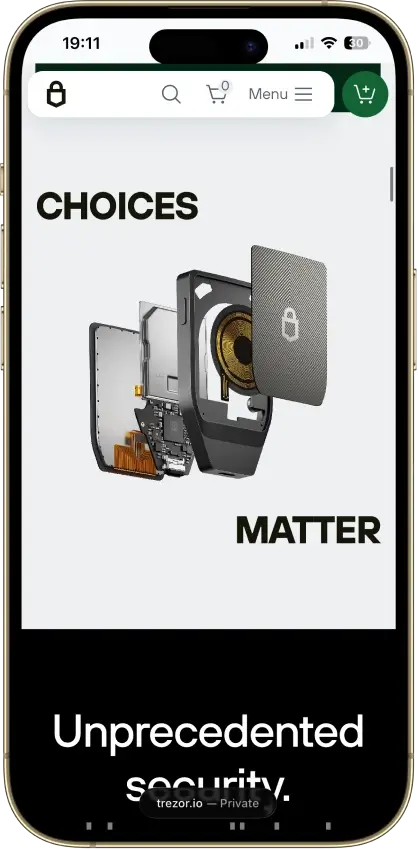
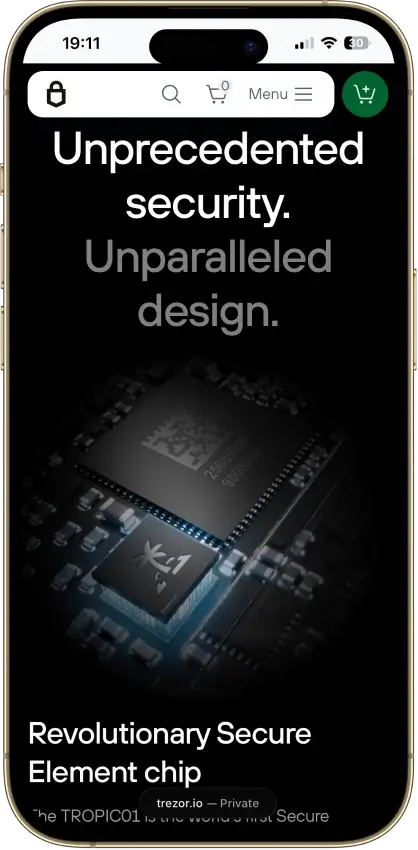
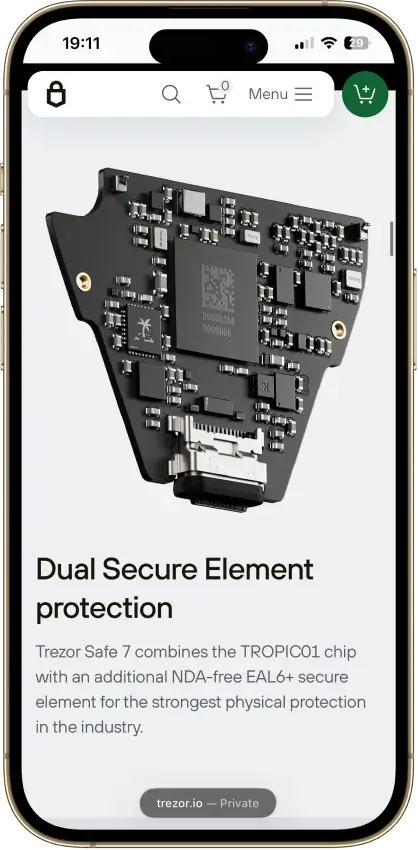
- Only auditable secure element on the market
- Three independent hardware security layers
- Fully open firmware, no black-box signing
- Quantum-ready firmware path (SLH-DSA-128)
- Non-custodial with no KYC at any step
Cons
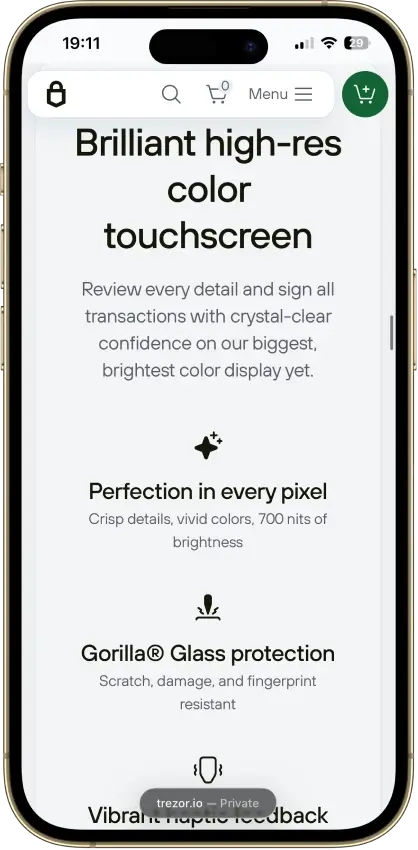
- $249, nearly double the Safe 5
- Not air-gapped, connected signing only
- Bluetooth radio adds a new attack surface
- No Monero anywhere in the Safe family
- TROPIC01 layer beaten in a 2026 lab attack

Base App
Pros
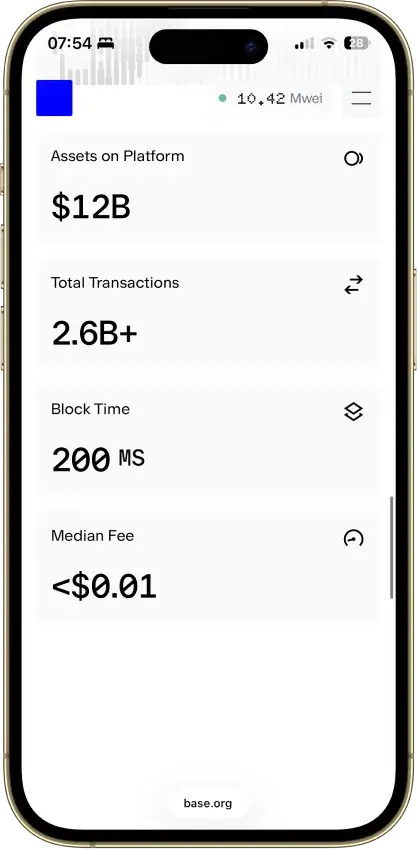
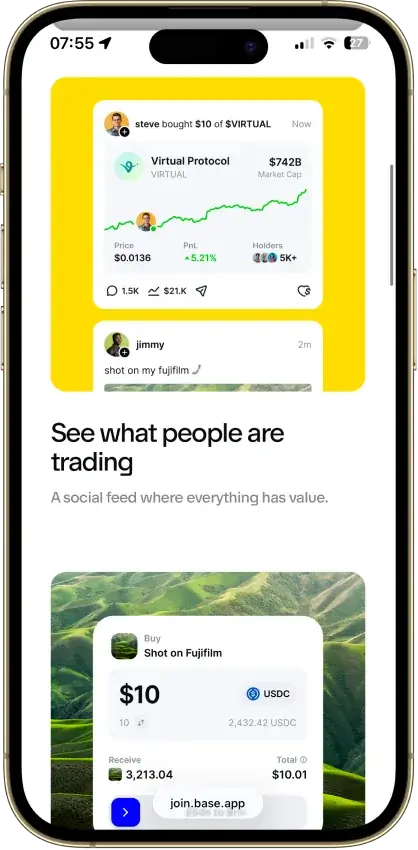
- Non-custodial, Coinbase never holds your keys
- Passkey smart wallet skips seed-phrase handling
- Ethereum, Base, Solana, and major EVM chains
- Backed by Nasdaq-listed Coinbase Global
- Farcaster feed, mini-apps, encrypted chat
Cons
- Consumer app is closed source
- Parent's 2025 breach fuels impersonation scams
- Multiple setup paths confuse new users
- Swap covers fewer networks than storage
- DOGE and LTC absent from the new Base mode

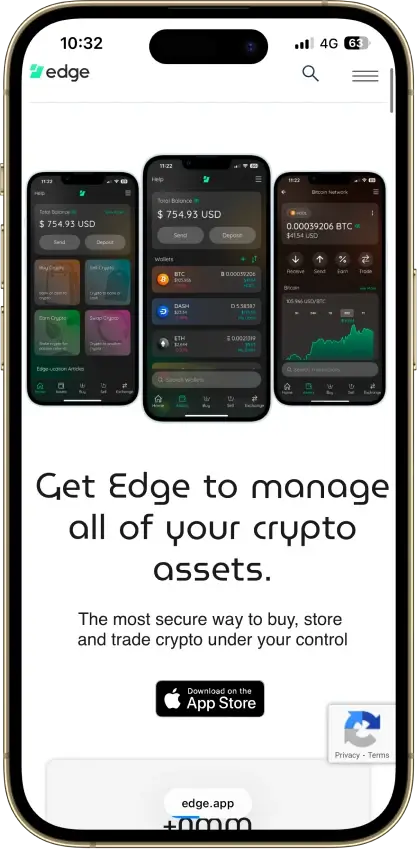
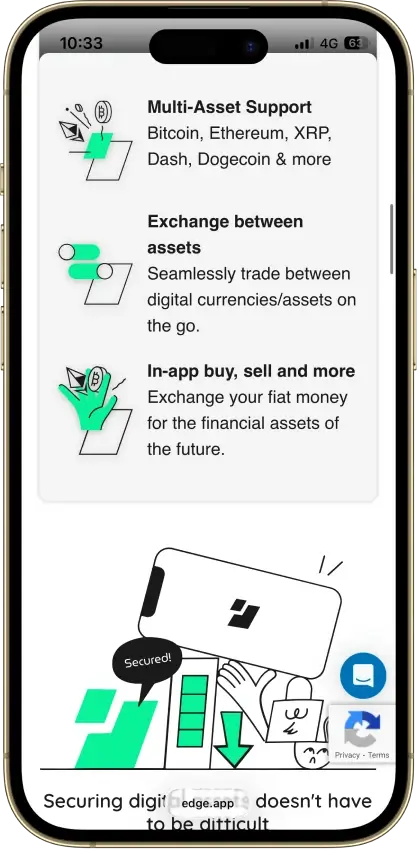
Edge Wallet
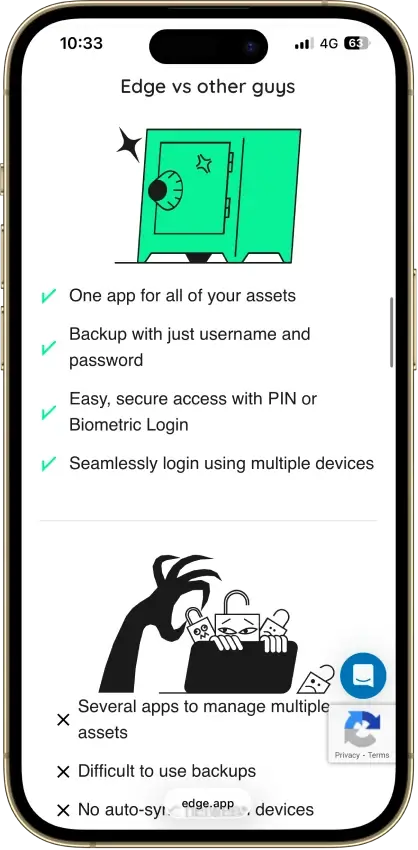
Pros
- Public, auditable code (BSD-3-Clause app)
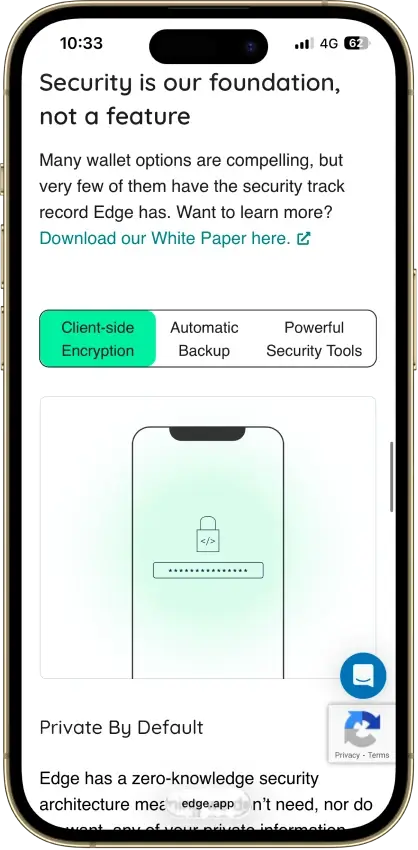
- Non-custodial, zero-knowledge encryption
- Password login with multi-device sync
- US company shipping wallets since 2014
- 120+ assets plus major token standards
Cons
- Weak password is a single point of failure
- Encrypted key blobs sit on Edge servers
- 2023 bug exposed about 600 private keys
- No secure element, software-only signing
- Mobile-only, no desktop or extension
Kraken Wallet
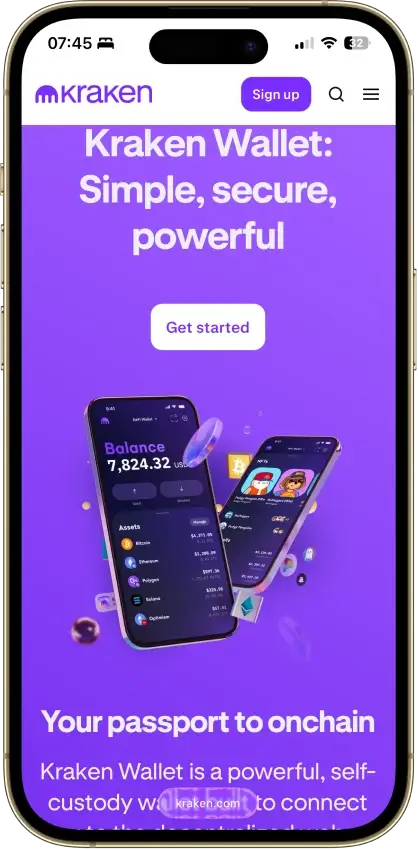
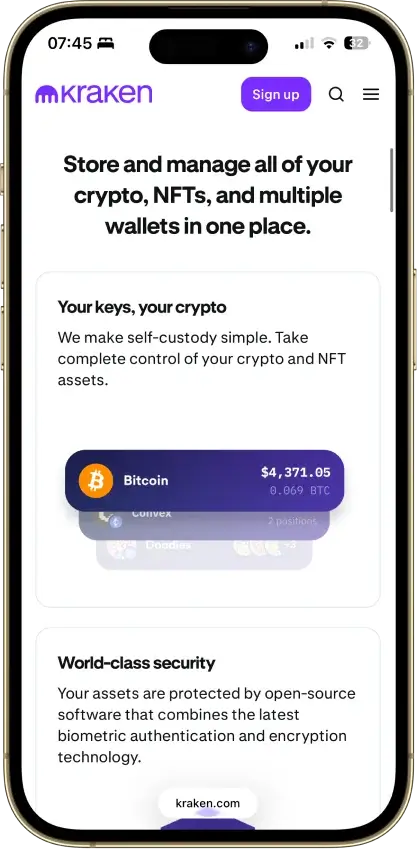
Pros
- Fully open source with reproducible builds
- Published Trail of Bits security audit
- No KYC and no Kraken account required
- Non-custodial, keys stay on your device
- US-available with no geo-gate
Cons
- Hot wallet only, no secure element
- No hardware wallet pairing
- No browser extension or desktop app
- Swaps limited to select routes
- No in-wallet fiat on-ramp


Nexo
Pros
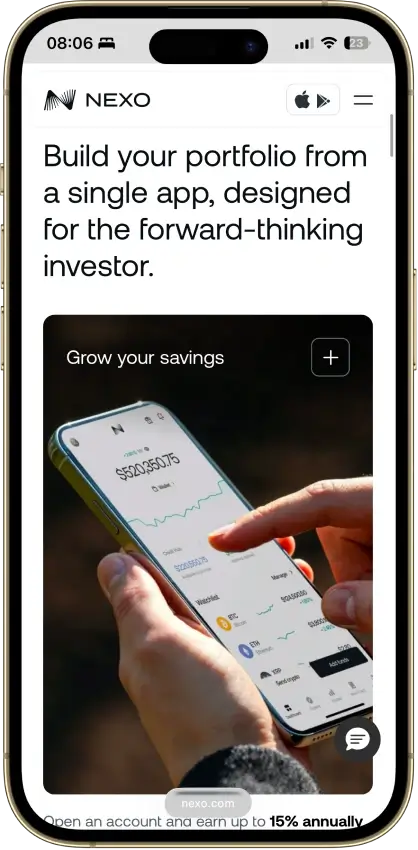
- Supports multi-network deposits and withdrawals across major chains, which makes it easier to move assets over the route Nexo actually supports for each coin.
- Combines custody, swaps, Nexo Pro trading, credit lines, and card spending in one account instead of forcing users to split those jobs across multiple apps.
- Uses account-level protections such as authenticator support, biometrics, anti-phishing code, address whitelisting, and anti-scam withdrawal monitoring.
- Available on web, iOS, and Android, so users can manage balances and transfers without being locked to a single device type.
Cons
- Custodial by design, so you do not get a seed phrase or direct control of the private keys for platform balances.
- Not a strong choice for wallet-native Web3 use, because the older Nexo Web3 wallet was sunset and the current product is built around managed account custody.
- Requires full identity verification as part of the account model, which makes it a poor fit for privacy-first users.
- Feature availability varies by jurisdiction and product line, so not every user gets the same mix of card, yield, credit, or transfer features.

Rabby Wallet
Pros
- Fully open source with public repos
- Simulates every transaction before you sign
- Flags scam sites and risky token approvals
- 100+ EVM chains with automatic switching
- Audited by Least Authority and SlowMist
Cons
- EVM only, no Bitcoin, Solana, or XRP
- Dense interface for casual holders
- 2022 swap contract exploit, about $200K
- No native staking or fiat on-ramp
- Seed phrase is the only recovery path
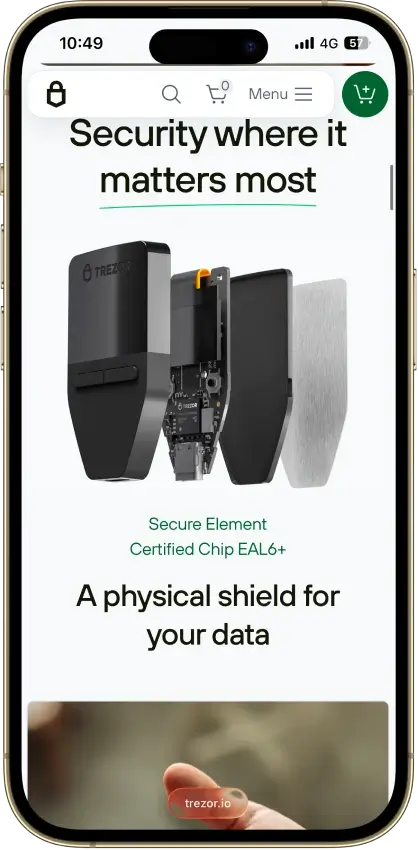
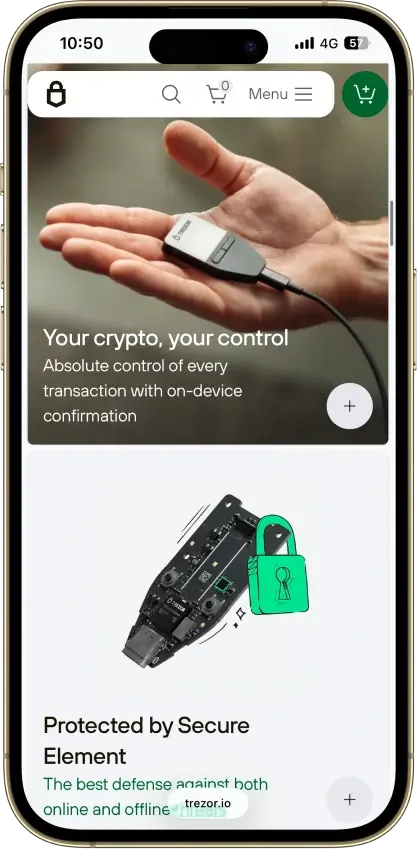
Trezor Safe 3
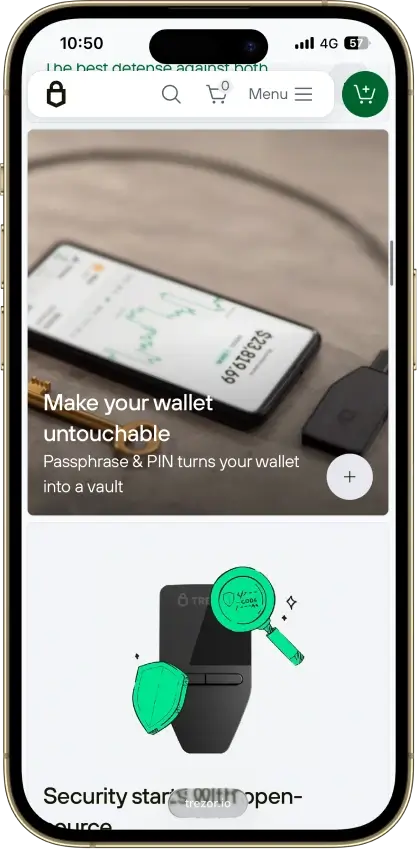
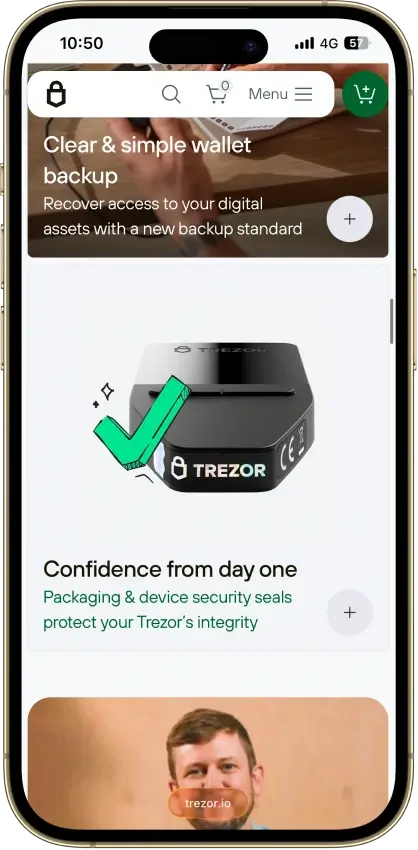
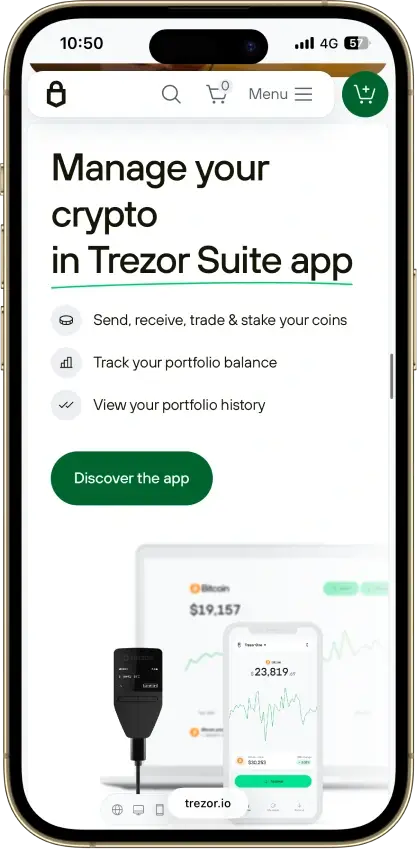
Pros
- Open firmware anyone can audit
- $59 for a certified EAL6+ chip
- Passphrase fully defeats seed extraction
- SLIP39 multi-share backup built in
- No Bluetooth, wired-only attack surface
Cons
- Signing runs outside the secure element
- Disclosed 2025 physical extraction path
- iOS app cannot send transactions
- Small screen, two-button navigation
- Closed Infineon SE limits full audit
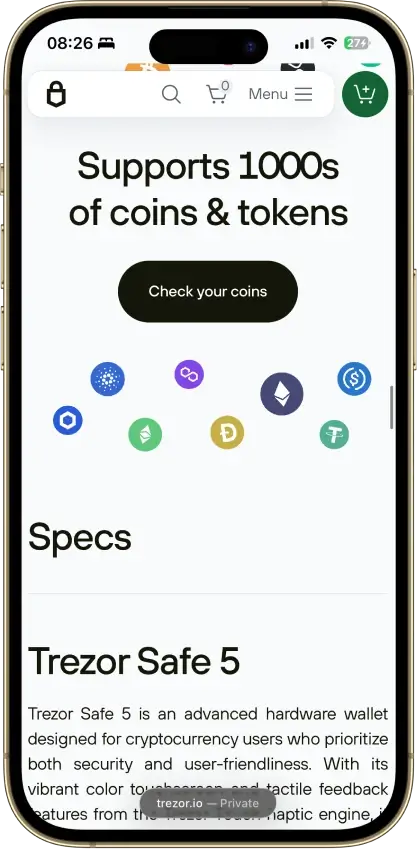
Trezor Safe 5
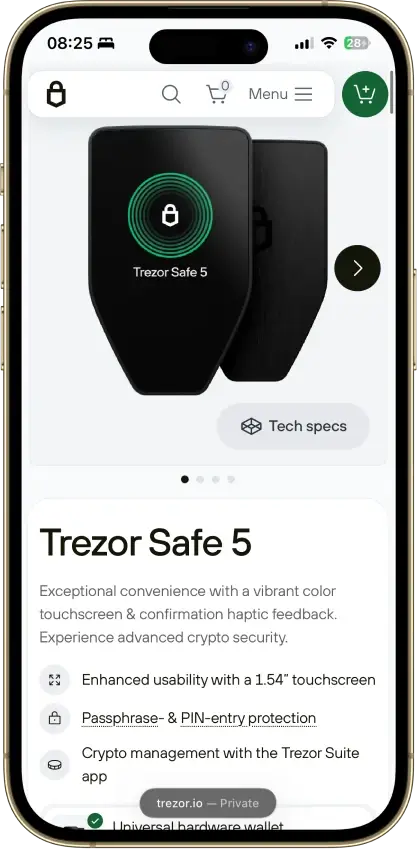
Pros
- Newer STM32U5 chip resists the Safe 3 attack
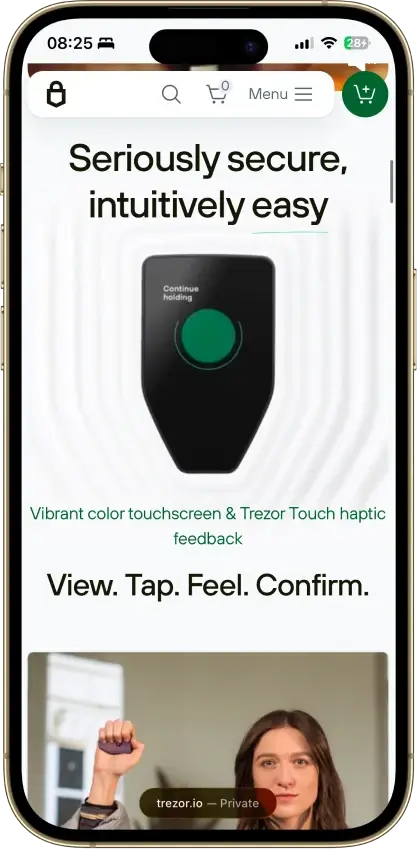
- 1.54-inch color touchscreen with haptic feedback
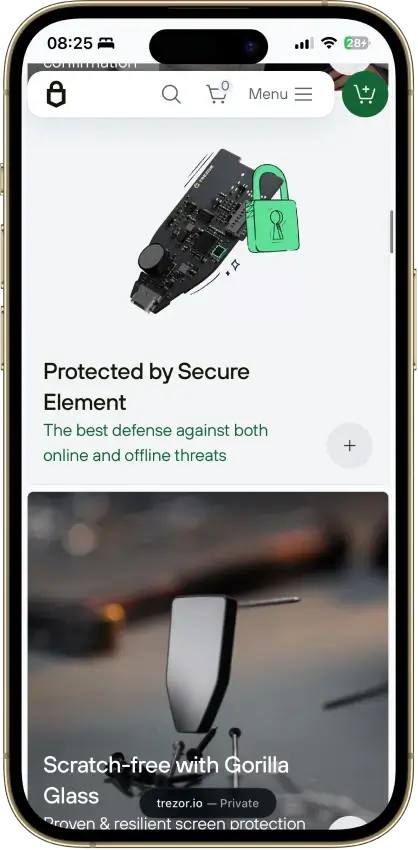
- EAL6+ secure element guards PIN and secrets
- 20-word SLIP-39 default plus Shamir multi-share
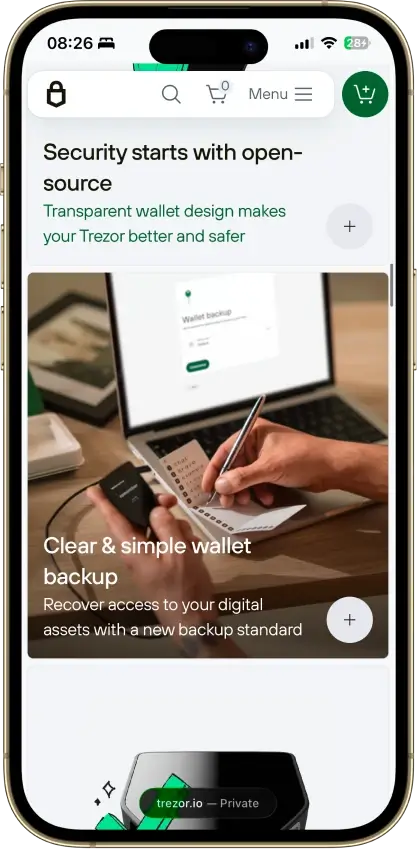
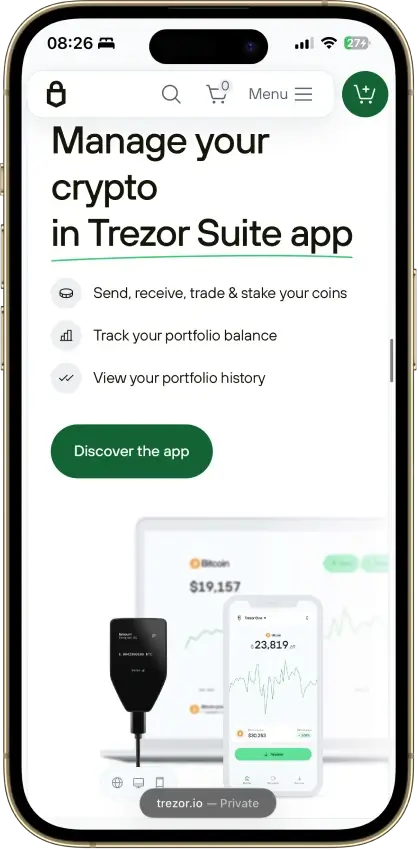
- Open, auditable firmware and Suite software
Cons
- $129, a step up in price from the $59 Safe 3
- Signing runs on the MCU, not the secure element
- No Bluetooth, battery, or QR air-gap option
- iOS app is view-only, no transaction signing
- HBAR, SUI, and some chains need other wallets
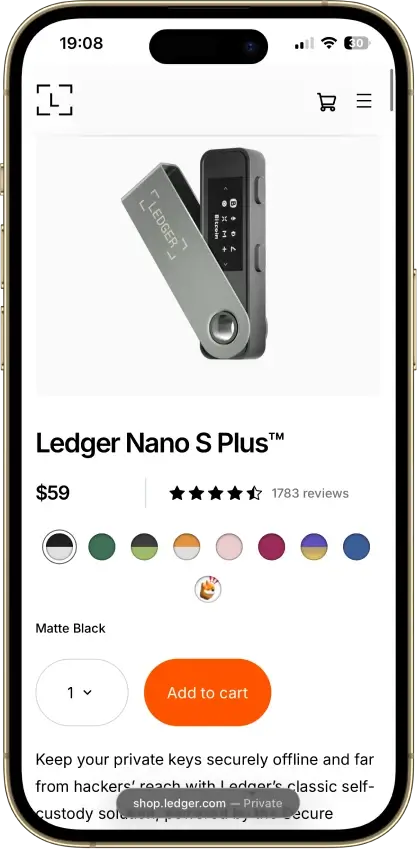
Ledger Nano S Plus
Pros
- EAL6+ secure element, out-certifies Nano X
- About $59, cheapest supported Ledger
- No Bluetooth or battery to attack
- Runs about 100 device apps at once
- Portable 24-word BIP39 seed
Cons
- No iPhone or iPad support
- Wired USB-C only, desktop and Android
- Small screen for contract review
- Secure element firmware is closed
- 2020 breach leaked ~270k home addresses
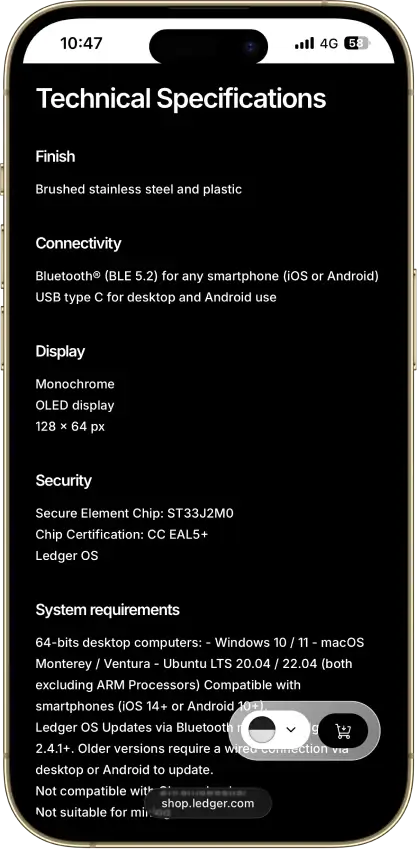
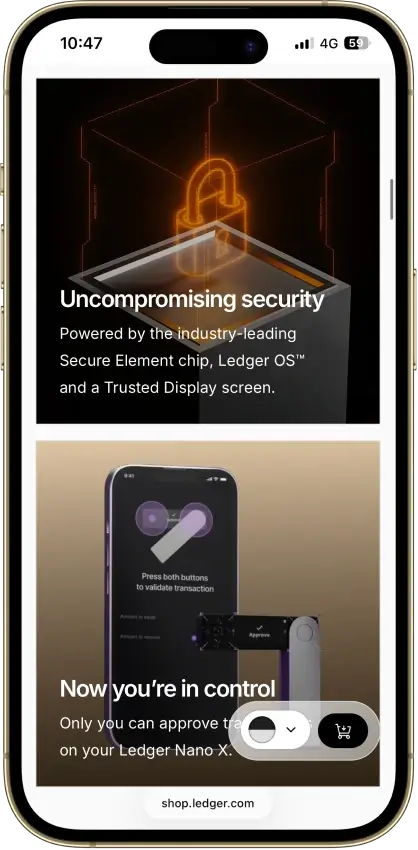
Ledger Nano X
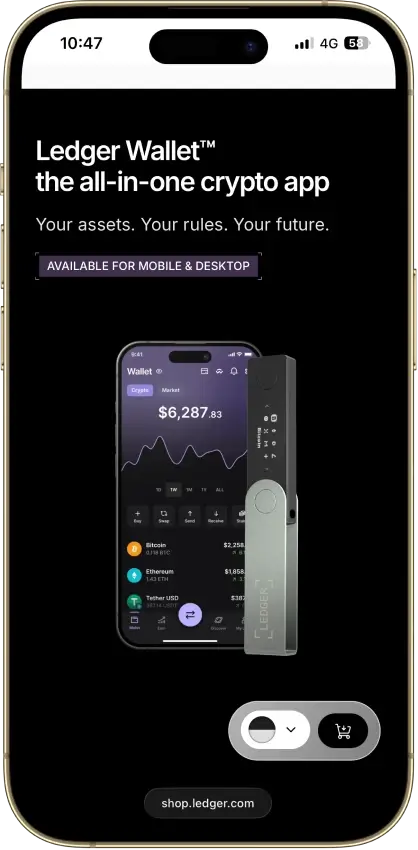
Pros
- Bluetooth plus USB-C, true phone-first signing
- CC EAL5+ secure element with ANSSI CSPN
- 500+ coins native, thousands via third party
- Up to 100 device apps installed at once
- Non-custodial, no KYC, sold worldwide
Cons
- $99, above the EAL6+ Nano S Plus
- Older EAL5+ chip, the S Plus carries EAL6+
- Secure-element OS and firmware are closed
- 2020 breach feeds phishing still active in 2026
- Small non-touch OLED, battery needs upkeep
OKX Wallet
Pros
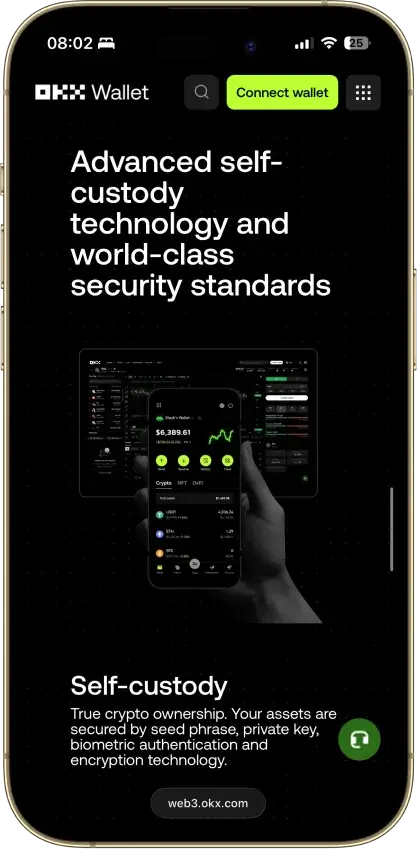
- 130+ native chains in one wallet
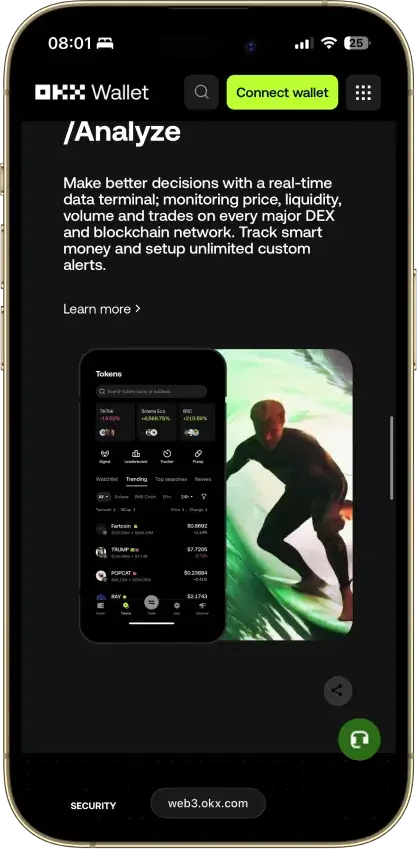
- DEX aggregator taps 100+ liquidity sources
- CertiK and SlowMist audits plus bug bounty
- No KYC for standard self-custody use
- Earn staking stays non-custodial
Cons
- $505M DOJ guilty plea, consultant to 2027
- Aggregator laundered ~$100M Bybit funds
- Keyless mode hands OKX one key share
- Client code is not fully open source
- IP geo-blocking can gate wallet access


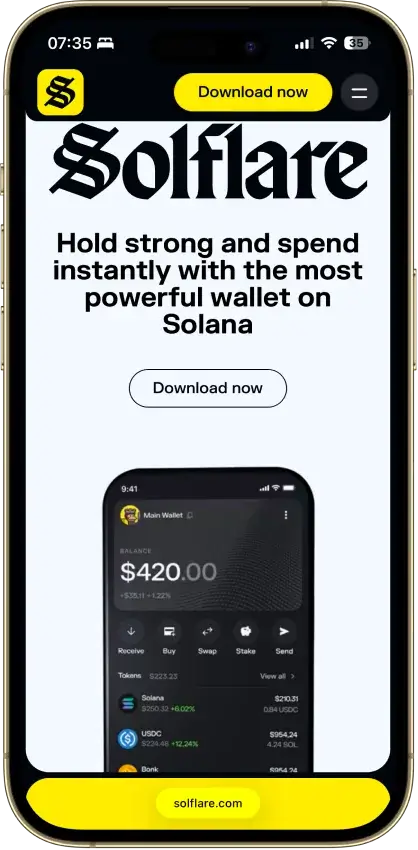
Solflare
Pros
- No wallet-side exploit on record
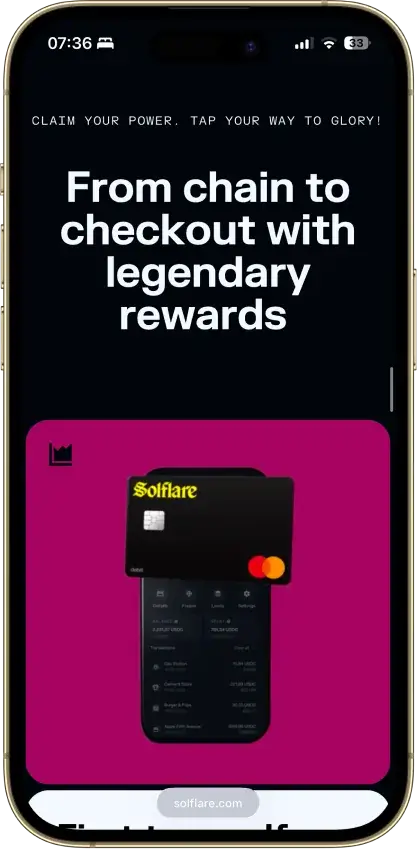
- Own EAL6+ Shield hardware from $49
- Ledger and Keystone support on top of Shield
- Native and liquid SOL staking built in
- Jupiter-routed swaps stay non-custodial
Cons
- Solana only, non-Solana access via MetaMask Snaps
- Core wallet lacks a published audit
- No public bug bounty program
- Instant unstake costs a small liquidity-pool fee
- Card is EEA and UK only, no US access

Binance Wallet
Pros
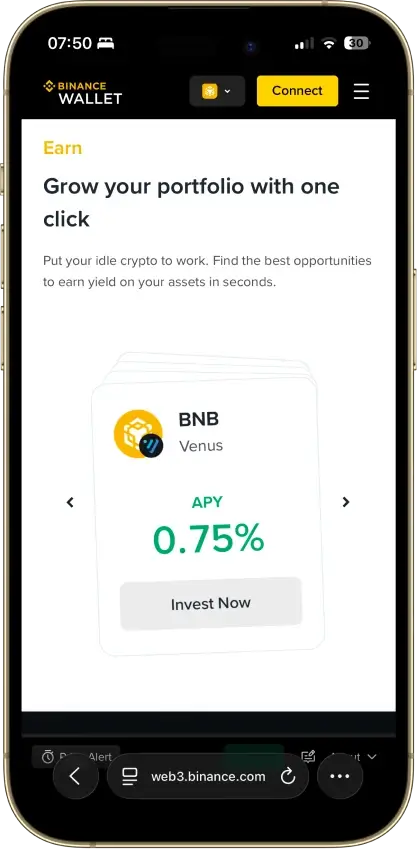
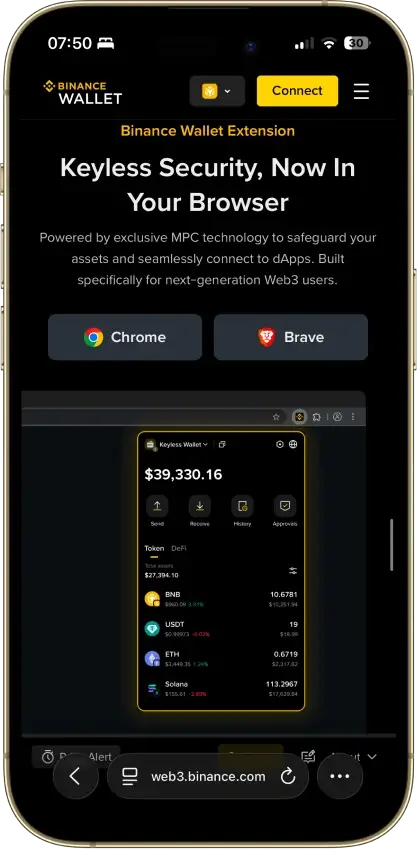
- Genuine multichain reach, BTC to Solana to Tron
- MPC signing with no seed phrase to steal
- SlowMist-audited, no known wallet exploit
- Emergency Export converts to a private key
- Free, and built into the app Binance users have
Cons
- Not available to US users at all
- Requires a verified Binance.com account
- Binance holds one of the three key shares
- Lost password plus lost device is unrecoverable
- Closed source, only TSS tooling is public

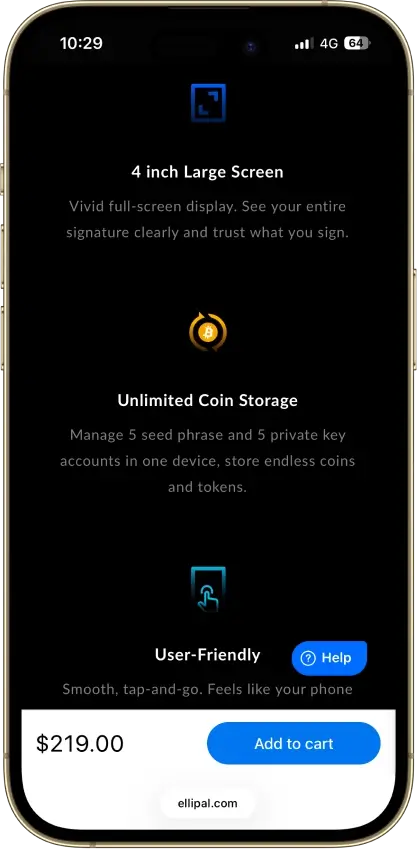
ELLIPAL Titan 2.0
Pros
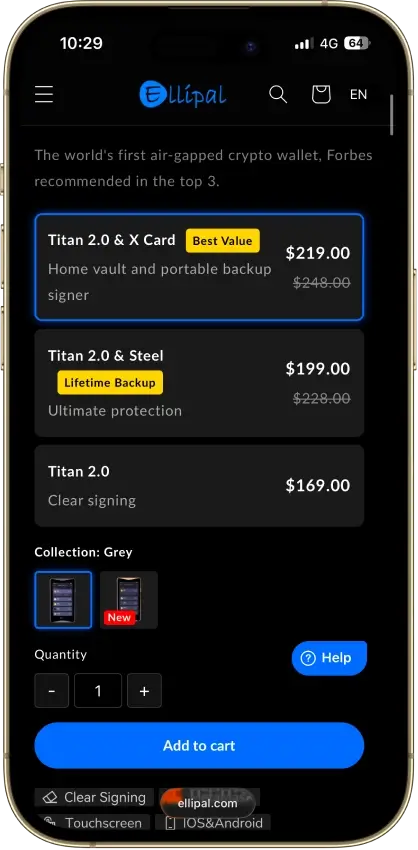
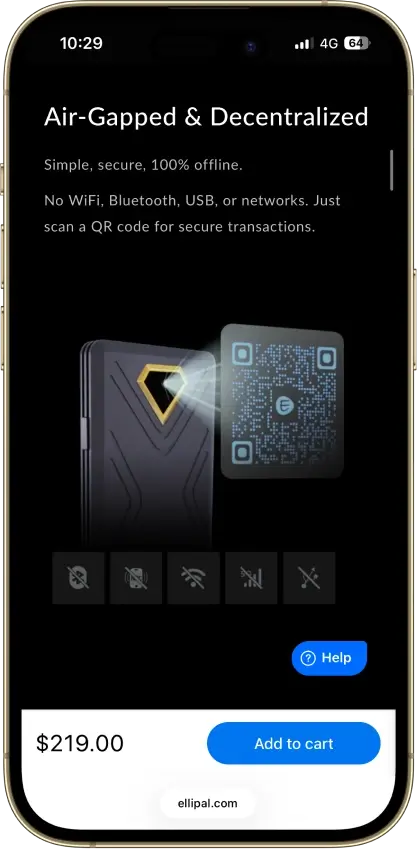
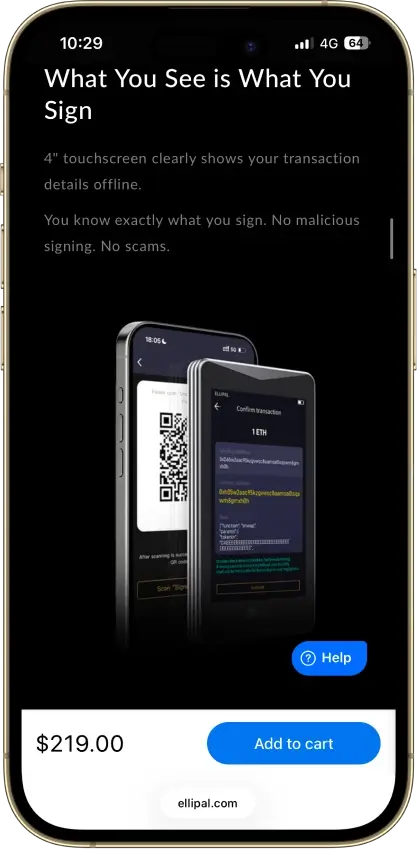
- Fully air-gapped, QR-only signing
- CC EAL5+ certified secure element
- Self-destruct wipes keys on tampering
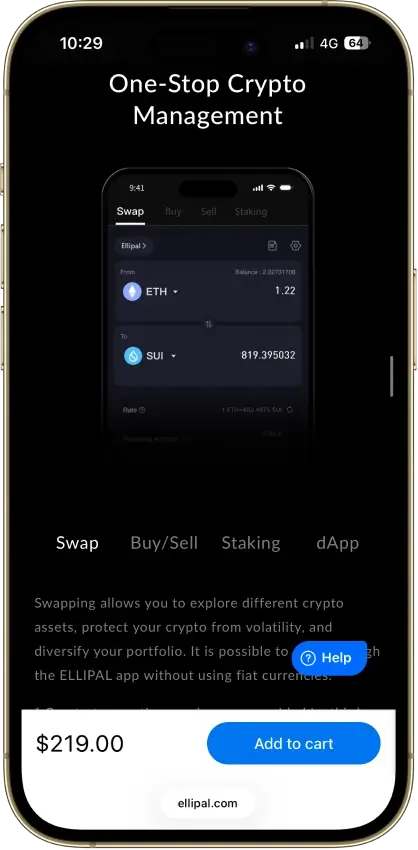
- 40+ chains and 10,000+ tokens natively
- 24-word seed plus optional passphrase
Cons
- Core key-generation firmware is closed
- Hong Kong jurisdiction, limited recourse
- QR send loop slower than USB signing
- Firmware updates need a MicroSD card
- No desktop app beyond MetaMask QR

Arculus Wallet
Pros
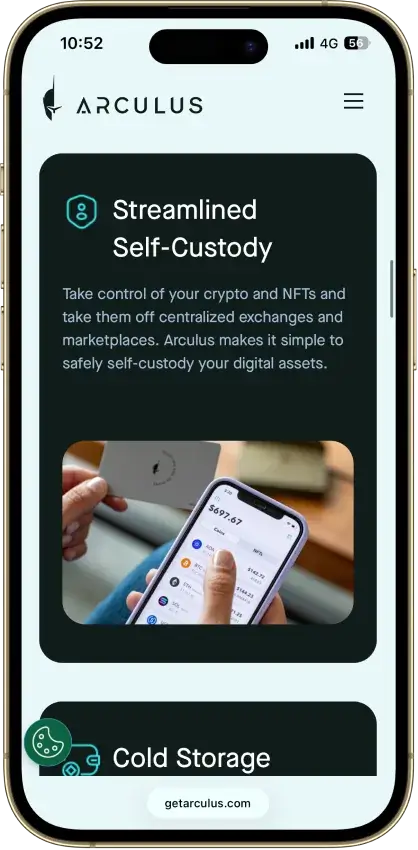
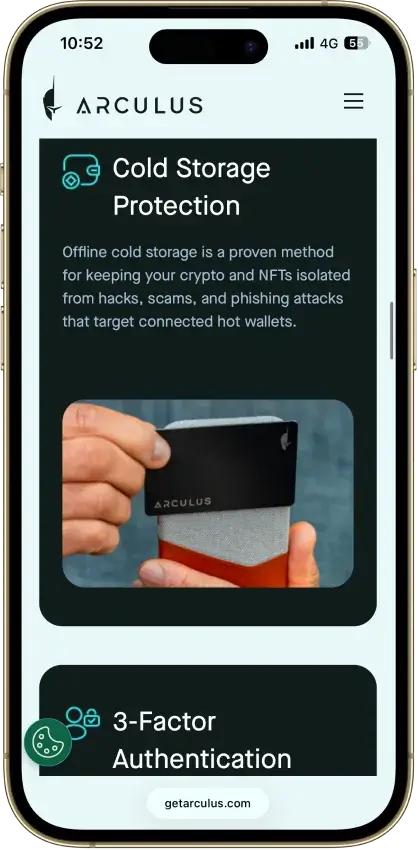
- EAL6+ secure element, same class as Ledger Flex
- NASDAQ-listed US maker (CompoSecure)
- No public hack since 2021 launch
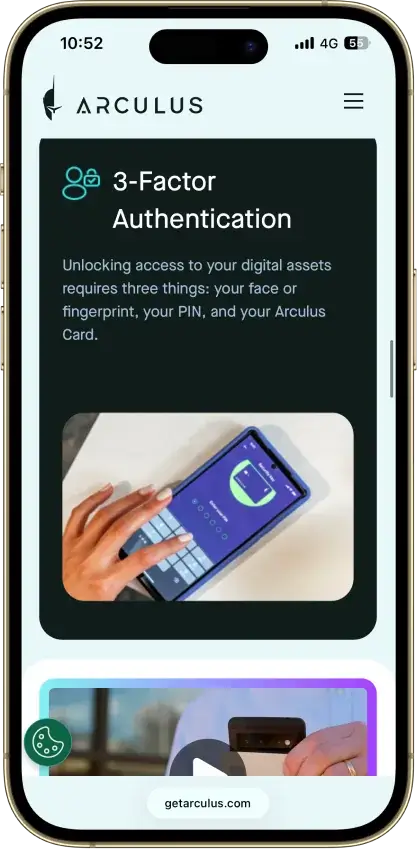
- 3-factor access: card, PIN, biometric
- $99 one-time, no subscription
Cons
- No on-device screen to verify sends
- Closed-source firmware and app
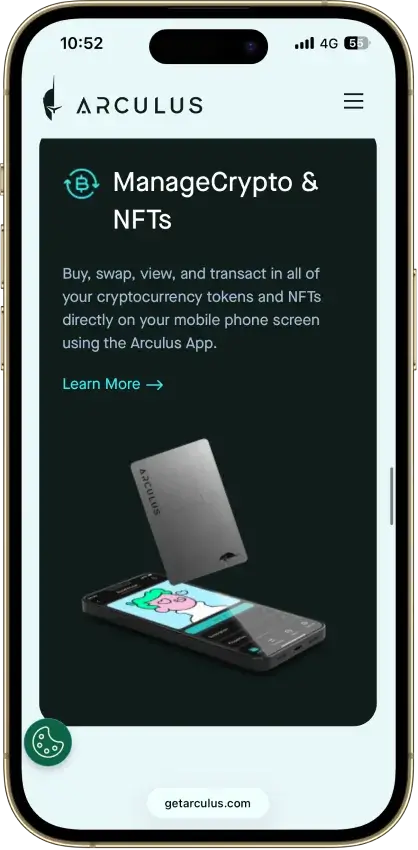
- NFTs and staking limited to select chains
- One wallet per card, no multisig
- Needs the phone app, no desktop
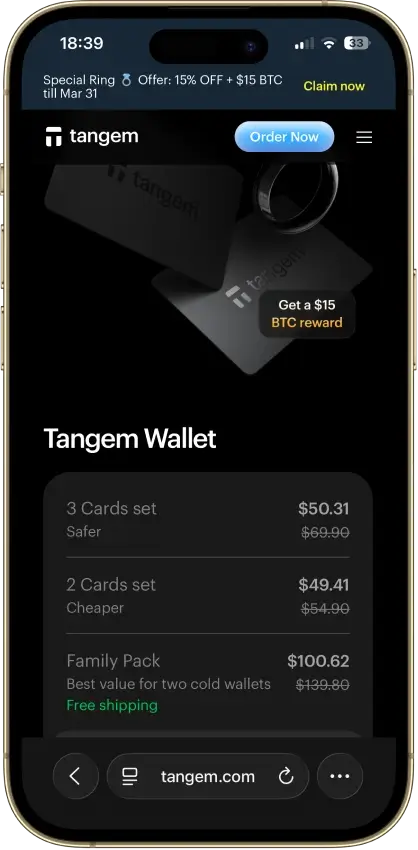
Tangem
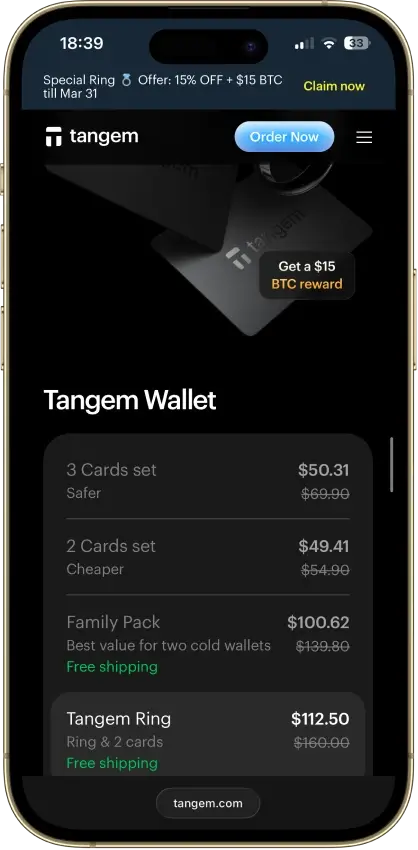
Pros
- $54.90 for a certified-SE two-card cold wallet
- EAL6+ Samsung secure element, on-card key-gen
- No seed phrase to photograph, phish, or lose
- Three independent audits, no critical findings
- No battery or cable, 25-year warranty
Cons
- July 2026 laser attack can never be patched
- No screen, the phone shows what you sign
- Lose every card and funds are gone for good
- Cannot add a backup card after setup
- Card firmware is closed-source
Exodus
Pros
- Non-custodial, keys stay on your device
- 50+ networks with custom token support
- Public company, NYSE: EXOD, SEC-reporting
- Benchmark desktop portfolio interface
- Trezor and Ledger hardware pairing
Cons
- Core wallet code is closed source
- $3.1M OFAC settlement in December 2025
- 2025 breach exposed 101,597 user emails
- XO Swap spreads start near 0.5% and climb
- Hot wallet by default, no secure element
The big pattern across the top picks is that they split cleanly by how you use USDT. If you move Tether often, the best options are the ones that make TRC20 vs ERC20 impossible to miss and keep sending friction low — that’s why Trust Wallet and SafePal show up so often for TRC20-heavy use. If USDT is mainly being used inside Ethereum/EVM apps, MetaMask is usually the more natural fit because it’s built around ERC20 workflows like approvals and signing. Exodus is strongest when you want USDT on both mobile and desktop, but TRON/TRC20 is supported on Exodus Mobile and Desktop and not in Exodus Web3 Wallet (browser extension), so confirm the platform before moving TRC20 USDT. Ledger sits in a different bucket altogether: it’s not about convenience, it’s about keeping a larger USDT balance safer when you don’t need to move it daily.
How We Rank
Tether Crypto Wallets uses the Crypto Wallets scoring rubric.
Control of funds, exportability, and wallet portability.
How clearly keys and signing responsibilities are explained.
Audits, bug bounties, and credible third-party security review.
Backup, recovery, and loss-prevention options for normal users.
Protections against phishing, drainers, malicious dApps, and scams.
Past incidents, disclosure quality, and response maturity.
WalletConnect, browser, mobile, chain, and dApp compatibility.
How clearly users can understand, review, and approve signatures.
Smart-account features, passkeys, batching, and gas abstraction.
Fiat on/off ramps, cards, bank links, and payment functionality.
We ranked wallets based on what actually matters for USDT: correct network support (TRC20 vs ERC20 and other routes), recovery quality, and day-to-day transfer safety. We also factored in custody model (self-custody vs custodial), platform coverage, and whether the wallet makes fees and gas requirements obvious before sending. The goal is not to crown a “perfect” wallet, but to help you pick the best USDT wallet for the way you move or store Tether.
What Is A USDT Wallet?
A USDT wallet is a crypto wallet for Tether (sometimes searched as “wallet tether”) that lets you hold, receive, send, and sometimes swap USDT. In practice, the wallet does not store the coins themselves. It gives you access to your USDT through private keys, recovery credentials, and wallet addresses tied to the blockchain network you are using.
That network detail matters more than many beginners expect. USDT exists on more than one blockchain, including Ethereum and TRON, so the best wallet for USDT is not just the one with the nicest app. It also needs to support the exact version of Tether you plan to use, whether that is ERC20 USDT, TRC20 USDT, or another supported route.
USDT Networks Explained — TRC20, ERC20, And More
When people search for a Tether wallet, they are often really trying to solve a network question. USDT is available on multiple blockchains, and the version you choose affects fees, speed, wallet compatibility, and the exact address format you will use. The two most common versions for everyday use are TRC20 on TRON and ERC20 on Ethereum, but Tether’s supported-protocol list also includes Solana, Ton, Aptos, Tezos, Polkadot AssetHub, and Liquid, plus ERC20 deployments on Avalanche, Cosmos (via Kava), Celo, and Kaia.
If you’re searching for a USDT Tron wallet (or “tron usdt wallet”), you’re looking for TRC20 USDT — a wallet that supports TRON addresses and lets you pay fees in TRX.
The key rule is simple: always match the sending network, receiving wallet, and destination platform. A wallet may show “USDT,” but that does not mean every USDT route is interchangeable. Some wallets and exchanges also display USDT on additional token routes, so it is worth checking both the wallet’s asset details and Tether’s current supported-protocol list before moving funds.
| Network | Token standard | Gas token needed | Typical fee profile | Speed | Address format | Best use case | Example wallets |
|---|---|---|---|---|---|---|---|
| Ethereum | ERC20 USDT | ETH | Usually the most expensive of the common USDT routes, especially when Ethereum is busy | Usually slower and more variable than TRON for simple transfers | Starts with 0x | DeFi use, DEX access, and broad Ethereum ecosystem compatibility | MetaMask, Trust Wallet, Exodus, Ledger |
| TRON | TRC20 USDT | TRX | Usually much cheaper than ERC20 for standard sends | Usually faster and more predictable for simple wallet-to-wallet transfers | Usually starts with T | Low-cost USDT transfers, exchange deposits, and frequent sends | Trust Wallet, SafePal, Exodus (Mobile/Desktop) |
| Solana | SPL USDT | SOL | Usually low, though fees still depend on the wallet and service used | Generally fast for simple transfers | Base58 Solana address, not 0x or T | Users already active in the Solana ecosystem who want an officially supported Tether route | Exodus and other Solana-compatible wallets |
| TON | Jetton USDT | TON | Usually low, but you still need TON for fees | Generally fast | TON wallet format, not EVM or TRON style | Users operating inside the TON ecosystem | TON-compatible wallets |
| Avalanche | ERC20-compatible USDT on Avalanche C-Chain | AVAX | Usually lower than Ethereum mainnet, but not identical to TRON | Generally quick once submitted | Starts with 0x | Users who want an officially supported EVM-compatible route with lower costs than Ethereum mainnet | MetaMask, Trust Wallet, SafePal |
| Other officially supported Tether routes | Aptos, Celo, Kaia, Tezos, Polkadot AssetHub, Cosmos via Kava, Liquid | Varies by chain | Varies by chain | Varies by chain | Address format depends on the network | Useful when a platform or wallet specifically supports that Tether route | Network-specific wallets and some multichain wallets |
For most people, the real choice comes down to TRC20 versus ERC20. TRC20 USDT is usually better when the goal is cheap, straightforward transfers, while ERC20 USDT makes more sense when you need Ethereum-based apps, DeFi access, or broader EVM compatibility. The main mistake to avoid is assuming that the word “USDT” is enough on its own. It is the network underneath it that determines whether the transfer arrives correctly.
Note: Tether’s current supported protocols page lists ERC20 issuance via Ethereum, Avalanche, Cosmos via Kava, Celo, and Kaia; TRC20 via Tron; plus Liquid, Solana, Polkadot AssetHub, Tezos, TON, and Aptos.
The same Tether page says Kusama, Bitcoin Cash SLP, Omni Layer, EOS, and Algorand are legacy references only and are no longer issued or redeemable by Tether.
Hot Wallet Vs Cold Wallet For Tether
With USDT, “hot vs cold” is mainly about how often you move funds and which network you use.
If you send USDT frequently (payments, exchange transfers, moving funds between wallets), a hot self-custody wallet is usually the most practical option. It’s faster for switching between TRC20 USDT and ERC20 USDT, approving transactions, and sending without extra hardware steps. Examples: Trust Wallet and Exodus for day-to-day USDT management, and SafePal if TRC20 is your default route.
If USDT is mostly being held and you only make occasional transfers, a cold wallet (hardware wallet) is the safer default for a larger balance. You trade speed for security: sending takes more steps, but your signing keys stay offline. Hardware setups are usually most straightforward for ERC20 USDT. Examples: Ledger and Trezor for ERC20 USDT held on Ethereum.
Custody matters too:
- Self-custody: you control the wallet and choose the USDT network route. Examples: Trust Wallet (TRC20/ERC20), MetaMask (ERC20).
- Custodial (exchange/app balance): the platform controls withdrawals and decides which USDT networks you can deposit/withdraw. Examples: Binance and OKX.
| If you use USDT like this | Best setup | Why it fits | What to watch for |
|---|---|---|---|
| Frequent low-cost transfers (TRC20) | Hot self-custody wallet (e.g., Trust Wallet, SafePal) | Fast sends and typically lower transfer costs on TRON | You still need TRX for fees, and you must select TRC20 every time |
| DeFi or EVM apps (ERC20) | Hot EVM wallet (e.g., MetaMask, Trust Wallet on Ethereum) | Best compatibility with Ethereum/EVM apps and token approvals | You need ETH for gas; fees can spike on mainnet |
| Holding a larger USDT balance, rarely moving it | Cold wallet (e.g., Ledger, Trezor) | Better protection for an idle balance | Transfers take longer; confirm your intended USDT network route in advance |
| Keeping USDT on an exchange and withdrawing occasionally | Custodial (e.g., Binance, OKX) | Simple UX and no key management | Withdrawals are limited to the platform’s supported networks and rules |
How To Choose The Best USDT Wallet
Most USDT wallet mistakes come from picking the wrong network or not having the right gas token to move funds. Use the table below to choose faster.
| What to check | Why it matters for USDT | What “good” looks like | Examples |
|---|---|---|---|
| USDT network support | USDT is not interchangeable across chains. TRC20 and ERC20 use different networks and addresses. | The wallet clearly labels TRC20 USDT and ERC20 USDT as separate routes and makes network selection obvious. | Trust Wallet, Exodus (multichain); MetaMask (ERC20/EVM) |
| Gas token requirement | You can’t send USDT without gas (TRX on TRON, ETH on Ethereum). | The wallet warns you when you don’t have enough TRX/ETH and shows fee estimates before sending. | TRC20: Trust Wallet, SafePal; ERC20: MetaMask |
| Recovery quality | If you lose the recovery phrase / method, the USDT is gone in self-custody. | Clear backup flow, a second “confirm your phrase” step, and strong lock options (PIN/biometrics). | Exodus, Trust Wallet |
| Transaction clarity | You need to verify the network, address, and status quickly (especially for exchange deposits). | “Receive” screen shows the network next to the address and links to the right explorer for tracking. | Trust Wallet, Exodus |
| Security + approvals | ERC20 USDT often interacts with dApps; approvals can be a common risk. | Easy-to-find approvals/permissions view and clear signing prompts. | MetaMask (EVM), Trust Wallet |
| Platform fit | USDT usage differs by device: mobile transfers vs desktop tracking vs DeFi in a browser. | The wallet matches how you use USDT: mobile-first for frequent sends, extension for DeFi, desktop for management. | Mobile/desktop: Exodus; DeFi: MetaMask; mobile: Trust Wallet |
| Hardware option (if holding more) | For a larger USDT balance that sits still, hardware reduces exposure. | Hardware support is straightforward for your intended USDT route (most commonly ERC20). | Ledger (ERC20); Trezor (ERC20) |
Once you’ve picked the network route you’ll actually use (TRC20 vs ERC20) and the custody model you’re comfortable with, it’s easier to choose the right wallet app for your devices.
Best USDT Wallet Apps For Mobile And Desktop
If you’re choosing a USDT wallet app (a Tether wallet app), pick based on how you actually use Tether: quick TRC20 sends, ERC20 + DeFi, or holding USDT across devices. The options below cover the most common setups on mobile, desktop, and browser.
| What you want | Best pick | Works on | Best USDT routes | Why it’s a strong fit | Main trade-off |
|---|---|---|---|---|---|
| Best all-around USDT wallet app (mobile + desktop) | Exodus | iOS, Android, Windows, macOS, Linux | TRC20 + ERC20 (plus other supported routes) | One of the simplest ways to manage USDT across devices without juggling multiple wallets. Useful if you switch between phone and computer. | DeFi tooling is not as deep as a DeFi-first wallet. |
| Best mobile-first USDT wallet app | Trust Wallet | iOS, Android | TRC20 + ERC20 | Fast for everyday USDT use (receive/send) and keeps network selection close to the send/receive flow. | Not a desktop app; you’re mostly mobile + extension. |
| Best USDT Android wallet (simple + flexible) | Trust Wallet | Android | TRC20 + ERC20 | Strong default if you specifically want a USDT Android wallet and don’t need a desktop app. | You still need gas tokens (TRX/ETH) and correct network selection. |
| Best desktop-compatible wallet for USDT (including Mac) | Exodus | Windows, macOS, Linux | TRC20 + ERC20 (plus supported routes) | If you want a Tether wallet on Mac, Exodus is one of the most straightforward desktop choices and pairs well with mobile use. | Desktop wallets are less convenient for quick “on the go” transfers. |
| Best wallet if you want app + extension for DeFi (ERC20/EVM) | MetaMask | Browser extension + iOS/Android app | ERC20 USDT (and other EVM routes) | Best fit when USDT is used inside Ethereum/EVM apps (approvals, swaps, dApps). | Not the best choice if TRC20 is your main route. |
| Best wallet if TRC20 is your default and you still want an extension | SafePal | iOS/Android app + browser extension | TRC20 USDT (plus ERC20; BSC/BEP20 where supported) | Strong when you send USDT often and want TRC20 inside a multichain wallet, with an extension option for browser use. | Interface can feel “busy” compared to beginner-first apps. |
If you only need one quick rule: TRC20-heavy usage usually fits Trust Wallet or SafePal best, while ERC20 + DeFi usually fits MetaMask best. If you want one app that works across mobile and desktop (including Mac), Exodus is the cleanest starting point.
How To Create A USDT Wallet
Creating a USDT wallet is easy. The important part is choosing the right network (TRC20 vs ERC20) and setting up recovery properly.
- Decide which USDT network you need
- TRC20 (TRON): typically cheaper for simple transfers.
- ERC20 (Ethereum): common for DeFi and Ethereum/EVM apps.
- If you’re depositing to an exchange, check which USDT deposit network it supports before you pick.
- Download the wallet from the official source
- For your USDT wallet app download, use the official website or official app store listing.
- Avoid “sponsored” downloads and lookalike apps.
- Create a new wallet (or import an existing one)
- New wallet = new addresses.
- Import only if you already have a seed phrase and know what you’re doing.
- Back up recovery immediately
- Write down the recovery phrase (or whatever recovery method the wallet uses) and store it offline.
- Never paste it into a website, DM, or “support” chat.
- Lock the wallet down
- Enable PIN/biometrics.
- Turn on any built-in warnings (phishing, risky approvals) if available.
- Add USDT on the correct network
- In the wallet, select USDT and make sure the network is correct (TRC20 vs ERC20).
- If USDT doesn’t appear, use the wallet’s “add token” / “manage tokens” option and select the correct network version.
- Test with a small transfer first
- Copy the receive address from the wallet (with the network shown next to it).
- Send a small amount, then confirm on the correct explorer for that network.
- Only then send the full amount.
TRC20 USDT setup note:
- You’ll need a small amount of TRX in the same wallet to pay TRON network fees when sending.
- TRON receive addresses typically start with T.
- When withdrawing from an exchange, choose USDT (TRC20) explicitly. Sending TRC20 USDT to an ERC20 address (or vice versa) is the most common way people lose funds.
USDT Wallet Address Guide
A USDT wallet address is the public address you share to receive Tether on a specific network. The important part is the last three words: on a specific network. TRC20 USDT uses a TRON address, ERC20 USDT uses an Ethereum address, and those are not interchangeable.
Two common mistakes:
- Copying the right address on the wrong network. The address can look valid, but the funds won’t land where you expect.
- Confusing a USDT contract address with your wallet address. A contract address identifies the USDT token on a chain. Your wallet address is where the funds are sent.
How to find your USDT wallet address (fast):
- Open the wallet and tap Receive.
- Select USDT.
- Choose the network (for example, TRC20 or ERC20) before copying anything.
- Copy the address (or scan the QR code).
If your wallet shows multiple USDT entries, that’s normal. Many apps list USDT (TRC20), USDT (ERC20), and other routes separately, because each one has its own address format and explorer.
| Network | Typical address appearance | Where you’ll find it in most wallets | Explorer to verify |
|---|---|---|---|
| Ethereum (ERC20 USDT) | Starts with 0x… | Receive → USDT → Ethereum / ERC20 | Etherscan |
| TRON (TRC20 USDT) | Often starts with T… | Receive → USDT → TRON / TRC20 | Tronscan |
| Avalanche C-Chain (USDT) | Starts with 0x… | Receive → USDT → Avalanche C-Chain | Snowtrace (or Avascan) |
| Solana (SPL USDT) | Solana base58 address (not 0x or T) | Receive → USDT → Solana | Solscan |
| TON (Jetton USDT) | Often starts with EQ… / UQ… | Receive → USDT → TON | Tonviewer |
USDT Wallet Lookup And Tracker Tools
For a quick USDT wallet lookup (or a simple USDT wallet tracker), paste the address into the explorer for the network you’re using. This shows the real on-chain balance and transaction history, even if a wallet app isn’t displaying USDT correctly.
- ERC20 USDT: Etherscan
- TRC20 USDT: Tronscan
- Avalanche C-Chain USDT: Snowtrace (or Avascan)
- Solana USDT: Solscan
Quick sanity check before anyone sends you USDT:
- The sender’s network selection matches your receive network (TRC20 ↔ TRC20, ERC20 ↔ ERC20).
- You’re using the correct chain explorer for that network.
- If you plan to send USDT out later, keep a small amount of the gas token on that chain (for example, TRX for TRC20, ETH for ERC20).
How To Transfer USDT To Another Wallet
If you’re wondering how to transfer USDT to another wallet, the steps are straightforward. The one thing you cannot get wrong is the network. USDT (TRC20) and USDT (ERC20) are different routes, with different addresses and different fee tokens.
- Confirm the receiving wallet supports the same USDT network
- Ask: “Am I sending USDT (TRC20) on TRON, USDT (ERC20) on Ethereum, or something else?”
- Make sure the receiving wallet (or exchange deposit screen) explicitly supports that same network.
- Copy the receiving address from the correct network screen
- In the receiving wallet: Receive → USDT → select network (TRC20/ERC20) → copy address.
- Don’t type addresses manually. Copy/paste or use QR.
- Make sure you have the right gas token for fees
- TRON transactions use bandwidth and energy. If your account does not have enough resources, TRX is used instead.
- ERC20 USDT requires ETH for gas.
- If you don’t have gas, the send will fail or you won’t be able to broadcast it.
- Send a small test transfer first
- This is the fastest way to catch a wrong-network mistake before it becomes expensive.
- Confirm the transaction status in your wallet
- Look for a TXID/transaction hash.
- If you’re sending to an exchange, wait for their required confirmations.
- Track it on the right block explorer
- ERC20 (Ethereum): Etherscan
- TRC20 (TRON): Tronscan
- Solana USDT: Solscan
- Avalanche C-Chain USDT: Snowtrace (or Avascan)
Troubleshooting
Most USDT transfer issues come down to one of three things: the wrong network, not enough gas token, or the wallet showing the wrong USDT route. Before doing anything else, open the transaction hash on the explorer for the network you used (Tronscan for TRC20, Etherscan for ERC20). If the explorer shows the transfer completed to the right address, the problem is usually display/network selection. If you sent to an exchange on the wrong network, the explorer is also the fastest way to gather the details support will ask for.
- Wrong network: If you control the destination address, switch to that network in your wallet and enable the matching USDT route. If the destination is an exchange deposit, contact support with the TXID.
- Balance not showing: Verify the balance in the explorer, then make sure you’re viewing the correct USDT route in the wallet (TRC20 vs ERC20) and enable the token if needed.
- Can’t send (fee error): You’re missing gas for that network (TRX for TRC20, ETH for ERC20). Top up a small amount and retry.
- Pending / slow: ERC20 can lag during high gas periods—keep tracking on Etherscan. TRC20 delays are less common; verify status on Tronscan before re-sending.
Trust Wallet TRC20 USDT Fees
TRON transfers use bandwidth and energy, and TRX is used when the account does not have enough resources to cover the transaction. If you try to send TRC20 USDT and see an “insufficient TRX” or fee error, it usually means you don’t have enough TRX to cover the TRON network fee. When sending USDT on TRON, the sender pays the transaction cost in TRON resources. If the account does not have enough energy or bandwidth, TRX is used instead.
To avoid failed transfers:
- Keep a small TRX balance in the same TRON address you use for USDT (TRC20).
- Double-check you’re sending USDT (TRC20) before you copy the destination address.
- Review the fee preview before confirming, then track the TXID on Tronscan if the wallet UI looks delayed.
USDT Wallet Fees And Transfer Times By Network
USDT transfer costs and speed depend on the network you use. Network fees are usually paid in the blockchain’s native token or resource model rather than in USDT itself.
| Network | Gas token needed | Typical fee profile | Typical confirmation speed | Best suited for |
|---|---|---|---|---|
| TRON (TRC20 USDT) | TRX | Usually low for standard sends | Usually fast for simple transfers | Frequent USDT transfers and exchange withdrawals where TRC20 is supported |
| Ethereum (ERC20 USDT) | ETH | Often the most expensive of the common routes; fees can spike when gas is high | More variable than TRON; depends on gas conditions | DeFi usage, EVM apps, and broad ecosystem compatibility |
| Avalanche C-Chain (USDT) | AVAX | Usually lower than Ethereum mainnet, but not “free” | Usually quick once submitted | EVM-style apps with lower typical costs than Ethereum mainnet |
| Solana (SPL USDT) | SOL | Usually low | Generally fast | Solana ecosystem activity and platforms that support USDT on Solana |
| TON (Jetton USDT) | TON | Usually low | Generally fast | TON ecosystem activity and platforms that support USDT on TON |
| Other supported routes | Varies | Varies by chain | Varies by chain | Only when the sending platform and receiving wallet both support the same USDT route |
TRC20 USDT is popular because it is usually the lowest-friction way to move Tether for everyday transfers: fees are typically lower, and many platforms support TRON withdrawals for USDT. ERC20 USDT still matters because it is the default route for Ethereum and EVM DeFi, where USDT needs to interact with dApps, approvals, and liquidity on Ethereum-based networks. The trade-off is cost — ERC20 transfers can become expensive during busy periods. If a platform supports USDT on other networks like Solana, Avalanche, or TON, those routes can be a solid middle ground, but the rule stays the same: the deposit network and the send network must match exactly.
Common USDT Wallet Mistakes And How To Avoid Them
Most USDT wallet problems come from one preventable issue: treating “USDT” as if it is the same thing everywhere. In reality, USDT (TRC20), USDT (ERC20), and other USDT routes are different networks with different addresses, different fee tokens, and different explorers.
| Mistake | What goes wrong | How to avoid it |
|---|---|---|
| Sending on the wrong network | The transfer is broadcast on TRON when the destination expects Ethereum (or the reverse), so the deposit does not credit where you expect. | Match the network on both sides every time: USDT (TRC20) to TRC20, USDT (ERC20) to ERC20. If you are sending to an exchange, use the exchange’s deposit page to confirm the network. Send a small test amount first. |
| Downloading a fake USDT wallet app | Lookalike apps and phishing clones steal your recovery phrase or trick you into signing a drain transaction. | Install only from the official app store listing or the wallet’s verified website. Never type your recovery phrase into a site, form, DM, or “support” chat. |
| Not backing up the wallet correctly | A lost phone or corrupted device becomes a total loss because the recovery phrase was never saved safely. | Write the recovery phrase down offline and store it somewhere secure. Do not screenshot it. Do not save it in email or cloud notes. Verify the backup once during setup. |
| Losing access to the recovery phrase | Self-custody has no reset. If the recovery phrase is lost, the wallet and USDT are effectively unrecoverable. | Treat the recovery phrase like the key to the funds. Keep it offline, keep it private, and keep it in a place you can access years later. Consider a second secure copy stored separately. |
| Ignoring approvals and suspicious links | ERC20 USDT use often involves approvals. A bad approval or signature can let a drainer move funds later. | Only connect wallets to sites you trust. Review what you are signing. Periodically check and revoke token allowances, especially if you use USDT with DeFi apps. |
| Sending large transfers without testing first | A single wrong-network send or wrong address can lock up a large amount of USDT. | Always send a small test transfer, confirm it arrived on the right network, then send the full amount. Keep enough gas token to move USDT (TRX for TRC20, ETH for ERC20). |
If USDT looks “missing,” do not guess. Check the transaction on the correct explorer for the network you used, then confirm the wallet is viewing the matching USDT route (TRC20 vs ERC20) before you take any recovery steps.
Who Each USDT Wallet Is Best For
If you’re down to a final choice, match the wallet to the way you use USDT (network + behavior). This quick map covers the most common scenarios.
| If you are… | Best pick | USDT routes to focus on | Why this is the best fit | Solid alternative |
|---|---|---|---|---|
| New to USDT and want something simple | Exodus | TRC20 or ERC20 (depending on where you send/receive) | Clean UX across mobile + desktop, easier to avoid basic send/receive mistakes | Trust Wallet |
| Sending USDT often and trying to keep costs low | SafePal | TRC20 USDT | Strong fit for TRON-based transfers and frequent sends | Trust Wallet |
| Using USDT mainly for DeFi on Ethereum/EVM | MetaMask | ERC20 USDT (and other EVM routes) | Best dApp compatibility and approval/signing workflow | Trust Wallet (EVM use) |
| Holding a larger USDT balance long-term | Ledger | Usually ERC20 USDT | Hardware wallet security is the safer default for an idle balance | Trezor |
| Want one wallet that covers most mainstream USDT use | Trust Wallet | TRC20 + ERC20 | Flexible self-custody option for everyday use across common USDT routes | Exodus |
| Moving USDT across multiple ecosystems and devices | Exodus | TRC20 + ERC20 + other supported routes | Good multi-device setup when you don’t want separate wallets per chain | Trust Wallet |
If TRC20 is the default route (exchange withdrawals, frequent transfers), start with Trust Wallet or SafePal. If ERC20 + DeFi is the priority, MetaMask is usually the better choice. If the balance is large and mostly sits still, Ledger is the safer answer.

Tether Price and News
USDTTether News

Tether claims $1.5B profit, but hidden math reveals a $4.2B hit that halved its safety cushion in 90 days
Tether’s attestations imply a $4.2 billion Q2 financial hit, cutting its reserve cushion to $4.1 billion, or 2.2% of liabilities.
Circle is arming USDC with 1,000 IBM patents to secure its grip on global banking rails

US turns stablecoin issuer Tether into a financial weapon against Iran, freezing nearly $500 million

