

Crypto debit cards have one job: let you spend from a crypto or app balance without converting everything to fiat first. The problem is that the label covers very different products. One card might auto-sell Bitcoin at checkout and trigger a taxable event. Another might require you to preload USDC and acts more like a prepaid card. A third might let you borrow against collateral and carry liquidation risk. The differences matter before you apply, not after your first declined transaction. This guide focuses on cards that let you spend from a crypto or app balance. Exchange checkout tools for buying crypto are not included. The real gaps between cards show up in KYC friction, stablecoin support, what rewards are actually worth after fees and conditions, and how painful it becomes when a refund or failed payment needs sorting.
Top Crypto Debit Cards
- Virtual US bank numbers for ACH and wires
- Free instant transfers to other KAST users
- No card spending ceiling, USD spend at 0%
- Stablecoin funding avoids tax on each swipe
- Spend gold and silver balances at checkout
- One app for wallet, trading, and spending
- Tap to switch Debit and Credit Mode
- Fund from stablecoins, fiat, or Savings crypto
- Spend borrowed funds, keep coins as collateral
- Switch your reward coin before each purchase
- No card balance to top up or strand
- 24/7 phone support with a dedicated card line
- Free on-chain and EUR/GBP funding rails
- No forced crypto sale at each purchase
- Hong Kong-licensed, FinCEN MSB registered
CryptoSlate may earn a commission when you visit partner sites through links on this page, at no extra cost to you. Our rankings and reviews remain editorially independent and based on our published methodology. Read disclosure
Disclaimer: CryptoSlate may receive a commission when you click links on our site and make a purchase or complete an action with a third party. This does not influence our editorial independence, reviews, or ratings, and we always aim to provide accurate, transparent information to our readers.For the easiest no-fee U.S. setup, Coinbase is the clearest starting point. For stablecoin spending that works like a preloaded balance, KAST and RedotPay are more relevant than cashback-first cards. In Europe or the UK, Nexo works best when optional Credit Mode is part of the appeal; users who want a pure debit-only setup should compare Wirex.
This comparison shows where each card works well in daily use and where friction starts to build.
Comparison Table
| Name | Network | Card Type | Digital Wallets | Availability |
|---|---|---|---|---|
 Kast Card Kast Card | Visa | Prepaid | Apple Pay, Google Pay | 170+ countries, varies by jurisdiction. |
 Uphold Card Uphold Card | Visa, Mastercard | Debit | Apple Pay, Google Pay | United States and the United Kingdom. In the U.S., the card is not available in New York, Louisiana, or U.S. territories. In the U.K., Crown Dependencies and British Overseas Territories are excluded. |
 Nexo Card Nexo Card | Mastercard | Dual-mode | Apple Pay, Google Pay | Citizens and residents of selected European countries, including the EEA and the United Kingdom. |
 Coinbase Card Coinbase Card | Visa | Debit | Apple Pay, Google Pay, Samsung Pay | US only (all states except Hawaii) |
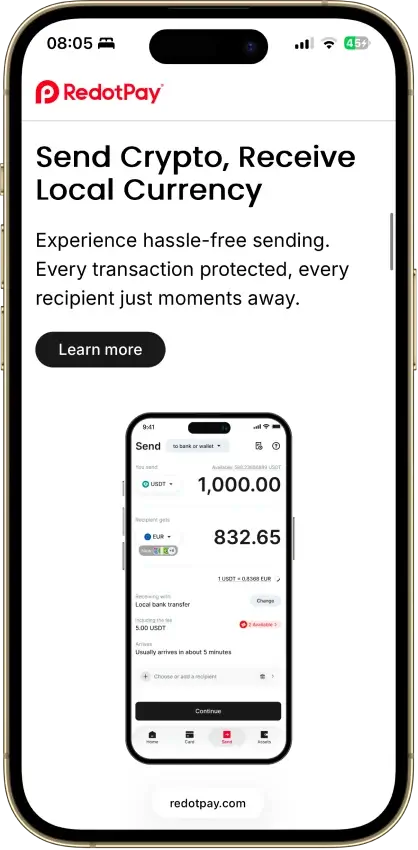
 RedotPay RedotPay | Visa, Mastercard | Prepaid | Apple Pay, Google Pay | 100+ countries, varies by jurisdiction. |
Match the card to your base currency and the balance you already use. Coinbase suits U.S. users who keep funds on the Coinbase exchange. Uphold makes more sense for regular U.S. or UK spending when the paid tier still pays for itself. Nexo is the cleaner option in Europe. KAST and RedotPay work best when stablecoins sit at the center of your setup.
Crypto Debit Cards Reviews
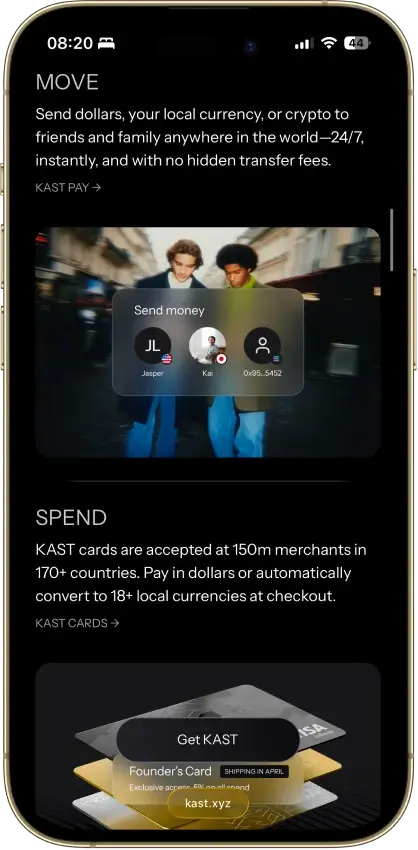
Kast Card
Pros
- 1.5% USD cashback on the free tier
- Stablecoins load 1:1 with no spread
- Virtual card minutes after a two-minute KYC
- US-available, unlike most crypto cards
- Five stablecoins across major chains
Cons
- Volatile crypto is sold on deposit at 2%–5%
- Free-tier cashback stops at $2,000 a month
- ATM cash costs $3 + 2%, capped at $750 a day
- Top cashback rates cost $1,000–$10,000 a year
- Custodial USD balance, no self-custody

Uphold Card
Pros
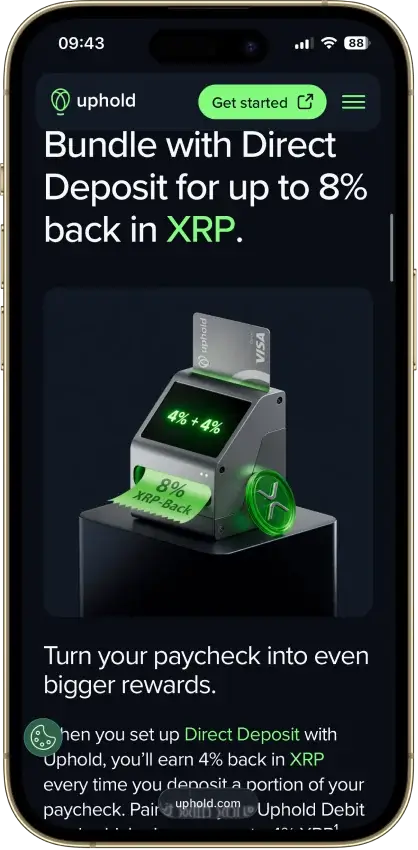
- 4% XRP on crypto-funded spend with Elite
- 0% FX and $0 ATM withdrawals on Elite
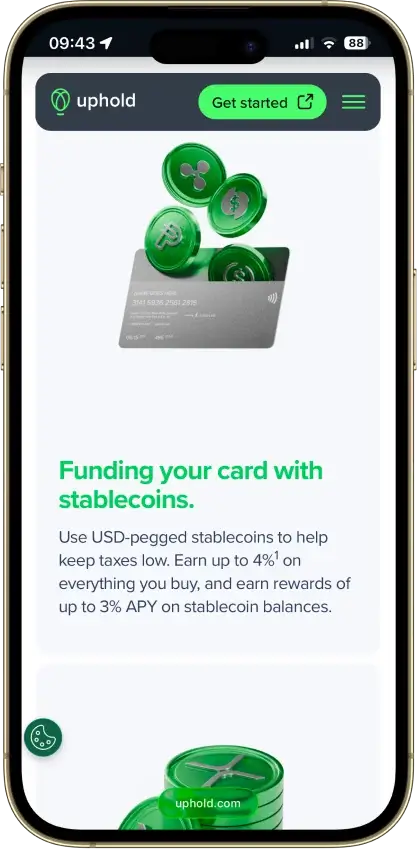
- Funds from 200+ assets, metals included
- Fiat and stablecoin funding skips the spread
- US issuer Cross River Bank is an FDIC member
Cons
- Top terms locked to the $99.99/yr Elite tier
- US rewards pay in XRP only, no switching
- Essential adds 1.50% FX and $2.95 ATM fees
- Crypto-funded spend takes a spread, plus tax
- UK card pays 1% GBP, zero on crypto funding


Nexo Card
Pros
- Credit Mode sells no crypto at purchase
- No monthly, annual, or inactivity fees
- 0.2% weekday FX in the EEA, UK, and CH
- Idle Debit Mode balance earns daily interest
- Issued by DiPocket UAB, a licensed EMI
Cons
- EEA and UK only, US persons excluded
- Physical ordering paused since Jan. 2025
- Cashback needs Credit Mode and a $5,000+ portfolio
- 2–2.5% FX outside the EEA, UK, and CH
- Base rates: 0.5% NEXO or 0.1% BTC




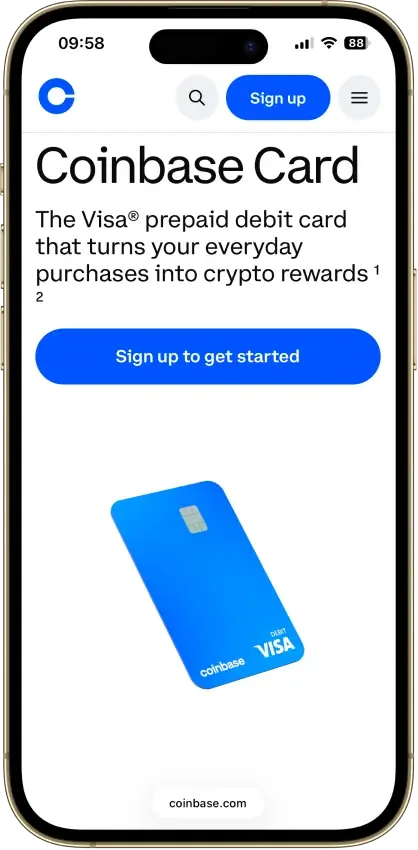
Coinbase Card
Pros
- $0 annual, monthly, and foreign transaction fees
- USD and USDC spend at par with no spread
- No credit check, staking, or lockup to earn
- Instant virtual card plus Apple Pay and Google Pay
Cons
- Crypto spend triggers spread plus taxable sale
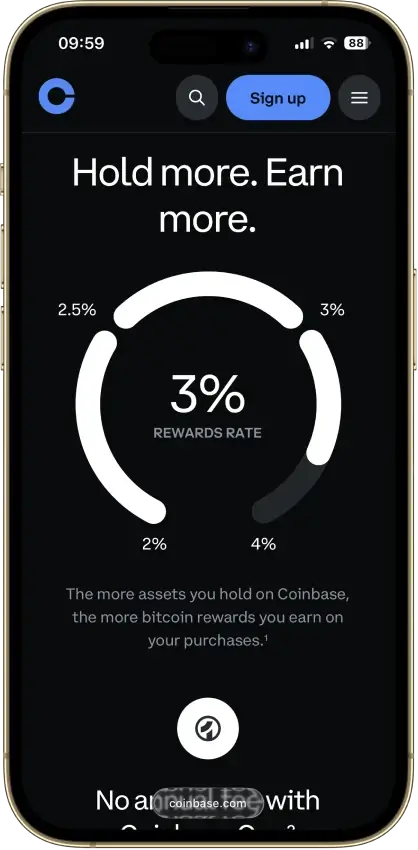
- Reward rates are app-set, never published
- $2,500 daily spend cap binds on big purchases
- US-only rewards, and Hawaii is excluded

RedotPay
Pros
- No monthly or annual fee
- 1.2% FX fee beats most prepaid rivals
- Virtual card live minutes after KYC
- Fireblocks custody, segregated addresses
- Spends in 100+ countries
Cons
- No cashback or ongoing rewards
- Non-refundable 10/100 USDT issuance fees
- 2–3% ATM fees, physical card only
- $50 chargeback fee, 3–6 month waits
- Blocked in the US and 41 other markets

How We Ranked These Crypto Debit Cards
These cards were ranked as debit products first. A card does not score higher just because it runs on Visa or Mastercard, advertises strong rewards, or supports crypto inside the app. The criteria below give more weight to the parts that decide whether a user can fund the card, spend from it, manage failed payments, and keep usable records.
Final score = sum of each criterion score x weight. Each criterion is scored as 0, 0.5, or 1.0. The total possible score is 10.
| Criterion | Weight | What We Checked |
|---|---|---|
| Availability And Setup Friction | 1.0 | Supported countries, blocked states, KYC, credit checks, source-of-funds checks, waitlists, and whether a new user can reach a usable card |
| Funding Rails And Conversion Path | 1.25 | Bank funding, crypto deposits, stablecoin support, supported networks, top-up flow, auto-conversion, and whether the spend asset is clear before checkout |
| Real-World Debit Spend Reliability | 1.5 | In-store use, online checkout, subscriptions, pre-authorizations, travel merchants, merchant category blocks, Apple Pay, Google Pay, and prepaid-card quirks |
| Rewards Value After Conditions | 1.0 | Cashback rate, reward asset, caps, plan fees, temporary promos, token volatility, staking, excluded categories, and whether debit spend actually earns |
| Fees And Hidden Cost Drag | 1.25 | Annual fees, monthly fees, issuance fees, replacement fees, FX, ATM, spread, top-up fees, small-transaction fees, declined-transaction fees, and partner costs |
| Operational Convenience And Limits | 0.75 | Virtual-card timing, physical-card timing, spend limits, ATM access, funding-to-spend timing, refund destination, and balance holds |
| App, Controls, And Virtual Card Tooling | 0.75 | Freeze/unfreeze, card replacement, virtual cards, mobile-wallet setup, alerts, PIN tools, transaction history, statements, and exports |
| Security, Custody, And Freeze Risk | 1.25 | Custody model, issuer or banking partner, account freeze risk, compliance reviews, pass-through protections, account security, and escalation clarity |
| Support, Refunds, And Chargebacks | 0.75 | Human support, refund flow, chargeback process, dispute cost, dispute deadline, unauthorized-transaction handling, and merchant-refund timing |
| Tax And Reporting Readiness | 0.5 | Whether spending creates taxable sales, whether stablecoin spend is cleaner, statements, gain/loss reports, transaction exports, and region-specific limits |
Each card was judged within its intended model. Stablecoin and prepaid cards were not penalized for lacking credit-card perks. Hybrid cards were not penalized for having more than one mode. Every card lost points when normal debit use became harder because of geography, KYC, card pauses, FX, ATM fees, unclear tax exports, freeze risk, or support friction.
How Crypto Debit Cards Work
“Crypto debit card” is a loose label. One card may spend from a preloaded fiat balance. Another may auto-sell crypto when you tap. A third may let you borrow against collateral while keeping your coins. These setups can look similar from the outside but behave very differently once you start using them.
Auto-selling can create a taxable sale on every purchase. Preloaded balances can feel cleaner for budgeting but add extra conversion steps. Borrow-against-collateral models can delay a sale, but they add interest and liquidation risk instead.
Preload, Auto-Sell, And Borrow-Against-Collateral
Two cards can both carry the crypto debit card label while working in completely different ways. Once you know which spend model a card uses, it is much easier to judge the tax impact, FX cost, and risk level before you apply. The three main models break down like this:
- Preloaded fiat or stablecoin balance: You top up first, then spend from that balance like a regular prepaid or debit card.
- Auto-convert crypto at checkout: The card sells crypto when you pay, which can add spread and create a taxable sale on each purchase.
- Borrow against collateral while keeping holdings: You spend through a credit line backed by crypto, so you keep exposure but take on interest and liquidation risk.
- Why this changes taxes, FX, and risk: The same coffee purchase can carry very different costs depending on how the card funds it.
- Why “debit card” alone does not tell the full story: The label sounds simple, but the spend model decides most of the real user experience.
The spend model also shapes how useful a card is for regular purchases versus occasional large ones. A preloaded stablecoin card works well for someone who holds USDC anyway and wants predictable spend without FX surprises. An auto-sell card works for someone who wants to spend crypto without manually converting first and is comfortable with the tax consequences. A collateral-backed card works for someone who wants to keep crypto exposure while spending against it, provided they understand the liquidation threshold and interest terms. None of these models is better in the abstract. The right one depends on how you hold crypto, how often you spend, and how your jurisdiction treats crypto disposals.
Best Crypto Debit Cards By Use Case
The best card changes quickly once you narrow the job. Region, base currency, stablecoin habits, and how often you use mobile wallets usually decide more than the headline score. The table below matches each use case to the strongest pick from this list.
| Use Case | Best Pick | Why It Fits |
|---|---|---|
| Best For U.S. Users | Coinbase Debit Card | Easy fit for Coinbase users, no annual fee, and strong USDC use |
| Best For Europe Or UK | Nexo Card | Strong debit fit for eligible European users who want Debit Mode with optional Credit Mode flexibility |
| Best For USDC And USDT Spending | KAST Card | Built around stablecoin spend with 1:1 stablecoin-to-USD conversion |
| Best Virtual-First Option | KAST Card | Instant virtual card, mobile wallet support, and a strong stablecoin-first setup |
| Best For Lower Fees | Nexo Card | No card fee, reduced FX rather than zero FX, and a free ATM allowance that depends on loyalty tier |
| Best For Lower KYC Friction | RedotPay Card | App-based signup and broad country reach make it easier than some rivals |
Region and funding setup usually rule out more cards than rewards rates do. A U.S. user cannot use RedotPay or Nexo regardless of the headline numbers. A European user cannot use Coinbase. An Uphold Elite subscriber who spends below the breakeven volume is paying $99.99 a year for a marginal return. Start with the cards that are actually available to you, then filter by how you fund and how often you spend across currencies. The rewards comparison only becomes meaningful once the access and cost layers are already resolved.
Virtual Cards, Mobile Wallets and Everyday Spend Reliability
For most users, a card only feels useful once it works for online checkout, subscriptions, and tap-to-pay. Virtual access and mobile wallet support are often what decide whether a card feels convenient or clunky. Here is how each card breaks down across the factors that affect daily use.
Coinbase Debit Card
- Virtual / Physical: Virtual and physical
- Apple Pay: Yes
- Google Pay: Yes
- Reliability note: Good for normal spend, but pre-auth holds can still cut into available balance
Uphold Card
- Virtual / Physical: Virtual and physical
- Apple Pay: Yes
- Google Pay: Yes
- Reliability note: Strong daily-use fit, but Essential users still face foreign and ATM fees
Nexo Card
- Virtual / Physical: Virtual only; physical ordering paused
- Apple Pay: Yes
- Google Pay: Yes
- Reliability note: Good for tap-to-pay and travel, but the physical card pause still limits flexibility
KAST Card
- Virtual / Physical: Virtual and physical
- Apple Pay: Yes
- Google Pay: Yes
- Reliability note: Very good for virtual-first spend, but ATM use is costly
RedotPay Card
- Virtual / Physical: Virtual and physical
- Apple Pay: Yes
- Google Pay: Yes
- Reliability note: Good for online and wallet-linked spend, but linking can still take time on some platforms
Virtual cards help with online checkout and subscriptions, and Apple Pay and Google Pay handle tap-to-pay before a physical card arrives. That covers most everyday spend for most users. The edge cases are where things get harder. Pre-auth holds at hotels, fuel stations, and car rentals can tie up a meaningful share of a prepaid balance for days. Subscription services sometimes reject prepaid-routed cards on the first attempt even when the card works everywhere else. Some wallet-linked transactions fail on specific platforms without a clear error. These are not reasons to avoid crypto debit cards, but they are worth knowing before you rely on one as your only card while traveling or as the default for a subscription stack.
Availability, KYC and Stablecoin Funding
Access is one of the first filters. Some cards look global until KYC requirements, bank funding restrictions, or supported stablecoin networks narrow who can actually use them. Here is the core access picture for each card.
Coinbase Debit Card
- Main regions: U.S. only, excluding Hawaii
- KYC level: Full identity verification
- Funding options: USD, USDC, supported crypto balances, linked payment methods for add-funds
- USDC support: Yes
- USDT support: Varies by supported assets in your account
Uphold Card
- Main regions: U.S. and UK; not available in Louisiana, New York, U.S. territories, Crown Dependencies, or British Overseas Territories
- KYC level: Full identity verification
- Funding options: Bank transfers, debit card, Apple Pay, Google Pay, PayPal, direct deposit, crypto, stablecoins
- USDC support: Yes
- USDT support: Yes
Nexo Card
- Main regions: EEA, selected European countries, and UK
- KYC level: Full identity verification
- Funding options: EUR, GBP, USD bank transfers, crypto, stablecoins, local card purchases
- USDC support: Yes
- USDT support: Yes
KAST Card
- Main regions: Supported countries only; country list applies
- KYC level: Full KYC with ID and selfie
- Funding options: USDC, USDT, selected crypto deposits, ACH and Fedwire USD in select regions
- USDC support: Yes
- USDT support: Yes
RedotPay Card
- Main regions: 158+ countries; not available in the U.S. or other blocked regions
- KYC level: Full identity verification
- Funding options: Crypto deposits, card-funded top-ups, Binance Pay, multi-currency wallet tools
- USDC support: Yes
- USDT support: Yes
Region blocks often show up after signup rather than before, and by that point you have already completed KYC. Full KYC is standard across all five cards, which means ID verification and a selfie at minimum. Bank funding is less universal than it first looks: ACH and Fedwire access on KAST is region-limited, Nexo bank funding works best in EUR and GBP, and Coinbase funding outside the U.S. is not applicable. Stablecoin deposits also depend on using the right network. Sending USDC on the wrong chain can result in lost funds that are difficult to recover. The friction can start well before your first purchase. If no-KYC options matter to you, none of these cards qualify, and the tradeoffs on that list are different enough to warrant a separate comparison.
Refunds, Taxes and Support
Refunds and support rarely feel important at signup, but they shape day-to-day use. Refunds generally return to the same card balance, not your bank account. Pre-auth holds from hotels, fuel stations, ride apps, or subscriptions can tie up funds for days. When a purchase is refunded, rewards usually reverse too.
Taxes can create additional friction. If the card sells crypto at checkout, each purchase may count as a taxable disposal. Clean transaction history and export tools help, but support still has limits. It can help with card freezes or disputes, but it typically cannot speed up a merchant refund or skip a network review. For U.S. users, USDC debit card spending may result in fewer taxable events than auto-selling volatile crypto, though jurisdiction and cost basis still apply.

