


The best BNB wallets do more than hold a balance. They let you store BNB securely, receive and manage BEP-20 tokens, and connect to the apps and services built on BNB Smart Chain.
This guide focuses on wallets that support BNB on BNB Chain (BNB Smart Chain / BSC), not just exchange accounts that happen to list Binance Coin.
A good BNB wallet should support BNB on BNB Smart Chain (BSC), let you manage BEP-20 tokens, and connect to the dApps built on that network. BNB Chain is the broader ecosystem name. It includes BNB Smart Chain (BSC), opBNB, and BNB Greenfield. For most users on this page, the chain that matters most is BNB Smart Chain (BSC).
Top Binance Coin Wallets
- SEAL anti-phishing network member
- Self-custodial Mastercard debit card
- HackerOne bug bounty on wallet code
- Pre-sign Security Scanner flags risky dApps
- On-device AES-encrypted private keys
- Open-source Wallet Core under Apache 2.0
- Self-custodial in-app wallets with an exportable recovery phrase.
- Buy, sell, send, receive, and convert from one mobile app.
- MoonTags simplify transfers without pasting long wallet addresses.
- Smart-wallet contract is open on GitHub
- Pairs a Ledger via the browser extension
- Card and Apple Pay on-ramp built in
- Duress Mode hides funds under coercion
- No seed phrase to write down or lose
- Recovery token plus optional 2FA layer
- Multi-network deposits and withdrawals across major blockchains
- Built-in exchange, credit, and card tools inside one account
- Strong account-level security controls, including whitelisting and anti-scam checks
- Watch-only mode tracks any address
- 0.25% swaps, cheaper than MetaMask
- Address whitelist locks send targets
- Made by the original hardware-wallet maker
- Vendor co-authored the BIP39 standard
- Seed restores on any BIP39 wallet
- Largest hardware-wallet maker by units sold
- Deepest app ecosystem in the category
- Seed restores on any BIP39 wallet
- Pre-approval scam and phishing alerts
- Built-in token-approval revoke tool
- Cross-chain bridging in one interface
- Native Tron support many wallets skip
- One-tap transfers to your Binance balance
- In-app anti-scam transaction tooling
- No vendor kill switch on the signing path
- Pairs with MetaMask over QR codes
- Staking on five chains, keys stay put
- Metal card as durable as a bank card
- MetaMask and WalletConnect dApp access
- Built by the Amex Centurion card maker
- One seed across desktop, mobile, and browser
- Add custom tokens on 21 networks
- In-app swap and fiat on-ramps built in
- SEAL anti-phishing network member
- Self-custodial Mastercard debit card
- HackerOne bug bounty on wallet code
- Pre-sign Security Scanner flags risky dApps
- On-device AES-encrypted private keys
- Open-source Wallet Core under Apache 2.0
- Made by the original hardware-wallet maker
- Vendor co-authored the BIP39 standard
- Seed restores on any BIP39 wallet
- Largest hardware-wallet maker by units sold
- Deepest app ecosystem in the category
- Seed restores on any BIP39 wallet
- No vendor kill switch on the signing path
- Pairs with MetaMask over QR codes
- Staking on five chains, keys stay put
- Metal card as durable as a bank card
- MetaMask and WalletConnect dApp access
- Built by the Amex Centurion card maker
- SEAL anti-phishing network member
- Self-custodial Mastercard debit card
- HackerOne bug bounty on wallet code
- Pre-sign Security Scanner flags risky dApps
- On-device AES-encrypted private keys
- Open-source Wallet Core under Apache 2.0
- Smart-wallet contract is open on GitHub
- Pairs a Ledger via the browser extension
- Card and Apple Pay on-ramp built in
- Made by the original hardware-wallet maker
- Vendor co-authored the BIP39 standard
- Seed restores on any BIP39 wallet
- Metal card as durable as a bank card
- MetaMask and WalletConnect dApp access
- Built by the Amex Centurion card maker
Taken together, the shortlist shows that there is no single best BNB wallet for every type of user. Trust Wallet and Coinbase Wallet make the most sense for people who want a straightforward mobile experience, while MetaMask and OKX Wallet are better suited to users who plan to interact with dApps, swaps, and the broader BNB Chain ecosystem. Ledger stands apart as the strongest BNB cold wallet for long-term holders, while options like MoonPay and Nexo lean more toward convenience. The comparison table below makes those trade-offs easier to scan side by side.
Comparison Table
| Name | Custody | Blockchains | Hardward Support | Staking | Fiat On-ramp |
|---|---|---|---|---|---|
 MetaMask MetaMask | Non-custodial | Ethereum, Arbitrum, Optimism, Polygon, Base, Avalanche, BNB Smart Chain, Solana, Bitcoin, Tron | Yes | Full | Yes |
 Trust Wallet Trust Wallet | Non-custodial | Bitcoin, Ethereum, BNB Smart Chain, Avalanche, Tron, Arbitrum, Base, Optimism, Polygon, Solana | Yes | Full | Yes |
 MoonPay MoonPay | Non-custodial | Bitcoin, Solana, Tron, Ethereum, Polygon, Base, Arbitrum, Optimism, BNB Smart Chain | Yes | Limited | Yes |
 Base App Base App | Non-custodial | Ethereum, Base, Arbitrum, Optimism, Polygon, Avalanche, BNB Smart Chain, Solana | Yes | Limited | Yes |
 Edge Wallet Edge Wallet | Non-custodial | Bitcoin, Ethereum, BNB Smart Chain, Avalanche, Tron, Optimism, Polygon, Solana | No | Limited | Yes |
 Nexo Nexo | Custodial | Bitcoin, Ethereum, Base, Polygon, BNB Smart Chain, Arbitrum, Optimism, Solana, Avalanche, Tron | No | Limited | Yes |
 Rabby Wallet Rabby Wallet | Non-custodial | Ethereum, BNB Smart Chain, Avalanche, Arbitrum, Base, Optimism, Polygon | Yes | None | No |
 Trezor Safe 3 Trezor Safe 3 | Non-custodial | Bitcoin, Ethereum, BNB Smart Chain, Avalanche, Arbitrum, Base, Polygon, Optimism, Solana | No | Limited | Yes |
 Ledger Nano X Ledger Nano X | Non-custodial | Bitcoin, Ethereum, BNB Smart Chain, Avalanche, Tron, Arbitrum, Base, Optimism, Polygon, Solana | No | Limited | No |
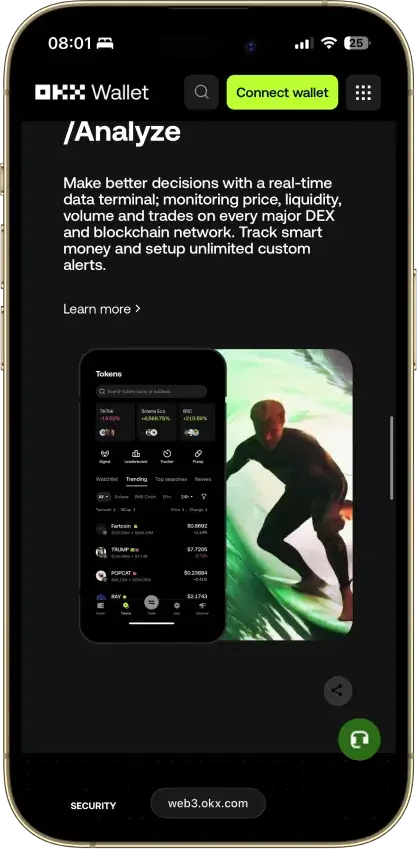
 OKX Wallet OKX Wallet | Non-custodial | Bitcoin, Ethereum, BNB Smart Chain, Avalanche, Tron, Arbitrum, Base, Optimism, Polygon, Solana | Yes | Limited | Yes |
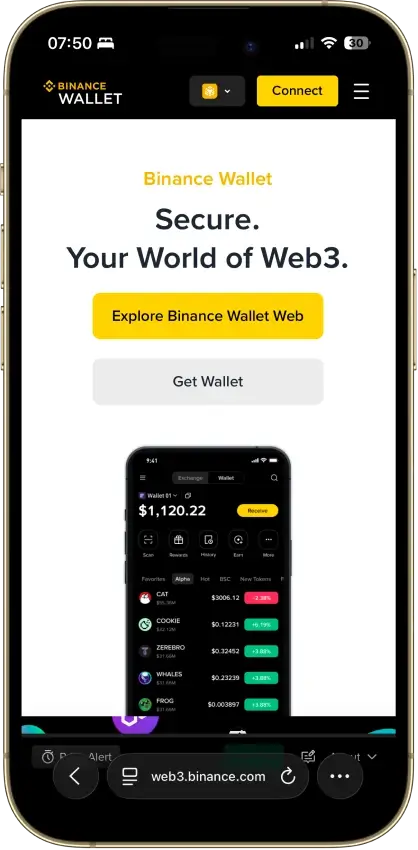
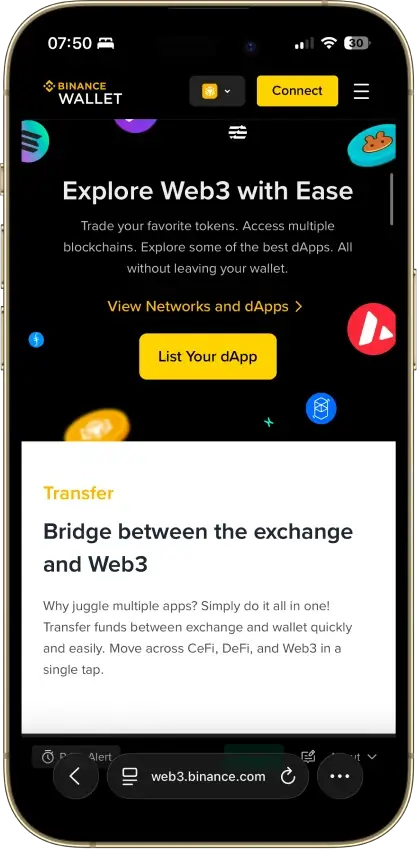
 Binance Wallet Binance Wallet | Non-custodial | Bitcoin, Ethereum, BNB Smart Chain, Tron, Arbitrum, Base, Optimism, Polygon, Solana | No | Limited | Yes |
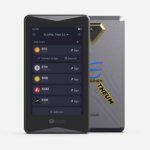 ELLIPAL Titan 2.0 ELLIPAL Titan 2.0 | Non-custodial | Bitcoin, Ethereum, BNB Smart Chain, Avalanche, Tron, Base, Polygon, Solana | No | Limited | Yes |
 Arculus Wallet Arculus Wallet | Non-custodial | Bitcoin, Ethereum, BNB Smart Chain, Avalanche, Tron, Arbitrum, Base, Optimism, Polygon, Solana | No | Limited | Yes |
 Exodus Exodus | Non-custodial | Bitcoin, Ethereum, BNB Smart Chain, Avalanche, Tron, Arbitrum, Base, Optimism, Polygon, Solana | Yes | Full | Yes |
The table makes the trade-offs clear: Trust Wallet is the most balanced option for a mobile-first BNB wallet, MetaMask is the best fit for BNB Chain dApps on desktop, and Ledger is the safer choice for long-term storage. If you already live inside Binance or Coinbase, their wallets can feel more natural, while MoonPay and Nexo lean more toward convenience than deep on-chain control.
Binance Coin Wallets Reviews
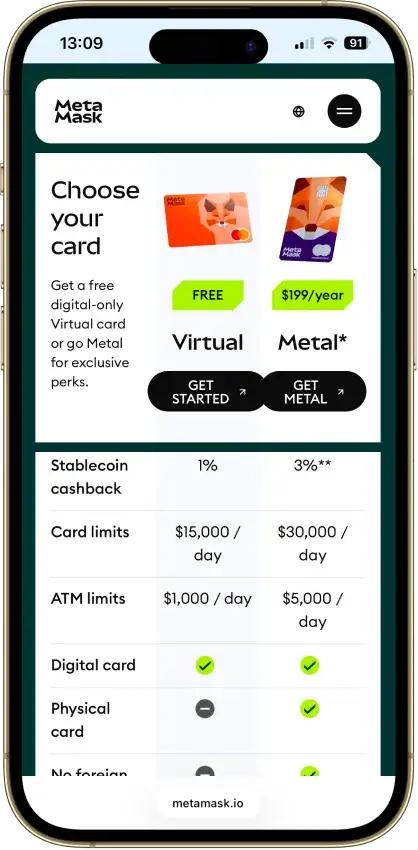
MetaMask
Pros
- Real self-custody, Consensys cannot touch keys
- Native Solana, Bitcoin, and Tron from one phrase
- Default transaction simulation and scam alerts
- Pairs with Ledger and Trezor for cold signing
- Deepest dApp reach of any mainstream hot wallet
Cons
- 0.875% swap fee on top of pool costs
- ETH staking blocked for US and UK users
- Crypto's most drainer-targeted wallet
- Source-available license, not open source
- No secure element, browser-level exposure



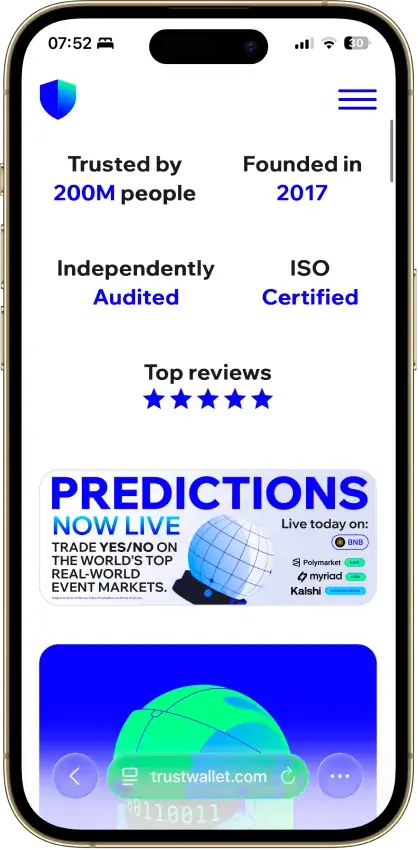
Trust Wallet
Pros
- Real self-custody, only you hold the seed
- 100+ chains native, custom EVM chains addable
- Free app, no explicit add-on swap fee
- Kudelski and CertiK audited, ISO 27001
- Staking, NFTs, and a dApp browser built in
Cons
- Three extension incidents in three years
- App and extension are closed source
- Binance-owned, a DOJ-settled parent
- No native desktop app
- Ledger pairing works in the extension only



MoonPay
Pros
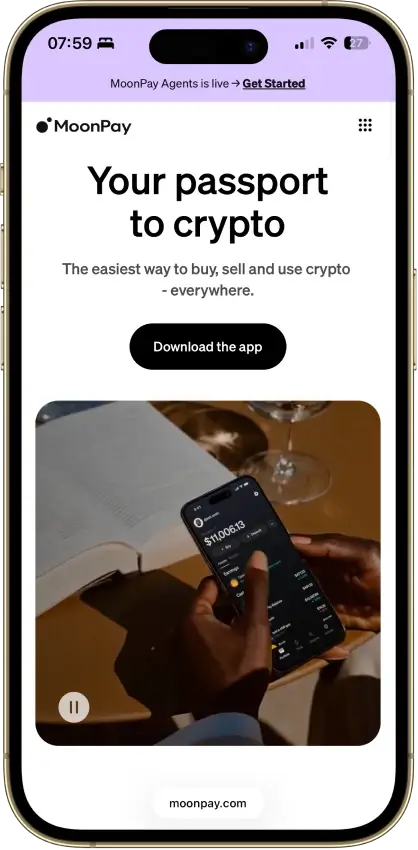
- MoonPay’s in-app wallets are non-custodial, and you can export the recovery phrase to import the wallet into another app if you want to leave the MoonPay ecosystem later.
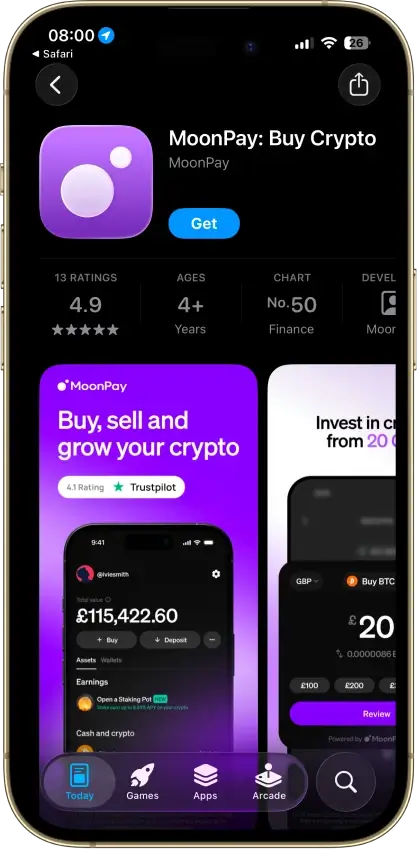
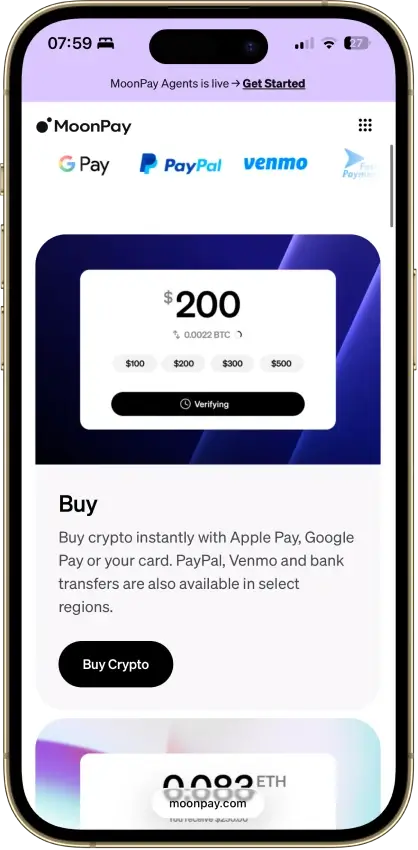
- The mobile app covers the main retail flow in one place: buy, sell, send, receive, and convert, which removes a lot of setup friction for newer users.
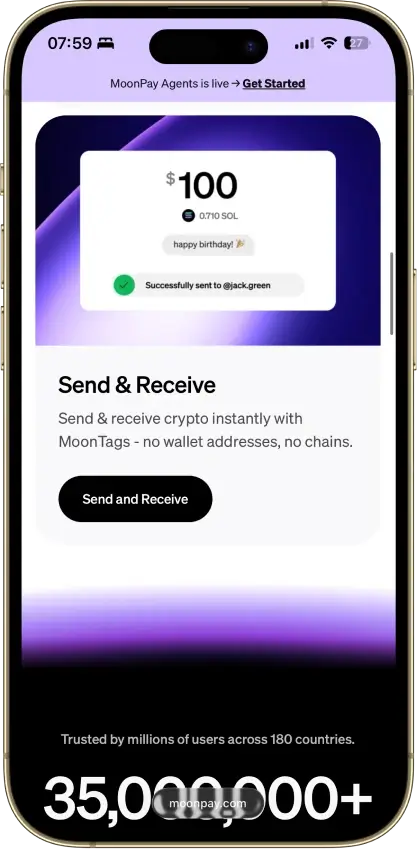
- MoonTags make transfers between MoonPay users easier because you can use a username instead of manually checking long wallet addresses.
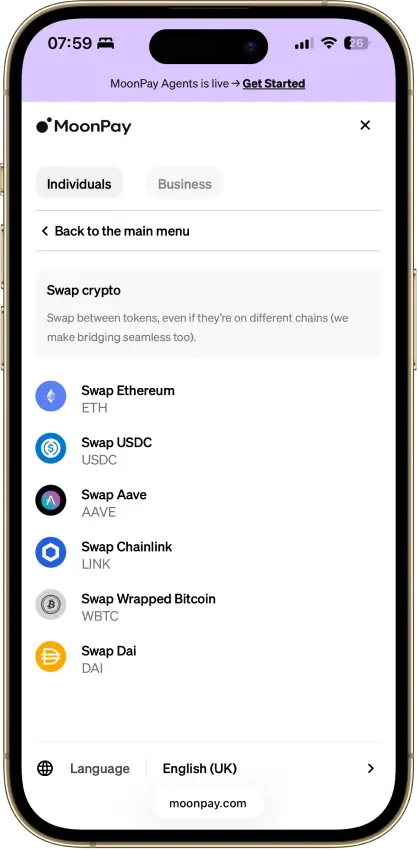
- MoonPay Convert supports same-chain and cross-chain swaps through Swaps.xyz, which is more useful than a basic single-chain token swap tool.
Cons
- - Verification is part of the product, not an edge case. MoonPay requires identity verification to unlock the full range of services, and higher limits or withdrawals can trigger source-of-wealth checks.
- The wallet is mobile-first, with no dedicated browser extension or desktop-native wallet experience for users who spend most of their time in browser-based DeFi and Web3 tools.
- MoonPay’s account-management guidance says the app is currently available only in English, which is a real limitation for a global consumer wallet.
- Key features vary by region. Sell availability, payout methods, and MoonPay Pots access are not universal, so readers need to check whether their country or state is supported before relying on the app.
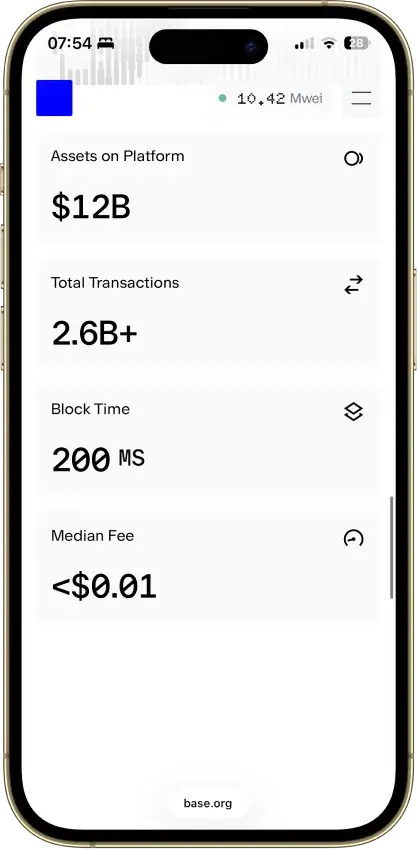
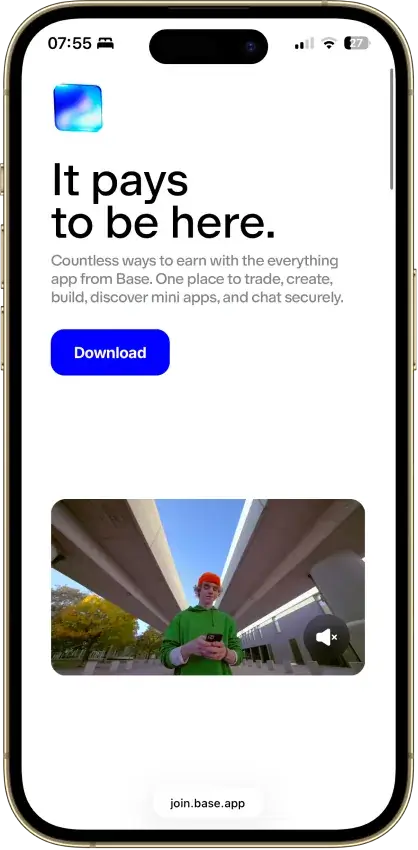
Base App
Pros
- Non-custodial, Coinbase never holds your keys
- Passkey smart wallet skips seed-phrase handling
- Ethereum, Base, Solana, and major EVM chains
- Backed by Nasdaq-listed Coinbase Global
- Farcaster feed, mini-apps, encrypted chat
Cons
- Consumer app is closed source
- Parent's 2025 breach fuels impersonation scams
- Multiple setup paths confuse new users
- Swap covers fewer networks than storage
- DOGE and LTC absent from the new Base mode

Edge Wallet
Pros
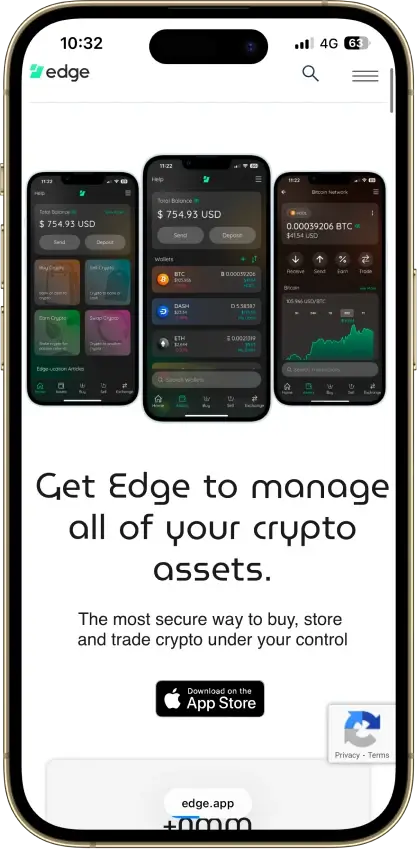
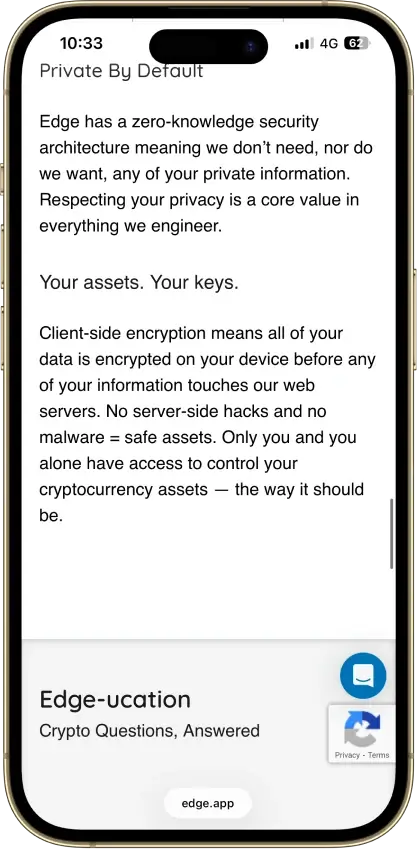
- Public, auditable code (BSD-3-Clause app)
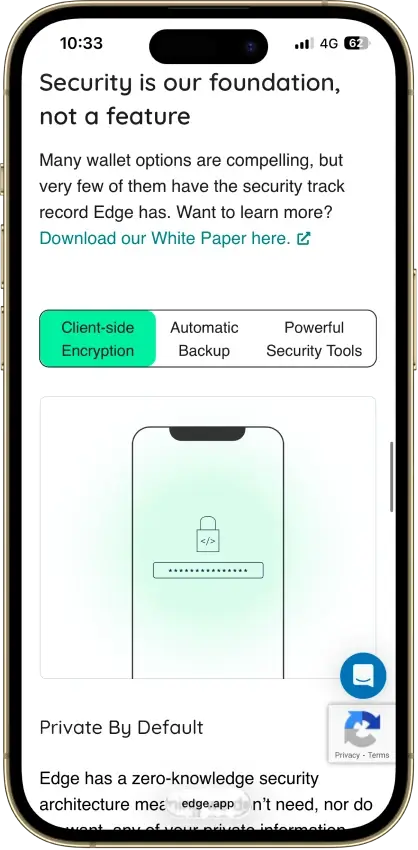
- Non-custodial, zero-knowledge encryption
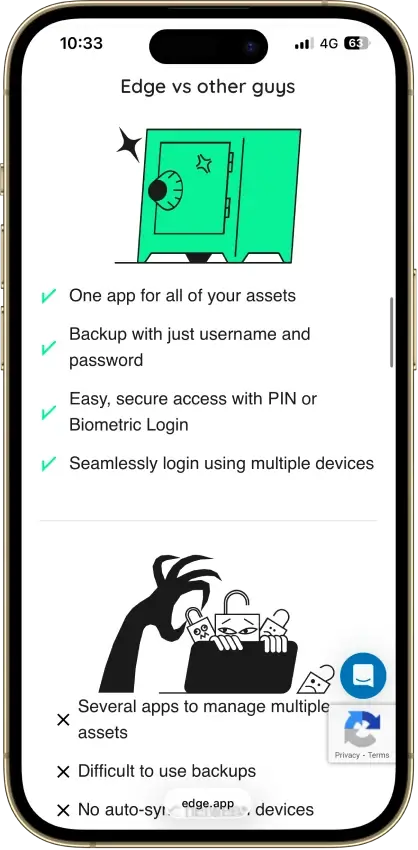
- Password login with multi-device sync
- US company shipping wallets since 2014
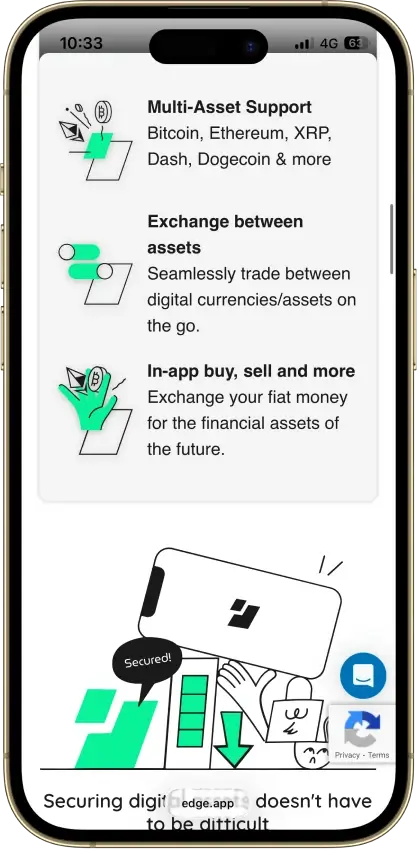
- 120+ assets plus major token standards
Cons
- Weak password is a single point of failure
- Encrypted key blobs sit on Edge servers
- 2023 bug exposed about 600 private keys
- No secure element, software-only signing
- Mobile-only, no desktop or extension
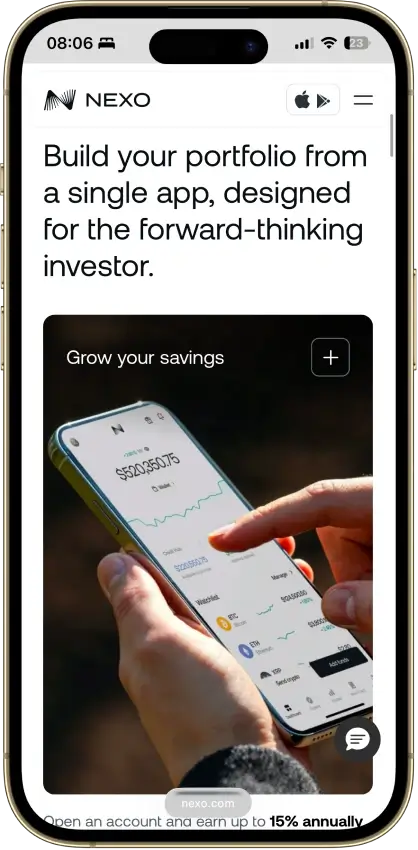
Nexo
Pros
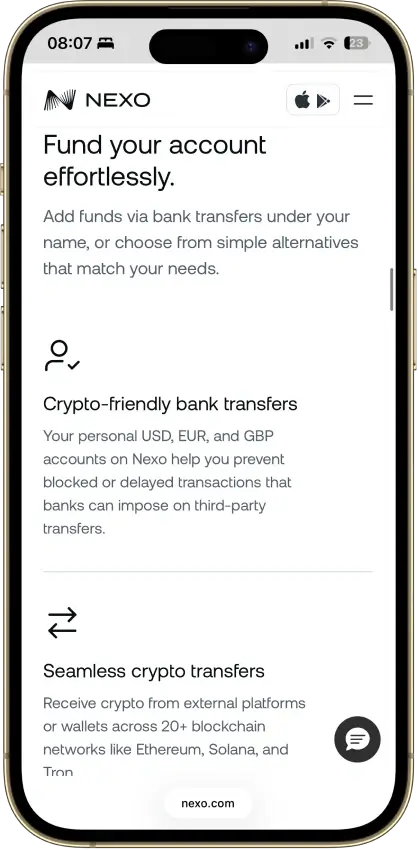
- Supports multi-network deposits and withdrawals across major chains, which makes it easier to move assets over the route Nexo actually supports for each coin.
- Combines custody, swaps, Nexo Pro trading, credit lines, and card spending in one account instead of forcing users to split those jobs across multiple apps.
- Uses account-level protections such as authenticator support, biometrics, anti-phishing code, address whitelisting, and anti-scam withdrawal monitoring.
- Available on web, iOS, and Android, so users can manage balances and transfers without being locked to a single device type.
Cons
- Custodial by design, so you do not get a seed phrase or direct control of the private keys for platform balances.
- Not a strong choice for wallet-native Web3 use, because the older Nexo Web3 wallet was sunset and the current product is built around managed account custody.
- Requires full identity verification as part of the account model, which makes it a poor fit for privacy-first users.
- Feature availability varies by jurisdiction and product line, so not every user gets the same mix of card, yield, credit, or transfer features.

Rabby Wallet
Pros
- Fully open source with public repos
- Simulates every transaction before you sign
- Flags scam sites and risky token approvals
- 100+ EVM chains with automatic switching
- Audited by Least Authority and SlowMist
Cons
- EVM only, no Bitcoin, Solana, or XRP
- Dense interface for casual holders
- 2022 swap contract exploit, about $200K
- No native staking or fiat on-ramp
- Seed phrase is the only recovery path
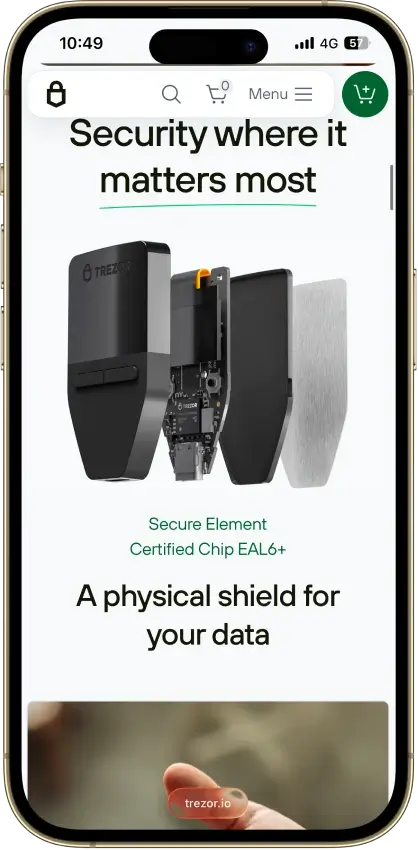
Trezor Safe 3
Pros
- Open firmware anyone can audit
- $59 for a certified EAL6+ chip
- Passphrase fully defeats seed extraction
- SLIP39 multi-share backup built in
- No Bluetooth, wired-only attack surface
Cons
- Signing runs outside the secure element
- Disclosed 2025 physical extraction path
- iOS app cannot send transactions
- Small screen, two-button navigation
- Closed Infineon SE limits full audit
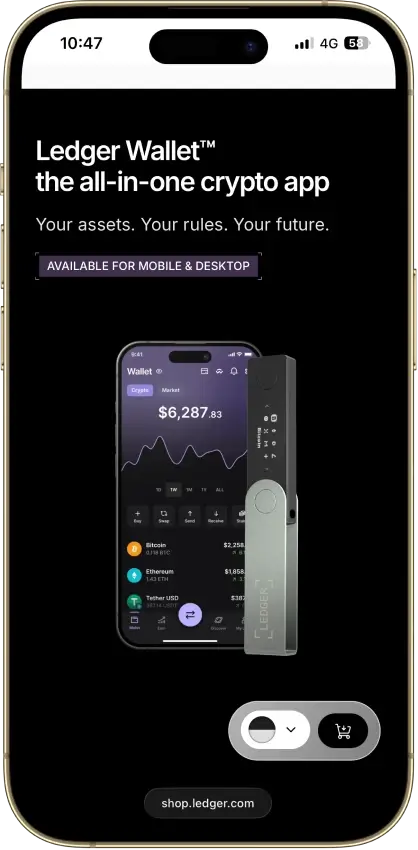
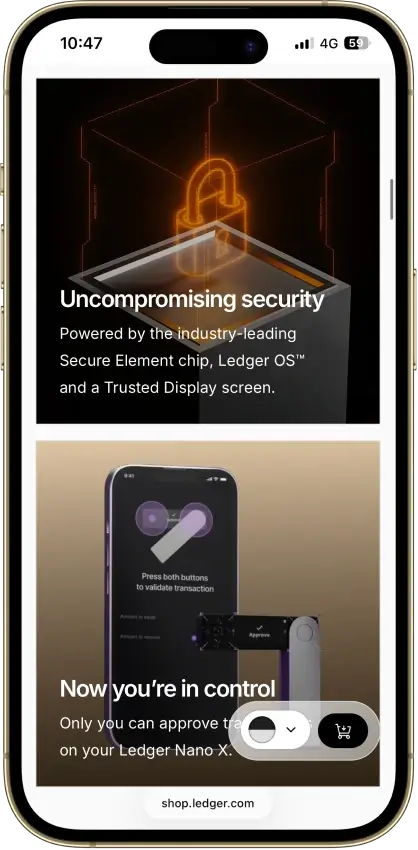
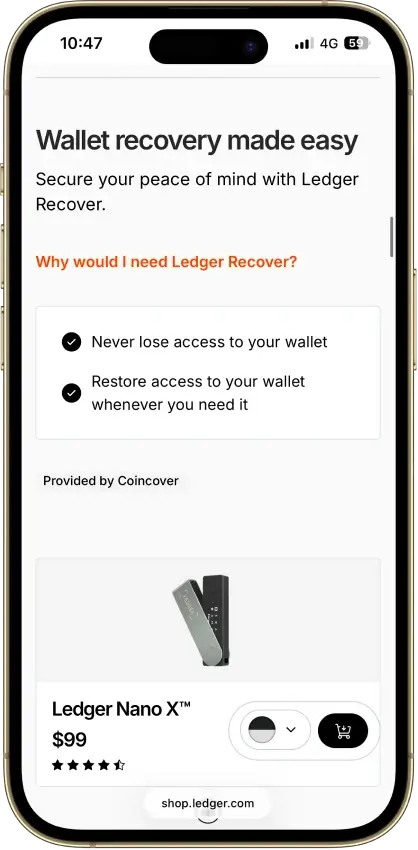
Ledger Nano X
Pros
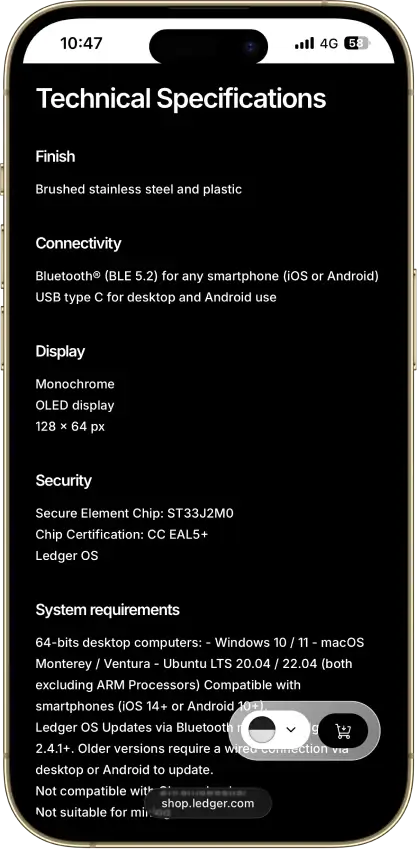
- Bluetooth plus USB-C, true phone-first signing
- CC EAL5+ secure element with ANSSI CSPN
- 500+ coins native, thousands via third party
- Up to 100 device apps installed at once
- Non-custodial, no KYC, sold worldwide
Cons
- $99, above the EAL6+ Nano S Plus
- Older EAL5+ chip, the S Plus carries EAL6+
- Secure-element OS and firmware are closed
- 2020 breach feeds phishing still active in 2026
- Small non-touch OLED, battery needs upkeep
OKX Wallet
Pros
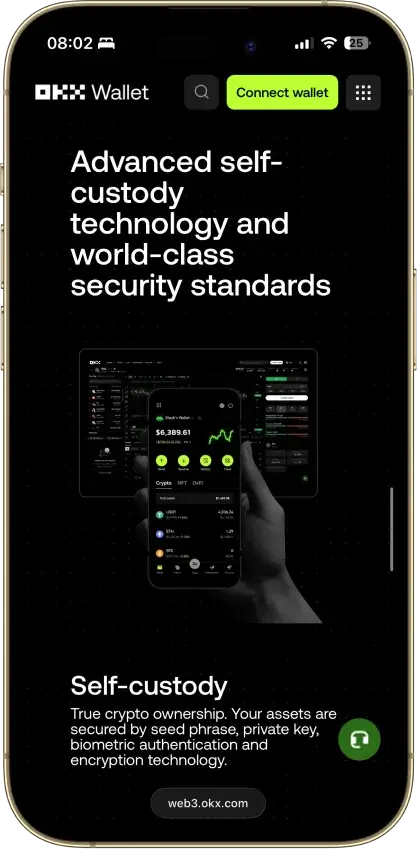
- 130+ native chains in one wallet
- DEX aggregator taps 100+ liquidity sources
- CertiK and SlowMist audits plus bug bounty
- No KYC for standard self-custody use
- Earn staking stays non-custodial
Cons
- $505M DOJ guilty plea, consultant to 2027
- Aggregator laundered ~$100M Bybit funds
- Keyless mode hands OKX one key share
- Client code is not fully open source
- IP geo-blocking can gate wallet access


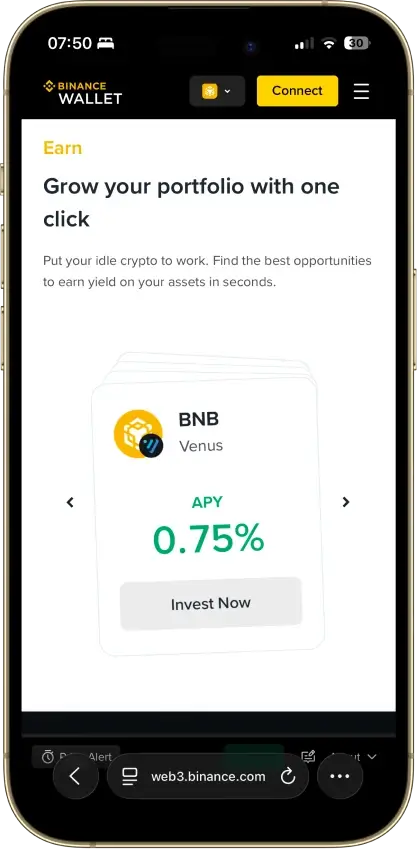
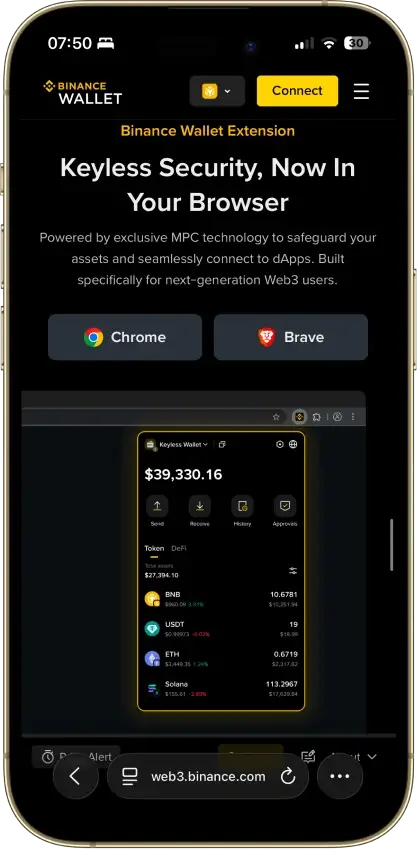
Binance Wallet
Pros
- Genuine multichain reach, BTC to Solana to Tron
- MPC signing with no seed phrase to steal
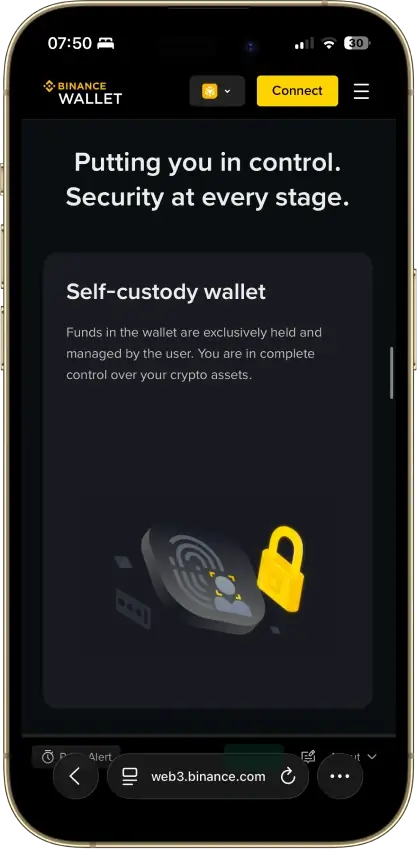
- SlowMist-audited, no known wallet exploit
- Emergency Export converts to a private key
- Free, and built into the app Binance users have
Cons
- Not available to US users at all
- Requires a verified Binance.com account
- Binance holds one of the three key shares
- Lost password plus lost device is unrecoverable
- Closed source, only TSS tooling is public

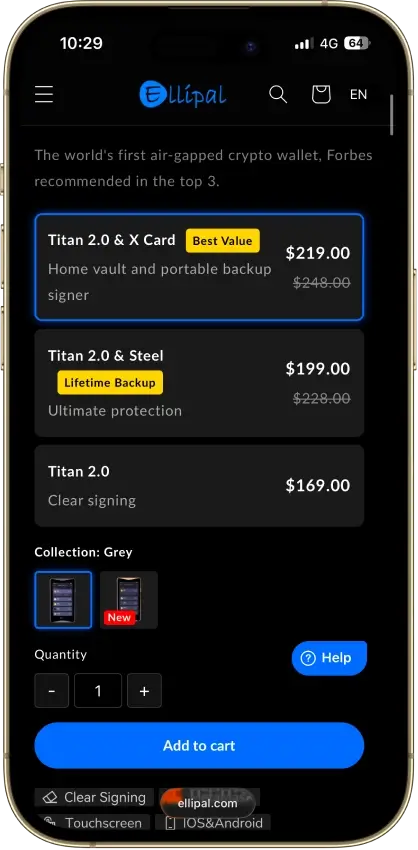
ELLIPAL Titan 2.0
Pros
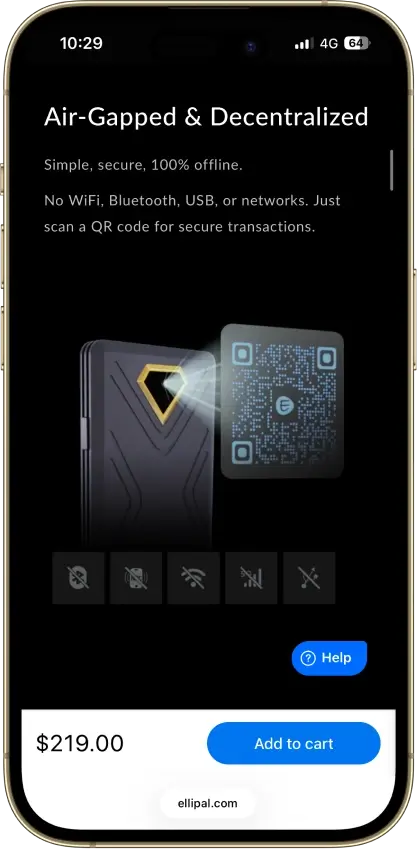
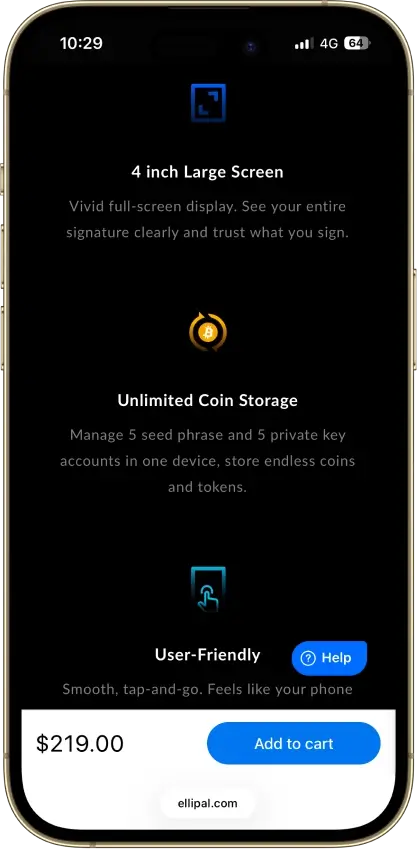
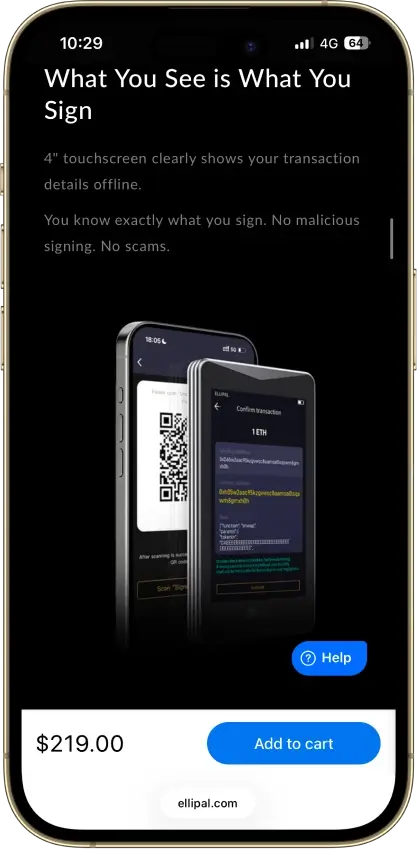
- Fully air-gapped, QR-only signing
- CC EAL5+ certified secure element
- Self-destruct wipes keys on tampering
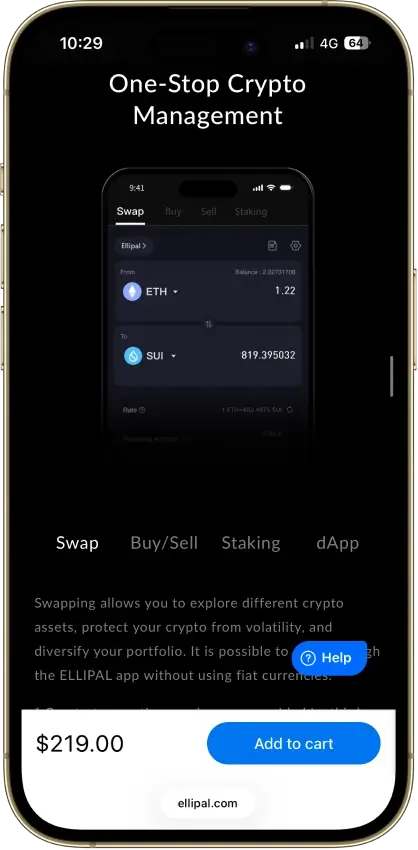
- 40+ chains and 10,000+ tokens natively
- 24-word seed plus optional passphrase
Cons
- Core key-generation firmware is closed
- Hong Kong jurisdiction, limited recourse
- QR send loop slower than USB signing
- Firmware updates need a MicroSD card
- No desktop app beyond MetaMask QR

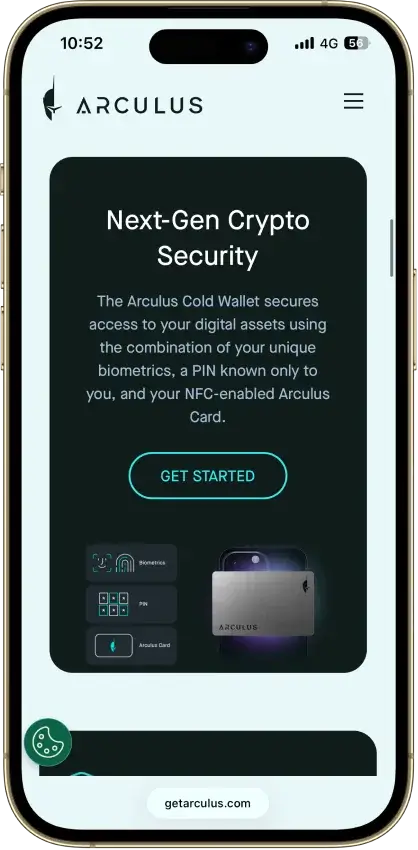
Arculus Wallet
Pros
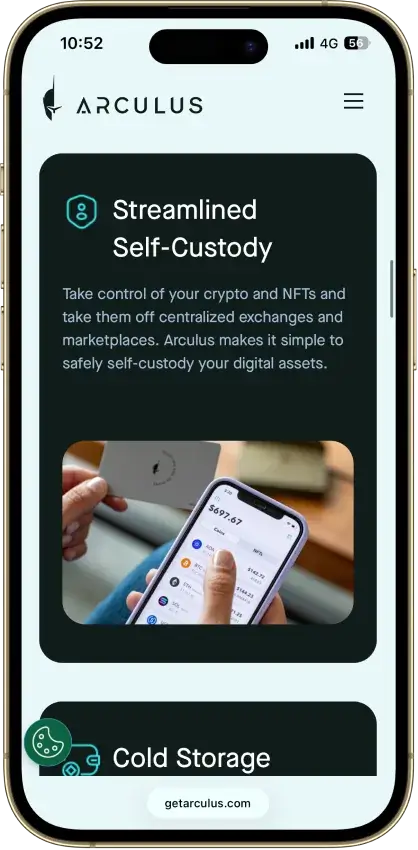
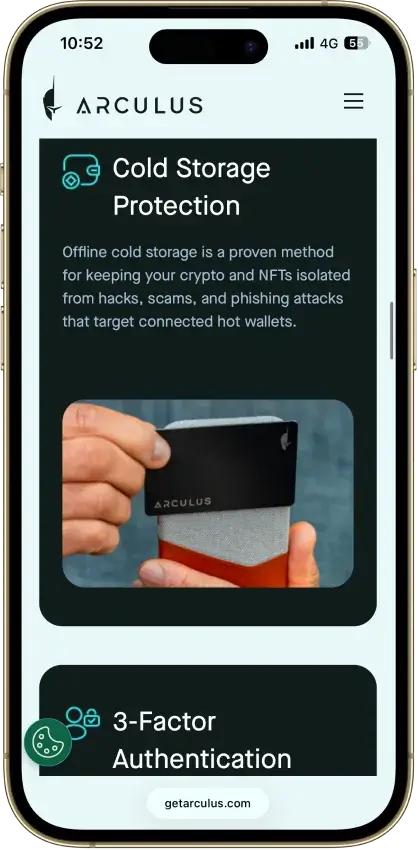
- EAL6+ secure element, same class as Ledger Flex
- NASDAQ-listed US maker (CompoSecure)
- No public hack since 2021 launch
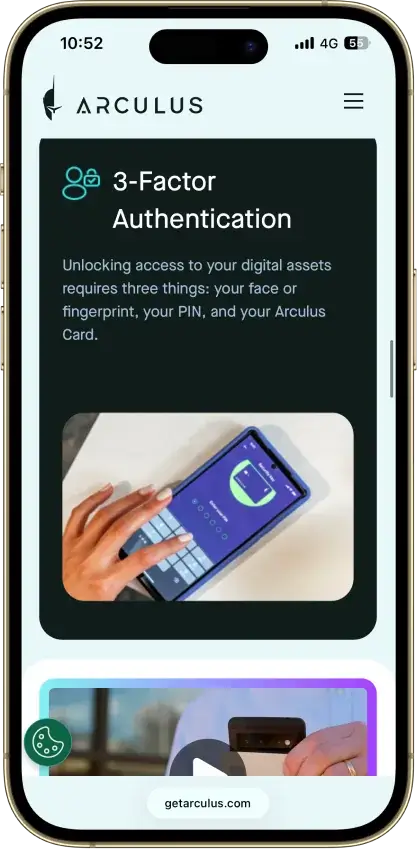
- 3-factor access: card, PIN, biometric
- $99 one-time, no subscription
Cons
- No on-device screen to verify sends
- Closed-source firmware and app
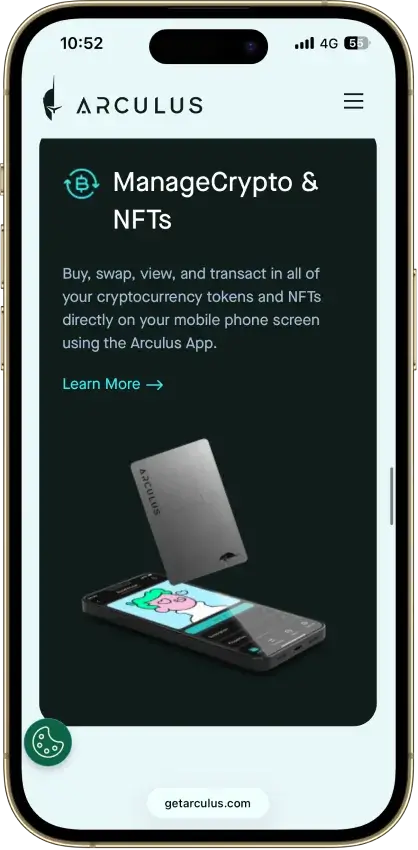
- NFTs and staking limited to select chains
- One wallet per card, no multisig
- Needs the phone app, no desktop
Exodus
Pros
- Non-custodial, keys stay on your device
- 50+ networks with custom token support
- Public company, NYSE: EXOD, SEC-reporting
- Benchmark desktop portfolio interface
- Trezor and Ledger hardware pairing
Cons
- Core wallet code is closed source
- $3.1M OFAC settlement in December 2025
- 2025 breach exposed 101,597 user emails
- XO Swap spreads start near 0.5% and climb
- Hot wallet by default, no secure element
Trust Wallet stands out as the most balanced option if you want a BNB wallet app for everyday use, while MetaMask is the better fit when the priority is DeFi, swaps, and dApps on BNB Chain. Ledger is the safest route for long-term storage once the balance becomes meaningful, and it can still be paired with a hot wallet interface when you need to move funds. Binance Wallet is a strong choice if you already use Binance and want tighter ecosystem integration, and Coinbase Wallet / Base App makes sense if you want a more familiar interface and a straightforward way to manage BNB Chain assets. In-depth reviews for each wallet will be added in this section.
Best BNB Wallet By Use Case
Match the wallet to how you use BNB. The table below highlights the best pick for each common scenario.
| Use case | Best pick | Why it fits |
|---|---|---|
| Best BNB wallet overall | Trust Wallet | Strong all-around balance of mobile usability, BNB Smart Chain support, and straightforward self-custody. |
| Best BNB wallet app | Trust Wallet | Mobile-first experience that still covers core BNB and BEP-20 needs without feeling heavy. |
| Best BNB Smart Chain wallet | MetaMask | Best fit for dApps, DeFi tools, and frequent on-chain activity on BNB Smart Chain. |
| Best BNB Chain wallet extension | MetaMask | Familiar browser-based setup for swaps, dApps, and Web3 access on desktop. |
| Best BNB cold wallet | Ledger | Hardware security for long-term storage and larger balances, with safer signing isolated from the device. |
| Best wallet for BNB beginners | Trust Wallet | Easier setup and navigation than most extension-first or hardware-first options. |
| Best wallet for Coinbase users | Coinbase Wallet / Base App | More familiar flow if you already use Coinbase products and want an easier path to holding and using BNB. |
What Is A BNB Wallet?
A BNB wallet is a crypto wallet that lets you store, send, receive, and manage BNB. More importantly, it gives you control over the keys or access layer used to interact with your funds, which is why choosing the right wallet matters just as much as choosing the right exchange or app.
Many users also search for terms like Binance Coin wallet or BNB Smart Chain wallet, but in practice they are usually looking for the same thing: a wallet that supports BNB properly and works with the wider BNB Chain ecosystem. That includes not just holding BNB itself, but also managing BEP-20 tokens and connecting to apps built on BNB Chain.
That is why support for BNB Chain and BEP-20 matters more than branding alone. A wallet may mention BNB, but what really counts is whether it can handle the network and token standard most users actually need today.
BNB Smart Chain, BEP-20, And The Legacy BEP-2 Question
BNB wallet activity today is mainly about BNB Chain (often referred to as BNB Smart Chain or BSC) and BEP-20 assets. If a wallet supports BNB Smart Chain properly, it should let you hold BNB, manage BEP-20 tokens, and connect to dApps on the network.
The easiest way to avoid mistakes is to keep the terms straight:
| Term | What it is | What it means for wallet users today |
|---|---|---|
| BNB Smart Chain (BSC) | The main EVM chain in the BNB ecosystem | The network most readers here actually need for BNB, gas, dApps, and BEP-20 tokens |
| BEP-20 | The token standard on BNB Smart Chain | Used for BNB-chain stablecoins, DeFi tokens, and most wallet activity on BSC |
| opBNB | A Layer 2 in the BNB ecosystem | Relevant if a wallet explicitly supports it; do not assume BSC support automatically means opBNB support |
| BEP-2 / BNB Beacon Chain | The retired legacy chain and token format | No longer a current route for normal wallet use; only relevant for recovery or migration of older assets |
If you are choosing a BNB wallet today, prioritize BNB Smart Chain (BSC) support first. Treat BEP-2 / Beacon Chain as a recovery-only edge case.
How To Choose The Best Wallet For BNB
The best wallet for BNB depends on how you plan to use it. A long-term holder has different needs than someone swapping tokens on BNB Chain every day. Use the checklist below to narrow down the right fit.
| What to check | Why it matters for BNB | Quick way to verify |
|---|---|---|
| BNB Chain / BEP-20 support | BNB Chain is where most BNB activity happens, and BEP-20 is the token standard you’ll use for transfers and dApps. | Look for a BNB Smart Chain network option and a BEP-20 token view (not just “BNB” as a ticker). |
| Easy setup and backup | A wallet that is hard to back up correctly increases the risk of losing access later. | The app should guide you through backups and confirm the recovery phrase. |
| Mobile app vs extension | Mobile wallets are best for everyday use. Extensions are better for frequent dApp and DeFi activity on desktop. | Decide where you’ll actually use BNB most: phone, browser, or both. |
| dApp and WalletConnect support | This is what lets you use swaps, DeFi, and other BNB Smart Chain apps safely. | Check for WalletConnect support or a built-in dApp browser. |
| Security model | Better security reduces the risk of malware, phishing approvals, and account takeovers. | Look for clear info on key storage, biometrics, transaction warnings, and approval management. |
| Recovery method | Recovery determines what happens if you lose your phone, reinstall the app, or move devices. | Confirm you can restore with a recovery phrase (or an equivalent recovery flow that is explained clearly). |
| Hardware compatibility | If you hold larger amounts, a hardware wallet is one of the safest ways to secure BNB. | Check if the wallet supports Ledger (or works well as a companion to a hardware device). |
| BNB staking support | Staking can matter if you plan to hold BNB long term and want yield without constant trading. | See if staking is built-in or if the wallet supports staking through trusted dApps. |
| Fiat on-ramp options | Buying BNB inside the wallet can be convenient, especially for beginners. | Look for “Buy” support and check which providers and payment methods are available in your region. |
| Watch-only tracking | Watch-only helps track a BNB wallet address without exposing keys on a device. | See if the wallet supports watch-only addresses or portfolio tracking without importing a seed phrase. |
If you’re unsure, start with a reputable mobile wallet for everyday use, and add a hardware wallet later if your holdings grow. The key is choosing a wallet that matches how you actually use BNB, not the most feature-packed option on paper.
BNB Wallet Address Explained
A BNB wallet address is the public address you share when you want to receive BNB or BEP-20 tokens. On BNB Chain, addresses usually start with 0x (the same format used by Ethereum-style wallets). The address itself is not a secret, but you should still treat it carefully and always match it with the correct network when sending or withdrawing.
| What you’re doing | What to check first | Why it matters |
|---|---|---|
| Receiving BNB to a wallet | You selected BNB Chain in the wallet | A correct address on the wrong network can delay access or complicate recovery |
| Withdrawing from an exchange | The withdrawal network says BNB Chain (BSC) | Exchanges often offer multiple networks for the same asset |
| Sending to someone else | You’re sending to the right address + network pair | Address format alone does not guarantee the network is correct |
How To Get A BNB Wallet Address
Most wallets make this simple:
- Open your wallet app.
- Select BNB (or switch the network to BNB Chain).
- Tap Receive.
- Copy the address or use the QR code.
Before you send a larger amount, send a small test transfer first. Also verify the first and last few characters of the address after pasting it, since clipboard-replacing malware is a common scam.
What A BNB Watch-Only Wallet Address Is
A watch-only BNB wallet address is a way to track a wallet without importing the private keys or recovery phrase. It lets you monitor balances and transactions, but it does not let you spend funds.
| Address type | What you can do | What you can’t do | Best for |
|---|---|---|---|
| Regular wallet address | Receive, hold, and send funds | — | Everyday use |
| Watch-only address | Track balances and transactions | Spend or sign transactions | Monitoring a cold wallet, treasury wallet, or shared address |
Watch-only tracking is useful when you want visibility without increasing risk, for example, checking a hardware wallet’s balance from a phone. This is also what most users mean when they search for a BNB wallet tracker.
What A Free BNB Wallet Address Actually Means
A “free BNB wallet address” usually means you can create a wallet and generate an address without paying for the address itself. That part is typically free.
What is not free is moving funds on-chain. Any transfer on BNB Smart Chain requires a network fee (gas) paid in BNB. Depending on the app, you may also see fees for buying crypto, swapping tokens, or withdrawing from an exchange.
Why There Is No Safe Public BNB Wallet Address List To Copy
There is no safe reason to copy an address from a random “BNB wallet address list.” You can’t verify who controls those addresses, and scammers often publish lists to trick people into sending funds to them.
If you need an address to receive BNB, generate it inside your own wallet. If someone else is sending you BNB, give them your address from your wallet’s Receive screen, and make sure they select the BNB Chain network when they send it.
Types Of BNB Wallets
BNB wallets usually fall into a few common categories. The “best” type is the one that matches how you use BNB day to day, whether that is holding long term, swapping tokens on BNB Smart Chain, or just keeping a small balance for payments and transfers.
| Wallet type | Best for | Trade-off | Examples from this list |
|---|---|---|---|
| Mobile wallet app | Everyday use, quick transfers, on-the-go swaps | Phone security and phishing risk if you approve the wrong transaction | Trust Wallet, Binance Wallet, OKX Wallet, Coinbase Wallet / Base App |
| Browser extension | DeFi, dApps, and frequent on-chain activity on desktop | More exposure to malicious sites and fake popups | MetaMask, OKX Wallet, Binance Wallet, Coinbase Wallet extension |
| Cold wallet | Long-term holding, larger balances, stronger key security | Less convenient for constant dApp use | Ledger (often paired with MetaMask or Trust Wallet) |
| Custodial account wallet | Convenience, simpler onboarding | You rely on the provider for custody and access | Nexo |
BNB Wallet Apps / Mobile Wallets
A BNB mobile wallet is usually the simplest way to start. It works well for holding BNB, receiving BEP-20 tokens, and sending funds when you need to. If you want an all-around pick that feels straightforward, Trust Wallet is the default choice. If you already use Binance, Binance Wallet can be a practical option because it keeps you close to the BNB ecosystem. If you want a more familiar path from Coinbase tools, Coinbase Wallet / Base App makes the transition easier.
Mobile wallets are convenient, but they require good habits. Use a strong device passcode, enable biometrics, back up your recovery phrase properly, and avoid approving transactions you do not fully understand.
BNB Chain Wallet Extensions
A browser extension wallet is built for people who use BNB Smart Chain as a daily environment. It is the most natural setup for swaps, DeFi, and dApp activity on desktop because it can connect to sites directly or through WalletConnect.
MetaMask is the most familiar choice for this. OKX Wallet is a strong alternative if you want a multi-chain setup. If you prefer to keep everything inside the Binance ecosystem, Binance Wallet can also work well in a browser-first flow.
If you spend a lot of time in dApps, consider pairing an extension wallet with a hardware wallet for better security.
BNB Cold Wallets
A cold wallet is the right move when the main goal is security and long-term storage. Instead of keeping keys on an internet-connected device, a hardware wallet like Ledger keeps signing isolated and reduces the risk of malware draining funds.
Cold wallets are not just for “never touch it” storage. You can still use BNB Smart Chain apps by pairing Ledger with a software wallet interface, but the experience is slower than using a pure hot wallet. The trade-off is usually worth it once the balance becomes meaningful.
Custodial Vs Self-Custody BNB Wallets
Self-custody wallets put you in control of the keys. That is the main advantage of wallets like Trust Wallet, MetaMask, OKX Wallet, and Coinbase Wallet / Base App. The downside is that you are responsible for backups and for avoiding scams.
Custodial wallets trade some control for convenience. A platform like Nexo can feel simpler because access is account-based, but custody is handled by the provider. If you choose a custodial option, treat it more like a financial account and factor in platform risk and withdrawal rules as part of the decision.
Coinbase Wallet And Base App — How To Buy, Add, And Use BNB
Coinbase Wallet is now called the Base app, and it supports BNB Chain as a preconfigured network. That means you can hold BNB and BEP-20 tokens, swap on BNB Chain, and use BNB Chain dApps without manually entering RPC settings.
| What you want to do | Best way to do it | Key thing to double-check |
|---|---|---|
| Get BNB into the app | Buy BNB on an exchange and send it to your Base app address | Withdraw on BNB Chain (BSC), not another network |
| Convert another token to BNB | Use the in-app swap on BNB Chain | Keep a little BNB for gas after the swap |
| Use BNB in dApps | Switch network to BNB Chain, then connect via WalletConnect or the dApp browser | Only connect to sites you trust |
Can You Buy BNB On Coinbase Wallet?
Sometimes. The Base app has a built-in buy flow, but what is available depends on region and payment provider support. If BNB is not available in the buy menu, there are two reliable alternatives:
- Buy BNB on an exchange (Coinbase or another supported platform) and withdraw it to your Base app address on BNB Chain (BSC).
- Swap for BNB inside the Base app by funding the app with a supported token on BNB Chain (for example, a stablecoin) and using the Trade/Swap feature.
Either way, make sure you end up with some BNB left over for gas fees, since BNB is used to pay transaction fees on BNB Chain.
How To Add BNB Network To Coinbase Wallet
You usually do not need to “add” it. BNB Chain is already included in the Base app’s default network list.
- Mobile (Base app): open Settings, find the active network option, and switch to BNB Chain.
- Browser extension: use the network selector and choose BNB Chain.
Only use “add custom network” if you are connecting to a different EVM chain that is not listed by default.
How Do I Add BNB To My Base Wallet?
If “Base wallet” means the Base app, adding BNB is simply receiving it to your wallet address.
- Open the Base app.
- Switch the network to BNB Chain.
- Tap Receive and copy your address.
- Send BNB to that address using the BNB Chain (BSC) network.
The most common mistake here is mixing up Base (the network) with Base (the app). The Base app can hold assets on many networks, including Base and BNB Chain, but you must send BNB on the BNB Chain (BSC) network to avoid routing problems.
If A BEP-20 Token Does Not Show Up In Your Wallet
Sometimes the transfer is confirmed on-chain but the wallet UI has not displayed the token yet.
Check the transaction or wallet address on a BNB Chain explorer first. If the token is there, switch to BNB Smart Chain in your wallet and add the token by contract address if needed. This is common with newer or custom BEP-20 assets and does not always mean the funds are missing.
How To Set Up A BNB Wallet Safely
Setting up a BNB wallet is simple, but a few small steps make a big difference in safety. The goal is to make sure you download the right app, back it up correctly, and send BNB on the correct network.
- Pick the right wallet type. Choose a BNB wallet app for everyday mobile access, a browser extension if you plan to use dApps and DeFi often, or a hardware wallet if you are storing a larger amount long term.
- Download from the official source. Only download the wallet from the official website or official app store listing. Fake wallet apps and cloned extensions are a common way people lose funds. If you’re trying to download BNB wallet apps, stick to official links and verified listings.
- Back up the wallet using its actual recovery model. For seed-phrase wallets, write the phrase down offline and store it securely. For keyless/MPC or passkey wallets, complete the wallet’s official backup flow exactly as prompted before funding the wallet. Do not save secrets in screenshots, notes, or cloud docs unless the wallet’s own encrypted backup flow explicitly uses that method.
- Confirm you are using BNB Chain (BSC). Before receiving or sending funds, check the active network. For most use cases, you want BNB Chain (BSC) so you can receive BNB and BEP-20 tokens and use BNB Chain apps.
- Create your receive address. Tap Receive and copy the address (or use the QR code). On BNB Chain, the address typically starts with 0x.
- Send a small test transaction first. If you are moving BNB from an exchange or another wallet, start with a small test amount. Make sure the sender selects BNB Chain (BSC) as the network.
- Keep a little BNB for gas. BNB pays for transaction fees on BNB Chain. Even if you mainly hold tokens, keep a small BNB balance so you can approve transactions, swap, or move funds when needed.
Revoke Token Approvals On BNB Chain Regularly
One of the biggest hot-wallet risks on BNB Smart Chain is not storage. It is bad approvals.
When you use a swap, bridge, staking app, or other dApp, you often give a smart contract permission to spend tokens from your wallet. If that approval is too broad or later becomes risky, your wallet can stay exposed even after you disconnect the site.
A simple rule helps here:
- review approvals after high-risk dApp use,
- revoke anything you no longer need,
- and do not treat “disconnect wallet” as the same thing as removing token access.
Common BNB Wallet Mistakes To Avoid
Most BNB wallet issues come down to a few avoidable mistakes. If you want a quick safety checklist, these are the ones that cause the most damage.
- Sending funds on the wrong network: when withdrawing or sending BNB, always select BNB Chain / BNB Smart Chain (BSC) if that’s where the receiving wallet is set. Do a small test transfer first.
- Mixing up BEP-2 and BEP-20: BEP-20 is the standard used on BNB Chain. BEP-2 is legacy. Treat them as different routes, not interchangeable labels.
- Not keeping enough BNB for gas: BNB is used to pay transaction fees on BNB Chain. Keep a small BNB buffer so you can move tokens, swap, or revoke approvals when needed.
- Connecting to unsafe dApps: fake “airdrops,” clone sites, and spoofed links are common. Bookmark the sites you use and avoid random links from ads, DMs, or social posts.
- Blind-signing transactions: if a prompt is unclear, pause. Many wallet drains rely on users approving a malicious signature without understanding what it does.
- Using random “BNB wallet address lists”: there is no legitimate reason to copy an address from a public list. Generate your own receive address inside your wallet.
- Keeping too much in a hot wallet: if the balance becomes meaningful, move long-term holdings to a hardware wallet and keep only what you need in a mobile wallet or extension.
How We Rank
Binance Coin Wallets uses the Crypto Wallets scoring rubric.
Control of funds, exportability, and wallet portability.
How clearly keys and signing responsibilities are explained.
Audits, bug bounties, and credible third-party security review.
Backup, recovery, and loss-prevention options for normal users.
Protections against phishing, drainers, malicious dApps, and scams.
Past incidents, disclosure quality, and response maturity.
WalletConnect, browser, mobile, chain, and dApp compatibility.
How clearly users can understand, review, and approve signatures.
Smart-account features, passkeys, batching, and gas abstraction.
Fiat on/off ramps, cards, bank links, and payment functionality.
The shortlist is built around practical BNB usage. Wallets ranked higher when they made it easy to use BNB Smart Chain, handle BEP-20 tokens reliably, and stay safe while connecting to swaps, DeFi tools, and dApps.
Two wallets can both “support BNB,” but still perform very differently in practice. One may make it easier to stay on the right network, avoid risky approvals, and recover access if something goes wrong. Those differences are why some wallets rank higher even when the headline feature list looks similar.
The Right BNB Wallet Depends On How You Use BNB
If you want a simple BNB wallet for day-to-day use, Trust Wallet is the easiest place to start. If you spend more time swapping tokens and using dApps on BNB Chain, MetaMask or OKX Wallet are usually a better fit on desktop. For long-term storage, a hardware wallet like Ledger is the safer choice, and it can still be paired with a hot wallet interface when you need to move funds. Coinbase Wallet / Base App is also a practical option if you already use Coinbase tools and want BNB Chain support without extra setup.
Whatever you choose, double-check the network before sending, keep a small BNB balance for gas, and test with a small transaction before moving larger amounts.

BNB Price and News
BNBBNB News

BNB treasury company dumps its crypto manager after Nasdaq suspends its stock, leaving no one in charge of its treasury
The settlement changes nearly 2 million warrants while filings name no successor CIO or asset manager.
BNB Chain makes moonshot bet on 1,000,000 TPS for AI as BNB interest falls away

$3.8B fund tokenized on BNB marks China’s boldest RWA move yet

Binance to pay $283M compensation for market chaos as BNB reaches new $1.3k ATH
FAQ
What is the best BNB wallet?
What wallet supports BNB?
What is a BNB Smart Chain wallet?
Can you buy BNB on Coinbase Wallet?
How do I add BNB network to Coinbase Wallet?
How do I add BNB to my Base wallet?
- Switch the network to BNB Chain.
- Tap Receive and copy the address.
- Send BNB to that address using BNB Chain (BSC) as the network.A small test transfer first helps avoid wrong-network mistakes.
