

U.S. users need a tighter shortlist than most crypto card roundups give them. A card can look strong on rewards and then fall apart once state restrictions, credit approval, KYC steps, extra tax work, or stablecoin support come into view. The shortlist below cuts through that noise.
The best crypto cards for U.S. users are live, accessible, and clean on fees. That usually means clear U.S. availability, simple funding, sensible rewards, and fewer surprises around taxes, refunds, and everyday spending. Each pick on this page has been checked against those filters first, before anything else.
Top Crypto Cards For USA Users
- No coin sold at checkout, no per-swipe tax
- Bitcoin, XRP, and Solana card editions
- 10% back at rotating partner merchants
- Virtual US bank numbers for ACH and wires
- Free instant transfers to other KAST users
- No card spending ceiling, USD spend at 0%
- Stablecoin funding avoids tax on each swipe
- Spend gold and silver balances at checkout
- One app for wallet, trading, and spending
- Switch your reward coin before each purchase
- No card balance to top up or strand
- 24/7 phone support with a dedicated card line
- Named, FDIC-member US bank issuers
- Credit card triggers no per-purchase tax
- Visa Signature perks, Priority Pass tiers
Start with Gemini if you want a real credit card available in all 50 states and a cleaner spend-side tax setup. Choose Coinbase if you want a simple debit card and you are not in Hawaii. Choose Uphold if you want multi-asset funding and do not live in New York, Louisiana, or a U.S. territory. KAST is the stablecoin-first pick, but state eligibility must be checked during signup. Crypto.com is mainly for users comfortable with Level Up rules, CRO exposure, and more tax tracking.
Comparison Table
| Name | Network | Card Type | Digital Wallets | Availability |
|---|---|---|---|---|
 Gemini Credit Card Gemini Credit Card | Mastercard | credit | Apple Pay, Google Pay, Samsung Pay | All 50 US states + Puerto Rico, US residents only |
 Kast Card Kast Card | Visa | Prepaid | Apple Pay, Google Pay | 170+ countries, varies by jurisdiction. |
 Uphold Card Uphold Card | Visa, Mastercard | Debit | Apple Pay, Google Pay | United States and the United Kingdom. In the U.S., the card is not available in New York, Louisiana, or U.S. territories. In the U.K., Crown Dependencies and British Overseas Territories are excluded. |
 Coinbase Card Coinbase Card | Visa | Debit | Apple Pay, Google Pay, Samsung Pay | US only (all states except Hawaii) |
 Crypto.com Card Crypto.com Card | Visa, Mastercard | Prepaid | Apple Pay, Google Pay, Samsung Pay | Available in many regions (e.g., US, EEA/UK, SG, CA, AU, BR) with residency-based eligibility and restricted markets per Crypto.com lists. |
For a clean no-annual-fee credit option, Gemini leads. Coinbase is easier on access and upfront fees, though the spread still counts. Uphold gives you more ways to fund the card, but pricing changes by plan. KAST is the better stablecoin-first spend card. Crypto.com only starts to look appealing if you are comfortable with more pricing rules and moving parts.
Crypto Cards For USA Users Reviews
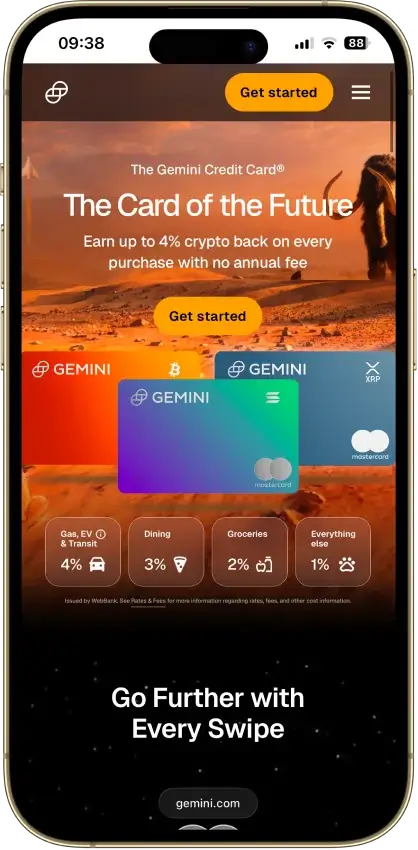
Gemini Credit Card
Pros
- Uncapped 3% dining and 2% grocery rewards
- $0 annual fee and $0 foreign transaction fee
- Instant payout in a choice of 50+ cryptos
- WebBank-issued Mastercard World Elite
- Soft-pull pre-qualification before applying
Cons
- 4% tier capped at $300 spend a month
- 1% base rate on most spending
- 16.49%–28.49% variable APR if you revolve
- US residents only, hard credit pull
- Rewards taxable at receipt and disposal





Kast Card
Pros
- 1.5% USD cashback on the free tier
- Stablecoins load 1:1 with no spread
- Virtual card minutes after a two-minute KYC
- US-available, unlike most crypto cards
- Five stablecoins across major chains
Cons
- Volatile crypto is sold on deposit at 2%–5%
- Free-tier cashback stops at $2,000 a month
- ATM cash costs $3 + 2%, capped at $750 a day
- Top cashback rates cost $1,000–$10,000 a year
- Custodial USD balance, no self-custody




Uphold Card
Pros
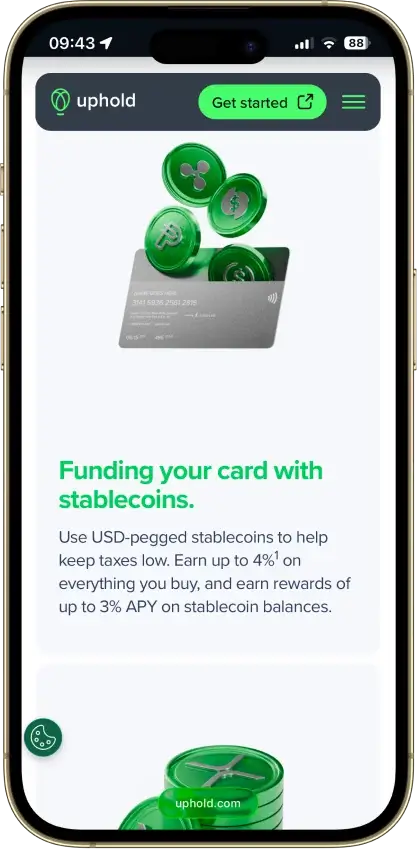
- 4% XRP on crypto-funded spend with Elite
- 0% FX and $0 ATM withdrawals on Elite
- Funds from 200+ assets, metals included
- Fiat and stablecoin funding skips the spread
- US issuer Cross River Bank is an FDIC member
Cons
- Top terms locked to the $99.99/yr Elite tier
- US rewards pay in XRP only, no switching
- Essential adds 1.50% FX and $2.95 ATM fees
- Crypto-funded spend takes a spread, plus tax
- UK card pays 1% GBP, zero on crypto funding




Coinbase Card
Pros
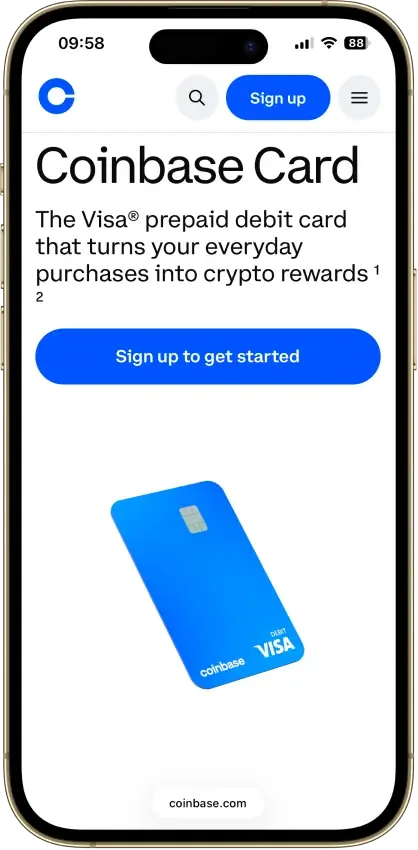
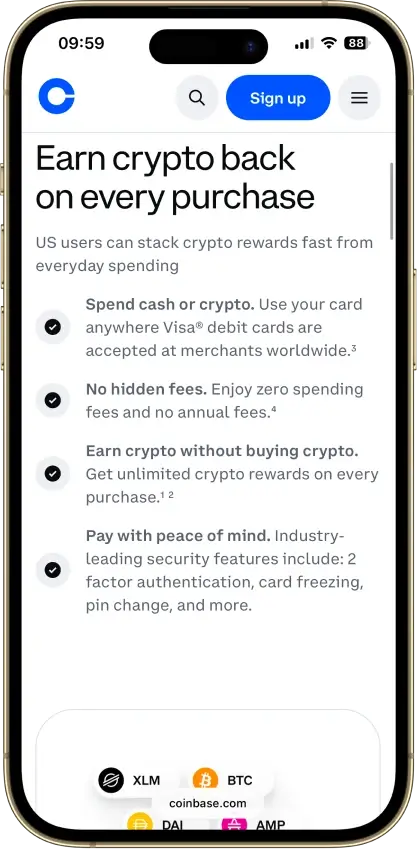
- $0 annual, monthly, and foreign transaction fees
- USD and USDC spend at par with no spread
- No credit check, staking, or lockup to earn
- Instant virtual card plus Apple Pay and Google Pay
Cons
- Crypto spend triggers spread plus taxable sale
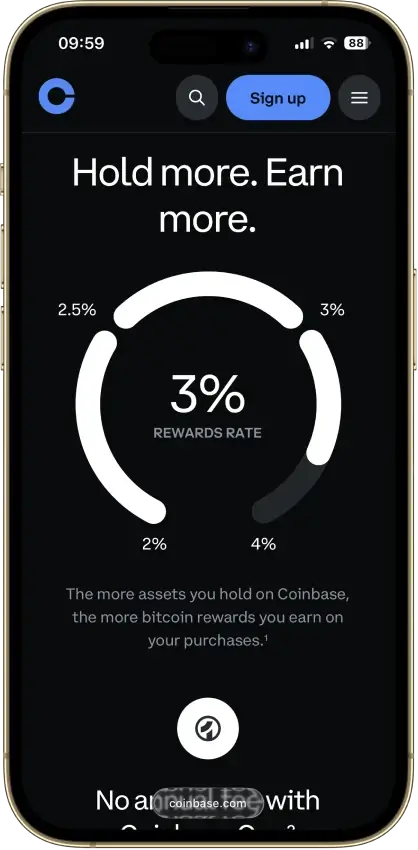
- Reward rates are app-set, never published
- $2,500 daily spend cap binds on big purchases
- US-only rewards, and Hawaii is excluded

Crypto.com Card
Pros
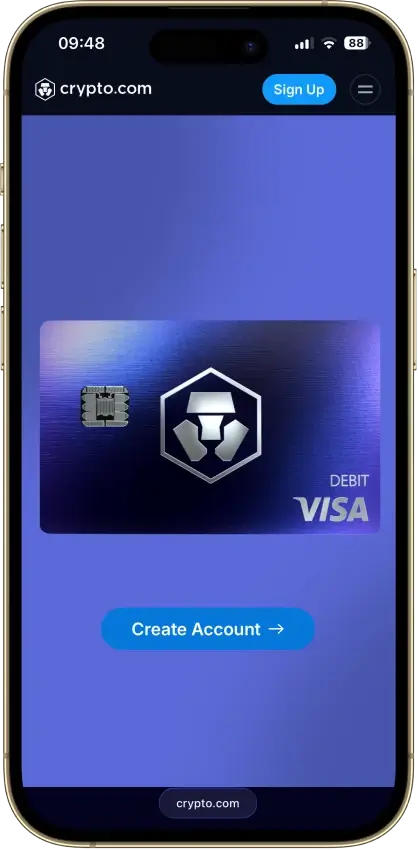
- Free 1.5% base rate, no stake, no subscription
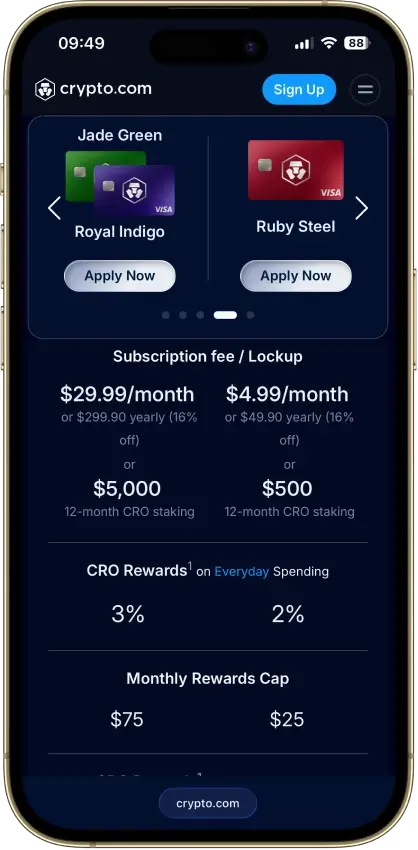
- Reward paid in BTC or CRO on the credit card
- $0 annual fee on both cards
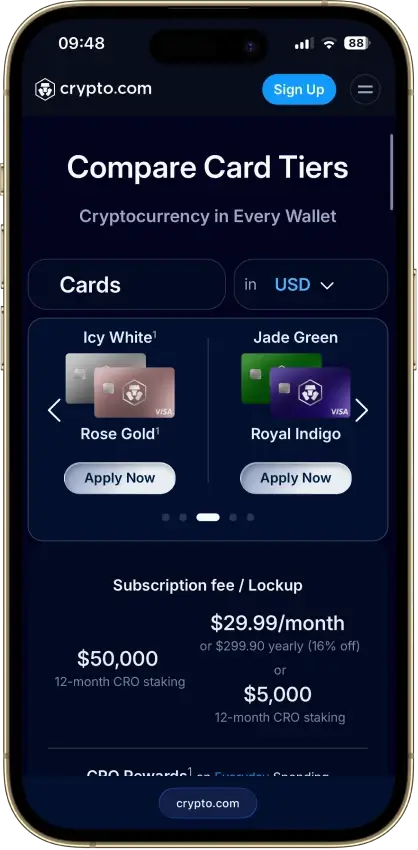
- CRO card: tiered $300 welcome bonus, $5K/90 days
- Instant virtual card with one-tap freeze
Cons
- Prepaid free tier earns 0% cashback
- 3% FX fee on every accessible prepaid tier
- Top rates need $50k–$500k CRO stakes
- Prepaid rewards pay only in volatile CRO
- Crypto top-ups taxed as a sale at load



Stablecoin Support For U.S. Users
Stablecoin support can look similar from a distance. The real difference is whether the card treats stablecoins as the main spend balance or just one funding step before you spend something else.
| Card | Stablecoin Read |
|---|---|
| Gemini Credit Card | Not built around stablecoin spend; better as a credit card than a stablecoin tool |
| Coinbase Visa Debit Card | USDC is the cleanest stablecoin fit for existing Coinbase users |
| Uphold Card | Stablecoins sit beside fiat, crypto, and metals on the same card |
| KAST Card | Built around USDC and USDT deposits as the main spend balance |
| Crypto.com Visa Card | Stablecoins work better as a funding route than a live spend balance |
For a stablecoin-heavy U.S. user, KAST is the clearest fit. Coinbase is the easier USDC option if you already use Coinbase. Uphold works if you want stablecoins plus other asset types on one card. Gemini and Crypto.com are less about stablecoin spending itself and more about credit rewards or tier perks.
Best Crypto Card By User Type
Not every U.S. user is looking for the same thing. Some want a real credit card, some want simple debit-style spending, and others care more about stablecoin spend, funding flexibility, or tiered perks.
| User Type | Best Pick |
|---|---|
| U.S. user who wants a real rewards credit card | Gemini Credit Card |
| Beginner who already uses a major exchange | Coinbase Visa Debit Card |
| User who mainly spends USDC or USDT | KAST Card |
| User who wants the most funding flexibility | Uphold Card |
| User willing to chase perks through tiers | Crypto.com Visa Card |
For most U.S. users, Gemini is the safest default pick. Coinbase is the easier exchange-linked choice if your funds already sit there. KAST is the clearer pick when stablecoins are your everyday balance. Uphold makes more sense when you want several funding sources on one card. Crypto.com fits only if you are comfortable with a more complicated rewards setup and tier commitments.
How We Ranked Crypto Cards For U.S. Users
We ranked these cards for a U.S. user, not for a global crypto card list. The score rewards cards that are actually available, easy to fund, usable for normal spending, and easier to track for U.S. tax reporting.
Each criterion is scored as 0, 0.5, or 1.0. The final score is the criterion score multiplied by the weight, then added across all 10 criteria. A card can still win a specific use case, such as stablecoin spending or multi-asset funding, even if it does not rank first overall.
| Criterion | Weight | Metrics Considered |
|---|---|---|
| Availability And Setup Friction | 1.00 | State coverage, territory exclusions, credit approval, KYC, signup clarity, and whether a new U.S. user can actually get the card |
| Funding Rails And Conversion Path | 1.25 | USD, ACH, wire, debit top-up, stablecoin deposits, crypto conversion, supported assets, and whether the spend balance is easy to understand |
| Real-World Spend Reliability | 1.50 | Visa or Mastercard acceptance, in-store use, online use, mobile wallets, subscriptions, gas, hotels, refunds, and prepaid quirks |
| Rewards Value After Conditions | 1.00 | Cashback rate, caps, eligible categories, reward asset, plan fees, staking, lockups, token exposure, and whether the default user gets the headline rate |
| Fees And Hidden Cost Drag | 1.25 | Annual fee, monthly fee, issuance, replacement, FX, ATM, top-up, spread, conversion costs, and inactivity or partner fees |
| Operational Convenience And Limits | 0.75 | Virtual card speed, physical card delivery, funding-to-spend timing, spend limits, ATM access, refunds, reversals, and cash access |
| App, Controls, And Virtual Card Tooling | 0.75 | Freeze and unfreeze, PIN tools, alerts, virtual cards, Apple Pay, Google Pay, transaction search, and exports |
| Security, Custody, And Freeze Risk | 1.25 | Issuer model, custody model, FDIC or partner-bank treatment where relevant, account security, compliance holds, and freeze and escalation risk |
| Support, Refunds, And Chargebacks | 0.75 | Human support, dispute intake, merchant-first rules, provisional credit, refund timing, chargeback fees, and unauthorized transaction handling |
| Tax And Reporting Readiness | 0.50 | 1099 availability, statements, CSVs, reward records, conversion records, refund records, and whether spending creates taxable disposal tracking |
Score Scale
- 1.0: The card performs well on that criterion for its own card model.
- 0.5: The card is usable, but there is a meaningful condition, limit, exclusion, manual step, or disclosure gap.
- 0.0: The card is unavailable, unclear, unverified, inactive, or too weak on that criterion to reward.
The scoring is model-aware. Gemini is not penalized for being a credit card instead of a stablecoin card. KAST is not penalized for lacking credit-card perks. Crypto.com is penalized when the reward headline depends on Level Up fees, CRO staking, or lockup requirements that a default U.S. user may not maintain.
Taxes When You Spend Crypto In The U.S.
In the U.S., the tax side can look very different depending on what gets sold or converted when you spend. The card type and the funding source decide most of the work.
Here is the quick version of how each balance behaves at checkout:
- Volatile crypto spend: Spending BTC, ETH, or other volatile crypto can create a taxable sale.
- USD spend: Spending USD is usually the cleanest setup with no extra disposal to track.
- Stablecoin spend: Spending stablecoins can reduce price swings, but it can still leave reporting work depending on cost basis.
- Rewards and refunds: Rewards, conversions, refunds, and reversals can add more lines to track during the year.
The card split is fairly clear once these tax rules enter the picture, and each option sits in a different place on the admin scale:
- Gemini: Usually simpler because it is a credit card and you are not spending a crypto balance at checkout.
- Coinbase, Uphold, and KAST: Stay manageable if you mainly spend USD or stablecoin balances and avoid volatile crypto at the till.
- Coinbase, Uphold, KAST, and Crypto.com: Get harder to track once you regularly spend volatile assets through the card.
- Crypto.com: Can get especially messy when tiers, top-ups, rewards, and asset conversions start stacking up.
Before you commit, check whether the platform gives you clean transaction history, usable CSV exports, clear reward and refund records, and tax tool compatibility. That becomes more important the more often you plan to use the card for everyday spending.
Tax Reporting And 1099 Reality
Tax forms do not remove the need to track card activity. A crypto card can create two records: the reward record and the spend or conversion record. Both matter at filing time.
Here is how the five cards line up on form issuance and reporting setup:
- Gemini Credit Card:
- Reward 1099: Issues Form 1099-MISC for U.S. users who earn more than $600 in eligible rewards
- Spend disposal tracking: Not needed because spending uses credit, not a crypto balance
- Admin burden: Lowest of the five cards for a default U.S. user
- Coinbase Visa Debit Card:
- Reward 1099: Issues Form 1099-MISC for U.S. users who earn more than $600 in eligible rewards
- Spend disposal tracking: Required when spending crypto or stablecoin balances at checkout
- Admin burden: Manageable on USD or USDC, heavier on volatile crypto
- Uphold Card:
- Reward 1099: Issues U.S. tax forms for qualifying users based on activity thresholds
- Spend disposal tracking: Required when spending crypto, stablecoins, or metals
- Admin burden: Higher when funding switches across asset types during the year
- KAST Card:
- Reward 1099: Does not currently issue card-specific 1099 forms
- Spend disposal tracking: Required when spending stablecoins, depending on cost basis treatment
- Admin burden: Manageable on stablecoin-only flows, with self-reporting still required
- Crypto.com Visa Card:
- Reward 1099: Does not currently issue card-specific 1099 forms, but may issue account-level forms for other qualifying activity
- Spend disposal tracking: Required when spending crypto or converted balances
- Admin burden: Highest when tiers, lockups, Earn activity, and referrals are stacked
For the lowest admin burden, spend USD or use Gemini as a credit card. If you fund Coinbase, Uphold, KAST, or Crypto.com with crypto or stablecoins, keep exports for purchases, conversions, rewards, refunds, and later sales. Self-reporting still matters even when no form arrives in the mail. The IRS treats the absence of a 1099 as a filing gap, not a filing exemption.
Cash Access And Limits In Real Use
Cash access still matters, especially for trips, emergencies, or users who do not want a card that only works well online. The gap between these cards gets wide once ATM use and card limits enter the picture.
Each card handles cash a bit differently, so it is worth comparing the same fields side by side:
- Gemini Credit Card:
- Cash access type: Cash advance only, with credit-card cash advance terms applied
- ATM limit: Tied to your account credit terms, not a flat daily figure
- Real-world read: Poor fit for regular cash use
- Coinbase Visa Debit Card:
- Cash access type: Standard ATM withdrawals from the card balance
- ATM limit: Daily cap is shown inside the Coinbase app
- Real-world read: Fine for occasional cash without being a primary cash card
- Uphold Card:
- Cash access type: Standard ATM withdrawals across both Essential and Elite plans
- ATM limit: Essential up to $500 daily, Elite up to $2,000 daily
- Real-world read: Better when cash use is a regular part of your plan
- KAST Card:
- Cash access type: Standard ATM withdrawals tied to KAST limits and tier
- ATM limit: $250 per withdrawal and $750 per 24 hours
- Real-world read: Works as a backup, not a cash-heavy card
- Crypto.com Visa Card:
- Cash access type: Standard ATM withdrawals with tier-based free allowance
- ATM limit: Free allowance depends on tier, with charges applied above the limit
- Real-world read: Better for travel backup than for frequent cash withdrawals
If cash access is part of the plan, Gemini drops out of the running. KAST works, but it is capped more tightly than the others. Coinbase keeps things simple for occasional cash. Uphold and Crypto.com can go further on volume, but only if their pricing and tier setup already suit the way you plan to use the card week to week.
How To Apply For A Crypto Card In The U.S.
Most U.S. users do not need a long application guide. They need the few steps that actually decide whether the card goes live fast, gets delayed in review, or turns awkward once real spending starts.
Here is the short flow that covers most U.S. signups across the cards on this page:
- Pick the card style you want: credit card, debit card, or prepaid.
- Check whether your state is supported by the platform you choose.
- Complete identity verification and any extra U.S. checks.
- Add funding or link the required account.
- Activate the virtual card first if available.
- Add the card to Apple Pay or Google Pay if supported.
- Make a small first purchase before moving recurring bills over.
That small test can save a lot of hassle in the first week. It helps you catch approval issues, KYC delays, wallet link failures, merchant declines, and funding problems before you trust the card with subscriptions, travel bookings, or bill payments.
Common U.S. Spending Problems To Check Before You Commit
Gas stations, hotels, subscriptions, refunds, and travel are where card friction tends to show up first. A crypto card can work fine for standard purchases and then become unreliable once pre-authorizations, recurring rebills, or delayed reversals are involved.
Hotels and gas stations are the first things to test. Pre-authorizations can lock more than the final charge for a while, and refunds can move slowly, especially when rewards or asset conversions sit in the middle of the flow.
Subscriptions can also be less reliable than they look. Recurring payments may fail if the card number changes, the balance is short, the wallet link breaks, or a compliance review temporarily limits card activity. Some merchant categories may also be blocked or handled differently depending on issuer.
ATM fees, FX charges, and mobile wallet setup are worth checking before you rely on the card for daily spend. The safest approach is to test one small online purchase, one in-store tap payment, and one refund-sized transaction before moving over subscriptions, travel bookings, or larger everyday spend.
Refunds, Reversals and Disputes
This is one of the first places where a card can feel worse than a normal bank card. The key question is not whether disputes exist, but how clear the path is when a refund stalls or a charge looks wrong.
Each card handles disputes through its own flow, and the same fields are worth checking before you commit:
- Gemini Credit Card:
- Dispute path: In-app issue flow or phone support through the card issuer
- What helps: Temporary credit during dispute review on most cases
- Main watchout: Cases can take up to 90 days to fully resolve
- Coinbase Visa Debit Card:
- Dispute path: Merchant first, then phone or email card support
- What helps: Dedicated card support line and instant in-app card lock
- Main watchout: Merchant refunds can take up to 10 days, and disputes may cost rewards
- Uphold Card:
- Dispute path: Freeze or cancel in app, then fraud phone and email support
- What helps: Fast security steps and instant new virtual card issuance
- Main watchout: Formal dispute steps are less clearly laid out than rivals
- KAST Card:
- Dispute path: Freeze card, contact merchant, then file a chargeback claim
- What helps: Clear steps and approved refunds land in the KAST cash balance
- Main watchout: Review can run long on harder or higher-value cases
- Crypto.com Visa Card:
- Dispute path: In-app dispute form with supporting documents attached
- What helps: Provisional credit on fraud claims for eligible users
- Main watchout: Usually 30 to 45 days, with merchant-first rules still applied
Gemini, Coinbase, KAST, and Crypto.com make the dispute path fairly visible. Uphold is better on lock and freeze controls than on clearly published dispute detail. If refunds and chargebacks are a big part of how you use cards, that difference is worth weighing before you commit to one of these as your main card.
