Solflare Wallet Review: Security, Fees, Features and Supported Chains

Verified Review
Published Updated

Solflare Wallet is a self-custodial Solana wallet offered as a web app, browser extension, and mobile app. This review covers Solflare’s security model, features, fees, and supported networks in a structured format aligned with current wallet search intent. It focuses on how the wallet works in practice, where risks exist, and what users should verify before moving funds.

Yousra Anwar Ahmed
Reviewed by
George Ong
Fact-checked by

Solflare Overview

Product Name Solflare
Wallet Type Multi-platform wallet
Custodial Status Non-custodial
Supported Blockchains Solana
Token Standards SPL
Platforms iOS, Android, Browser extension, Desktop (Windows)
Hardware Wallet Support Yes
Built-in Swaps Yes
Staking Support Full
Open-source Partially open-source
Fiat On-ramp Yes
Supported Hardware Wallets Ledger
Hardware Connection Methods USB, Bluetooth

Solflare Screenshots

Solflare Pros and Cons

Pros

  • Solana-native design
  • Multiple platform support
  • Hardware signing options

Cons

  • Limited multi-chain scope
  • No clearly published wallet audit report
  • No account abstraction features

Quick Facts

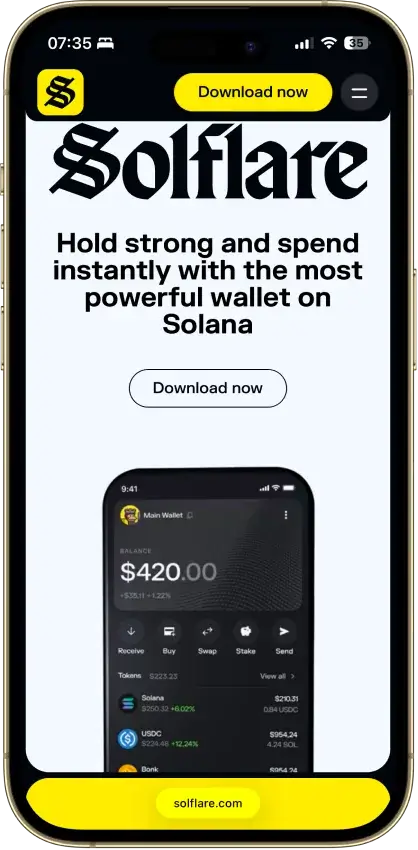
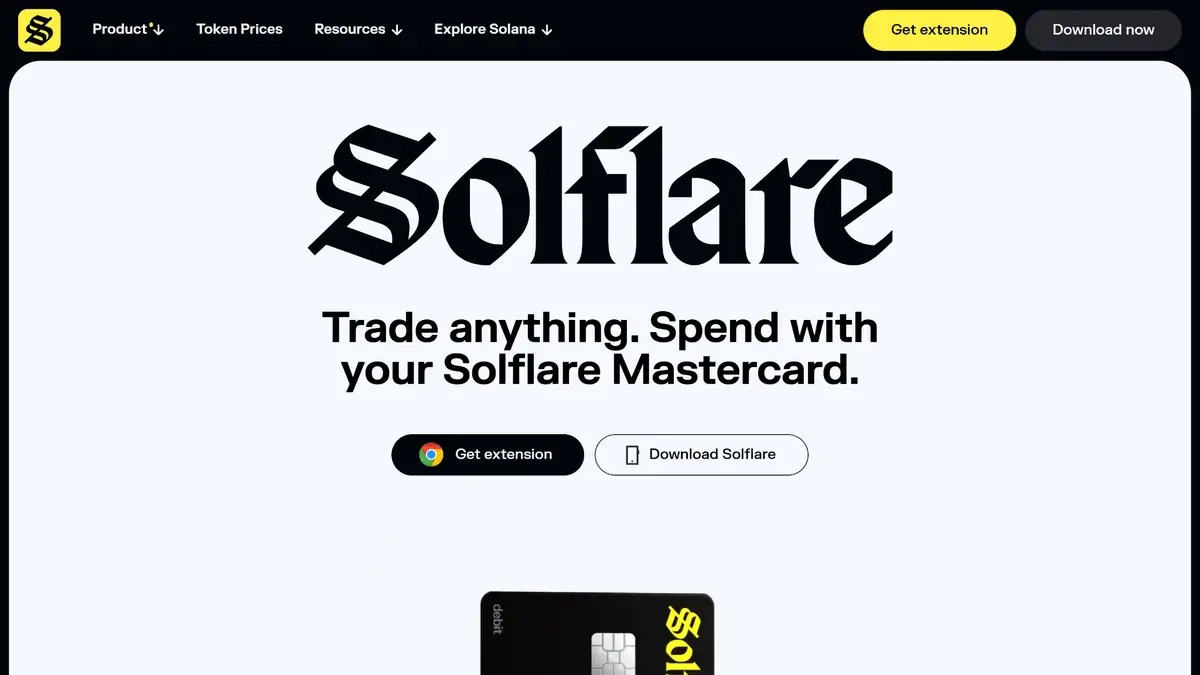
Solflare homepage hero showing “Trade anything. Spend with your Solflare Mastercard” with extension and download buttons.

Solflare is designed for users who primarily operate on Solana. It combines token and NFT management with in-wallet swaps, staking, and dApp connectivity.

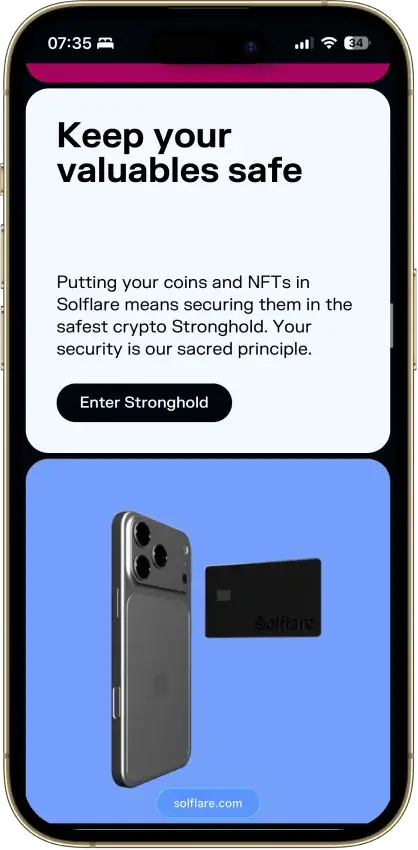
Solflare also offers hardware integrations and a branded hardware device called Solflare Shield. Fiat purchase flows and a crypto card are available through third-party providers and regional programs.

CategoryDetails
Wallet typeHot wallet (software) with optional hardware signing support
Custodial statusNon-custodial (self-custody)
Supported blockchainsSolana mainnet; devnet and testnet options
Token standardsSOL and SPL tokens; Solana NFTs
PlatformsWeb app, browser extension, iOS, Android
Hardware wallet supportLedger, Keystone, Solflare Shield
Built-in swapsYes (aggregator-based routing)
Staking supportYes (native SOL staking; instant unstake option)
Open-sourcePartial components public; full scope not clearly disclosed
Fiat on-rampYes (third-party providers)

Solflare fits users who are Solana-first and want staking and swaps inside one interface. It is less suitable if you need native multi-chain management across Ethereum and other ecosystems.

What Is Solflare?

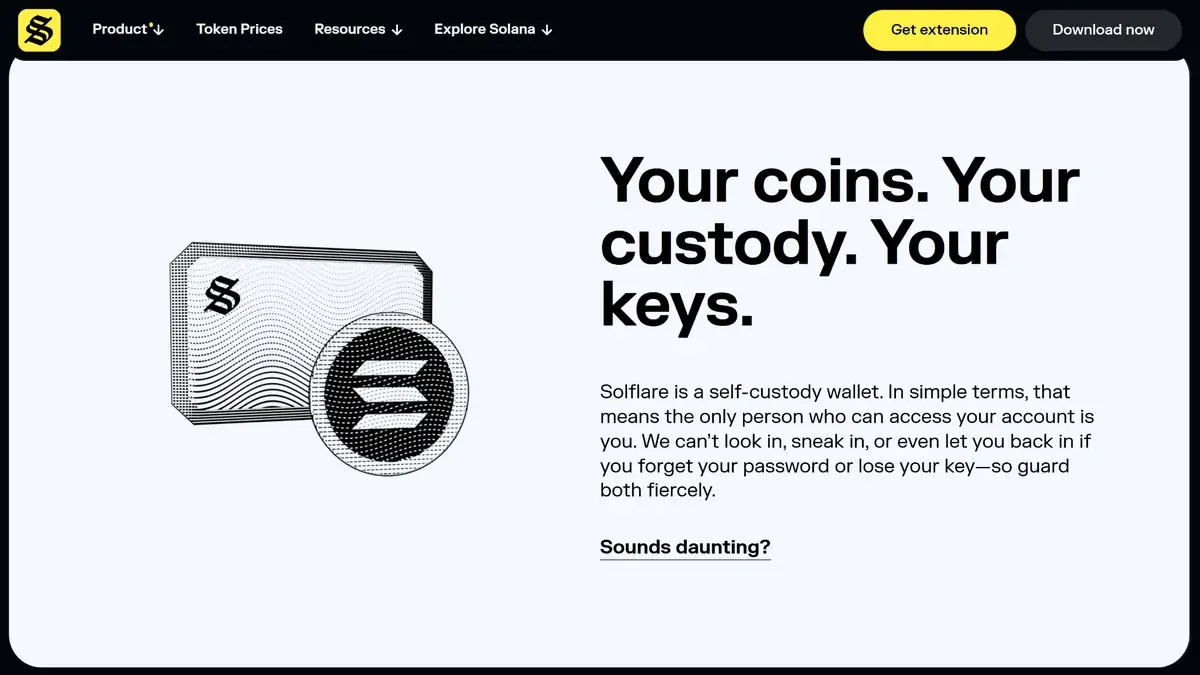
Solflare product page section reading “Your coins. Your custody. Your keys.” explaining self-custody security.

Solflare is a non-custodial digital wallet built for accessing the Solana blockchain. It allows users to store, send, receive, swap, and stake SOL and SPL tokens across web, extension, and mobile interfaces.

As a self-custody wallet, Solflare does not store your recovery phrase or private keys. Access to funds depends entirely on user-controlled credentials and signing approvals.

Transaction Signing and Multi-chain Structure

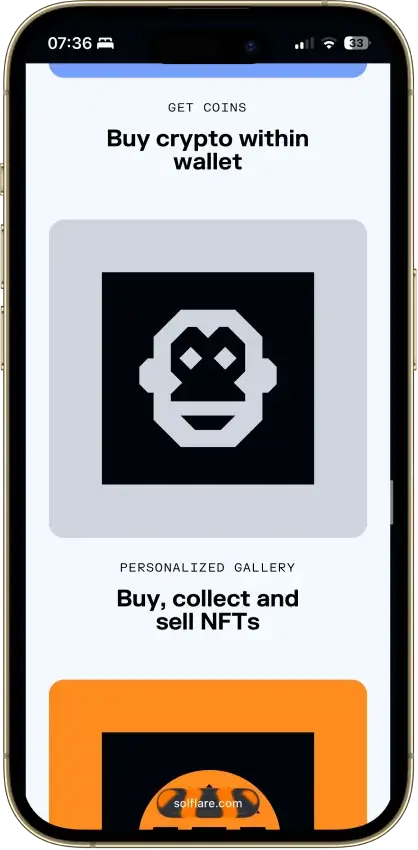
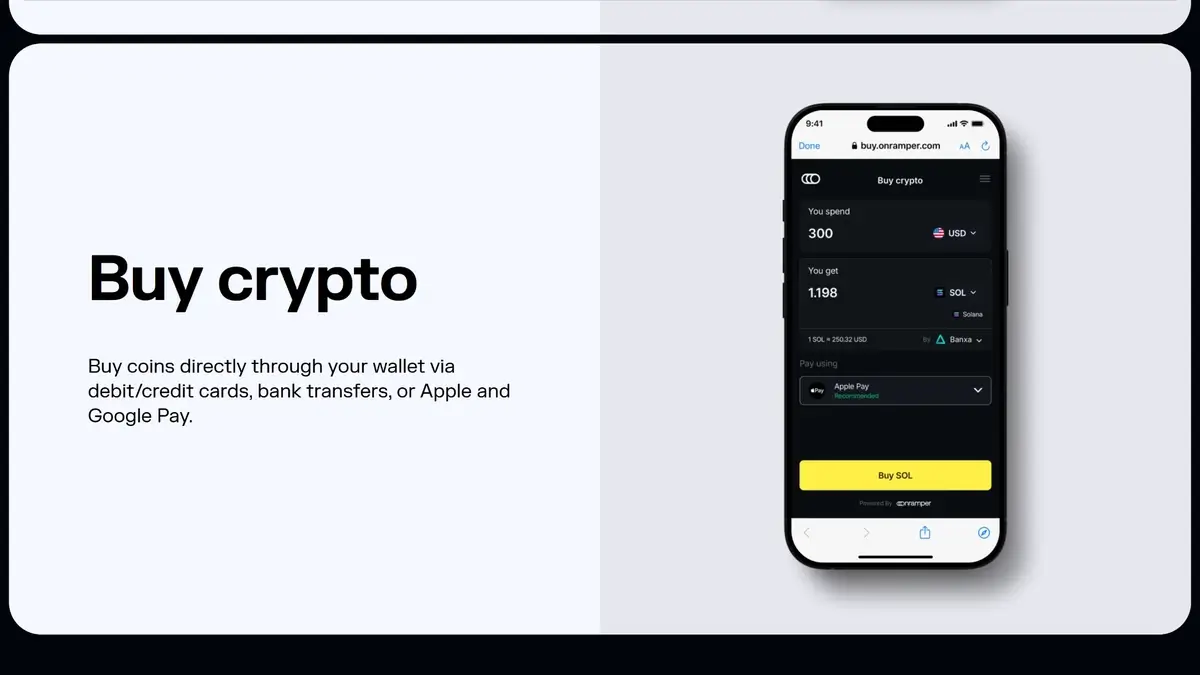
Solflare buy crypto screen showing an in-wallet on-ramp flow to purchase SOL using card, bank transfer, Apple Pay, or Google Pay.

Solflare focuses on Solana-native workflows. Users can manage SOL balances, SPL tokens, and Solana NFTs within a unified dashboard. Portfolio views aggregate token balances and collectibles under one interface.

In-wallet swaps route through an aggregator model. Pricing depends on liquidity, route selection, slippage tolerance, and network conditions. Users must maintain SOL to pay network fees during swaps.

SOL staking is integrated directly into the wallet. Users can delegate to validators and choose standard unstaking or an optional instant unstake that applies a liquidity-based fee.

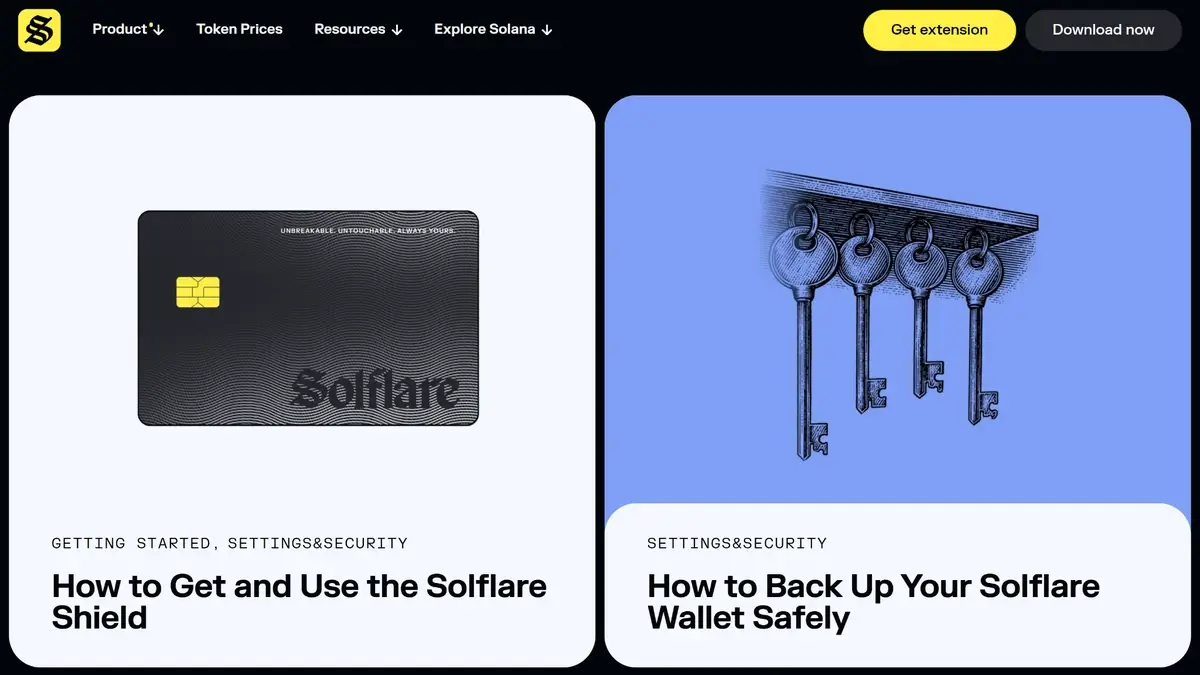
Hardware signing is supported through Ledger and Keystone integrations. Solflare also offers its own hardware wallet product, Solflare Shield, designed to keep private keys isolated from internet-connected devices.

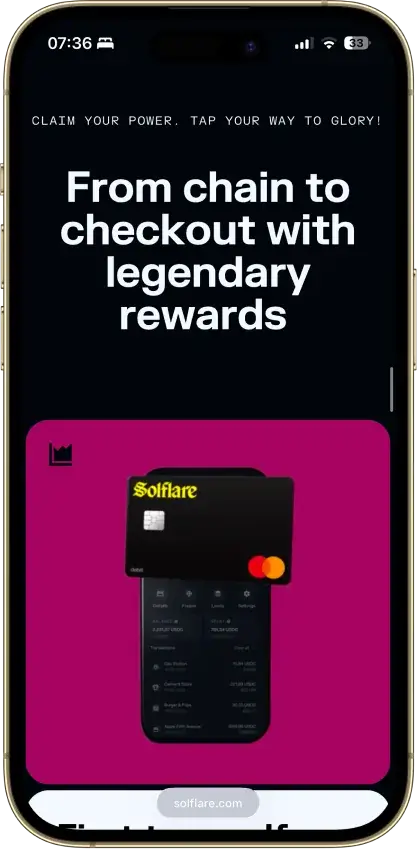
Fiat purchases are handled through third-party on-ramp providers embedded within the wallet. Card functionality allows spending supported balances in eligible regions, subject to provider verification requirements.

Security warnings appear during transaction signing, particularly when interacting with dApps or approving token delegations. Users must review permissions carefully before confirming.

Supported Blockchains and Assets

Solflare token prices dashboard showing top gainers and a table of Solana ecosystem tokens with buy buttons.

Solflare primarily supports the Solana blockchain. Users can switch between mainnet, devnet, and testnet environments within settings.

On mainnet, the wallet supports SOL and SPL tokens, along with Solana NFTs. Token management relies on Solana’s associated token account model, which may require account creation fees for new assets.

Solflare offers a bridge interface for moving assets between Solana and certain EVM ecosystems. This process requires interacting with external crypto wallets and paying gas fees on the originating chain.

BlockchainToken StandardNFT SupportNotes
Solana MainnetSOL, SPLYesPrimary network for real assets
Solana DevnetTest SOL, SPLLimitedTesting only; no real value
Solana TestnetTest SOL, SPLLimitedValidator testing environment
EVM networks (via bridge)ERC-20 (external wallet)NoRequires external wallet and gas fees

Users seeking unified Ethereum, Bitcoin, and multi-chain support inside one native wallet may find Solflare limited compared to broader ecosystem wallets.

Fees and Cost Structure

Solflare itself does not set base network gas fees. Solana transaction fees are determined by the network and paid in SOL.

Users may also encounter token account creation costs when receiving a new SPL token. This is a one-time network requirement tied to Solana’s account structure.

Swap costs vary depending on route selection, slippage tolerance, and liquidity depth. Price impact and execution spreads affect final received amounts.

Staking includes validator commissions set by validators. Instant unstake functionality applies a liquidity-based percentage fee.

Fiat purchases and card usage involve third-party processing fees and potential foreign exchange spreads.

Fee TypeWho Sets ItTypical RangeNotes
Solana transaction feeSolana networkVery low base feePaid in SOL
Token account creationSolana protocolOne-time costApplies to new SPL token accounts
Swap slippageMarket liquidityVariableUser-configurable tolerance
Validator commissionValidatorVariablePercentage of staking rewards
Instant unstake feeLiquidity providerVariable percentageDepends on liquidity
Fiat on-ramp feeThird-party providerVariableDepends on region and payment method

Exact total cost depends on transaction type, network congestion, and liquidity conditions.

Security Architecture

Solflare guides page for Settings & Security featuring articles on Solflare Shield and backing up your wallet safely.

Solflare operates as a non-custodial wallet. Private keys and recovery phrases are controlled by the user and are not stored by the company.

If a recovery phrase is lost and no backup exists, access to funds cannot be restored. Support cannot reverse blockchain transactions.

Most reported wallet compromises occur through phishing sites, malicious dApps, fake wallet applications, or token delegation approvals. Users must verify URLs and review transaction prompts before signing.

Hardware wallet integration reduces the risk of key extraction from compromised devices. Signing occurs on a separate hardware device when using supported integrations.

Solflare publishes some components publicly, but the full open-source scope of the wallet software is not clearly documented.

Security Summary:

  • Non-custodial architecture with user-controlled recovery phrase
  • Hardware wallet integrations available
  • dApp signing permissions can grant spending rights
  • Phishing remains the primary risk vector
  • Transactions are irreversible once confirmed

Setup and Usability

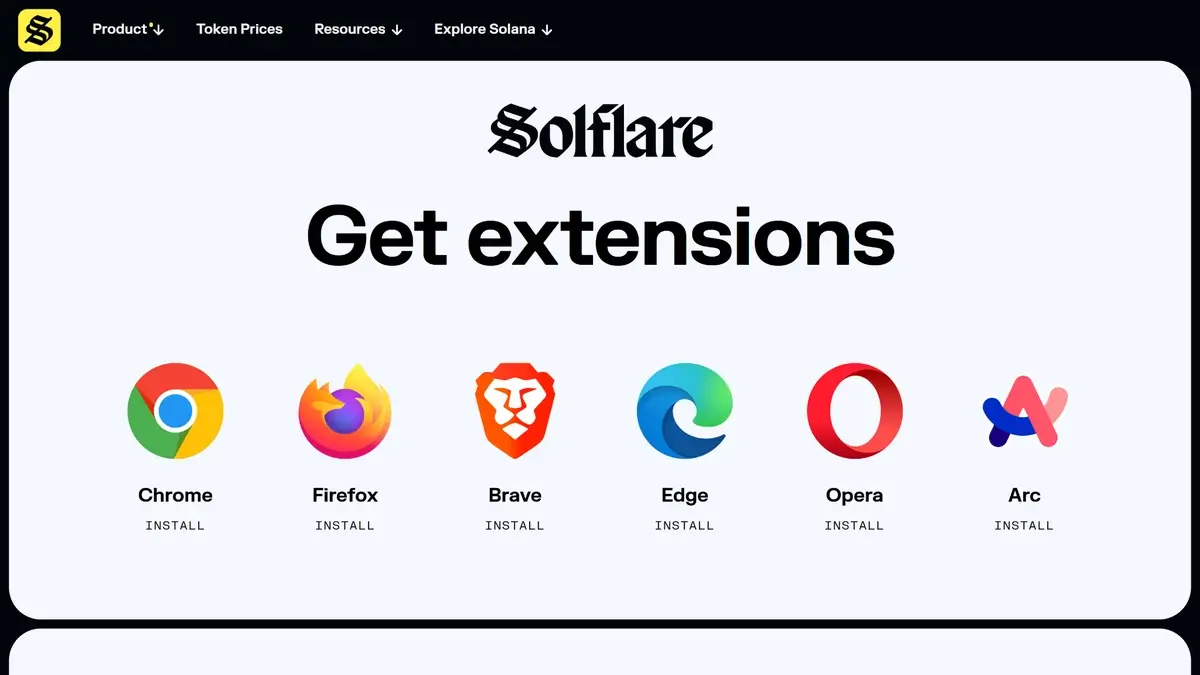
Solflare get extensions page with browser options for Chrome, Firefox, Brave, Edge, Opera, and Arc.

Solflare can be accessed through its web application, browser extension, or mobile apps on iOS and Android. Official download sources should be used to avoid counterfeit applications.

Creating a wallet involves generating a recovery phrase and setting a local password. The recovery phrase must be stored offline and never shared.

Existing wallets can be restored using the recovery phrase. Hardware wallets can be connected during setup for external signing.

Sending crypto requires selecting the token, entering the recipient address, confirming the correct network, and approving the transaction. Users must maintain a small SOL balance for fees.

Common usability errors include sending tokens on the wrong network, approving malicious token delegations, or swapping away all SOL needed for fees.

How to Stake with Solflare

olflare guide page explaining how to get your Solflare Card with step-by-step setup inside the Solflare app.

Solflare supports native SOL staking from inside the wallet. Native staking creates a stake account, which can take time to activate.

  1. Open Solflare and unlock your wallet.
  2. Go to the “Staking” tab on the Portfolio screen.
  3. Tap “Stake” to start a new stake.
  4. Enter the SOL amount you want to delegate, then tap “Next”.
  5. Review the validator details shown in the staking flow.
  6. Tap “Stake” and approve the transaction.
  7. Check the Staking tab to confirm your stake account appears.

Solflare’s staking guide notes a temporary 0.002 SOL fee to open each stake account. It also notes staking can take up to 3 epochs (roughly 6 days) before rewards accrue.

Where to Find Your Solflare Recovery Phrase

Solflare lets you export a recovery phrase for eligible software accounts. If you are using Solana Snap through MetaMask, the recovery phrase is managed in MetaMask.

  1. Open Solflare mobile and go to the “Portfolio” tab.
  2. Tap the account switcher icon.
  3. Select the account you want to back up.
  4. Tap the three dots menu next to the account.
  5. Tap “Export Recovery Phrase”.

How to Send from MetaMask to Solflare

MetaMask is primarily an EVM wallet, while Solflare is a Solana wallet. Sending from MetaMask to Solflare usually means bridging an EVM asset to Solana, or sending from MetaMask’s Solana Snap to a Solana address.

If your asset is on an EVM network (Ethereum, Polygon, and similar):

  1. Confirm you have enough gas in MetaMask for the source network fee.
  2. Open Solflare’s official bridge page in a browser.
  3. Click “Connect MetaMask” and approve the connection.
  4. Select the source asset and enter the amount to bridge.
  5. Review the quote and fees shown in the bridge interface.
  6. Confirm the transaction in MetaMask and pay the gas fee.
  7. After completion, check Solflare “Portfolio” for the received Solana-based tokens.

How Do You Deposit and Withdraw Using Solflare Wallet?

  1. Open Solflare and copy your Solana receive address, or use the QR code.
  2. On the sending platform, select the Solana network for the transfer.
  3. If you are sending an SPL token, confirm the exchange supports that token.
  4. To withdraw from Solflare, select the token and paste the recipient address.
  5. Review fees and keep enough SOL for network fees, then confirm the send.
  6. If your SOL is staked, choose between standard unstake (waits for cooldown) and instant unstake (charges a percentage fee).
TaskCommon MistakeWhat to Verify
DepositWrong network selectedConfirm Solana network
DepositUnsupported SPL tokenConfirm exchange token support
WithdrawInsufficient SOL for feesMaintain SOL buffer
UnstakeExpecting instant liquidityReview unstake option selected

Performance and User Experience

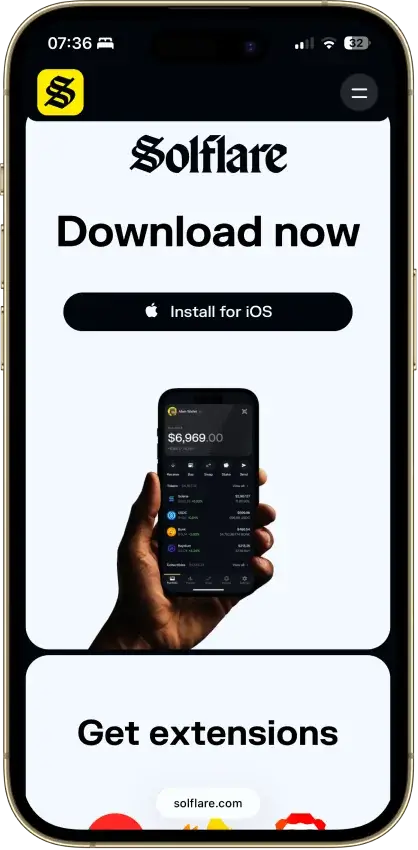
Solflare download page highlighting the mobile wallet app with an Install for Android button and phone preview.

Performance depends on Solana network conditions. Under congestion, confirmations may be delayed or require retries.

The interface groups tokens, NFTs, staking, and swaps within one dashboard. Network switching is accessible from settings.

Extension updates appear periodically in browser stores. Stability largely depends on device security and network connectivity.

Customer Support and Documentation

Solflare maintains a help center covering setup, staking, swaps, NFTs, and security topics. Articles address common transaction failures and scam scenarios.

Support channels provide assistance for technical issues but cannot recover lost recovery phrases or reverse transactions.

Security education focuses heavily on phishing awareness and transaction approval review.

Advantages

  • Solana-focused design with integrated staking and swaps
  • Hardware wallet compatibility
  • Built-in NFT management
  • Mobile and browser availability

Limitations

  • Limited native multi-chain support
  • Variable swap and on-ramp costs
  • Self-custody risks cannot be reversed
  • Full open-source scope not clearly documented

Comparison With Other Wallets

Solflare competes primarily with other wallets used in the Solana ecosystem and broader multi-chain wallets that include Solana support.

Some competitors prioritize multi-chain coverage across Ethereum, Bitcoin, and additional networks. Solflare instead concentrates on deeper Solana-native integration.

Wallet selection depends on whether users prioritize ecosystem breadth or Solana specialization.

WalletTypeKey StrengthLimitationBest For
SolflareNon-custodial hot walletSolana-native staking and swapsLimited native multi-chain scopeSolana-focused users
Phantom WalletNon-custodial walletMulti-chain coverageBroader interface complexityCross-chain users
Trust WalletNon-custodial walletWide chain supportSolana depth variesMulti-chain holders
MetaMask + SnapExtension-basedEVM hub with Solana add-onAdded permission layerExisting MetaMask users

Regulatory and Tax Considerations

Solflare does not automatically report transactions to tax authorities. Users are responsible for tracking gains, losses, and staking rewards.

Transaction history can be reviewed within the wallet and exported for external reporting tools.

Fiat on-ramps and card usage may require identity verification depending on region.

Users should reconcile on-chain activity with their local tax framework before filing.

Final Verdict

Solflare is a solid Solana-first self-custody wallet with strong dApp compatibility plus built-in staking, swaps, NFTs, and hardware signing options (including Solflare Shield), but it’s not a multi-chain generalist and the public security transparency signals (like a clear audit or bug bounty) aren’t easy to verify. Use it if you mostly live on Solana and can practice strict signing hygiene.

Overall Score

6.0

Best For

Users primarily active within the Solana ecosystem.

PROS

  • Solana-native design
  • Multiple platform support
  • Hardware signing options

CONS

  • Limited multi-chain scope
  • No clearly published wallet audit report
  • No account abstraction features
Solflare mobile screen promoting “Around-the-clock human support” with a “Let’s talk” live chat button.
Affiliate Disclosure

Disclaimer: CryptoSlate may receive a commission when you click links on our site and make a purchase or complete an action with a third party. This does not influence our editorial independence, reviews, or ratings, and we always aim to provide accurate, transparent information to our readers.

FAQ

Is Solflare safe?

Solflare uses a self-custody architecture where users control their recovery phrase. Safety depends on secure storage practices and cautious transaction approvals. Hardware wallet integration reduces device-level risks but does not eliminate phishing threats.

Why isn't Solflare Card valid in the USA?

Solflare’s public eligibility information lists residents of the EEA and the UK, plus other countries approved case by case. The USA is not listed as a standard eligible region at the time of writing.

Solflare’s card launch announcement described an initial rollout in the UK and EEA, with other regions planned later. If you apply in the Solflare mobile app and your region is unsupported, the application can be declined because the card is unavailable in that region.

Does Solflare charge fees?

Solflare does not set network gas fees. Users pay Solana network fees and any applicable swap, staking, or on-ramp charges. Exact costs vary depending on liquidity and transaction type.

Can I use Solflare on mobile and desktop?

Solflare supports web, browser extension, and mobile applications. Features are available across platforms with similar functionality.

How do I withdraw from Solflare?

Select the token, confirm the recipient address, review the network, and approve the transaction. Ensure sufficient SOL is available for fees.