Released in 2022
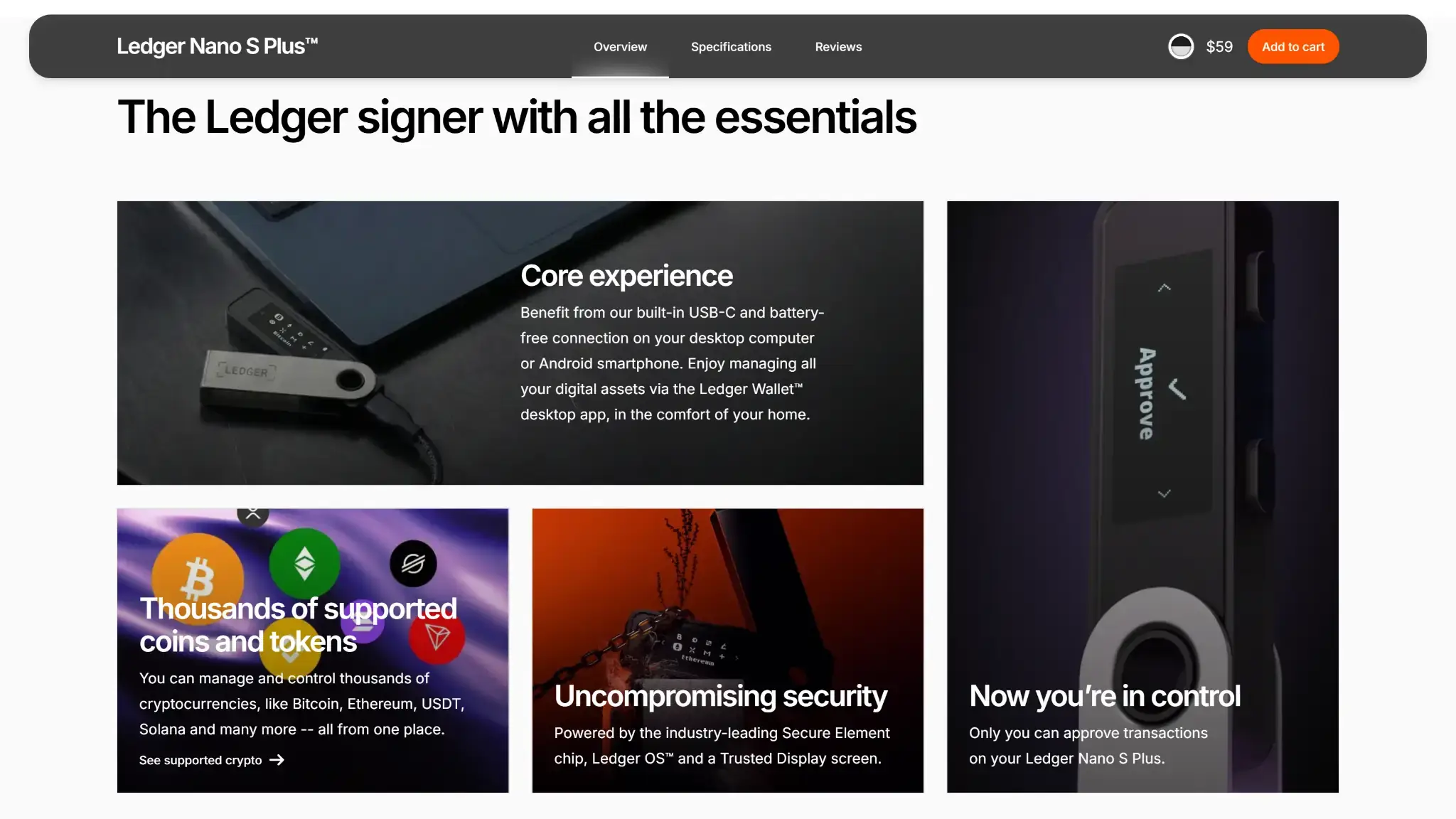
- USB signing for desktop and Android
- Separate screen with physical buttons
- 24-word backup with optional passphrase
Ledger Nano S Plus Overview
- Crypto Wallet Name
- Ledger Nano S Plus
- Release Date
- 2022
- Wallet Type
- Hardware wallet
- Custodial Status
- Non-custodial
- Built-in Swaps
- Yes
- Open-source
- Partially open-source
- Fiat On-ramp
- Yes
Additional details
- Supported Blockchains
- Bitcoin, Ethereum, BNB Smart Chain, Avalanche, Tron, Arbitrum, Base, Optimism, Polygon, Solana
- Token Standards
- ERC-20, BEP-20, SPL, TRC-20
- Platforms
- Android, Desktop (Windows), Desktop (macOS), Desktop (Linux), iOS, Browser extension
- Hardware Wallet Support
- No
- Staking Support
- Limited
- Hardware Connection Methods
- USB
Ledger Nano S Plus Screenshots
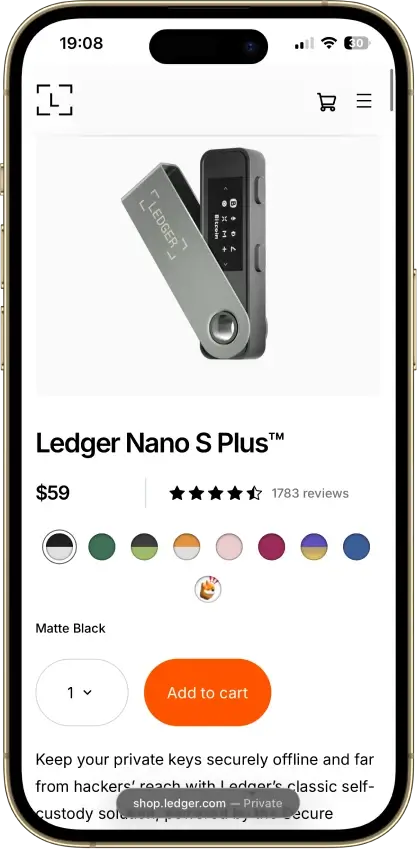
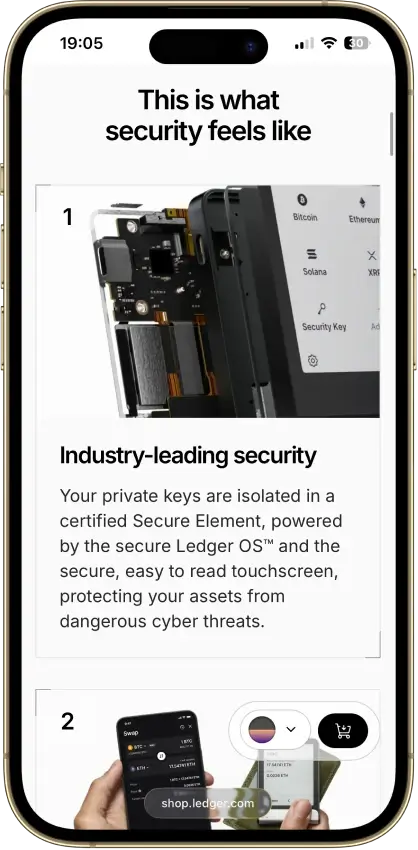
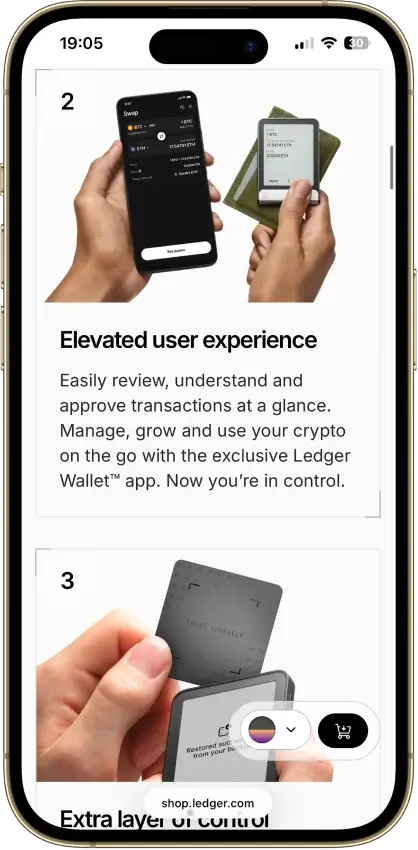
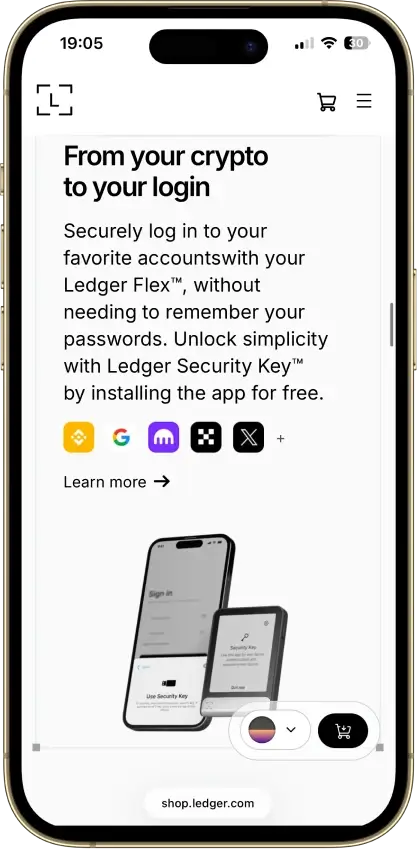
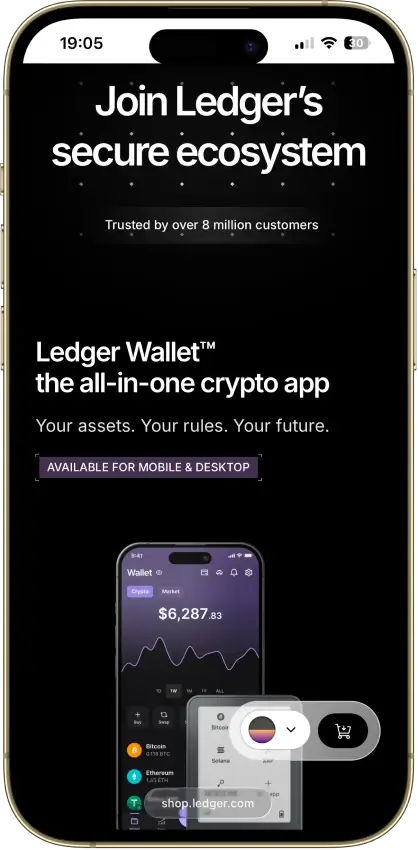
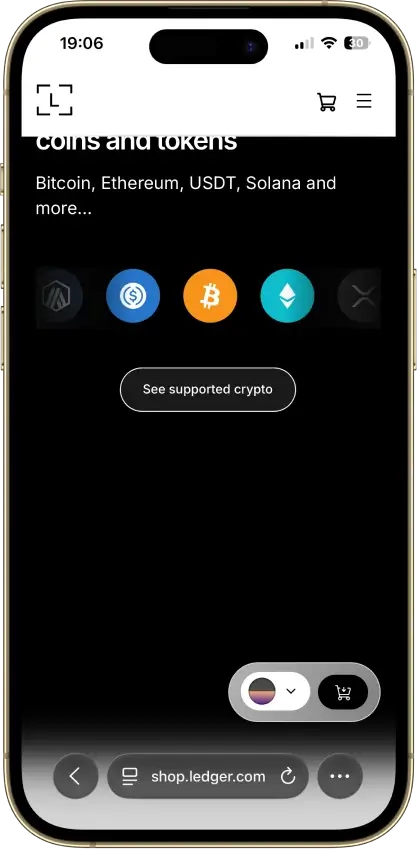
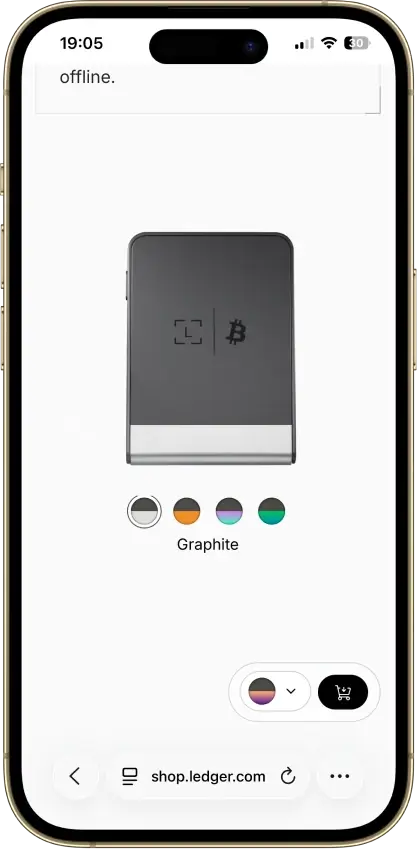
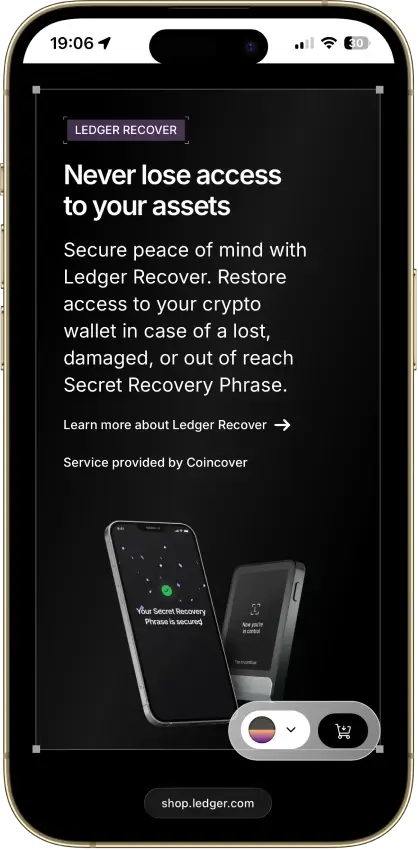
Screenshot 1 of 8
Ledger Nano S Plus Pros and Cons
Pros
- CC EAL6+ certified Secure Element
- Battery-free operation
- Public companion and app code
- Recovery Check backup validation
- Third-party wallet integrations
Cons
- No iPhone signing support
- Small screen and button navigation
- Low-level firmware remains closed
- Blockchain apps need separate updates
- Optional recovery adds provider trust
Our Verdict on Ledger Nano S Plus
7.0/10. Nano S Plus suits a desktop-first owner who wants a separate signing device and accepts USB cables and button navigation. Ledger Wallet brings common assets and optional transaction services into one companion app. It is unsuitable for iPhone users or anyone who requires fully open firmware. Frequent complex-contract signing also demands patience with the small screen. Ledger's incident history deserves attention before entrusting it with a portfolio.
| Key Fact | Ledger Nano S Plus |
|---|---|
| Wallet type | USB-connected hardware wallet |
| Custody | User-controlled keys in ordinary use, optional provider-assisted recovery |
| Platforms | Windows, macOS, Linux and Android through compatible USB connections, not iOS signing |
| Connectivity | USB-C cable to desktop or Android, no Bluetooth, no battery |
| Display | 1.1-inch monochrome OLED, two buttons |
| Secure Element | ST33K1M5, chip certification CC EAL6+ |
| Code transparency | Public companion/app code, closed low-level device firmware |
| Advertised price | Ledger lists $59, final regional offer and checkout costs vary |
| Assets | Native companion support plus separate third-party wallet integrations |
| Recovery | 24-word backup, optional passphrase, optional paid Ledger Recover |
| Buy, swap and stake | Third-party services with their own costs and eligibility |
| Company | Ledger |
What Is Ledger Nano S Plus?

Ledger makes the Nano S Plus and its companion software, renamed from Ledger Live to Ledger Wallet. The hardware signs transactions. Your assets remain on their respective blockchains, while the companion displays accounts and prepares operations for the device.
Nano S Plus is distinct from the original Nano S. Ledger still lists the Plus in its current store. It connects by cable and takes power from the connected device, so charging a battery is not part of ownership. A compatible computer or Android phone is necessary when you want to use it.
Features advertised for the broader Ledger range, such as Bluetooth or a large touchscreen, do not become Nano S Plus features just because they use the same companion app.
Ledger Nano S Plus Security and Incident History
What the Secure Element Protects
The ST33K1M5 Secure Element handles sensitive operations within Ledger's device architecture. Its CC EAL6+ certification describes the chip's evaluated security properties. It does not certify the safety of every app, transaction service or action approved on the wallet.
Ledger publishes companion software, device-app and SDK code, but the low-level firmware includes closed components. Owners therefore retain a dependency on Ledger's firmware and update process. Public app code is useful for scrutiny without making the entire device fully open-source.
The screen gives you a place to inspect transaction information separately from your computer. That protection depends on the app correctly interpreting and displaying the operation. If the device cannot explain an approval, the physical button press alone does not make it safe.
Customer Data and Connect Kit
Ledger's 2020 e-commerce breach exposed customer contact information, with about 272,000 detailed records reported in its December update. That was not a device seed-extraction incident. It still created opportunities for convincing phishing and threats directed at known wallet owners.
In December 2023, malicious versions of Ledger Connect Kit reached third-party dApps after a former employee's account was compromised. Deceptive transaction prompts led users to sign operations that drained funds. Ledger replaced the compromised package. The incident did not require extracting keys from the hardware, as CryptoSlate's Connect Kit reporting explains.
January 2026 brought another customer-data incident through Global-e, a commerce provider used for some Ledger orders. BleepingComputer reported that names and contact information were exposed, while payment details and account credentials were not compromised. Ledger said recovery phrases were not held in the exposed order system. Global-e said it had isolated and secured affected systems and was notifying customers and regulators. Owners should treat unexpected support messages with suspicion, even when the sender knows details of an order.
The 2026 Monero and Ethereum App Fixes
Ledger's June 2026 Monero disclosure described a flaw that could expose secret view and spend keys. Exploitation required a compromised host, an affected Monero app running on an unlocked device and access to its command interface. 1seal lists the Monero protocol finding in its published research record. Ledger identifies Monero app 2.1.4 as the fix for that issue. Install the current Monero app, not the older 2.1.4 release.
An August disclosure concerned the shared SDK: a compromised host could alter signing parameters during on-screen review in affected apps, including Ethereum. Ethereum app 1.22.2 addressed this command-interleaving flaw at app level. Ledger also corrected the shared SDK and rebuilt apps. Decrypt reported that OneKey researchers reproduced the problem using an older Ethereum app.
Two other August disclosures affected the Ethereum app. A parsing flaw could hide operations in an unusually large batch. A swap flaw could substitute an approval for a payment, bounded to the agreed asset, amount and provider deposit address. That approval would require a separate transaction to move funds. Both flaws required the fixes in Ethereum app 1.22.3, so 1.22.2 was insufficient. CryptoSlate covered the separate fixes and release timing.
Ledger reported no evidence of user exploitation for the command-interleaving and swap flaws. The disclosed parsing demonstration used a private network fork without real funds.
Keep both firmware and installed blockchain apps current. Updating firmware alone does not replace an affected app. The Secure Element and separate display still rely on the installed apps to handle signing correctly.
Ledger Nano S Plus Supported Coins
Bitcoin, Ethereum, Solana and XRP are among the assets named in the product's native Ledger Wallet support. Other assets depend on a separate frontend that communicates with the hardware. Monero GUI is one such option for Nano S Plus, listed by the Monero project.
Check the exact asset and network before buying or withdrawing from an exchange. A token ticker alone is not enough to establish which network and wallet interface you need. Broader ecosystem asset counts include integrations outside the companion app.
Ledger advertises capacity for up to 100 installed apps, depending on their sizes. Those are signing applications, not 100 coin balances stored inside the device. The practical question is whether your chosen asset has a supported app and interface, not whether the wallet can physically hold your tokens.
Setup, Daily Use and Recovery
Setting Up the Device
Download Ledger Wallet from Ledger's own site and follow its setup instructions with the Nano S Plus connected by USB. Set the device PIN and generate the recovery phrase on the hardware. Record its 24 words accurately offline. A device supplied with a prewritten phrase or preset PIN should not be used.
Install the blockchain apps needed for your accounts through My Ledger. Before funding an account, check the network and the receiving address on the device. The bundled cable connects USB-A to USB-C, so a phone or computer with different ports may require another compatible cable or adapter.
The display's 128-by-64-pixel area leaves little room for transaction details. Long addresses and complex operations require careful navigation through multiple screens.
Phrase and Passphrase Recovery
The 24-word phrase provides the standard route to restoring accounts through a compatible wallet. Anyone who obtains it can restore accounts that have no additional passphrase, without needing your hardware. Keep it away from websites, phone cameras and support conversations. Ledger's Recovery Check app can help check your written backup against the device.
An optional passphrase creates a different set of accounts. It needs its own accurate backup. A device PIN does not replace the passphrase when restoring those accounts elsewhere. Losing the necessary passphrase can make the funds inaccessible even when the original 24 words are intact.
What Ledger Recover Changes
Ledger Recover is an optional paid service provided by Coincover, available for Nano S Plus through the desktop companion. After your approval, encrypted fragments derived from the seed are sent to Ledger, Coincover and EscrowTech. Recovery uses two of the three fragments, together with the service's identity-verification process.
This adds a recovery route but also introduces provider-held backup material, identity checks and an ongoing subscription dependency. Eligibility depends on supported identity documents and service availability. Keep your physical backup protected even if you subscribe, and do not confuse Recover with the separate Ledger Recovery Key accessory.
Buying, Swapping and Staking
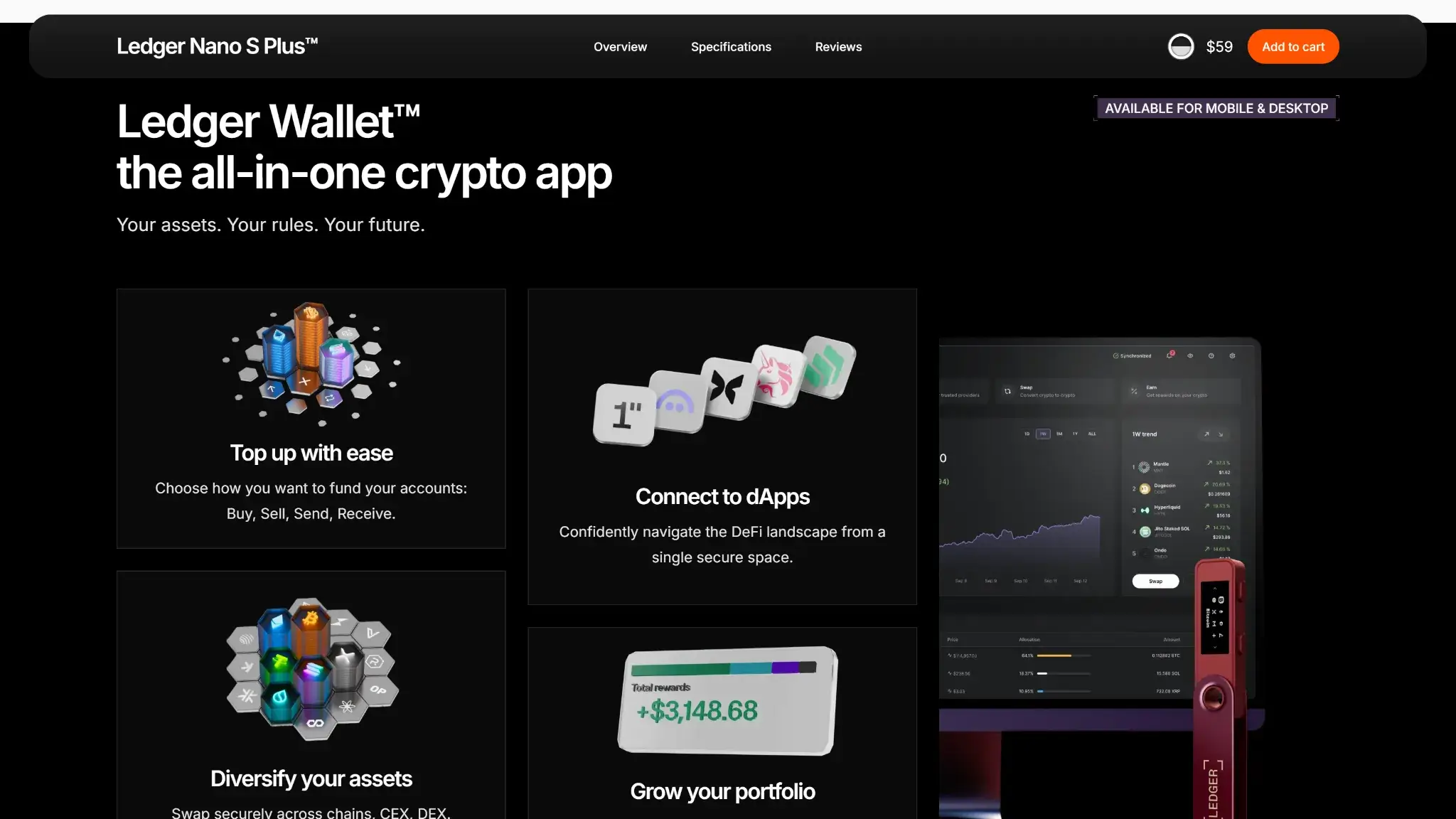
Ledger Wallet offers access to buying providers such as MoonPay and Transak. Their available assets and payment methods vary by country. The provider also sets its identity requirements, so holding your own hardware keys does not mean every connected service is available without KYC.
In a centralized swap route, you authorize sending crypto to the partner, which then performs the exchange. The partner temporarily receives those funds even though it does not receive your wallet's signing keys. DEX routes have their own contract and execution risks.
For cost comparisons, inspect the amount you will receive at the quoted rate. Check any separate network charge too. Ledger's integration documentation includes Ledger, partner and withdrawal fees in swap calculations. There is no single fixed percentage that describes every route.
Staking choices include assets such as ETH and SOL, through integrations that can use native, delegated, pooled or liquid-staking arrangements. Availability varies by asset, provider and region. Check the arrangement's validator commissions and withdrawal delays, including whether slashing could reduce your stake. The Earn tab also contains strategies that are not staking. Device signing does not protect against every contract failure or make rewards guaranteed.
Ledger Nano S Plus Price and Ongoing Costs
Ledger advertises the Nano S Plus at $59 in its published lineup. Treat that as a model reference price, not a delivered total for every country. Localized pricing, taxes, shipping and promotions can change the final amount. Confirm the selected model and regional offer before ordering.
| Cost | What to Check |
|---|---|
| Hardware | Device price, delivery, taxes and required cable or adapter |
| Transfers | Network fee for the asset and transaction |
| Buying crypto | Provider charge, exchange rate and payment-method costs |
| Swaps | Net output after route fees, rate spread and network costs |
| Staking | Provider or validator commission and withdrawal conditions |
| Optional recovery | Recurring Ledger Recover charge and eligibility |
A Ledger Recover subscription is not required to use the standard recovery phrase. The device purchase is still only one part of the cost if you buy, swap or stake through services in the companion app.
Who Should Choose Nano S Plus?
Nano S Plus combines a 128-by-64-pixel signing display with Ledger Wallet on desktop and Android. Its $59 advertised price buys a battery-free USB device, with long transaction details spread across multiple screens.
- Choose it if you use a compatible computer or Android phone and can check transactions carefully with two buttons.
- Skip it if you need iPhone signing or fully open low-level firmware.
- For a larger display or a different signing connection, compare the designs in our crypto wallet reviews.
Within Ledger's range, Nano X adds Bluetooth and a battery for wireless use. Those are convenience differences. Chip certification alone does not establish which complete wallet is safer.
Final Verdict
Nano S Plus offers a CC EAL6+ Secure Element and access to Ledger Wallet alongside third-party frontends. Its 128-by-64-pixel display and two buttons make complex transaction review a patient, step-by-step task. Owners must also maintain each installed blockchain app. The 7.0/10 score credits the separate signing hardware and recovery options. The small display and closed low-level firmware limit the recommendation, while the 2026 app failures make update discipline essential. Nano S Plus remains unsuitable for anyone expecting iPhone signing or protection from every malicious approval.
Disclaimer: CryptoSlate may receive a commission when you click links on our site and make a purchase or complete an action with a third party. This does not influence our editorial independence, reviews, or ratings, and we always aim to provide accurate, transparent information to our readers.