

Binance Wallet Overview
Key facts
Additional details
Binance Wallet Screenshots
Binance Wallet Pros and Cons
Pros
- Genuine multichain reach, BTC to Solana to Tron
- MPC signing with no seed phrase to steal
- SlowMist-audited, no known wallet exploit
- Emergency Export converts to a private key
- Free, and built into the app Binance users have
Cons
- Not available to US users at all
- Requires a verified Binance.com account
- Binance holds one of the three key shares
- Lost password plus lost device is unrecoverable
- Closed source, only TSS tooling is public
Who Binance Wallet is Best for — and Who Should Skip It
Binance Wallet fits a verified Binance.com customer outside the US who wants self-custody without leaving the Binance app.
Get it if:
- You already trade on Binance.com and want a self-custody pocket beside it
- You hold assets across BTC, EVM chains, Solana, or Tron and want one app
- You want MPC recovery instead of managing a seed phrase
- You will use the Emergency Export if you ever want out
Skip it if:
- You are in the United States, where you cannot open the required account
- You want self-custody without KYC or any exchange dependency
- Binance's $4.3B settlement history is disqualifying for your trust bar
- You need hardware signing for a large balance
What is Binance Wallet and How Does it Work?
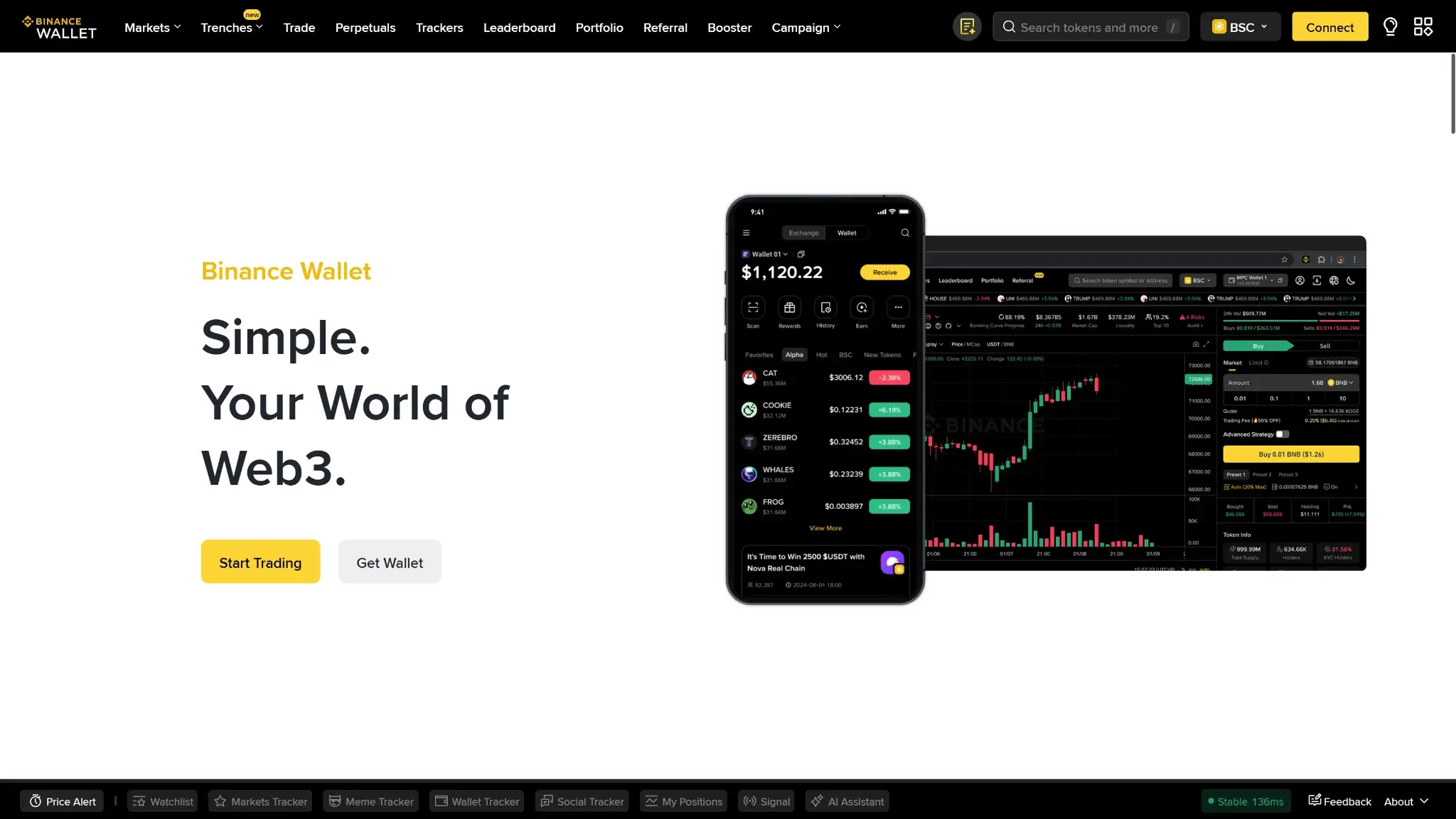
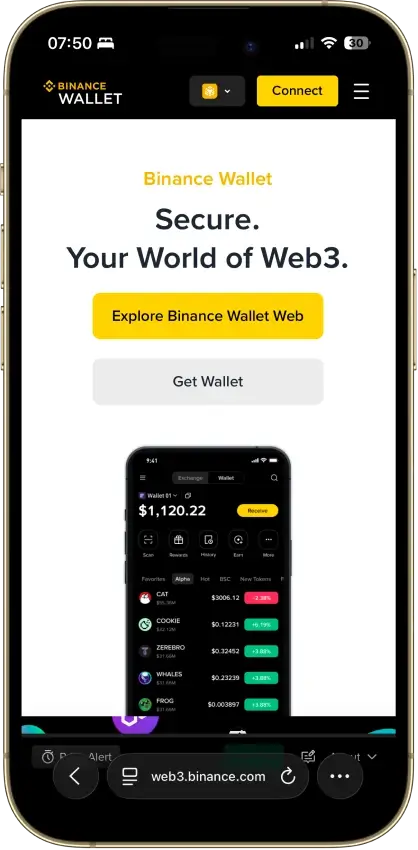
Binance Wallet, formally the Binance Web3 Wallet, is the non-custodial wallet built into the Binance exchange app since late 2023, with web and browser-extension versions alongside. It is a different product from the Binance exchange spot wallet, where Binance holds custody of your funds, and a different product from Trust Wallet, the standalone app Binance acquired in 2018 and later spun off. The Web3 Wallet was built on MPC infrastructure developed in partnership with Trust Wallet, but it lives inside the Binance app and only exists for Binance customers. You must be a verified Binance.com user to create one.
That requirement defines who can read this review as a buyer's guide. Binance.com stopped serving US residents in 2019, and Binance.US, the separate American entity, does not offer the Web3 Wallet. A US reader cannot open the account the wallet requires, so for the US audience this is a product description, not a recommendation.
The company behind it is Binance Holdings, the largest crypto exchange by volume, deliberately structured without a single headquarters. Binance's own wallet FAQ states the product is not under the supervision of any financial regulator. The company's record is covered in the next section, because it bears directly on a wallet where Binance holds a piece of your key.
Security and Custody
Binance calls this a self-custody wallet, and that claim needs precision. There is no seed phrase. Instead, MPC splits your private key into three shares: one held by Binance, one stored on your device, and one encrypted with a recovery password you set and backed up to your iCloud or Google Drive. Any two of the three can sign. Binance alone cannot move your funds with its single share, and you can sign with your device share plus your cloud share without Binance's cooperation, so the funds are genuinely not in Binance custody.
Call it partial self-custody rather than “your keys, your coins.” Binance holds a share of your key, verified KYC gates the wallet's creation, and the recovery path runs through the Binance app and your cloud account. You get custody of your funds with zero privacy and a standing dependency on Binance's infrastructure. The escape hatch is real: an Emergency Export converts the keyless wallet into a standard private-key wallet you can take elsewhere, which is a genuine point in its favor and worth doing early if sovereignty is why you came.
On vendor track record, the wallet itself is clean and the company is not. No exploit of the Web3 Wallet has been recorded, SlowMist has audited the Binance Wallet browser extension, and the app ships anti-scam tooling. The parent company pleaded out of the largest enforcement action in crypto history: in November 2023 Binance settled with the US DOJ, FinCEN, and OFAC for $4.3 billion over anti-money-laundering and sanctions failures, and founder Changpeng Zhao pleaded guilty and stepped down as CEO. Your coins were never at stake in that case, since the wallet is non-custodial. Your key share, your KYC file, and your recovery path all sit with a company that carries that record, which is why the trust pillar pulls this score down even though the custody design is honest.
The wallet is closed source. Binance has open-sourced its threshold-signature (TSS) tooling, but the wallet product's code stays closed, so the MPC implementation is taken on the word of Binance and its auditors.
Supported Chains and Assets
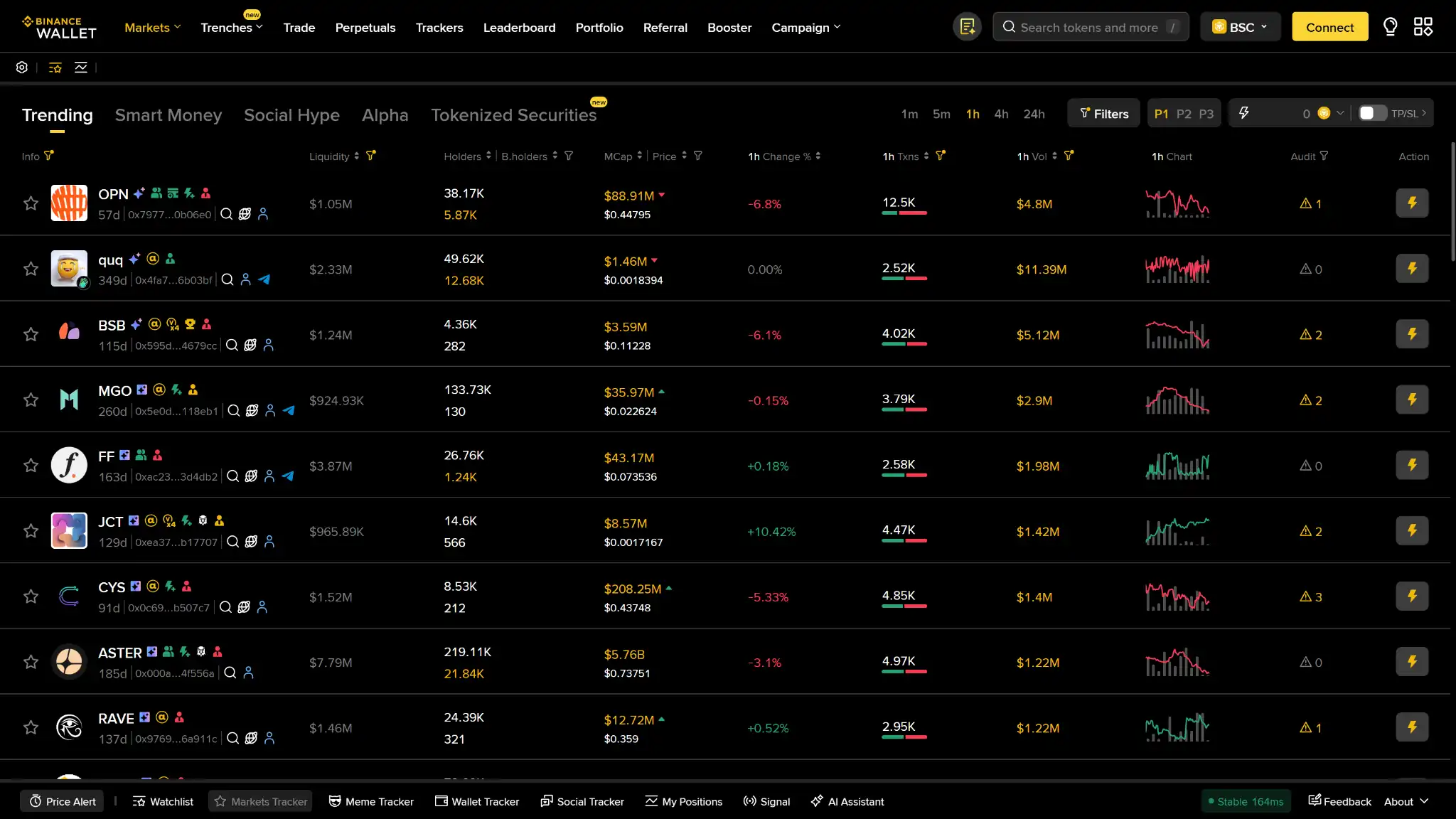
Coverage is a real strength of the product. Native support spans Bitcoin, Ethereum, BNB Smart Chain, Solana, Tron, and the major EVM layer-2s: Arbitrum, Base, Optimism, and Polygon. The browser extension adds SUI transfers. That list covers most of where multichain self-custody activity actually lives, including the Tron support that many Western wallets skip.
Token support follows the chains, with the usual ERC-20, BEP-20, and SPL standards, and dApp access runs through the built-in browser and the extension. This is a genuine multichain wallet, not an EVM-only app with a Bitcoin checkbox.
Usability and Recovery
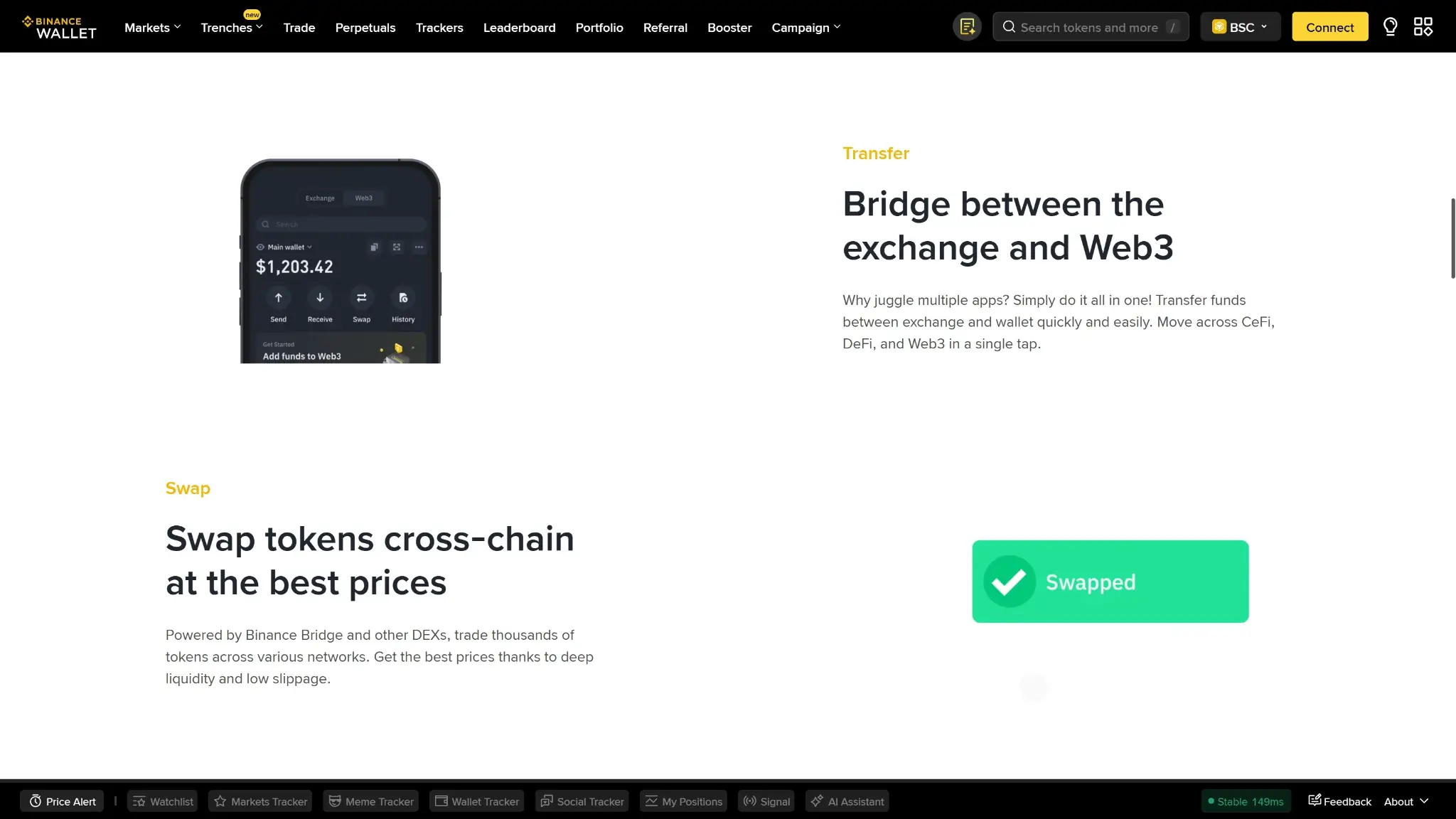
For an existing Binance user, setup is the easiest onboarding in self-custody: open the wallet tab in the app you already have, set a recovery password, and the MPC shares are generated with no seed phrase to write down or lose. Moving funds between your exchange balance and the wallet takes a couple of taps, which is the feature the wallet is really built around.
The recovery model is the part to understand before funding it. Restoring the wallet requires the Binance app, access to the cloud account holding your encrypted third share, and the recovery password that decrypts it. Binance states plainly that if you forget the recovery password and lose your device, it cannot restore access. The loss can be permanent. A seed-phrase wallet fails when you lose one artifact. This one fails when you lose two of three, but the failure is just as final, and the “no seed phrase” pitch should not read as “nothing to lose.” Treat the recovery password with the same seriousness as a seed phrase, or run the Emergency Export and hold a conventional private key instead.
Features
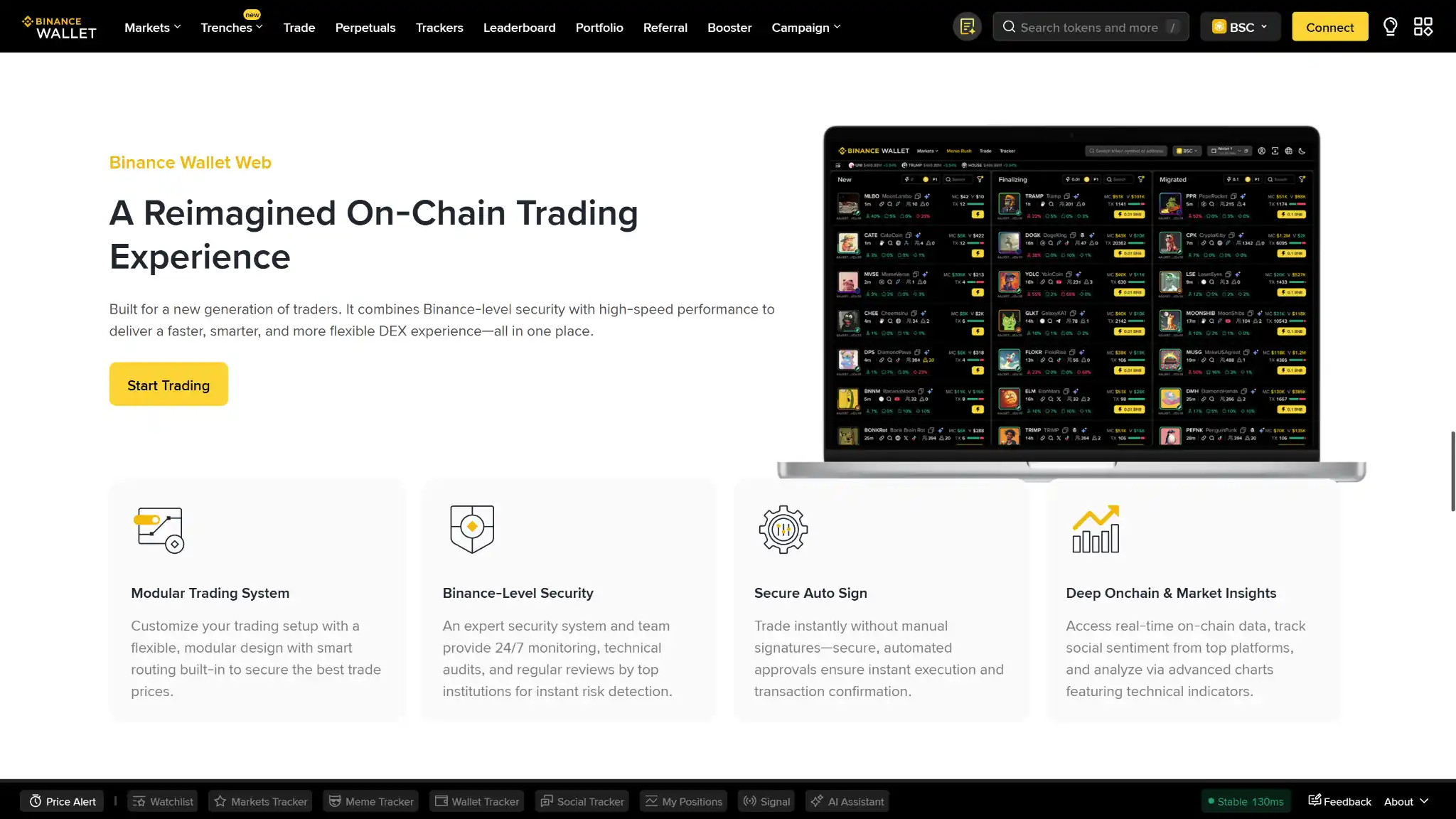
The built-in swap and bridge aggregate quotes across DEXs and bridge providers, with a Binance service fee of up to about 0.5% on top of network costs, sometimes waived promotionally. That is reasonable mid-pack pricing for in-wallet swapping, and the aggregation means you are not captive to one venue's spread. Fiat purchases run through Binance's Buy Crypto channel with fees that vary by payment method. Staking exists but is limited in scope.
Two gaps stand out. There is no hardware wallet pairing, so large balances cannot be moved behind a dedicated signer while keeping the app as the interface. And every feature assumes the Binance relationship: the on-ramp, the exchange transfers, and the recovery path all run through your verified account, so the wallet's usefulness ends wherever your willingness to bank on Binance does.
Cost
The wallet is free to create and carries no subscription. You pay network fees per transaction, a service fee of up to about 0.5% on swaps and bridges when it applies, and the payment-method fees on fiat purchases. The real price is not money. It is the full KYC identity attached to every wallet, which is a cost most self-custody competitors do not charge.
Final Verdict
At 6.9, Binance Wallet scores as a good product with two structural pulls that have nothing to do with its engineering. The product side holds up: MPC self-custody with the provider-share disclosed, multichain coverage, audited code paths, fair swap pricing, and a working exit to a conventional private key. The pulls are obtainability and trust. A wallet that a US reader cannot obtain at any price cannot be scored as broadly recommendable on a US-audience site, and a vendor that holds one of your key shares, your identity file, and your recovery path arrives with a 2023 guilty plea and $4.3 billion settlement attached. For a non-US Binance regular, this is a legitimately convenient step into self-custody and the score understates how well it will serve that one user. For everyone else, wallets without the gate, the share, and the history are a short list away. Whatever you choose, double-check the network before sending, keep a small BNB balance for gas, and test with a small transaction before moving larger amounts.
Native Tron support many wallets skip, One-tap transfers to your Binance balance, In-app anti-scam transaction tooling
Why it stands out
- Genuine multichain reach, BTC to Solana to Tron
- MPC signing with no seed phrase to steal
- SlowMist-audited, no known wallet exploit
- Emergency Export converts to a private key
- Free, and built into the app Binance users have
What to consider
- Not available to US users at all
- Requires a verified Binance.com account
- Binance holds one of the three key shares
- Lost password plus lost device is unrecoverable
- Closed source, only TSS tooling is public
Disclaimer: CryptoSlate may receive a commission when you click links on our site and make a purchase or complete an action with a third party. This does not influence our editorial independence, reviews, or ratings, and we always aim to provide accurate, transparent information to our readers.
