


Trust Wallet Overview
Additional details
Trust Wallet Screenshots
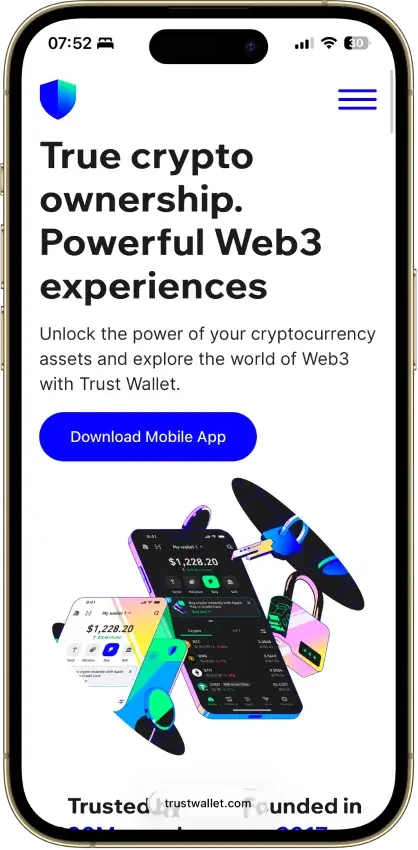
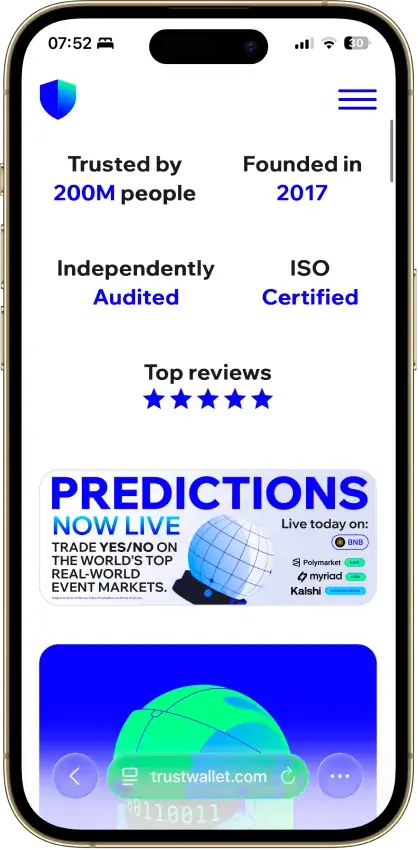

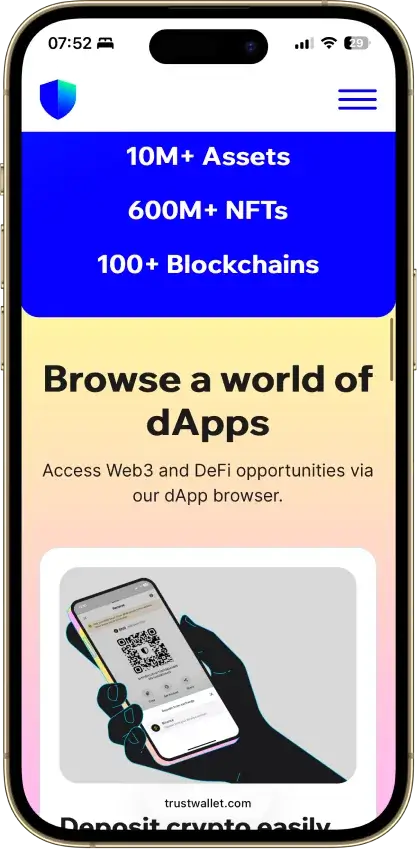


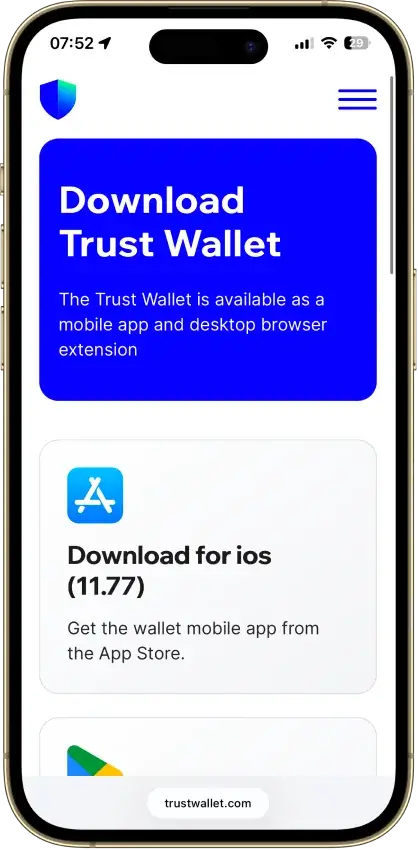
Screenshot 1 of 8
Trust Wallet Pros and Cons
Pros
- Real self-custody, only you hold the seed
- 100+ chains native, custom EVM chains addable
- Free app, no explicit add-on swap fee
- Kudelski and CertiK audited, ISO 27001
- Staking, NFTs, and a dApp browser built in
Cons
- Three extension incidents in three years
- App and extension are closed source
- Binance-owned, a DOJ-settled parent
- No native desktop app
- Ledger pairing works in the extension only
Who Trust Wallet is Best for — and Who Should Skip It
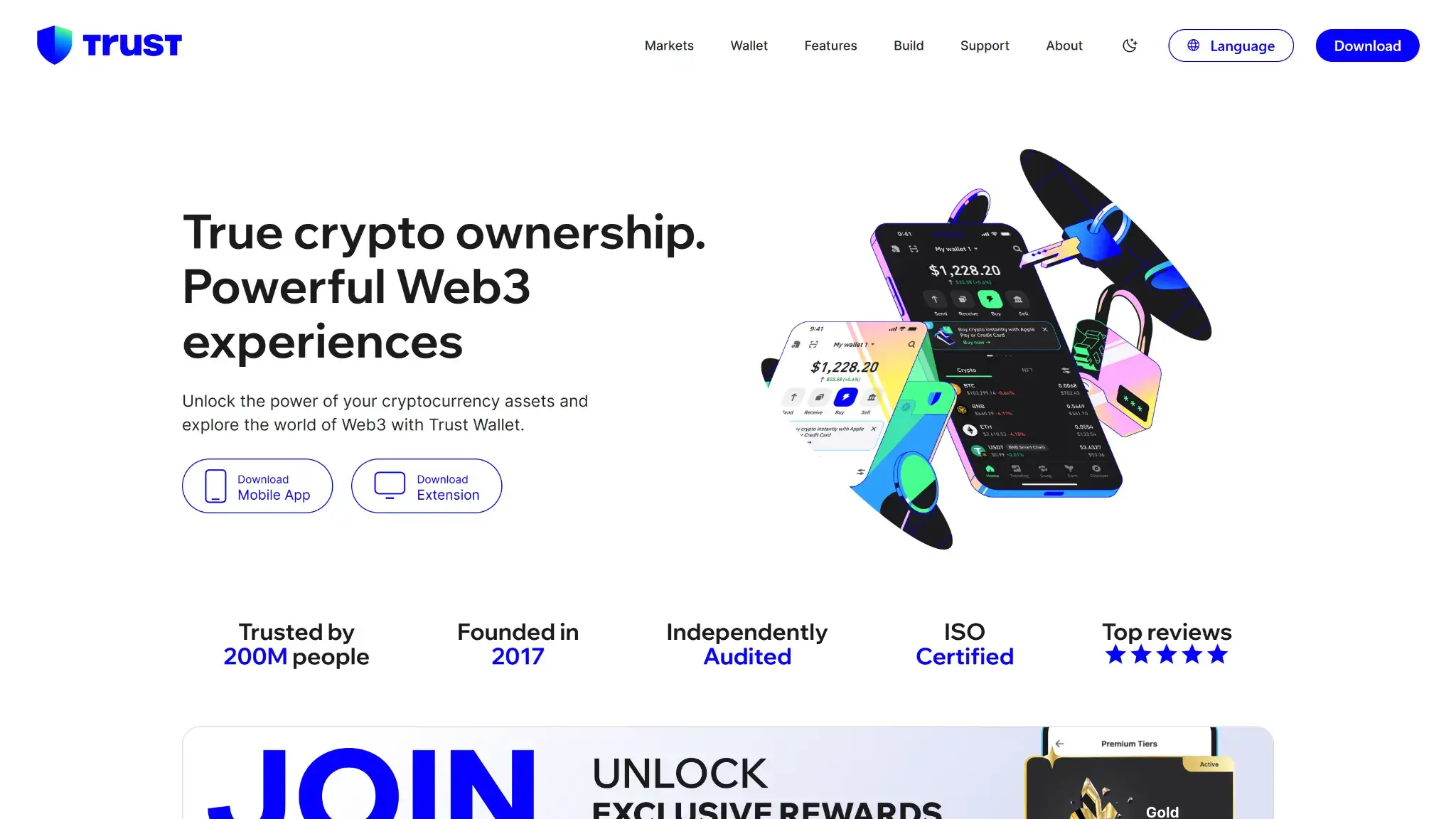
Trust Wallet fits the mobile-first multichain user better than almost anything else in the software category.
Get it if you:
- Want one free app across Bitcoin, EVM chains, Solana, TON, and more
- Stake, swap, and use dApps from your phone
- Accept hot-wallet risk for everyday balances and keep cold storage elsewhere
Skip it if you:
- Plan to hold large balances in a browser extension — the incident record argues against it
- Require fully open-source wallet software you or the community can audit end to end
- Want exchange-free ownership in your wallet vendor
- Work primarily on desktop and want a native app
What is Trust Wallet and Who Makes It
Trust Wallet is a self-custody software wallet, mobile-first, with a browser extension for Chrome and Chromium browsers. There is no hardware device and no native desktop app. The product line is a single wallet, so this review scores one thing: the app plus its extension.
Binance acquired Trust Wallet in 2018, and it has operated inside the Binance orbit ever since as a nominally separate entity. That ownership belongs in any honest trust assessment. Binance took a $4.3 billion US Department of Justice settlement in November 2023, with its founder pleading guilty, and split its global exchange from Binance.US. None of that touches your funds here — the wallet is non-custodial, so Binance holds no keys and cannot move a balance. But when you weigh who ultimately stands behind the software you trust with a seed phrase, a DOJ-settled exchange parent is a material fact, and one this review states up front because the vendor's own marketing does not lead with it.
Security and Custody
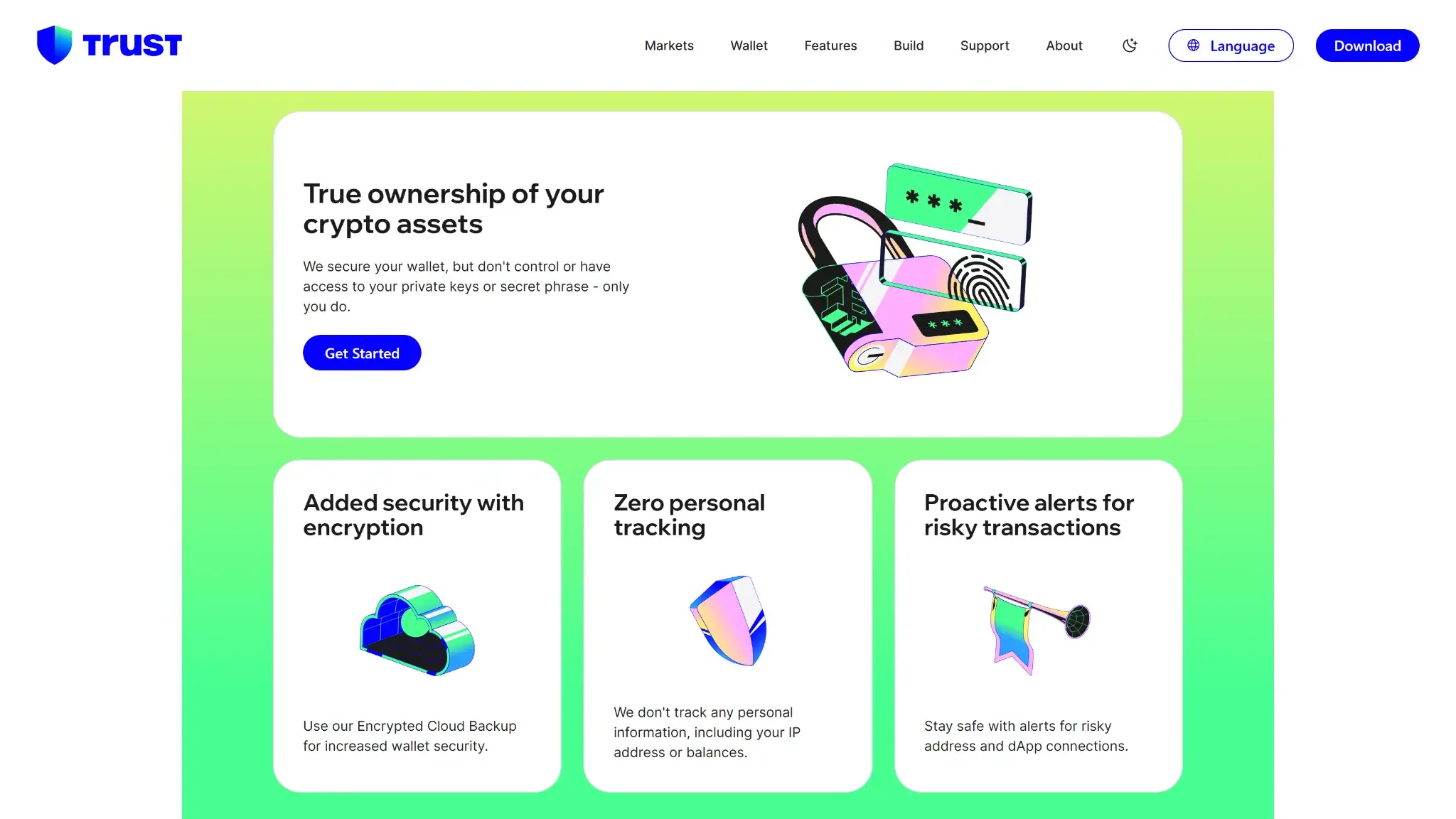
Custody is the part Trust Wallet gets cleanly right. The wallet is genuinely non-custodial: a 12-word seed phrase generated and held on your device, private keys AES-encrypted locally, and no vendor-side access to either. Trust Wallet's own line — it secures the wallet software but never controls or sees your keys — matches how the product actually works.
The supporting security stack is credible for a hot wallet. Kudelski Security has reviewed the cryptography, CertiK has audited the wallet, the company holds ISO 27001 and ISO 27701 certifications, and a public bug bounty pays researchers. In-app, a Security Scanner flags risky transactions and dApp connections before you sign, and App Lock with biometrics gates the app itself.
Open-source status needs precision, because “partially open-source” gets rounded up elsewhere. Only Wallet Core — the low-level cryptographic library that generates keys and signs transactions — is open source, published on GitHub under the Apache 2.0 license. The mobile app and the browser extension built on top of it are closed. You can inspect the engine but not the vehicle, so do not file Trust Wallet next to fully open wallets.
The Incident Record: Three Extension Events in Three Years
A 2026 review of Trust Wallet has to state its security history plainly, and that history is concentrated in the browser extension.
The defining event is CVE-2023-31290. Ledger's Donjon research team found that early versions of the browser extension (0.0.172 through 0.0.182, on Wallet Core below 3.1.1) seeded their random number generator with only 32 bits of entropy. That collapsed the space of possible seed phrases to roughly four billion — a number consumer GPUs can brute-force in hours. Every wallet created in the affected extension was derivable by an attacker with no user interaction at all. Assets across the affected wallets were exposed, thefts occurred in the wild in December 2022 and March 2023, and Trust Wallet published a post-mortem in April 2023 and reimbursed affected users. The response was the right one, but the bug itself — weak randomness in the one function a wallet must never get wrong — is the most serious kind a wallet vendor can ship.
It was not the last extension problem. A BEP2 migration bug followed in 2024, and in December 2025 extension version 2.68 shipped as a compromised update — a supply-chain attack that drained roughly $8.5 million before it was pulled.
That is three extension incidents in three years — two security breaches plus a botched 2024 token migration — and the pattern matters more than any single entry. The mobile app, where the overwhelming majority of Trust Wallet users live, has a cleaner record across the same period. The practical split: the mobile app is a reasonable primary hot wallet, while the extension has earned a narrower job — small operational balances for dApp sessions, not long-term holdings. That split is also why this review scores the product 8.0 and not higher.
Supported Chains and Assets
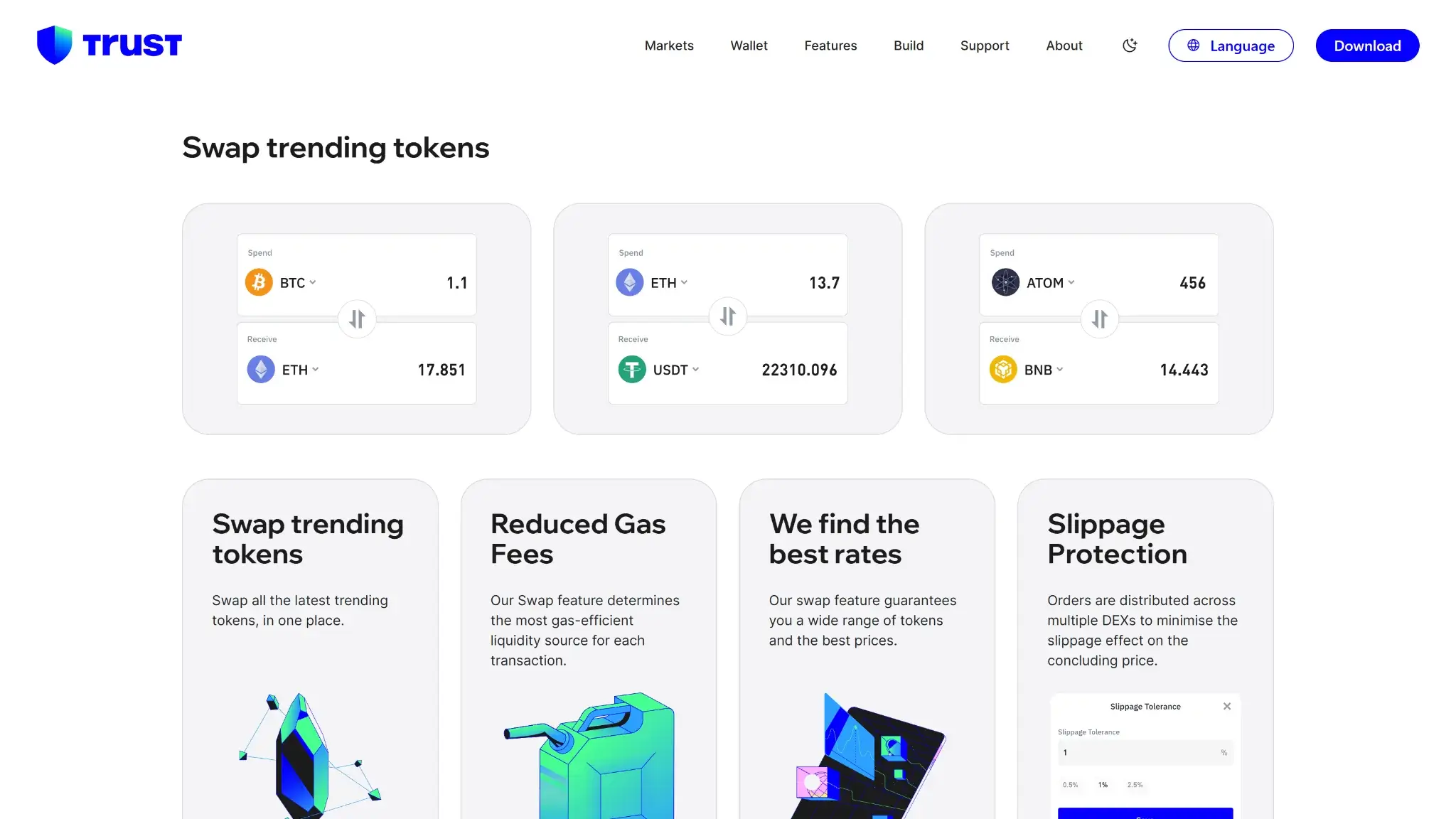
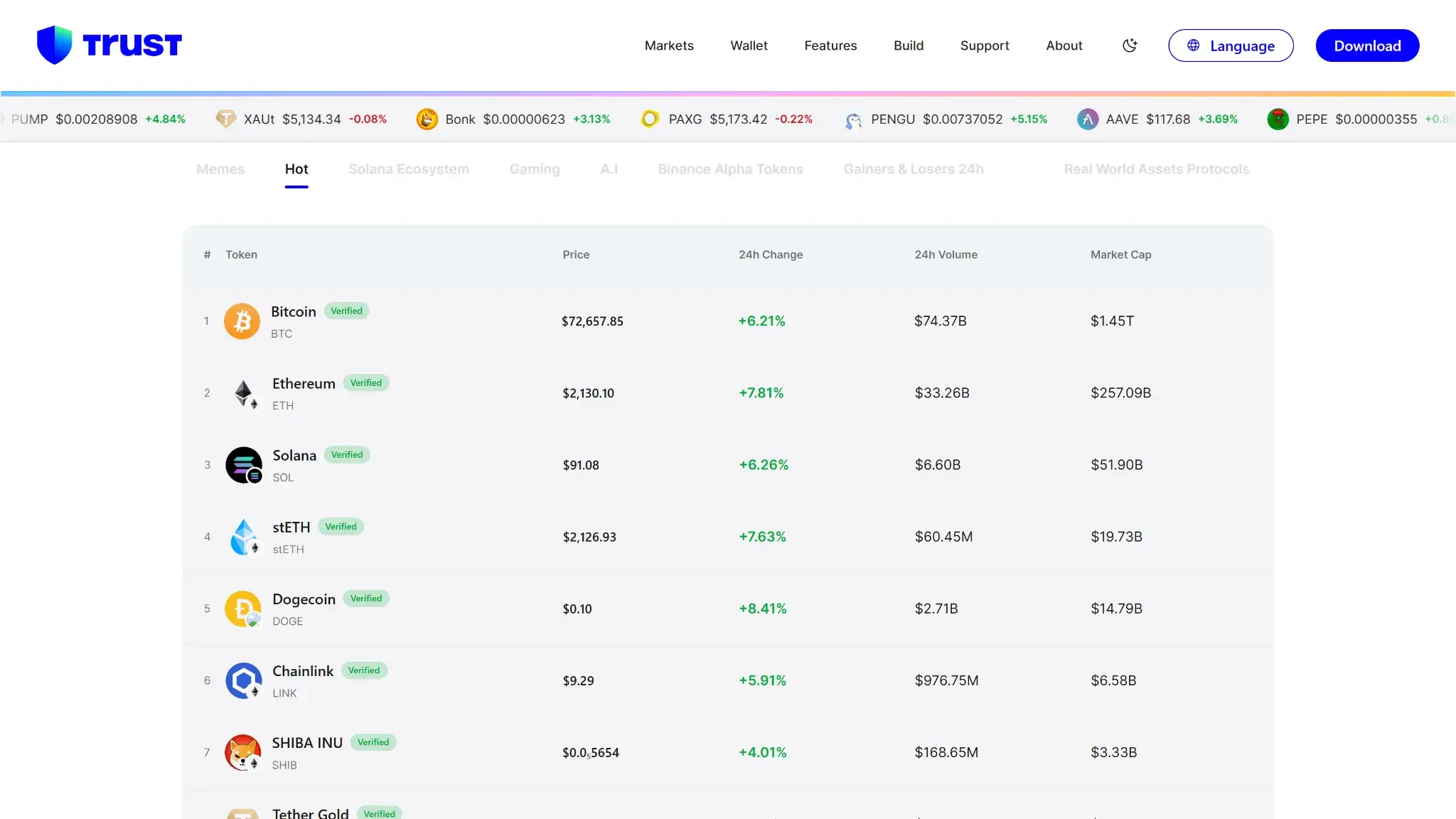
Coverage is the pillar Trust Wallet wins outright. The wallet supports 100+ blockchains natively — Bitcoin, Ethereum, BNB Chain, Solana, TRON, Cosmos, XRP Ledger, Avalanche, TON, Sui, and the major L2s including Base, Arbitrum, Optimism, and Polygon — and lets you add 1,000+ custom EVM chains beyond that.
The “10M+ assets” headline deserves a mechanism note. That figure is token-standard breadth, not a curated catalog: any ERC-20, BEP-20, SPL, or TRC-20 token resolves in the wallet, and you can add arbitrary tokens by contract address. It means almost anything you hold will display and send correctly. It does not mean 10 million vetted integrations, and no wallet review should let the number read that way.
For a user consolidating scattered holdings — some Bitcoin, an EVM portfolio, Solana positions, a TON airdrop — this is the practical argument for Trust Wallet over single-ecosystem rivals.
Usability and Recovery
Onboarding is a standard 12-word seed flow, and the app's polish shows why it holds high app-store ratings at enormous install volume. iOS, Android, and the extension cover phone and browser, though desktop users without Chrome get nothing, since no native desktop app exists.
Recovery follows the seed phrase, with an optional encrypted cloud backup layered on top. That backup is a genuine convenience — it removes the single-paper-note failure mode — but it changes your threat model. An encrypted copy of your phrase now lives in a cloud account, so the security of that account and its password becomes part of your wallet's attack surface. Users holding meaningful sums should keep the seed offline and skip the cloud option.
Features
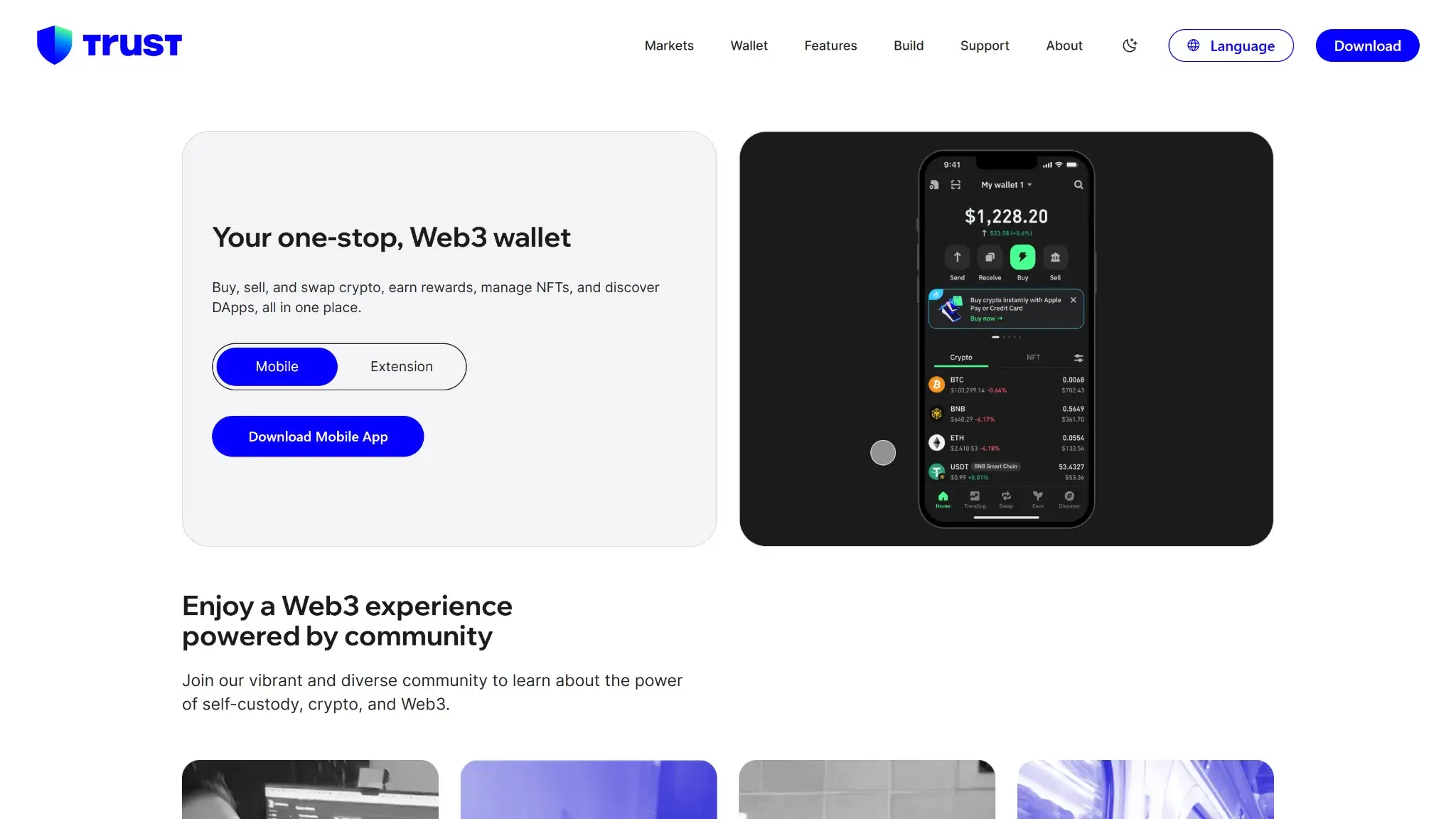
The feature set is the full modern-hot-wallet checklist, and most of it preserves self-custody:
- Swaps. Built in, with cross-chain routing. Trust Wallet adds no explicit, itemized fee the way MetaMask does, but its swap costs are embedded in the quoted rate rather than shown separately — so you pay network gas plus whatever spread and slippage the route carries, the honest costs to watch on thin pairs.
- Staking. Native staking for supported proof-of-stake assets through the Earn section, executed from your own keys.
- Fiat on-ramp. Buying and selling runs through third-party partners, which set their own fees and usually require KYC. Treat partner pricing as a cost, and compare it against funding the wallet from an exchange.
- Hardware pairing. Ledger devices connect through the browser extension only. Mobile users cannot pair a hardware signer, which is a real gap given that mobile is the product's best surface.
- dApp access. A dApp browser on mobile and standard wallet-connect flows put DeFi and NFT platforms in reach across the supported chains.
Cost
The app is free with no subscription tier, and the wallet adds no explicit, itemized fee on swaps the way MetaMask does — though swap costs are embedded in the quoted rate rather than shown separately. Your real costs are network gas on every transaction, the embedded spread and slippage on swaps, and third-party fees plus spread on fiat purchases. As hot wallets go it stays inexpensive, but “free swaps” overstates it — the fine print sits with the on-ramp partners and the embedded swap spread, not a subscription.
Final Verdict
Trust Wallet earns the top of the hot-wallet range on coverage, custody integrity, and value: genuine self-custody across 100+ chains, credible third-party audits, and a free app whose swaps carry no explicit add-on fee (the cost is embedded in the quoted rate rather than shown separately). Two things keep it out of the 8.5+ tier. The track record — a catastrophic entropy CVE in 2023 that left every affected wallet brute-forceable, a 2024 migration bug, and a 2025 supply-chain compromise, all on the extension — is a repeat pattern a YMYL review cannot average away, even against a cleaner mobile record and a well-handled post-mortem. And transparency runs partial at best: only the Wallet Core library is open source, and the Binance ownership that frames the company's trust profile is absent from the vendor's own front-of-house story. Used the way its record supports — mobile as the primary surface, the extension for small dApp balances, seed offline — it is an easy wallet to recommend.
Pre-sign Security Scanner flags risky dApps · On-device AES-encrypted private keys · Open-source Wallet Core under Apache 2.0
Disclaimer: CryptoSlate may receive a commission when you click links on our site and make a purchase or complete an action with a third party. This does not influence our editorial independence, reviews, or ratings, and we always aim to provide accurate, transparent information to our readers.
