

Kraken Wallet Overview
Additional details
Kraken Wallet Screenshots
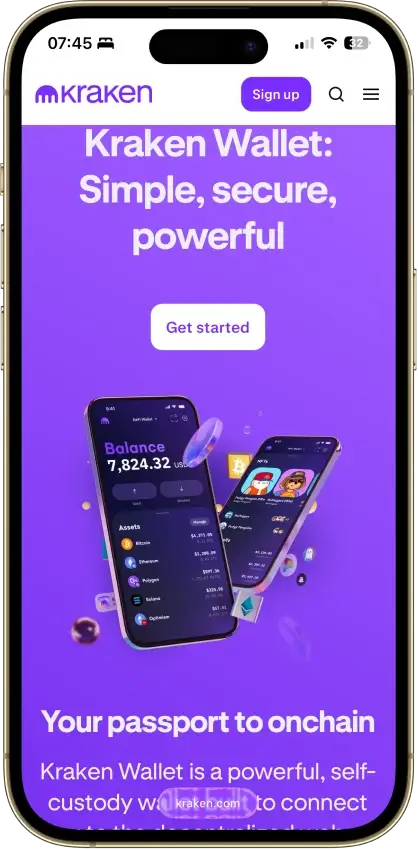
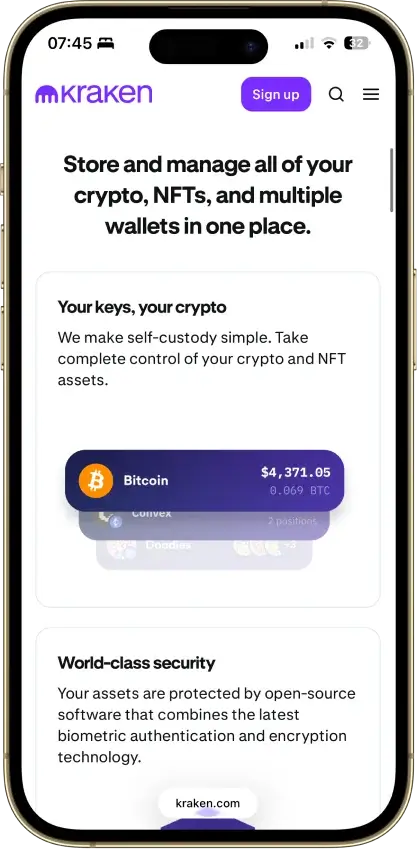


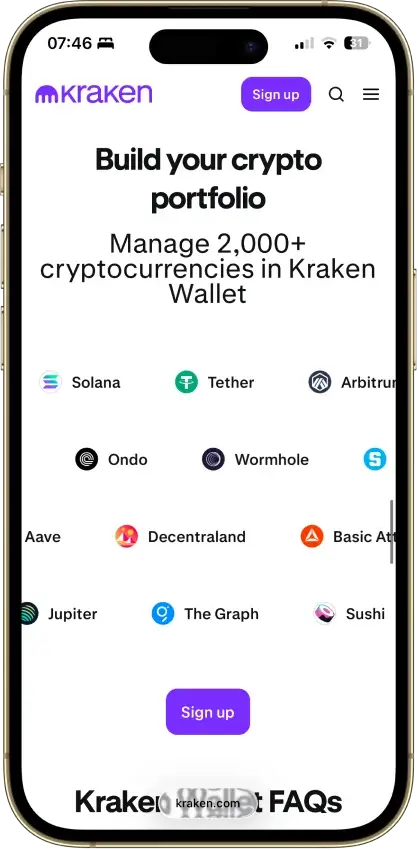
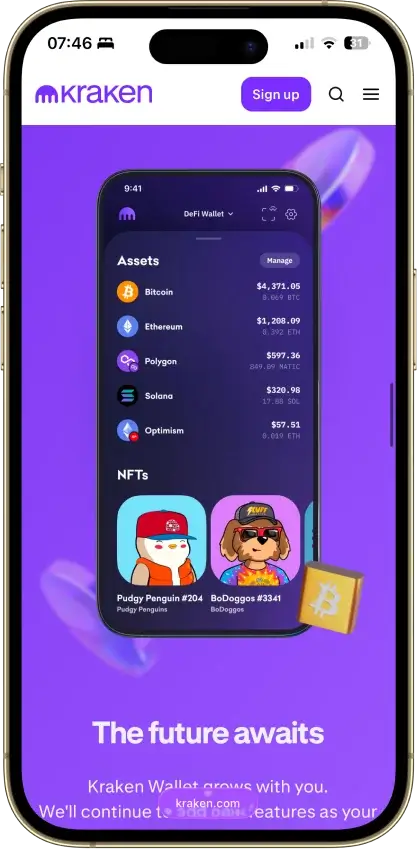
Screenshot 1 of 8
Kraken Wallet Pros and Cons
Pros
- Fully open source with reproducible builds
- Published Trail of Bits security audit
- No KYC and no Kraken account required
- Non-custodial, keys stay on your device
- US-available with no geo-gate
Cons
- Hot wallet only, no secure element
- No hardware wallet pairing
- No browser extension or desktop app
- Swaps limited to select routes
- No in-wallet fiat on-ramp
Who Kraken Wallet is Best For — and Who Should Skip It
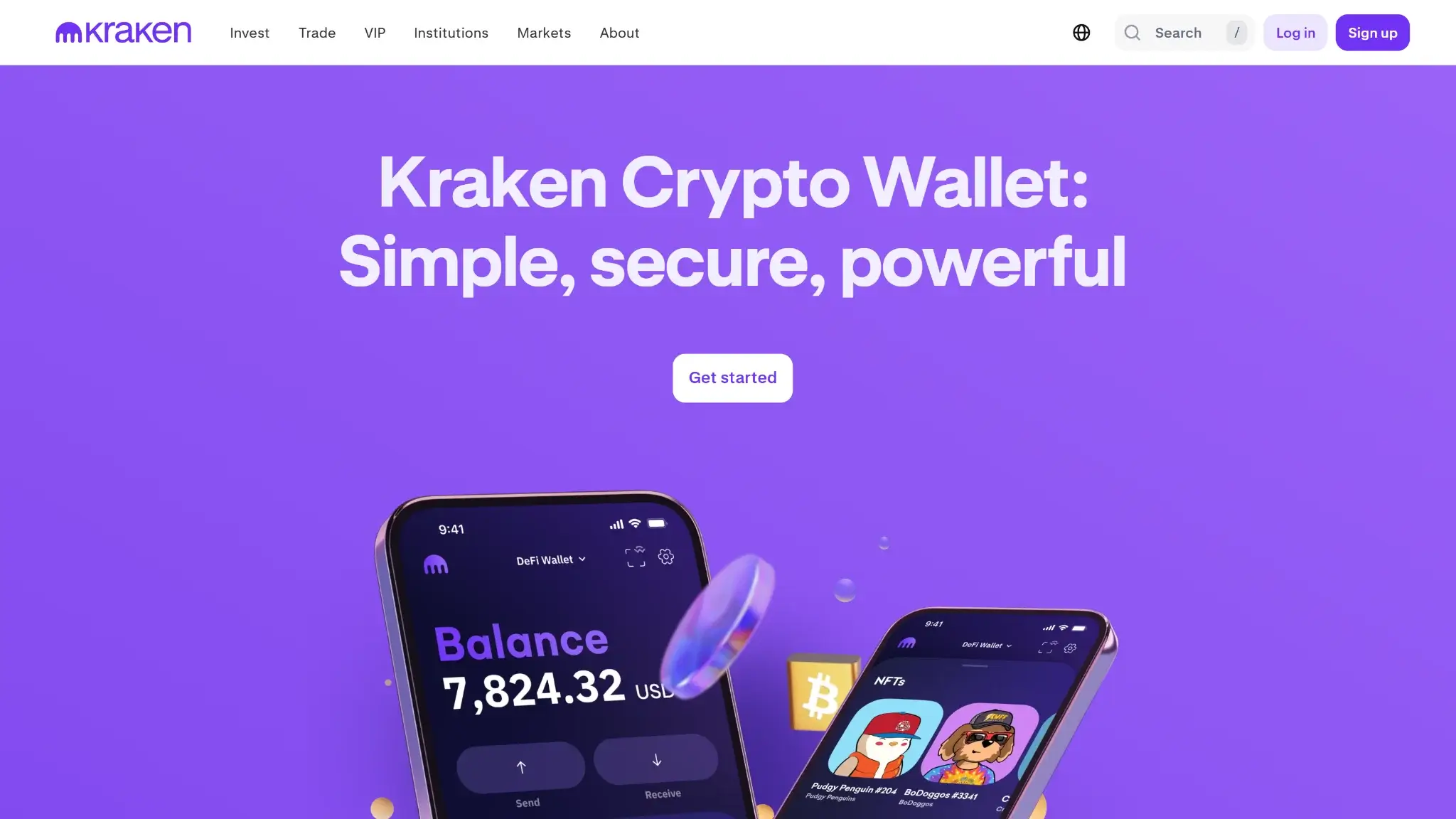
Kraken Wallet suits the self-custody user who wants maximum verifiability in a free mobile app and holds assets on major chains.
Get it if:
- You want a wallet whose code, builds, and audit you can actually check
- You are a US user locked out of exchange-linked wallets like Binance Web3
- You hold BTC, ETH, L2 assets, SOL, or DOGE and want them in one app
- You already use Kraken and want a clean self-custody exit ramp
Skip it if:
- You are securing a large balance that belongs behind hardware signing
- You need a browser extension for desktop DeFi
- Your portfolio includes XRP, Litecoin, Cosmos, or Ordinals
- You want in-wallet fiat purchases or native staking
What is Kraken Wallet and How Does it Work
Kraken Wallet launched in April 2024 as a standalone, non-custodial mobile app, and it is a different product from the Kraken exchange. The exchange account is custodial, Kraken holds those funds and KYC is mandatory. The wallet is the opposite on both counts. Keys are generated and stored on your phone, Kraken never has them, and you can download and use the app without opening a Kraken account or passing any identity check.
The company behind it is Payward, Inc., the San Francisco firm that has operated the Kraken exchange since 2011. That parentage is a genuine trust signal for a wallet. Most software wallets come from startups or anonymous teams. This one comes from one of the longest-running regulated US exchanges, and the wallet team shipped it in the most verifiable way a software wallet can be shipped.
Security and Custody
The transparency profile is the headline. Kraken Wallet is fully open source, with the complete app code published at krakenfx/wallet on GitHub. Kraken also publishes reproducible-build instructions, so in principle a third party can compile the code and check it against the app-store binary — the step that closes the gap between “the code looks safe” and “the app you installed is that code.” In practice independent verifiers (WalletScrutiny) have not yet reproduced an exact match, so treat reproducibility as a stated goal Kraken is working toward rather than a settled fact. Kraken also published its Trail of Bits audit of the codebase and client architecture rather than summarizing it in a blog post. Open code, reproducible builds, and a named public audit together are the full transparency triad, and almost no competing software wallet clears all three. MetaMask ships under a proprietary license, Phantom is largely closed, and Trust Wallet only opens its core library.
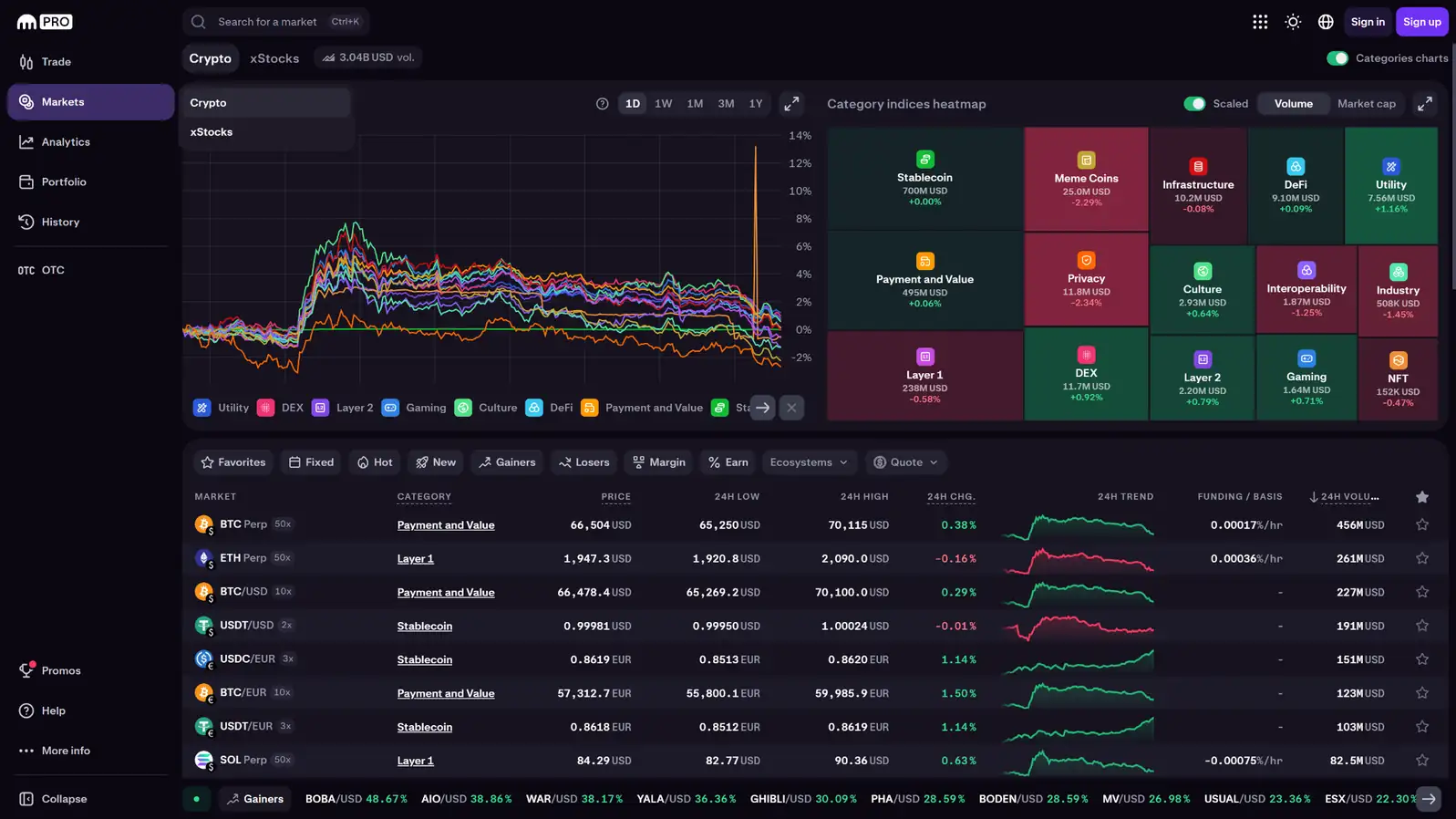
The hard limit is the platform. This is a mobile hot wallet. The private key is decrypted into the phone's memory when you sign, there is no secure element, and there is no option to pair a hardware wallet for signing. A compromised phone is a compromised wallet, which is the structural reason no app-only wallet reaches the top of our security pillar. Kraken mitigates where software can: biometric app lock, transaction simulation that previews what a signature will actually do, address validation, token risk scoring, and spam-NFT filtering. Those tools catch the approval-phishing patterns that drain most mobile users, but they do not change the key-on-phone architecture.
On track record, the wallet itself has no breach, exploit, or fund-loss incident on record since launch. Kraken's exchange side has history worth one line: a June 2024 exchange bug let a research firm extract roughly $3 million, which was returned after a white-hat dispute, and Kraken paid a $30 million SEC settlement over its US staking service in 2023. Neither event touched wallet users, because the wallet does not hold custody and does not route through exchange infrastructure. We note them so you know we checked, not because they change the wallet's risk profile.
Supported Chains and Assets
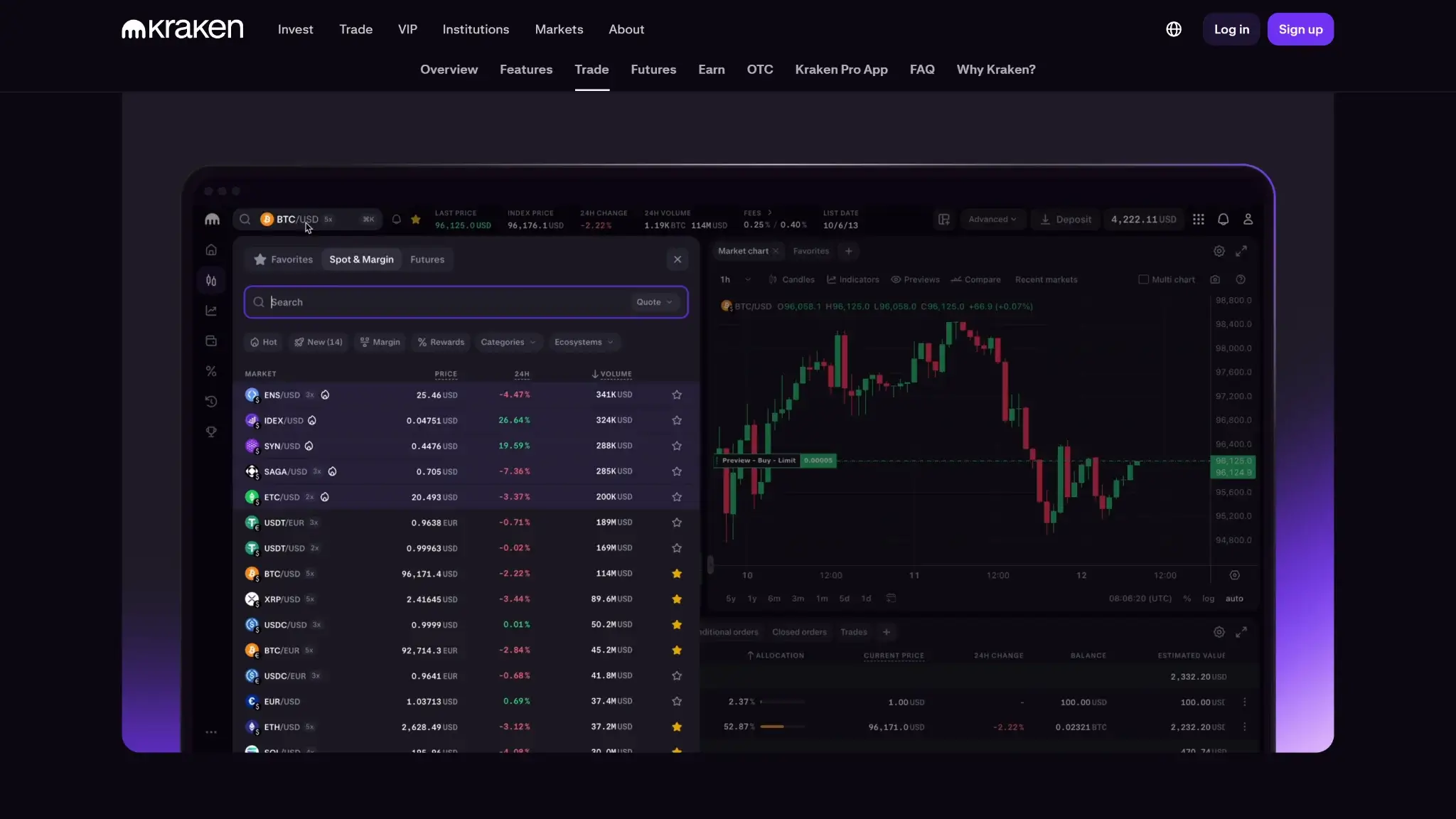
The supported list runs to nine networks: Bitcoin, Ethereum, the major EVM layer-2s (Polygon, Arbitrum, Optimism, Base, and Blast), plus Solana and Dogecoin. Token support covers ERC-20 and SPL standards alongside native assets, and the app manages NFTs on Ethereum, Solana, and the supported L2s.
This is a curated multichain list, not an everything-wallet. Native Bitcoin plus Solana plus the full EVM L2 set covers where most self-custody activity actually happens, and Dogecoin is an unusual native inclusion for an app this size. What you will not find: XRP, Litecoin, Cosmos chains, or any Bitcoin Ordinals, BRC-20, or Runes support. If your portfolio lives on those networks, this is the wrong app, and the FAQ covers the nearest alternatives.
Usability and Recovery
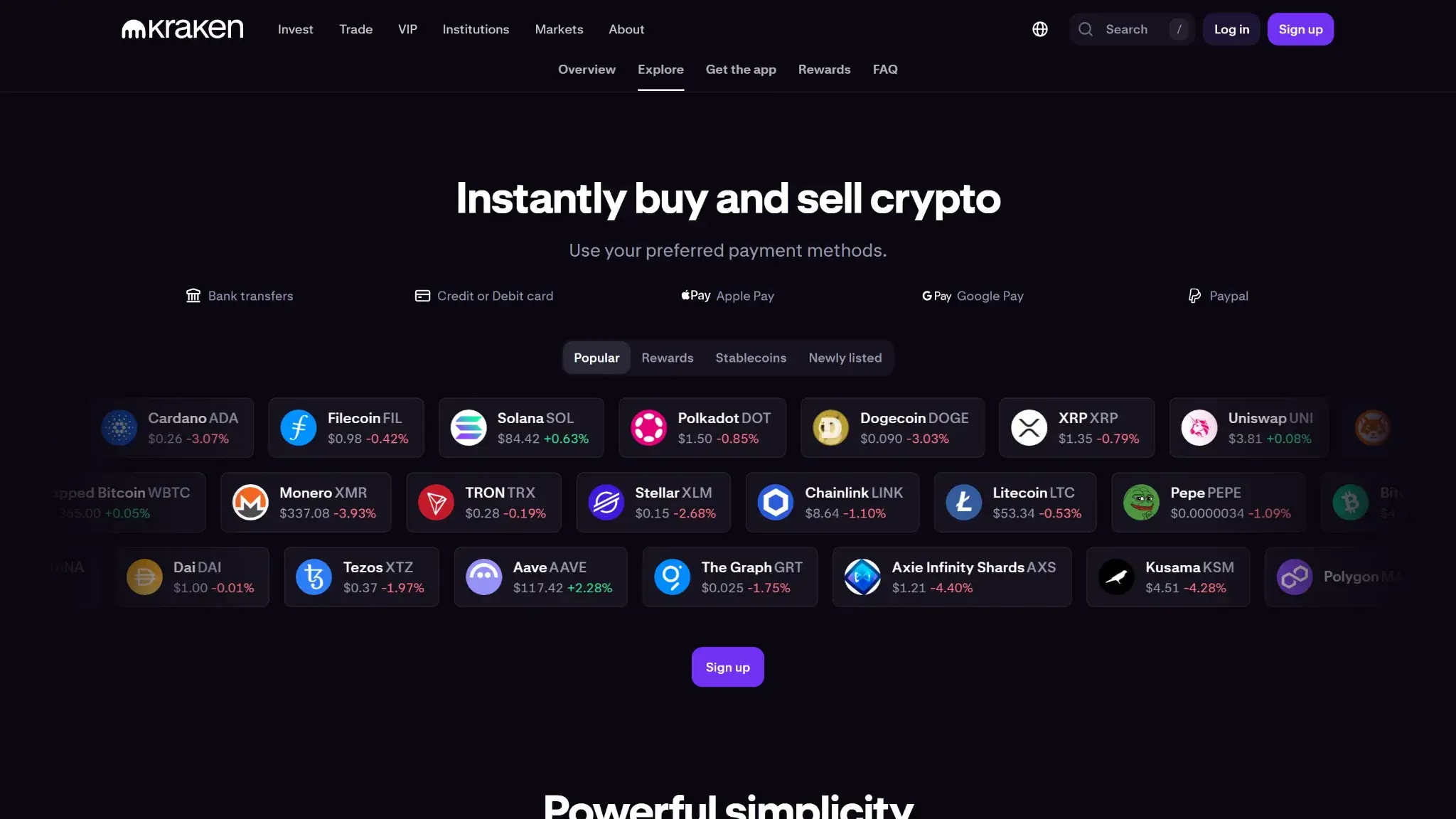
Onboarding is as short as self-custody gets. Install, generate a wallet, confirm the recovery phrase, done. No account, no email, no KYC. The app runs a standard 12 or 24-word BIP39 Secret Recovery Phrase, and on supported iPhones you can add an encrypted iCloud backup of it. That backup is a convenience-versus-exposure decision: it protects you from losing the paper copy, but it ties recovery to your Apple account security, so anyone who fully controls your iCloud and its encryption keys is closer to your funds.
The recovery model has real gaps for power users. Only one recovery phrase can be active at a time, so you cannot run separate wallets side by side in one app. There is no BIP39 passphrase or hidden-wallet option, and no private-key import for bringing in a single account from another wallet. Casual users will never notice. Anyone migrating a multi-wallet setup will.
Features
In-app swaps work on select routes across the supported chains, not on every pair the app can display, and the coverage gap is noticeable once you hold smaller tokens. Kraken does not disclose the swap routing source or the spread, which is the one opaque corner of an otherwise unusually documented product, so treat swap pricing as unknown until you compare a quote against a DEX.
Everything else runs through open standards or the Kraken ecosystem. WalletConnect handles dApp access, which is how you reach staking, since there is no native staking in the app. Kraken Connect moves funds between the wallet and a Kraken exchange account in a few taps for people who use both, and it stays optional rather than required. NFT management is built in. There is no fiat on-ramp inside the wallet, no browser extension, and no desktop app, so the product begins and ends on your phone.
Cost
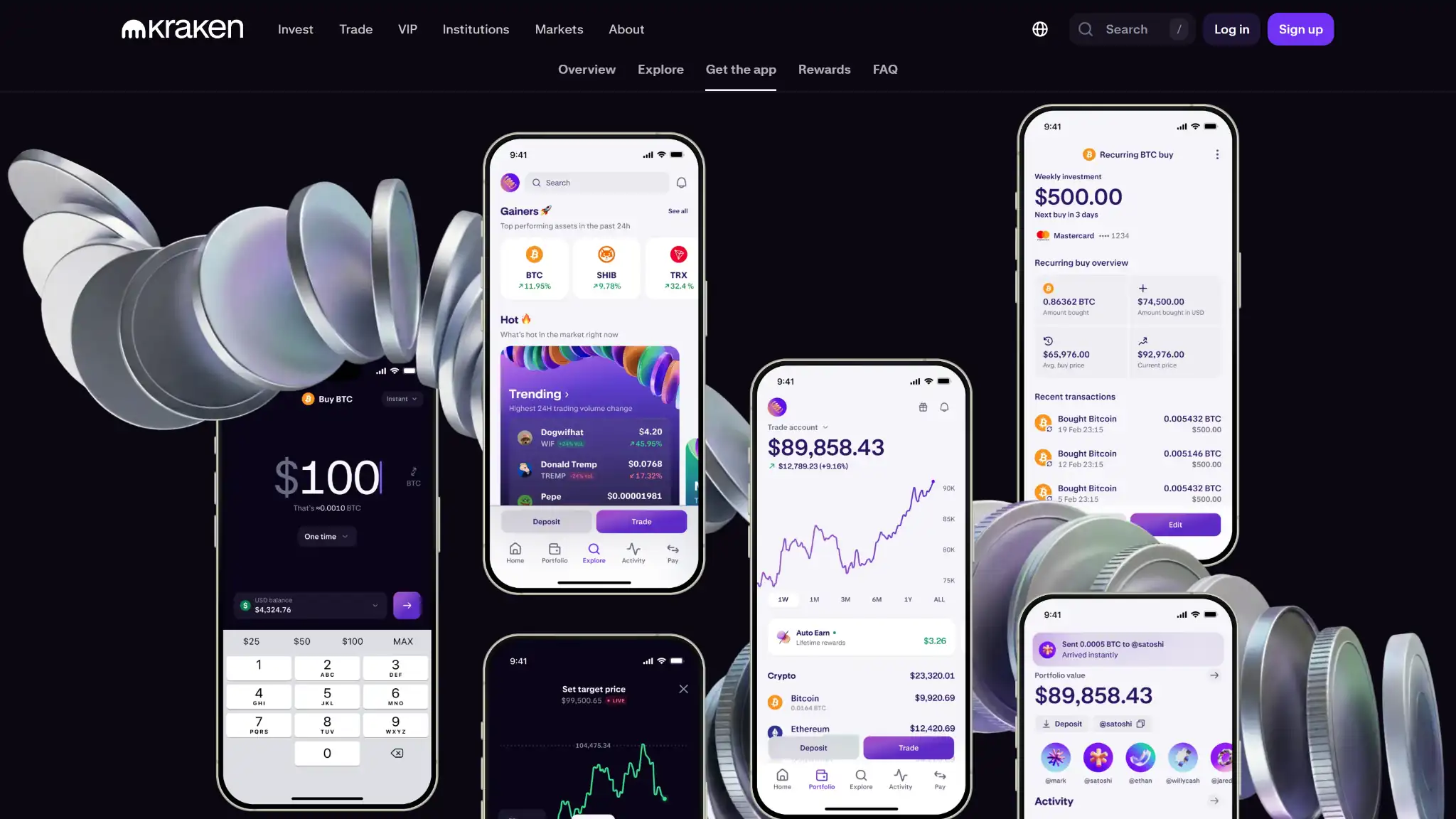
The app is free, and with no KYC and no account there is no hidden identity price either. You pay network fees on every transaction, as with any self-custody wallet, and the undisclosed swap spread is the only cost you cannot see before committing. There is no subscription tier and no device to buy, though the honest extension of that point is that serious balances still warrant a hardware signer, which this app cannot connect to.
Final Verdict
At 7.5, Kraken Wallet scores as the reference case for software-wallet transparency with a category-capped security model. The custody and trust pillars pull it up: fully open code, reproducible builds, a published third-party audit, no KYC, a clean wallet-side record, and a 2011-vintage US company behind it. No closed-source exchange wallet should outrank that profile, and several used to on this site. The security pillar holds it out of the 8s for a structural reason, not a quality one. A phone-resident key with no secure element and no hardware pairing carries risk that no anti-scam tooling removes. Within its category, mobile self-custody on major chains, it is one of the easiest recommendations we can make.
Built by the team behind Kraken exchange · Native Dogecoin support, not wrapped · Token risk scoring and spam-NFT filter
Disclaimer: CryptoSlate may receive a commission when you click links on our site and make a purchase or complete an action with a third party. This does not influence our editorial independence, reviews, or ratings, and we always aim to provide accurate, transparent information to our readers.
