Released in 2025
- Pre-created smart-account recovery signer
- ETH staking via Kiln, 15% reward commission
- Capped USDC gas sponsorship on Base
Coinbase Wallet Overview
- Crypto Wallet Name
- Coinbase Wallet
- Release Date
- 2025
- Wallet Type
- Multi-platform wallet
- Custodial Status
- Non-custodial
- Built-in Swaps
- Yes
- Open-source
- Partially open-source
- Fiat On-ramp
- Yes
Additional details
- Supported Blockchains
- Bitcoin, Ethereum, Base, Arbitrum, Optimism, Polygon, Avalanche, BNB Smart Chain, Solana
- Token Standards
- ERC-20, ERC-721, ERC-1155, SPL
- Platforms
- Web app, iOS, Android, Browser extension
- Hardware Wallet Support
- Yes
- Staking Support
- Limited
- Supported Hardware Wallets
- Ledger
- Hardware Connection Methods
- USB
Coinbase Wallet Screenshots

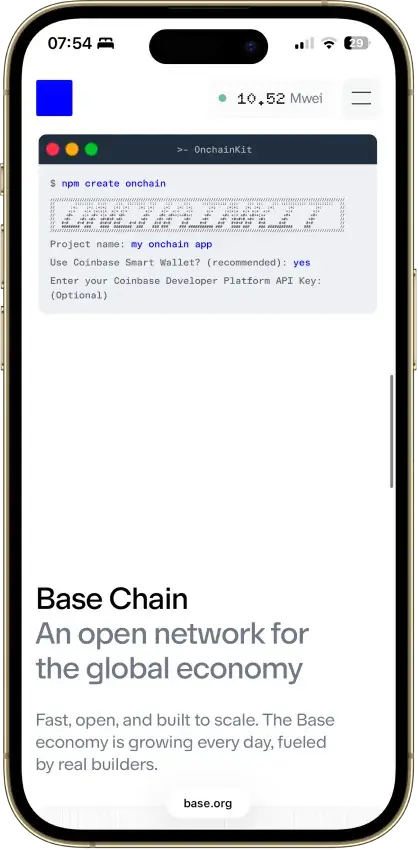
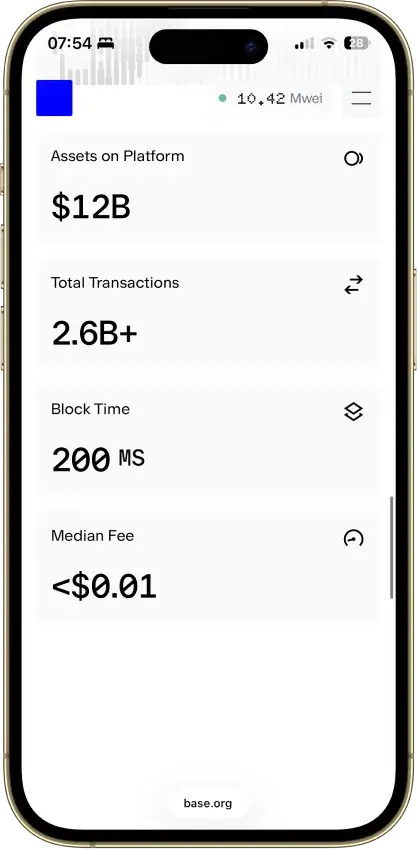
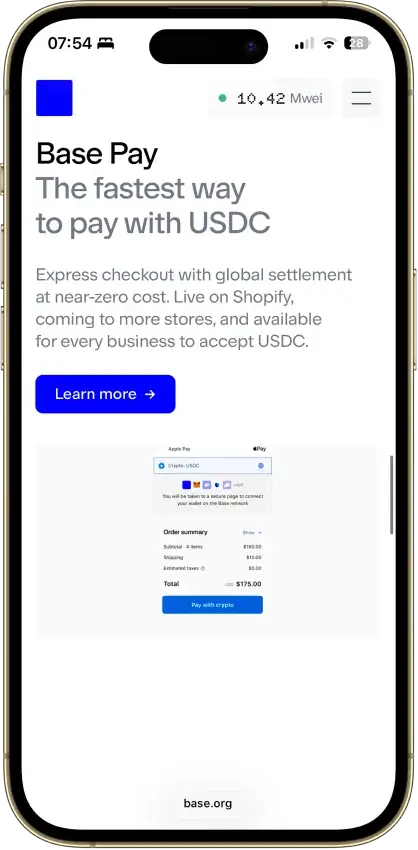
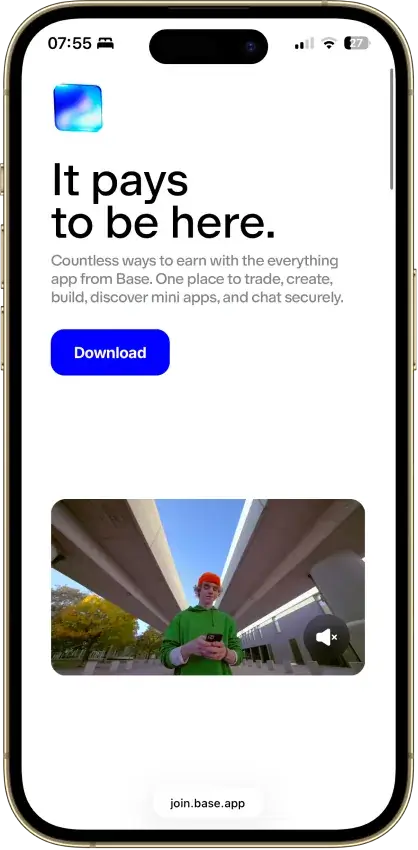
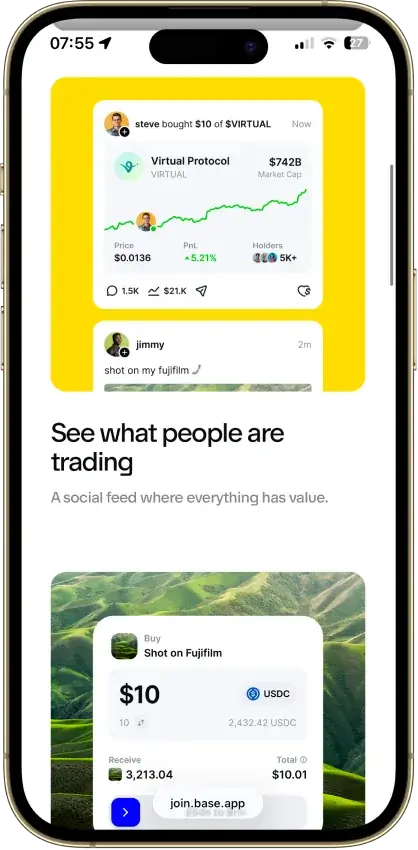


Screenshot 1 of 8
Coinbase Wallet Pros and Cons
Pros
- Several account and sign-in choices
- Integrated trading and funding routes
- Ledger signing through the extension
- Public smart-wallet contract code
Cons
- Passkey smart wallets exclude BTC and SOL
- Several former networks are unsupported
- Swap fees can include multiple charges
- Recovery rules vary by account type
Coinbase Wallet at a Glance

| Detail | Value |
|---|---|
| Product name | Coinbase Wallet, recently Base App |
| Wallet type | Self-custody software wallet with multiple account types |
| Provider in wallet terms | Coinbase Bermuda Technologies Limited |
| Platforms | iOS and Android apps, web account interface and browser extension |
| Connectivity | Online app or browser use, with Ledger connection through the extension |
| Security model | Account-specific phrase, email/social or passkey authorization, plus local Security Lock |
| Asset coverage | EVM networks, with Bitcoin and Solana limited to compatible account types |
| Source code | Public smart-wallet contracts, not a fully public consumer application |
| Recovery | Original sign-in credentials or the backup appropriate to the account |
| Hardware support | Ledger through the browser extension |
| App price | Free download, transaction and service costs remain |
| Buying crypto | Eligible linked Coinbase payment methods or supported card/Apple Pay routes |
| Swaps and staking | DEX swaps and an ETH staking service with separate fees and risks |
| Regional limits | Native perpetuals and prediction trading excluded in the US, UK and Canada, among other restrictions |
Is Base App the Same as Coinbase Wallet?
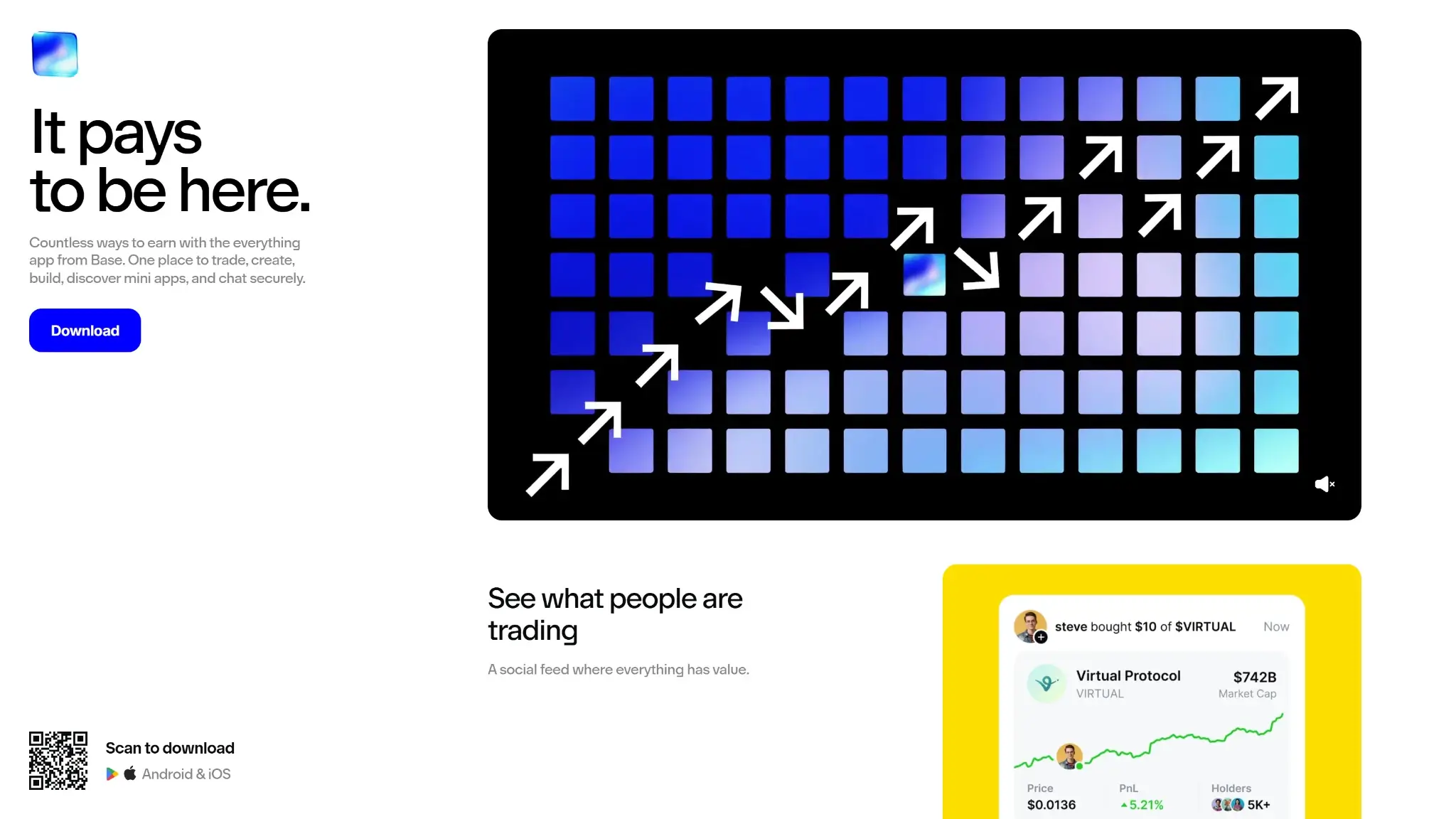
Coinbase Wallet became Base App in July 2025. On September 10, 2026, reporting confirmed the return to Coinbase Wallet, matching the current official website and updated iOS listing. Older help articles still use Base App or Base Account, so the names alone do not identify the type of account you own.
Coinbase Wallet, the Coinbase exchange and the Base blockchain are separate products. Wallet creation is available without an exchange account. Linking one can supply payment methods or access to eligible rewards, while wallet balances remain separate from exchange balances. The wallet's contracting entity is Coinbase Bermuda Technologies Limited.
The July 2025 launch emphasized social features alongside chat and apps. The September 2026 return to Coinbase Wallet brought a trading-first direction, so launch-era descriptions need to be read in that context.
Coinbase Wallet Security and Its Limits
Coinbase Wallet supports conventional recovery-phrase wallets, email or social-login accounts and passkey smart wallets. Each arrangement has its own credentials and recovery requirements. A phone, a synchronized passkey and an offline phrase represent different ways of retaining account access.
Security Lock can require a passcode or biometric check when opening the app or approving transactions. It controls local access, not recovery after losing every usable credential. A stolen phrase lets an attacker restore the wallet on a different device, outside the original app installation's Security Lock.
Coinbase's January 2023 security post described transaction previews and approval alerts, along with suspicious-site blocking and spam filtering. At that time, the stated preview and approval-alert coverage was Ethereum and Polygon. Coinbase warned that the simulations produced estimates. The iOS listing also advertises phishing-site protection. Read the transaction details before approving, even when no warning appears.
Public Code and Disclosed Flaws
Coinbase publishes its smart-wallet contracts under an MIT license. The repository lists contract audit reports from Cantina, Certora and Code4rena, dated 2023–2024. That code and those reports provide component-level transparency for the account contracts. The complete consumer application is outside the scope of that public repository.
A February 2025 advisory identified a high-severity issue in the developer package @coinbase/wallet-sdk, fixed in version 4.3.0. Coinbase said the issue did not directly affect users' keys, smart contracts or funds. GitLab's advisory index records the disclosure and patch.
Separate privacy research from KU Leuven examined wallet extensions. Its February 2026 retest found Coinbase Wallet version 3.120.0 no longer vulnerable to the specific cross-site address-linking behavior tested. The Hacker News subsequently reported the research.
Coinbase Customer-Data Incidents
In May 2025, Coinbase disclosed that bribed support workers had exposed customer information. AP independently reported the incident. Coinbase said passwords, private keys and funds were not exposed. The stolen personal details create a risk of targeted impersonation.
In February 2026, BleepingComputer reported on a separate incident from December 2025. A Coinbase spokesperson said one contractor had improperly accessed data relating to approximately 30 users and had been removed. TechRadar carried the same disclosure.
The contact and identity details taken in the May 2025 incident could make a fake support message appear informed. Coinbase's recovery documentation says the company cannot move wallet funds on a user's behalf. A request to surrender recovery words or authorize a supposed protective transfer should therefore be treated as a potential scam.
Supported Coins Depend on Your Account

Coinbase organizes asset support by the type of wallet account:
| Account Type | Network Coverage | Practical Consequence |
|---|---|---|
| Passkey smart wallet | Supported EVM networks | Does not support Bitcoin or Solana |
| Email or social-login wallet, labeled CDP in help | Supported EVM networks, Bitcoin and Solana | Use the original login method to recover the intended account |
| Recovery-phrase wallet | Supported EVM networks, Bitcoin and Solana | Preserve the original phrase and use the correct network address |
Supported EVM networks include Ethereum, Base, Arbitrum, Optimism, Polygon, Avalanche C-Chain and BNB Chain. Bitcoin uses its own receiving address. Holding an asset and having an in-app swap route for it are different capabilities: Coinbase says Bitcoin swaps are unavailable.
Solana trading documentation is inconsistent as of September 13, 2026. The asset-support page lists Solana conversions, and the store advertises Solana trading. A separate swap introduction still says Solana DEX trading is temporarily disabled. Check the actual trade screen before funding a Solana swap.
What Happened to Classic Wallet and Removed Networks?
The classic wallet interface closed on August 15, 2026, ending the option to switch back to it for missing assets. Coinbase says that interface closure preserved recovery phrases, addresses and supported balances without requiring a transfer or signature.
The current app does not support several former networks and assets, including Dogecoin, Litecoin, Bitcoin Cash, XRP and custom networks. Unsupported balances can remain at their original blockchain addresses even when the new interface cannot display them.
For a conventional phrase-based wallet, Coinbase directs users to a compatible wallet using the original recovery phrase. That guidance does not make a smart wallet's recovery key interchangeable with an ordinary seed phrase. Verify the receiving software and its network support before exposing any backup to it. The interface closure required no transaction signature. Treat messages demanding a signature to prevent coin expiry as potential migration scams.
Setup and Recovery: Keep the Original Account in View
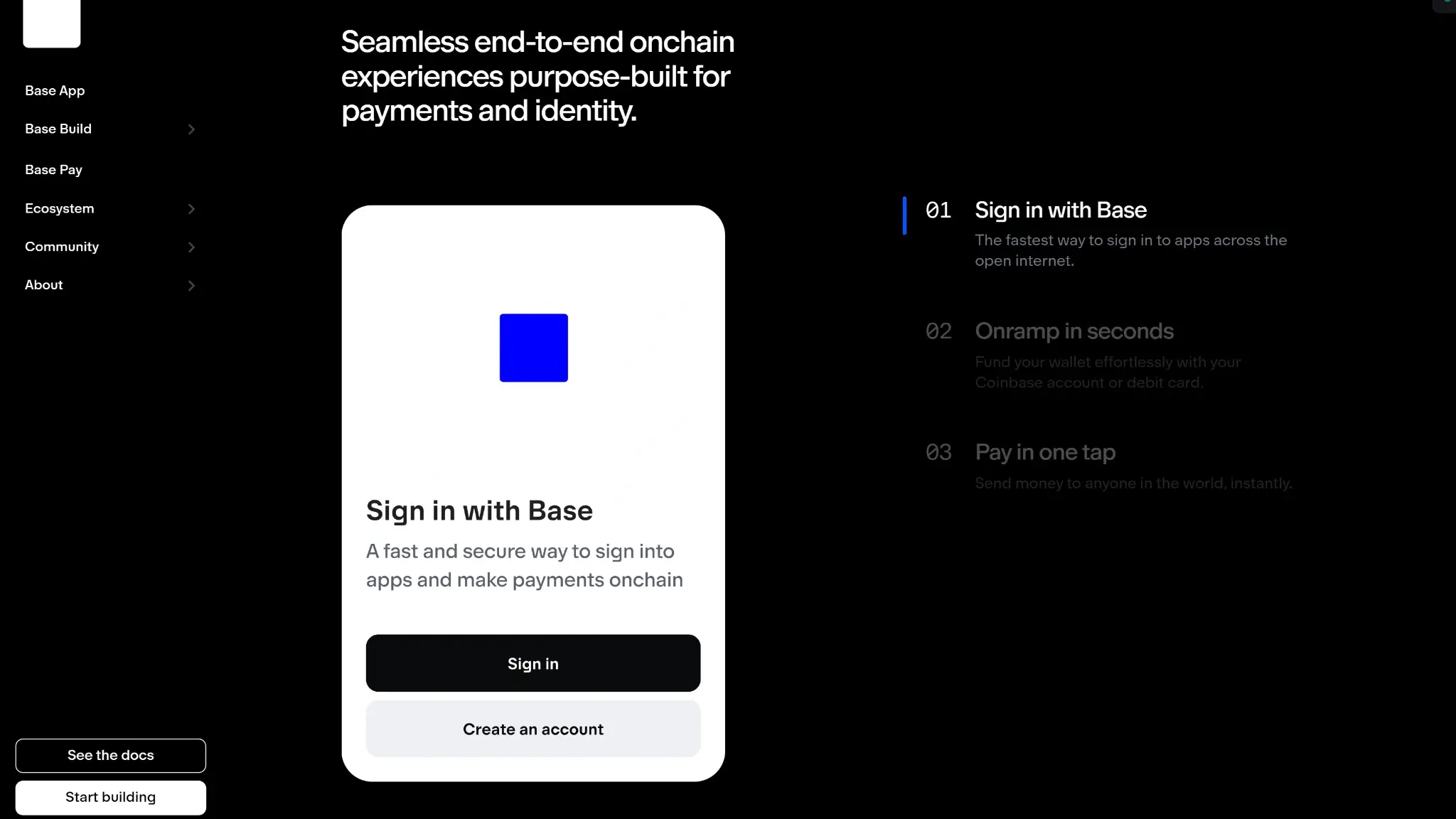
Start from Coinbase's official wallet website and choose the app or extension for your platform. Supported onboarding includes email, Google, Apple and phrase import. Returning users need the method and credentials associated with the account they intend to open.
Before adding funds, confirm the receiving network and recovery route. Note which sign-in method created the account and its public receiving address. Keep recovery phrases and recovery keys out of those ordinary notes or messages. Enable Security Lock and establish the appropriate backup while you can still access the wallet.
Passkeys and Smart-Wallet Recovery
Passkeys may be held on a device or through a credential provider with synchronization. Losing a phone and losing access to the provider are different recovery problems.
Coinbase's smart-wallet recovery option adds a recovery signer to the account. Its recovery key must be created while the original passkey is still accessible. It can then authorize a replacement passkey. Adding or changing signers can incur network fees on each chain where the change is applied.
Coinbase directs use of the smart-wallet recovery key to its account interface at keys.coinbase.com. An ordinary wallet's seed-import screen serves a different recovery process.
Recovery-Phrase and Email Accounts
A conventional 12-word wallet uses its original phrase to restore access. Coinbase also documents recovery through a previously configured Google Drive or iCloud backup. Confirm that the backup exists and is usable before uninstalling the app or clearing its data.
Entering an email address cannot reset an unrelated phrase-only wallet. Support cannot supply a lost phrase simply because the app carries the Coinbase name.
The Chrome or Brave extension connects to a Ledger through the device's Ethereum app, with transactions approved on the hardware. Choose the Ledger connection option and keep its recovery phrase out of the software wallet. A separate signer such as the Ledger Nano X also needs its own software maintenance.
Trading, Staking and USDC Rewards

Coinbase Wallet offers charts and swap tools, and advertises limit orders alongside new market categories such as predictions and perpetual futures. The new asset classes are rolling out. The wallet's terms exclude its native perpetuals and prediction trading from the US, UK and Canada, among other jurisdictions. App availability and eligibility for those markets are separate questions.
Eligible users can buy through a linked Coinbase account or supported debit-card and Apple Pay routes. Available methods depend on location, and funding services may impose identity checks. Exchange-to-wallet transfers are processed on-chain and carry a network cost.
Ethereum Staking
The ETH staking service aggregates deposits through Kiln contracts and uses Coinbase Developer Platform validators. Pooling lets users participate with less than 32 ETH. The nontransferable cbwsETH token represents the position and withdrawal rights.
The service charges a 15% commission on rewards, subject to change, with estimated APR shown after commissions. Withdrawal requires separate unstake and claim transactions, each with gas costs. Waiting time varies, and protocol penalties can reduce principal. Rewards come from Ethereum validation.
USDC Rewards Are a Different Product
USDC Rewards is a Coinbase-funded loyalty program, not validator staking. Coinbase advertises a variable rate of up to 3.35% APY. US availability is rolling out, US users must link a Coinbase account, and the program is unavailable in the EU and Canada. Check the offer and rate shown for your account.
Coinbase Wallet Fees
The app download is free. Transactions can include wallet and provider charges as well as network costs, so compare the final amount received.
| Activity | Cost or Condition |
|---|---|
| Wallet DEX swap | Wallet fee up to 1%, plus possible aggregator and network costs |
| Ordinary on-chain transfer | Network fee, except where sponsorship applies, such as the capped USDC/Base offer below |
| USDC gas sponsorship on Base | Covers up to $0.30 per transaction and $2 per user per month |
| Buy crypto | Payment-method and provider quote, with eligibility and identity checks where required |
| Cash out | Indicative 2–3% through Coinbase.com and 2–5% through third parties, actual quote controls |
| ETH staking | 15% reward commission, subject to change, plus transaction gas |
At the maximum 1% wallet swap fee, a $1,000 swap would incur $10 in that fee alone. An aggregator charge may be reflected in the output amount. Slippage measures the difference between an expected and executed price, separately from provider charges.
Coinbase's gasless swap mode on Ethereum and Polygon allows network costs to be paid using the token being swapped. Gasless describes the payment arrangement, not an absence of network costs. USDC sponsorship is a separate, capped offer for sends on Base.
Cash-out costs and payment methods depend on the provider and region. The percentage ranges above are estimates. Check the net bank or card amount in the withdrawal quote before confirming.
Who Should Use Coinbase Wallet?
Coinbase Wallet suits users who want trading tools alongside self-custody and are willing to manage account-specific recovery. Linked payment methods may appeal to existing Coinbase customers.
- Consider it if integrated trading and eligible funding methods are useful to you, and your chosen account supports your assets.
- Look elsewhere if you need Dogecoin, Litecoin or custom networks in the app, or expect the same portable recovery phrase for every account.
For simple long-term storage, other crypto wallets may be a better fit than a product increasingly organized around trading.
Final Verdict
Choose a compatible email/social or phrase-based account if this wallet needs to hold Bitcoin or Solana. A passkey smart wallet is limited to supported EVM networks. Set up its recovery key while the original passkey is still accessible. Existing users should resolve access to any removed-network assets before trying new markets. Before a swap, check the fee and output amount on the trading screen, including whether the route is available for your account. The account table above helps separate coin support from sign-in preference.
Disclaimer: CryptoSlate may receive a commission when you click links on our site and make a purchase or complete an action with a third party. This does not influence our editorial independence, reviews, or ratings, and we always aim to provide accurate, transparent information to our readers.