


Coinbase Card Overview
Additional details
Coinbase Card Screenshots
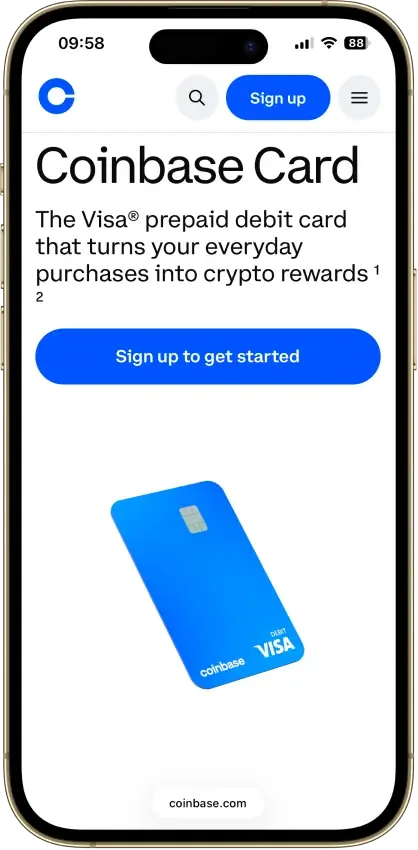
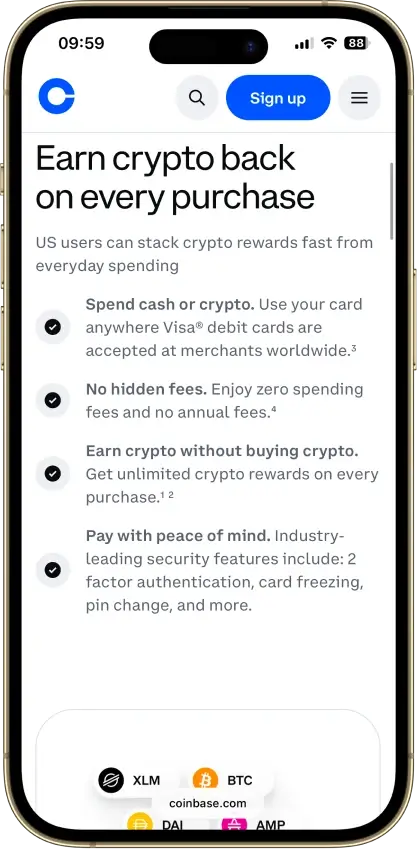
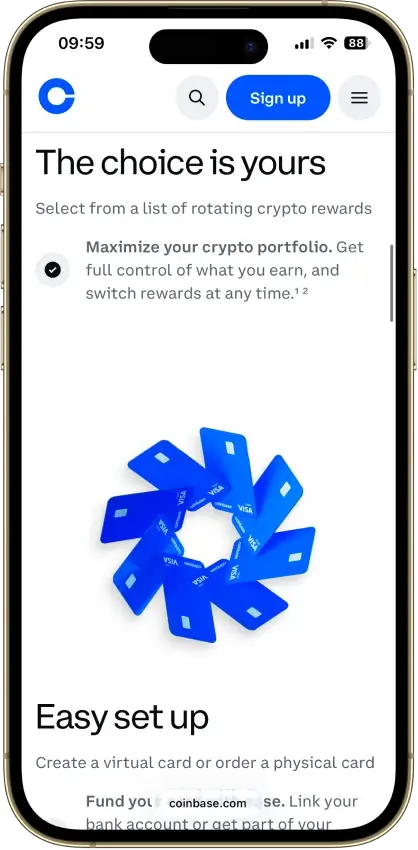
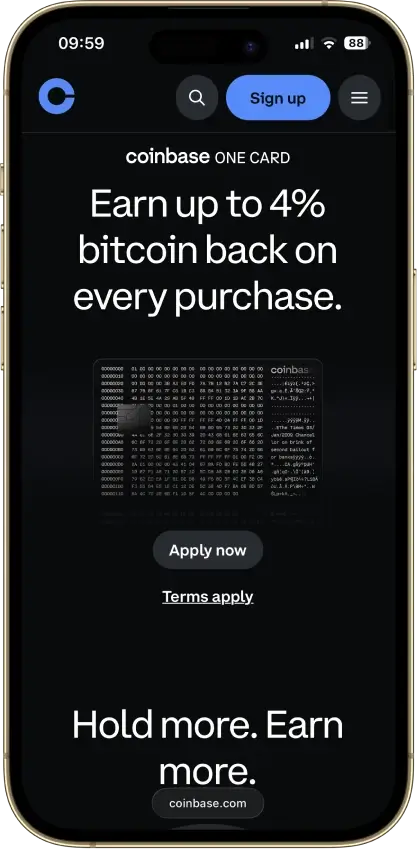
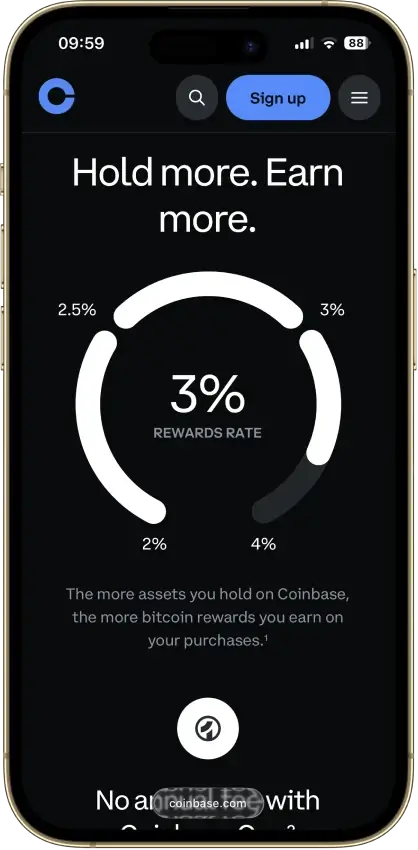
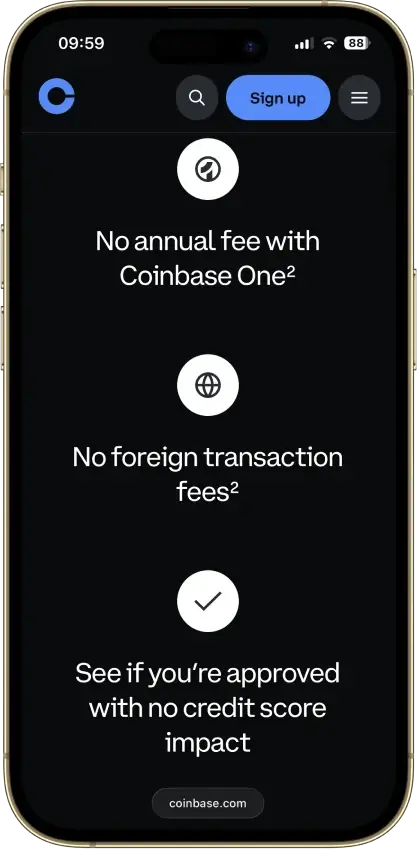
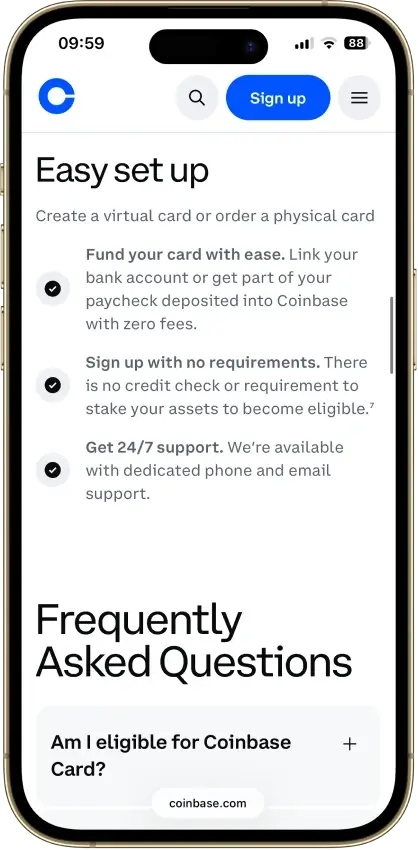
Screenshot 1 of 8
Coinbase Card Pros and Cons
Pros
- $0 annual, monthly, and foreign transaction fees
- USD and USDC spend at par with no spread
- No credit check, staking, or lockup to earn
- Instant virtual card plus Apple Pay and Google Pay
Cons
- Crypto spend triggers spread plus taxable sale
- Reward rates are app-set, never published
- $2,500 daily spend cap binds on big purchases
- US-only rewards, and Hawaii is excluded
What Coinbase Card is and How it Works
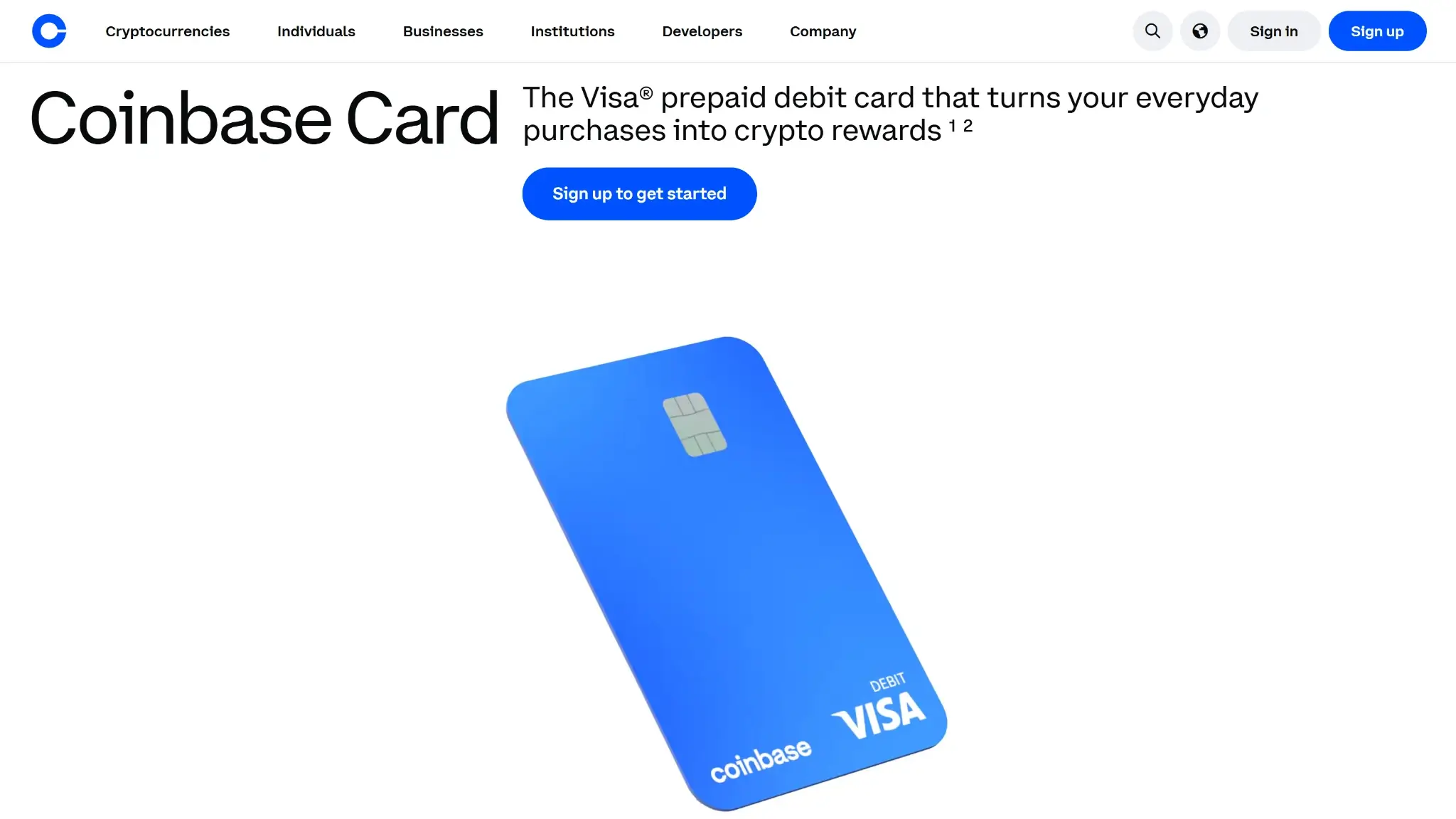
The Coinbase Card is a prepaid Visa debit card layered over a Coinbase account, not a bank-linked debit card. Whatever sits in the account is spendable — USD, USDC, or any supported crypto — and each transaction settles over the Visa network through Marqeta.
Funding follows the auto-sell at point of sale model. A purchase paid from USD or USDC draws at par, one dollar out for one dollar spent. A purchase paid from any other asset makes Coinbase sell that asset for dollars in the same instant, apply its spot spread to the conversion, and complete the charge with the proceeds. Which balance funds the card is a setting you pick in the app, so the cost profile is under your control.
Who Is Coinbase Card For?
Cardholders who already keep dollars or USDC on Coinbase get the best version of this product: a $0-fee Visa with mobile-wallet support, an in-app reward on every purchase, and no conversion cost anywhere in the flow. For that user the card is close to free money on spending they would do anyway.
Anyone who wants to spend volatile crypto directly pays twice for the privilege — once in spread, once in tax paperwork — and anyone budgeting around a predictable cashback rate should look elsewhere, because the rate lives in the app and changes without notice. Hawaii residents cannot apply at all, and users outside the US are pointed to the separate UK and EEA products.
Coinbase Card Rewards Mechanics
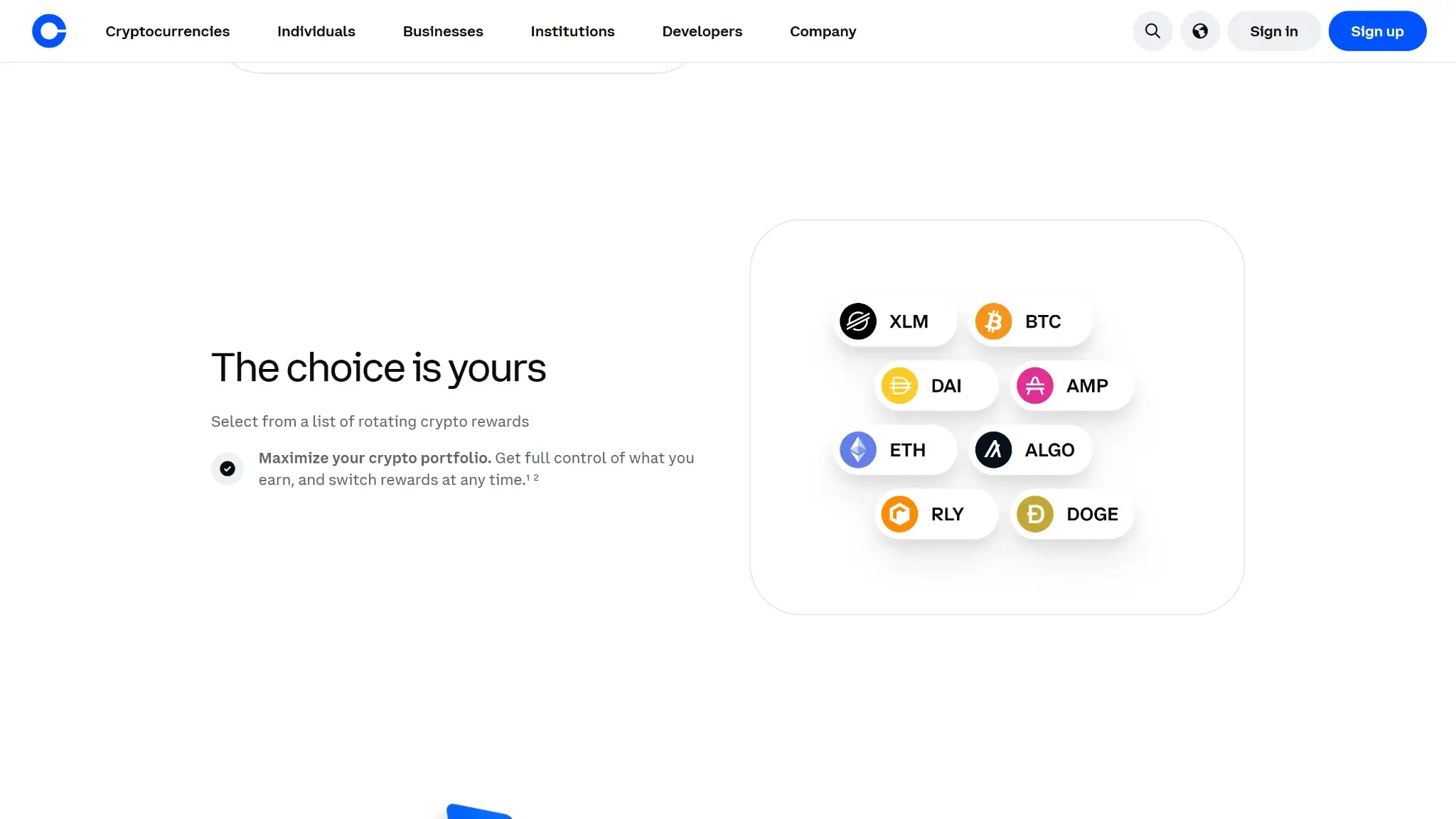
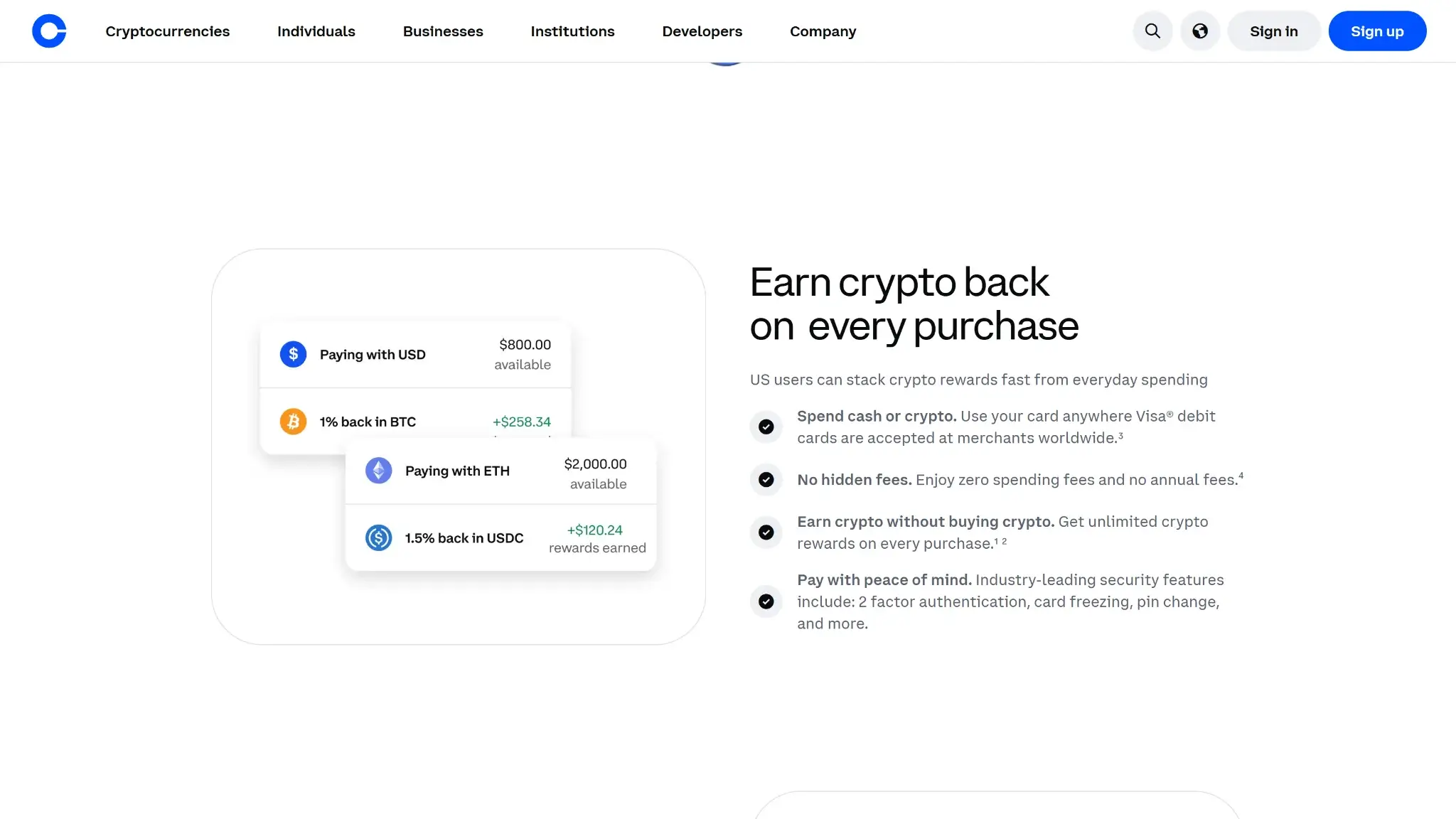
The realized rate is whatever the app shows for your selected coin on the day you spend. Coinbase publishes no fixed schedule anywhere — its own page says to check the app for the current rate. The rate historically topped out at up to 4% for US cardholders but is now unpublished, with the app showing a variable rate; rates rotate across a menu of coins, and you can switch the payout asset before any purchase.
| Element | Value | Notes |
|---|---|---|
| Base rate | App-set variable rate per coin | No fixed published schedule, check the app for the current rate |
| Top rate | Historically up to 4% for US cardholders, now unpublished (app shows a variable rate) | Rates rotate across a menu of coins |
| Reward currency | The crypto you select | Payout asset switchable before any purchase |
| Requirements to earn | None | No staked token, no subscription tier, no credit approval |
| Caps and minimums | No published cap on total rewards | US-only rewards |
| Offsets | Crypto-funded purchases give part of the reward back through the conversion spread | Reward value moves with the payout coin |
Two things separate this program from the lockup-gated cards it competes with. Earning requires nothing — no staked token, no subscription tier, no credit approval — and no cap on total rewards is published. The offsets are just as concrete: rewards pay out in the crypto you picked, so the value moves with that coin, and a crypto-funded purchase gives part of the reward straight back through the conversion spread. On an app-set rate minus a spread, the net is variable by design.
Coinbase Card Fees and Pricing
The fee schedule is nearly all zeros: $0 annual, $0 monthly, $0 foreign transaction, and no Coinbase charge on card purchases. What remains is the spread. Funding a purchase with volatile crypto routes it through Coinbase's retail spot conversion, and the spread on that conversion is the card's entire running cost. Coinbase shows it per transaction before you confirm instead of publishing a flat percentage.
| Fee or charge | Amount / rate | When it applies |
|---|---|---|
| Annual fee | $0 | Ongoing |
| Monthly fee | $0 | Ongoing |
| Foreign transaction fee | $0 | Purchases abroad |
| Coinbase charge on purchases | $0 | Card spend |
| Conversion spread | Coinbase retail spot spread | Purchases funded from volatile crypto |
| USD and USDC spend | No spread | Purchases funded from USD or USDC |
| ATM withdrawal | $0 Coinbase fee (verified) | Cash withdrawal |
USD and USDC spending avoids the spread entirely, which makes the card's true price a function of habit: a stablecoin spender pays effectively nothing, a bitcoin spender pays the spread on every swipe. ATM withdrawals carry no Coinbase fee (verified), though third-party operator fees and any free-withdrawal allowance still apply. The physical card ships with no issuance fee.
Coinbase Card Limits — Purchase and ATM
These defaults sit in the app, and Coinbase lifts them gradually as an account builds history — cardholders cannot request an increase. Day-to-day groceries-and-gas spending never touches them. A laptop, a flight booking, or any single purchase above $2,500 does, and the only workaround is splitting the payment or paying from another card.
Eligibility and Availability — Countries and States
Coinbase hase a Region-Limited status. Applicants must be at least 18, hold a fully verified Coinbase account, and pass a government-ID check. No credit check runs, nothing needs to be staked, and approval issues a virtual card immediately, with the physical card arriving in roughly two to three weeks.
Supported Countries
The US Coinbase Card serves the United States only, in every state except Hawaii. Coinbase's other card markets get their own regional products, not this one:
- United States — all states except Hawaii (the card scored on this page)
- United Kingdom — the separate UK Coinbase Card, live now
- EEA (30 countries) — the regional Coinbase Card re-expanding after the 2026 post-MiCA relaunch: Austria, Belgium, Bulgaria, Croatia, Cyprus, Czech Republic, Denmark, Estonia, Finland, France, Germany, Greece, Hungary, Iceland, Ireland, Italy, Latvia, Liechtenstein, Lithuania, Luxembourg, Malta, Netherlands, Norway, Poland, Portugal, Romania, Slovakia, Slovenia, Spain, and Sweden.
Everywhere outside those markets, the Coinbase card is unavailable.
Funding Rails
Auto-sell at point of sale sets the cost of every rail. USD funds spend at face value. USDC redeems one-to-one for dollars with no spread. Every other asset gets sold at purchase time, which costs the spot spread and creates a taxable disposal in the same moment — two consequences from one design choice.
Reloading means moving money into Coinbase itself, through bank transfer, wire, or a crypto deposit, subject to the $5,000-per-24-hour reload limit. No separate card balance exists to manage, which removes the stranded-balance problem preload cards have, and merchant refunds land back in the Coinbase account.
Security, Custody, and Freeze Risk
Custody splits across two regulated entities. Crypto stays in Coinbase custody — a US-listed public company under American regulation — until the moment of sale, and converted dollar proceeds sit with Pathward, N.A., a Member FDIC bank. That pairing gives the card a better-documented custody chain than most crypto cards, where the issuing bank goes unnamed.
Account protection runs through two-factor authentication, instant card freeze and unfreeze in the app, and PIN management. Unauthorized transactions fall under Visa's zero-liability rules per the cardholder agreement. In May 2025, Coinbase disclosed (SEC 8-K, May 14, 2025) that bribed overseas support contractors had leaked KYC data on roughly 69,461 customers; Coinbase refused the attackers' $20M extortion demand, estimated remediation at $180M–$400M, and said no keys, passwords, or funds were taken. The residual risk is the custodial one every Coinbase user already holds: an account-level restriction freezes card spending along with everything else, and no self-custody fallback exists.
UX, App, and Support
There is no separate card app to learn. Everything sits in the Coinbase app you already use for the account itself: real-time transaction alerts, spending summaries, freeze and PIN controls, and the reward-coin selector. The virtual card works from the moment of approval and loads into Apple Pay and Google Pay, so spending starts weeks before the physical card ships.
Support runs 24/7 by phone and email, with a dedicated card line — rare in a market where in-app chat with a queue is the norm. Disputes and chargebacks follow the Visa process laid out in the cardholder agreement. The scenario that tests any custodial card is a frozen account sitting between you and your money, and Coinbase's scale works in both directions here: support you can actually reach by phone, and a compliance engine that freezes first and asks questions later.
Tax and Record-Keeping
The structural point outranks every fee on this card: each crypto-funded purchase is a disposal the IRS expects on your return. A $6 coffee paid from a bitcoin balance is a bitcoin sale with its own cost basis, gain or loss, and reporting line. Habitual crypto spenders generate hundreds of reportable events a year without noticing.
Coinbase supplies account statements and transaction and tax exports, which keeps the reconciliation workable if tedious. USD spending creates no taxable event, and USDC spending generally creates none in practice since the redemption happens at par. The clean setup is obvious: spend stablecoins, hold everything else.
Final Verdict
For a US spender who keeps dollars or USDC on Coinbase, this is one of the cheapest crypto cards sold: $0 in fees at every line item, wallet support with nothing staked, an instant virtual card, and an in-app reward on all of it. The custody chain (Coinbase custody plus an FDIC-member issuing bank) is better documented than nearly any other crypto card's — though the May 2025 support-contractor data breach is a real mark against the security story. Spend volatile crypto and the auto-sell design charges a spread and creates a tax event on every purchase, which turns the "no fee" headline into a usage-dependent claim. And the reward is a number Coinbase can change in the app tomorrow, capped in practice by whatever the current coin menu offers. A disciplined stablecoin spender gets an excellent free card. Everyone else gets a decent one with costs that scale with their crypto habit.
Switch your reward coin before each purchase · No card balance to top up or strand · 24/7 phone support with a dedicated card line
Disclaimer: CryptoSlate may receive a commission when you click links on our site and make a purchase or complete an action with a third party. This does not influence our editorial independence, reviews, or ratings, and we always aim to provide accurate, transparent information to our readers.
