Kraken Wallet is a good fit for people who want a mobile self-custody wallet that stays simpler than most Web3 apps. Its biggest strength is coverage. The Kraken Wallet app brings Bitcoin, Solana, Dogecoin, and major EVM networks into one place with optional Kraken Connect. The trade-off is that it stays mobile-first and does not offer a browser extension or in-app hardware-wallet signing.
Supports Bitcoin, Solana, Dogecoin, and major EVM networks in one mobile app.
Kraken Connect makes transfers between Kraken Exchange and the wallet easier than manual address copying.
Open-source code and a public audit give it more transparency than many exchange-branded wallets.
WalletConnect support gives users working dApp access without requiring a Kraken account.
Free to use on both iOS and Android.
Cons
No browser extension, so desktop dApp use is less convenient than MetaMask or Base App.
No in-app hardware-wallet connection for users who want stronger signing isolation.
Only one Secret Recovery Phrase can be active at a time.
Built-in swaps do not cover every chain or asset the wallet can display.
No direct fiat on-ramp inside the wallet itself.
Who Kraken Wallet is best for — and who should skip it
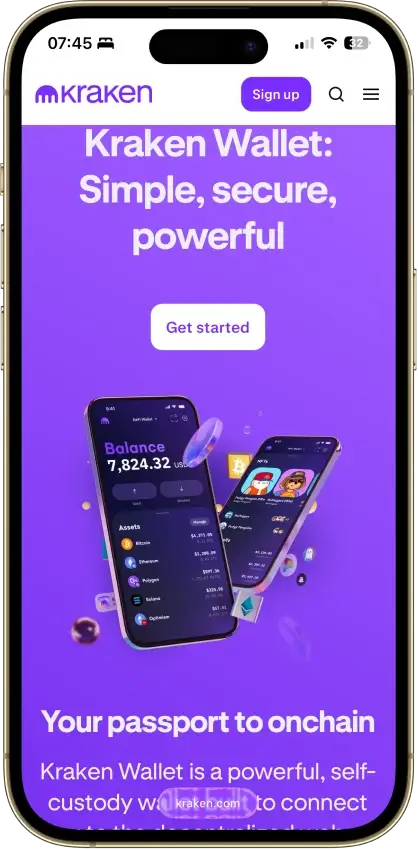
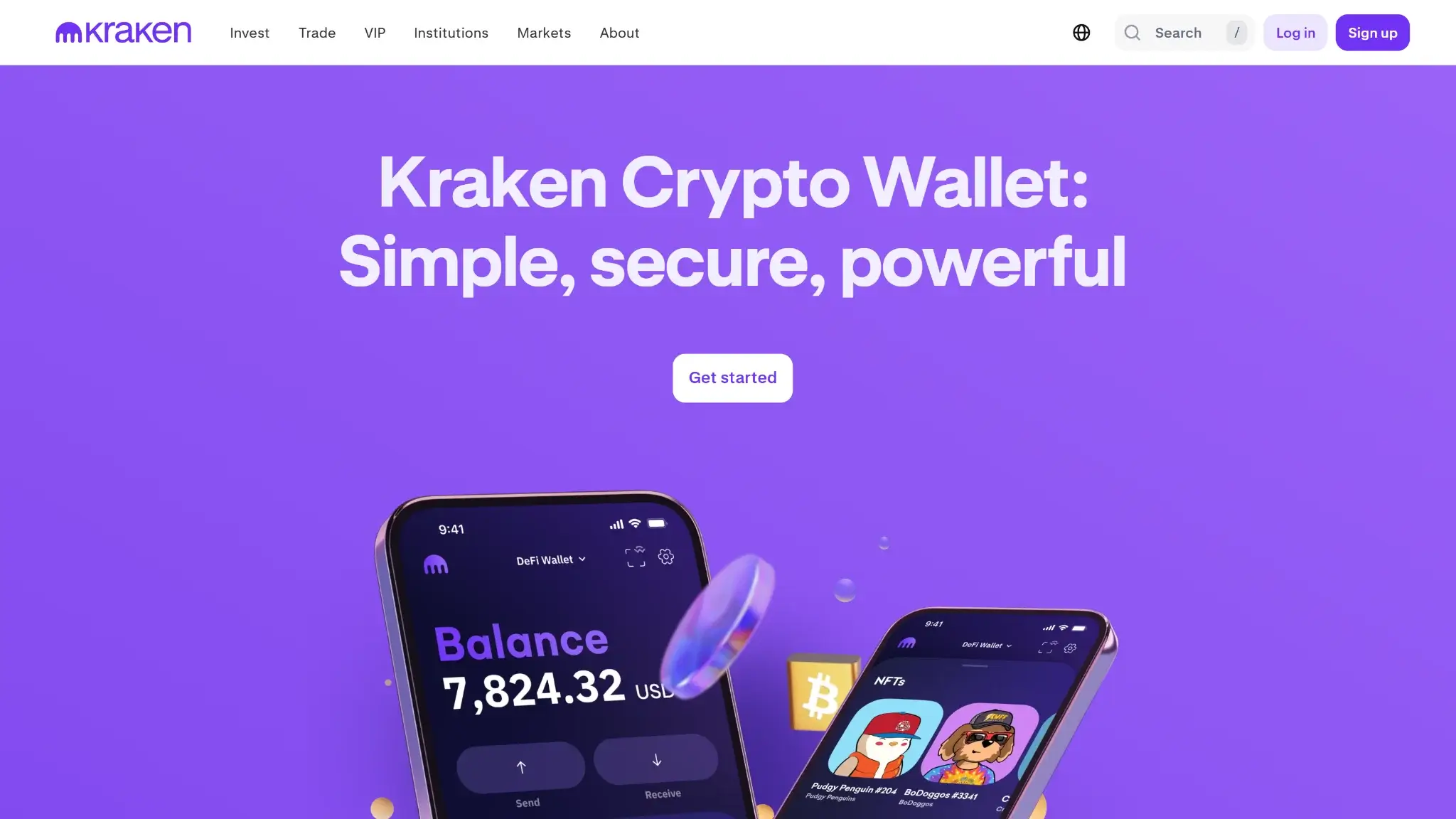
Kraken Crypto Wallet landing page hero with a mobile wallet interface preview.
Kraken Wallet is best for people who want everyday self-custody on mobile. It suits users who want full key control without a more complex desktop-first wallet. It also works well for people who want occasional dApp access through WalletConnect and basic NFT support. Kraken Connect makes the move from Kraken Exchange into self-custody easier. Overall, it makes more sense for active phone users than for passive long-term holders who plan to move most funds into cold storage and rarely touch them.
People who should look elsewhere include desktop-heavy DeFi users and anyone who wants in-app hardware-wallet signing. It is also a weak fit for users who prefer account recovery over seed-phrase responsibility. The same goes for people who constantly add custom networks, want several separate recovery phrases active in one app, or expect direct fiat buying inside the wallet instead of through a separate exchange flow.
What is Kraken Wallet and How Does it Work?
Kraken Wallet is Kraken’s separate self-custody wallet. It is not the same thing as a Kraken Exchange account or the Kraken trading app. It lives on iOS and Android as the Kraken Wallet app. Users can download the official Kraken Wallet app from the App Store or Google Play, then create a new wallet or import an existing 12–24 word Secret Recovery Phrase from another compatible wallet. You do not need a Kraken account or wallet-level KYC to use it.
Once the wallet is set up, the keys stay under the user’s control. They do not sit with Kraken. Transactions are approved inside the mobile app. dApp connections happen through WalletConnect instead of a browser extension. Users can store supported assets, send and receive crypto, manage NFTs, connect to dApps, and use built-in swaps on select supported routes.
The branding can confuse some readers because Kraken also runs a centralized exchange and separate trading apps. Here’s the key distinction. Kraken Wallet is the self-custody product. Kraken Exchange is the custodial trading platform. Kraken Connect can link the two for easier transfers and balance visibility. It does not turn the wallet into a custodial account.
Wallet type, custody, and recovery model
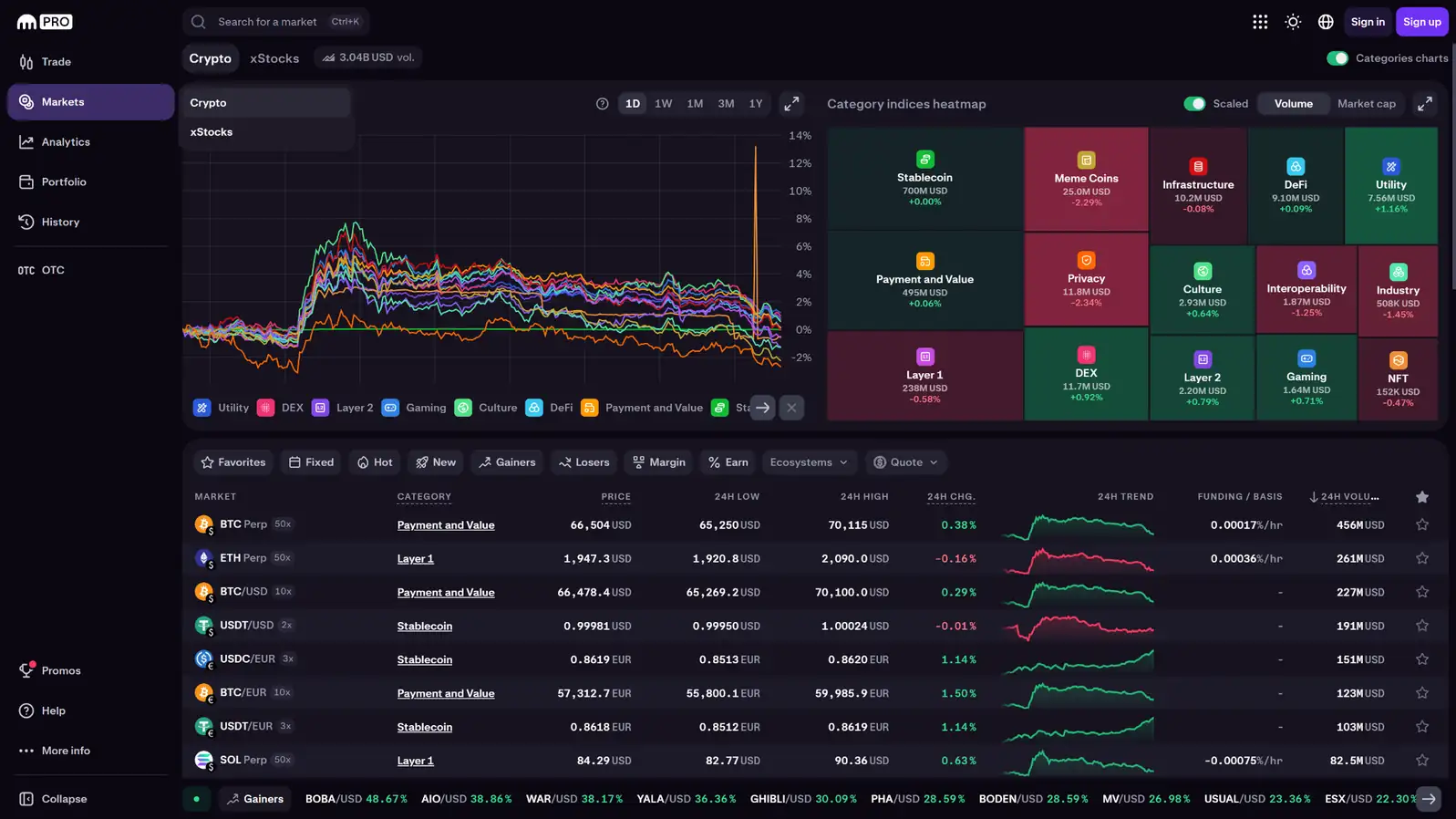
Kraken Pro markets page showing category indices chart and market heatmap.
Kraken Wallet is a non-custodial hot wallet. The user controls the wallet, not Kraken. That is the key point to understand before anything else. Kraken Connect can make transfers easier, but it does not change who holds the keys.
Field
Details
Wallet class
Hot software wallet
Who controls the keys
User
Recovery method
Secret Recovery Phrase; optional encrypted iCloud backup on supported iPhones
Can you export keys or seed?
Yes, the Secret Recovery Phrase can be viewed and backed up; private-key import is not supported
Portability to another wallet
Easy for compatible seed-phrase wallets
What happens if you lose the device
You can restore the wallet on a new device with the Secret Recovery Phrase, or with iCloud backup on supported iPhones
What happens if you lose the recovery method
If you still have wallet access, you can reveal the phrase and back it up. If you lose both device access and recovery access, the assets are gone.
Who can help recover access
Nobody can recover custody for you; support can explain steps but cannot restore lost keys
Best use case
Daily self-custody, light DeFi, NFT holding, and moving funds from Kraken Exchange into a personal wallet
The wallet lets users import an existing 12 to 24 word Secret Recovery Phrase. Importing that phrase into Kraken Wallet does not deactivate it in the original wallet. That makes it easier to move into than wallets built around a closed recovery system.
There are still limits. Kraken Wallet supports only one Secret Recovery Phrase at a time. It does not support importing private keys or hidden-wallet passphrases. That is fine for mainstream use, but advanced users who manage several separate seed sets may find it restrictive.
Supported assets, networks, and compatibility
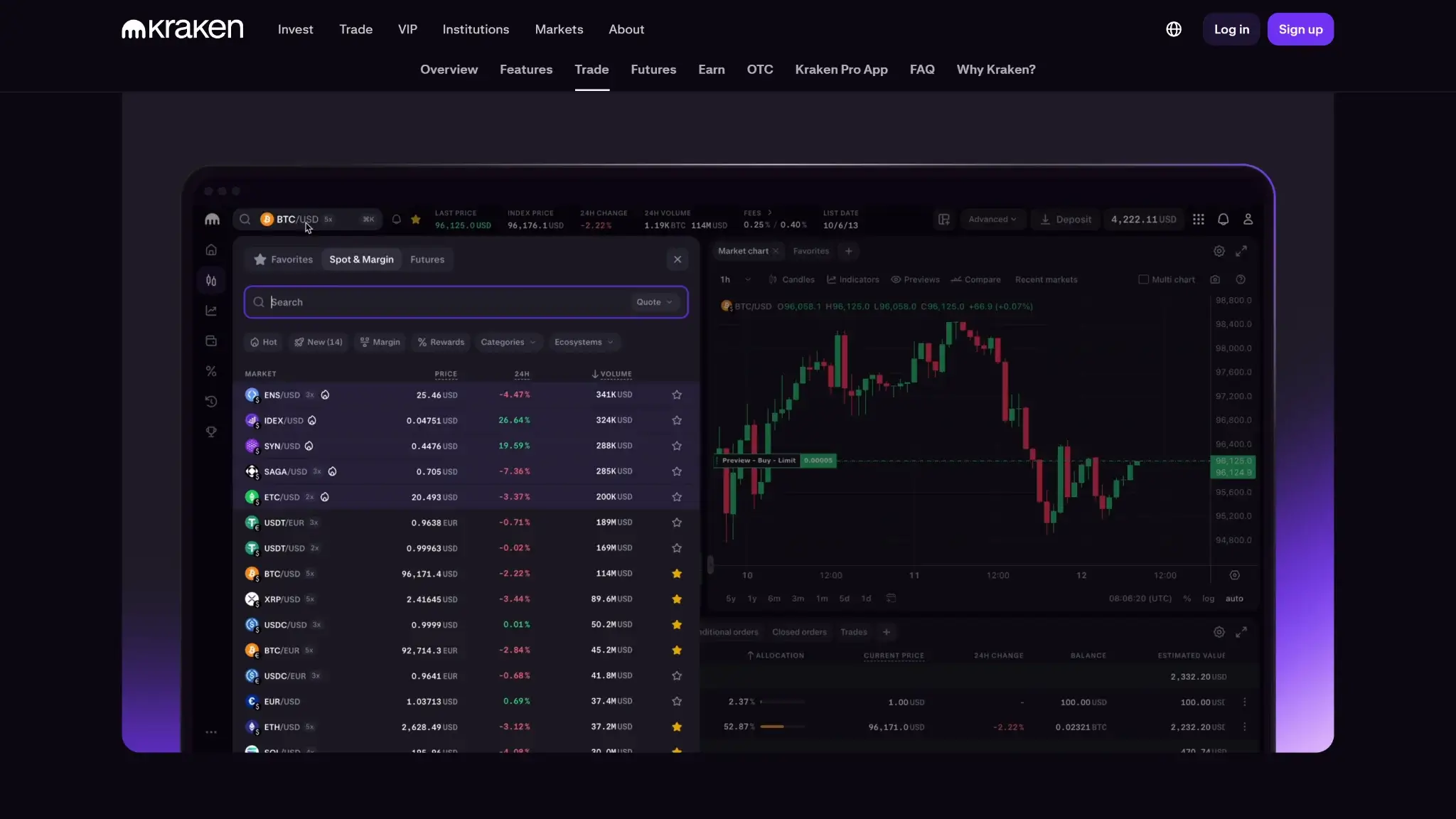
Kraken Pro trading platform preview with market list and BTC/USD chart.
Kraken Wallet covers the main networks most mobile users care about. It supports Bitcoin, Ethereum, Solana, Dogecoin, and the major EVM chains Kraken currently includes. That is broad enough for everyday self-custody, NFTs, and simple dApp use, but it is not trying to be an everything wallet.
The compatibility model is simple. Kraken Wallet is available on iOS and Android only. It does not offer a desktop app or browser extension. dApp sessions happen through WalletConnect, and the same Ethereum address is reused across the wallet’s supported EVM networks.
ERC-20, SPL, and native assets on supported networks
Platforms
iOS, Android
Hardware support
None
Connection methods
WalletConnect for dApps; QR codes and copied addresses for transfers
Notable gaps
No browser extension, no desktop app, no in-app hardware-wallet support, no Bitcoin Ordinals, no BRC-20s, no Runes
Asset support is broad, but not universal. Kraken Wallet supports thousands of ERC-20 tokens on its supported EVM networks and SPL tokens on Solana. It supports a broad range of tokens on those networks, but not every token standard is covered. The wallet also supports NFTs on Ethereum, Arbitrum, Base, Optimism, Polygon, and Solana. It does not support Bitcoin Ordinals, BRC-20s, or Runes. The list of supported networks is fixed rather than open-ended.
The fixed network list is another practical limitation. The wallet is easier to understand than products with endless custom-network options, but advanced users may see that as a trade-off rather than a benefit. For broader comparisons, see our best crypto hot wallets and best decentralized self-custodial wallets guides.
Core features and real-world use cases
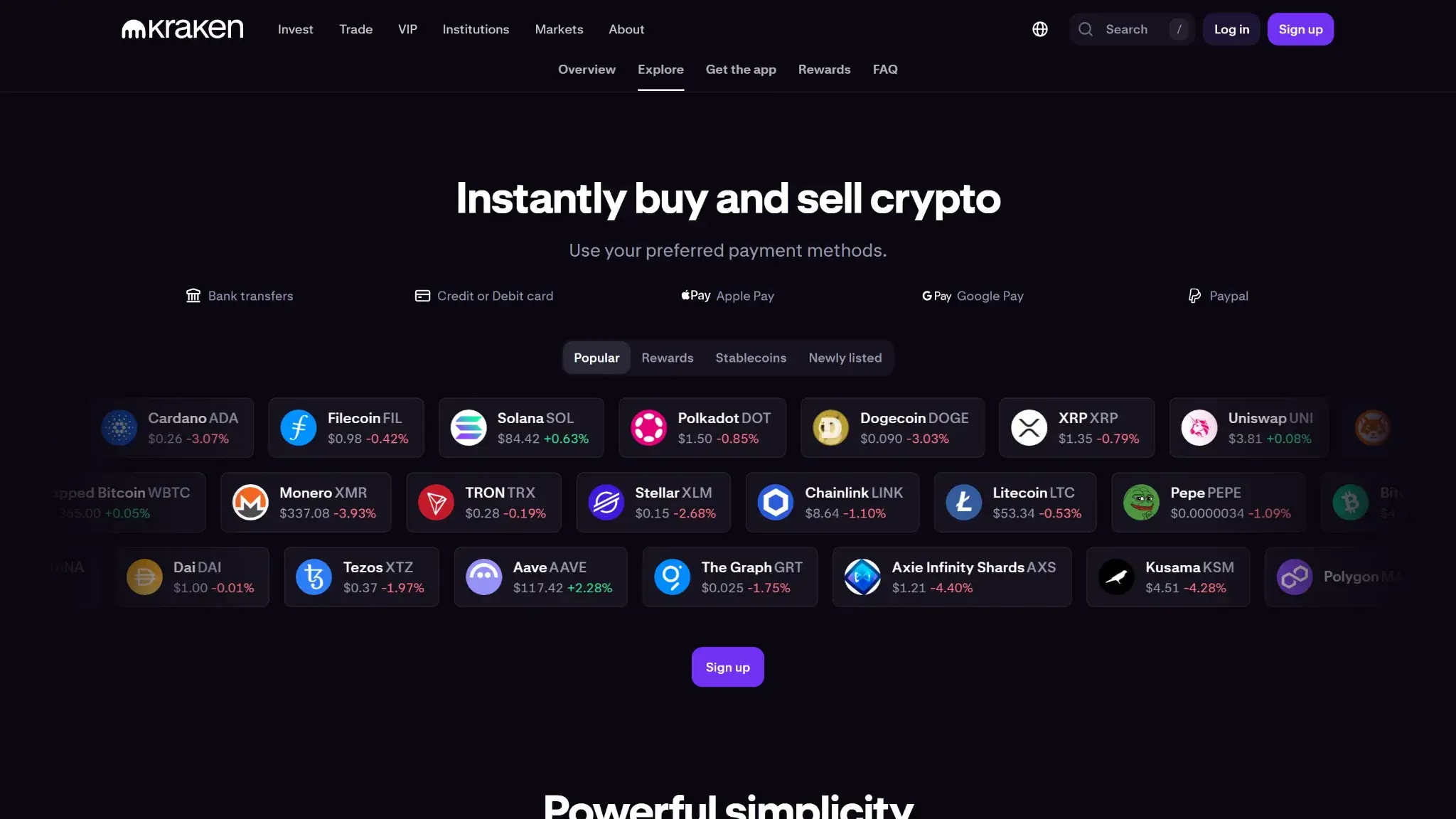
Kraken page highlighting instant crypto buy and sell with supported payment methods.
Compared with direct rivals such as MetaMask, Base App, and Phantom, Kraken Wallet is narrower in scope. It is also more mobile-first. For many users, that narrower scope is a plus. It covers the things most users actually do: day-to-day storage, occasional dApp use, NFTs, and easier transfers from Kraken Exchange. It falls behind in desktop-heavy DeFi, hardware-wallet workflows, and deeper customization. It is better for simple onchain use than for power users who want an extension-first wallet with more chain control and more advanced signing options.
Feature area
What users can do
How it works in practice
Key limitations, costs, or risks
Swaps and trading
Swap supported assets on select supported routes
Built-in quotes from DEX and bridge routes. Users choose Best value or Fastest, set slippage, and confirm in-app.
Gas applies. Cross-chain routes can add bridge fees. No Bitcoin or Solana swaps.
Bridging
Move assets across select supported chains as part of a cross-chain swap route
Handled inside eligible cross-chain swap quotes, not as a standalone tool.
Bridge fees and delays can apply. Only supported on select routes.
Staking and earn
Connect to DeFi staking, lending, borrowing, and yield-farming apps; view existing DeFi positions
No native staking. Users connect to third-party dApps through WalletConnect. Positions appear in Deposits.
Smart-contract and dApp risk remain. Returns vary.
dApp access and connectivity
Connect to dApps, sign messages, approve transactions, and use mobile or desktop dApps through WalletConnect
Users connect through WalletConnect and approve requests in-app.
No browser extension. Desktop use is less convenient. Phishing risk remains.
NFTs
View, store, send, receive, favorite, and archive NFTs
NFTs can be viewed, sent, received, favorited, and archived in-app.
Some media does not render fully. Support is limited to supported chains.
Exchange and account features
Link Kraken Wallet to Kraken Exchange, view exchange balances, and move funds into self-custody more easily
Kraken Connect links the wallet to a Kraken account for balance visibility and easier transfers.
Requires a Kraken account. No direct fiat rails in the wallet.
The feature set focuses on the things most users actually do. The wallet covers the real things many users do every week: receive assets, move funds off exchange, connect to a dApp, swap tokens on supported routes, and manage NFTs. The strongest features are the ones that reduce friction without blurring custody, especially Kraken Connect and the cleaner mobile WalletConnect flow. The weaker parts matter more to advanced users. Swaps and bridging depend on route support, staking depends on third-party dApps, and desktop use still feels like a workaround rather than a native strength. That makes Kraken Wallet a solid everyday self-custody wallet, but not the strongest option for users who want a full-featured desktop Web3 setup.
Fees and total cost of ownership
Kraken Wallet is inexpensive to own because the wallet itself is free. There is no device purchase, no subscription, and no Kraken-branded fee just for holding or sending assets. Most of the real cost shows up only when users do something onchain, especially swaps or cross-chain routes.
Cost component
What users pay
When it applies
Notes
Device or wallet price
Free
One-time download
No wallet purchase price
Shipping and import costs
Not applicable
Not applicable
Hardware-only category
Network fees
Variable
Sends, swaps, bridges
Chain dependent; not controlled or received by Kraken Wallet
Swap spread or routing fee
Kraken fee: none; route costs vary
Swaps
Quotes can include DEX routing impact, slippage, and bridge fees on cross-chain routes
On-ramp fee
Not supported in-wallet
Not applicable at wallet level
Users need Kraken Exchange or another provider to buy crypto first
Withdrawal fee
No wallet withdrawal fee
Sending from the wallet
If moving funds from Kraken Exchange into the wallet, Kraken Exchange withdrawal fees apply separately
Subscription or premium fee
None
Not applicable
No premium wallet plan
The important distinction is that Kraken Wallet is not charging most of these transaction costs. There are no separate Kraken Wallet swap fees charged by the wallet itself. Gas comes from the blockchain, and cross-chain swap routes can add bridge fees. The wallet is cheap to keep, but active onchain use can still get expensive depending on the chain and route.
For everyday use, the cost profile is reasonable. Receiving and storing are effectively free until you move assets. The more complex the action, the less predictable the cost. Cross-chain swaps are the main place where gas, bridge charges, and price impact can stack up. If you fund the wallet from Kraken Exchange regularly, remember that the exchange’s withdrawal fees are separate.
Security architecture and trust
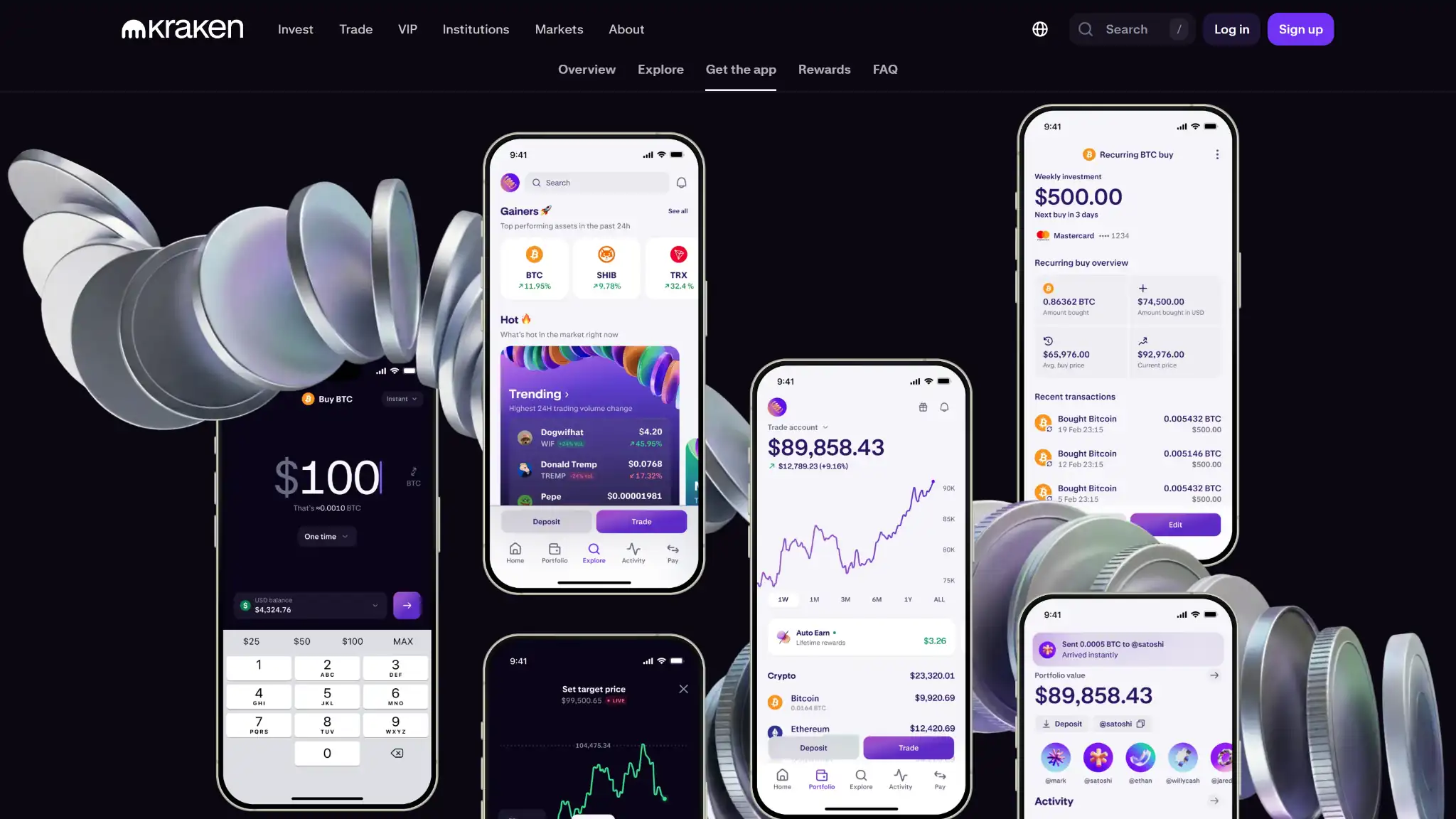
Kraken mobile app preview showing portfolio, trading, and recurring buy screens.
Kraken Wallet has a better-documented security model than many exchange-branded wallets. That is one of the wallet’s stronger areas. The open-source code, public audits, and built-in scam protections add credibility. But it is still a mobile hot wallet, not a cold-storage device. The main risk never disappears: private keys must enter app memory during signing, so the phone remains part of the trust boundary.
Kraken publishes compromise-response guidance and includes Kraken Wallet in its public bug bounty scope
Kraken reassures that the seed, mnemonic, and wallet database key are stored in encrypted form. On iOS, they are protected through Keychain. On Android, they are protected through Keystore. Users can add biometrics, app lock, and optional password protection, and incorrect password attempts trigger lockout delays. That is a solid app-level model for a mobile wallet.
The limitation is architectural. Kraken openly says the app cannot sign transactions directly inside a secure element. Instead, the private key has to be loaded into memory during actions such as sending tokens, signing WalletConnect requests, and other sensitive wallet operations. That is one reason Kraken Wallet is easier to trust than a typical closed wallet app, but still less secure than a good hardware wallet.
Kraken is clearer than many wallets about its anti-scam protections. The wallet uses transaction simulation and external risk scoring before signing. It also validates addresses, shows full addresses, warns on network mismatches, checks suspicious fees, uses token reputation, and automatically archives likely spam NFTs. WalletConnect sessions can also be disconnected from inside the wallet. What it does not clearly offer is a dedicated in-app revoke dashboard for old token approvals, so advanced permission cleanup may still require outside tools.
Kraken is more transparent than many exchange-branded wallets. It says the client collects only the data needed to function and does not include third-party analytics or crash-reporting SDKs. It also proxies blockchain-data requests through Kraken infrastructure to reduce direct exposure to outside providers. The code is open source. Kraken has published Trail of Bits audit reports, and Kraken’s public bug bounty program explicitly includes the Kraken Wallet application in scope.
Kraken’s own security model assumes the phone is not rooted, the operating system is current, and the user avoids fake apps, phishing attempts, and malicious dApps. If the wallet is compromised, Kraken cannot reverse onchain transactions or restore funds. Kraken Wallet has stronger safeguards than many hot wallets, but it still carries normal mobile self-custody risk.
Backup, recovery, and loss scenarios
Kraken Wallet backup and restore depend on keeping a valid recovery path. In most cases, that means your Secret Recovery Phrase or, on supported iPhones, an encrypted iCloud backup. If you lose both wallet access and recovery access, the loss is permanent.
Scenario
What users can do
What support can help with
When loss is permanent
Lost, broken, or replaced phone
Restore on a new device with the Secret Recovery Phrase, or with eligible iCloud backup on supported iPhones
Share official restore steps and security guidance
Permanent only if you lose both device access and recovery access
Forgotten app lock, biometrics, or wallet password
Restore on a new device if you still have the Secret Recovery Phrase or eligible iCloud backup
Explain restore options only; support cannot bypass the app lock
Permanent if you cannot unlock the app and have no recovery path
Lost Secret Recovery Phrase
If you still have wallet access, reveal the phrase in-app and back it up properly
Point you to backup guidance
Permanent if you later lose wallet access too
Lost iCloud backup or passkey access
Recover with the Secret Recovery Phrase instead
Explain backup and restore paths
Permanent if you relied on iCloud backup and also lose the Secret Recovery Phrase
Compromised wallet or stolen device
Use a safe device, create a new wallet with a new phrase, and move remaining assets quickly
Provide compromise-response guidance
Disputed or stolen onchain funds cannot be reversed by support
Recovery contacts or social recovery
Not applicable
Not applicable
Not applicable
Support limits
Keep your recovery phrase private and use only official restore steps
Support can explain steps and security guidance
Support cannot view your phrase, reset the wallet, recover lost keys, or reverse onchain transactions
UX, performance, and platform support
Kraken Wallet is easier to use correctly than many Web3 wallets because it limits scope. The app keeps the core actions clear: receive, send, swap on supported routes, connect through WalletConnect, and manage NFTs. That narrower design helps beginners avoid some of the confusion that comes with extension-heavy wallets, endless custom-network menus, and cluttered settings. The trade-off is lower flexibility for advanced users.
The biggest UX split is platform support. Kraken Wallet works well enough if your routine is mobile-first. It works less well if your normal workflow starts on desktop. There is no browser extension, no desktop app, and no web wallet, so desktop dApp use depends on WalletConnect and phone-based approval. That is workable, but it is not true platform parity.
Signing clarity is better than average for a hot wallet. Kraken says it shows full wallet addresses, warns on network mismatches, checks suspicious fees, and uses transaction simulation and risk scoring before users sign. That makes it easier to approve the right thing, not just approve quickly. The downside is that expert users still do not get the same level of control they would get from an extension wallet paired with hardware signing.
In day-to-day use, Kraken Wallet feels fast enough for normal mobile wallet tasks such as checking balances, sending assets, reviewing NFT holdings, and approving WalletConnect requests. The simpler fixed-network model also reduces setup friction. The cost of that simplicity is that expert flexibility is trimmed back. Users who want custom networks, extension-first flows, or hardware-wallet support will hit those limits early.
Platform
Availability
Notes
iOS
Yes
Official Kraken Wallet app; supports mobile self-custody, WalletConnect, swaps, and NFTs
Android
Yes
Official Kraken Wallet app; feature set broadly matches iOS
Browser extension
No
Desktop dApp use relies on WalletConnect instead
Desktop
No
No native desktop wallet app
Web app
No
No standalone web wallet; Kraken Exchange is separate from Kraken Wallet
For beginners, Kraken Wallet’s design is a strength. The fixed network list, clearer signing prompts, and simpler navigation reduce the chance of avoidable mistakes. For advanced users, the same design can feel restrictive. Kraken Wallet is polished enough for everyday mobile self-custody, but it is not trying to be the most flexible wallet in the category.
Customer Support, Documentation, and Incident Handling
The documentation is stronger than the live support offering. The help center is detailed and wallet-specific. It is especially useful for setup, backup, restore, swaps, WalletConnect, scam prevention, and compromise scenarios. For a non-custodial wallet, that matters. In most real problems, good documentation is more useful than a generic agent reply.
Human support is still useful, but its limits are strict. Support can explain restore steps, point users to official guides, and help users verify whether a communication or app is legitimate. What support cannot do is more important: it cannot reverse an onchain transfer, restore a lost Secret Recovery Phrase, reset a self-custody wallet, or recover stolen funds.
Official support form is the fastest documented route; no public response SLA for wallet cases
Status page
Yes
Outages and incidents
Public status page exists, but it covers Kraken services broadly rather than a dedicated Kraken Wallet status board
Community channels
Official Kraken channels only
General questions, announcements, basic ticket escalation
Kraken Wallet has no separate social profiles; any account claiming to be “Kraken Wallet support” should be treated as a scam
For a self-custody wallet, Kraken’s support model makes sense. The docs do most of the real work, and that is the right place for restore and security guidance. Human support is best treated as a source of official instructions and incident-routing help, not as a recovery service. If the issue is user error onchain or a lost recovery path, support cannot fix the underlying loss.
Final Verdict
Kraken Wallet is best for mobile-first users who want a simpler non-custodial wallet for Bitcoin, Solana, Dogecoin, and major EVM assets. The main reason to choose it is that it combines a cleaner mobile UX, optional Kraken Connect, and real self-custody without forcing users into a more complex extension-first setup. The main reason to avoid it is its limited desktop and hardware support. It is not built for desktop-heavy DeFi, hardware-wallet signing, or advanced network customization. Before using it, verify that your asset, network, and any swap route you plan to use are actually supported inside Kraken Wallet.
Supports Bitcoin, Solana, Dogecoin, and major EVM networks in one mobile app.
Kraken Connect makes transfers between Kraken Exchange and the wallet easier than manual address copying.
Open-source code and a public audit give it more transparency than many exchange-branded wallets.
WalletConnect support gives users working dApp access without requiring a Kraken account.
Free to use on both iOS and Android.
CONS
No browser extension, so desktop dApp use is less convenient than MetaMask or Base App.
No in-app hardware-wallet connection for users who want stronger signing isolation.
Only one Secret Recovery Phrase can be active at a time.
Built-in swaps do not cover every chain or asset the wallet can display.
No direct fiat on-ramp inside the wallet itself.
Affiliate Disclosure
Disclaimer: CryptoSlate may receive a commission when you click links on our site and make a purchase or complete an action with a third party. This does not influence our editorial independence, reviews, or ratings, and we always aim to provide accurate, transparent information to our readers.
FAQ
Is Kraken Wallet safe?
Kraken Wallet is non-custodial. Private keys stay on the user’s device. Security depends on protecting the recovery phrase and avoiding phishing or malicious contract approvals.
Does Kraken have a separate wallet?
Yes. Kraken Wallet is a self-custody product separate from the Kraken exchange. Exchange accounts are custodial. Kraken Wallet gives users direct key control.
Why does Kraken Wallet say “something went wrong” when I try to swap or bridge tokens?
Most often it’s insufficient gas on the network you’re using (e.g., you need ETH on Ethereum or SOL on Solana). It can also be routing/liquidity issues — try again later or move funds back to the exchange and retry on the correct network.
Why did my transfer fail or funds “return” to my wallet?
That usually means the transaction didn’t finalize on-chain — commonly due to not leaving enough gas for execution. If there’s no TXID, it didn’t complete.
Why can’t I withdraw right after depositing from Kraken?
Exchange deposits can trigger temporary security holds (often 24 – 72 hours, sometimes longer). If transfers are restricted, the limitation is typically on the linked exchange side, not the self-custody wallet.
Why wasn’t my deposit credited on a specific network (e.g., Base/Ink)?
The wallet/exchange may not support that token on that network. Unsupported asset/network combos can fail to credit automatically, and recovery (if possible) isn’t guaranteed.
Does Kraken Wallet support XRP or Litecoin?
Support differs from the Kraken exchange. If a network/asset isn’t supported in the wallet, don’t send it — unsupported transfers can be lost.
Why does the fiat value show £0 or $0 while crypto amounts look correct?
That’s usually a price-feed sync issue or temporary data outage. Your on-chain balances can still be correct even if fiat conversion fails.
Why can’t I log in after enabling passkeys?
Passkeys often require the original device or a backup credential. Without a backup device, you may need Kraken Support account recovery.
What if someone tells me to “deposit more” to recover lost funds?
It’s a scam. Legit platforms don’t require extra deposits to “unlock” or recover funds — move any remaining assets to a new wallet if you still have access.