


Nexo Card Overview
Additional details
Nexo Card Screenshots



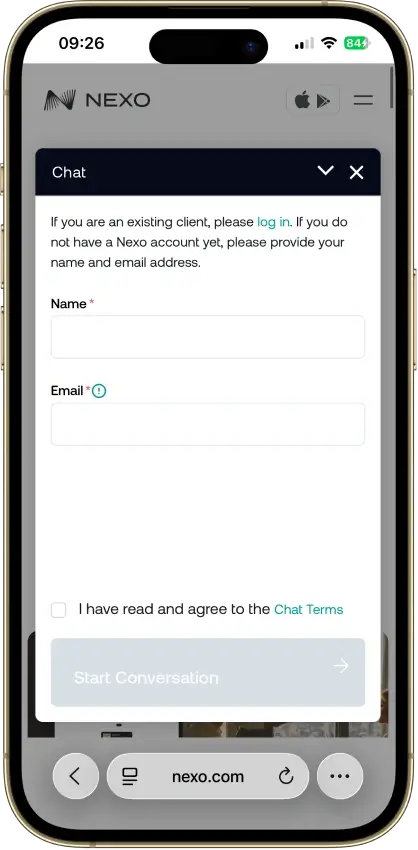

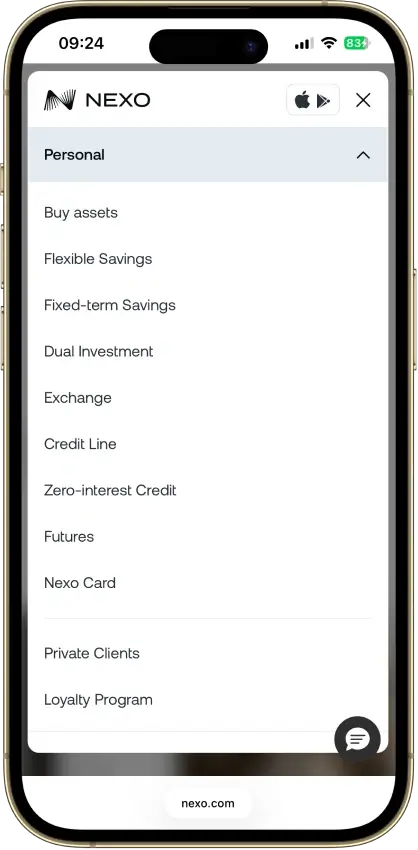
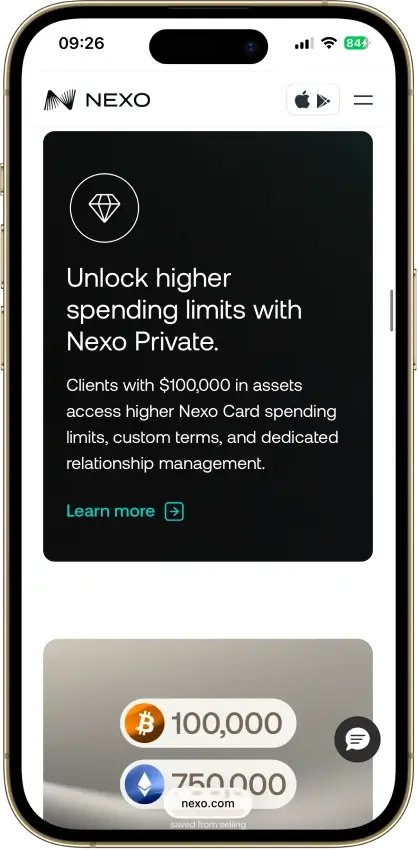

Screenshot 1 of 8
Nexo Card Pros and Cons
Pros
- Credit Mode sells no crypto at purchase
- No monthly, annual, or inactivity fees
- 0.2% weekday FX in the EEA, UK, and CH
- Idle Debit Mode balance earns daily interest
- Issued by DiPocket UAB, a licensed EMI
Cons
- EEA and UK only, US persons excluded
- Physical ordering paused since Jan. 2025
- Cashback needs Credit Mode and a $5,000+ portfolio
- 2–2.5% FX outside the EEA, UK, and CH
- Base rates: 0.5% NEXO or 0.1% BTC
What Nexo Card Is and How It Works

The Nexo Card is the spending layer of a Nexo account, and the mode toggle decides what each purchase actually does. Debit Mode is a spend-from-balance model: the card pulls from stablecoins, FIATx, or Savings Wallet crypto the holder already owns. Credit Mode is a collateral-backed credit line: Nexo lends against the holder's crypto, the card spends the loan, and the coins stay in the account as collateral.
Borrowing at the register has two consequences. Nothing is sold, so a Credit Mode purchase triggers no taxable disposal of the collateral, and interest accrues on the borrowed balance until it is repaid. Holders who want exposure to their coins while still spending get the first consequence as the benefit, and the second as the running cost to watch.
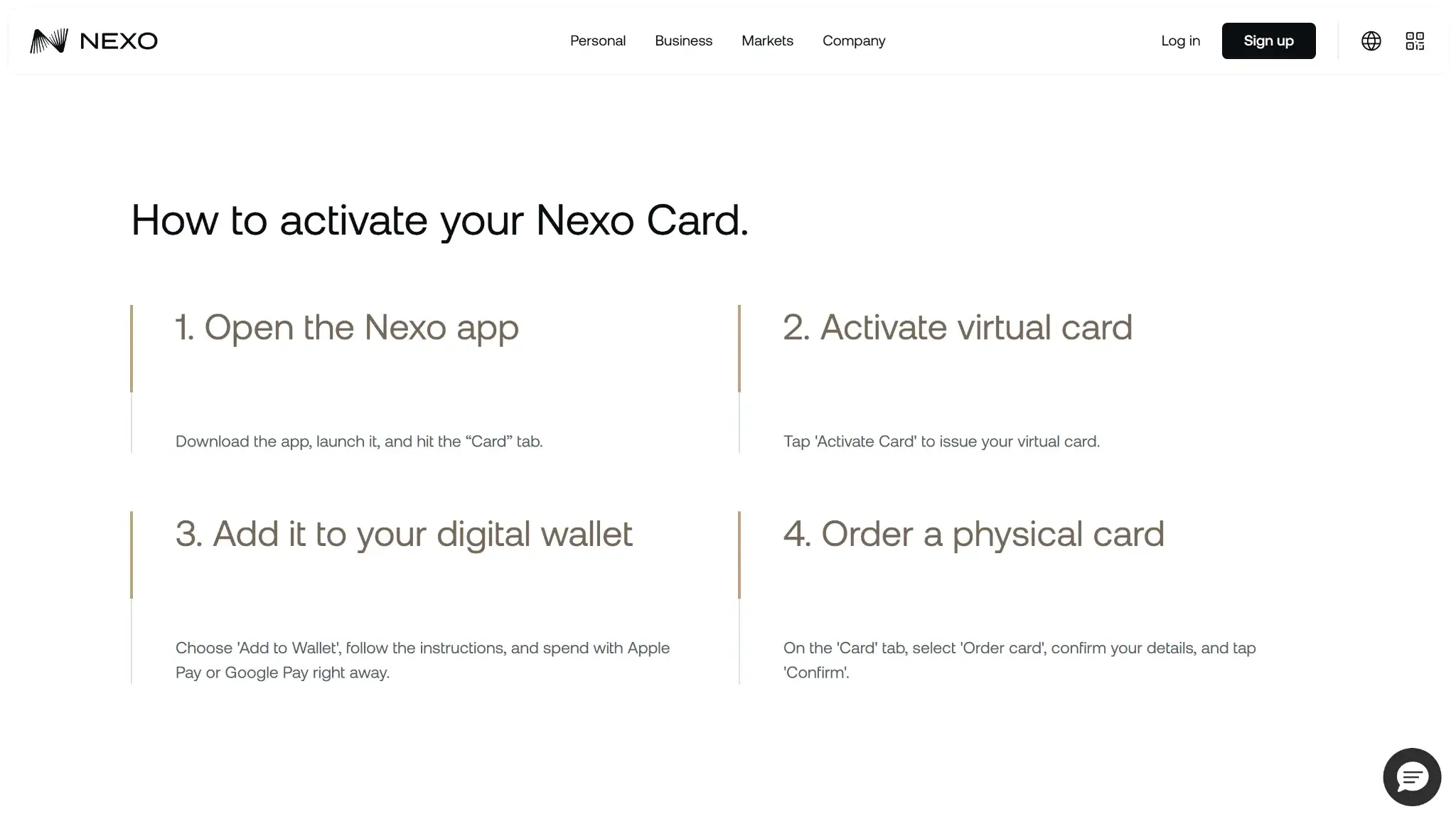
Activation is quick on the virtual side. Once KYC clears, the card activates in-app within minutes with roughly a $50 minimum balance, and it loads into Apple Pay or Google Pay for in-store use. A plastic card is off the table for now, since ordering has been paused since January 2025.

Who Nexo Card Is Best For — And Who Should Skip It
The card fits an EEA or UK resident who holds crypto on Nexo and wants to spend without selling. Holders planning to keep coins long-term get the most from Credit Mode, and anyone parking stablecoins gets a spendable balance that earns daily interest instead of sitting dead. Spending mostly inside Europe keeps the FX cost at 0.2% on weekdays, among the lowest of any crypto card.
It fails four groups outright. US persons cannot order it at all. Anyone who wants plastic in their wallet is blocked by the ordering pause. Cashback hunters without a $5,000 portfolio earn nothing, because rewards sit behind Credit Mode plus that threshold. Frequent travelers outside the EEA, UK, and Switzerland pay 2–2.5% FX, which erases the low-cost pitch the card makes at home.
Nexo Card Rewards Mechanics
Cashback applies to Credit Mode purchases only, and the realized base rate is 0.5% in NEXO tokens or 0.1% in BTC. Loyalty tiers lift it: Silver pays 0.7% / 0.2%, Gold 1% / 0.3%, and Platinum 2% / 0.5%. Earning anything requires a total portfolio value above $5,000, measured across the account's holdings rather than the spendable card balance, so a Debit Mode spender or a small-portfolio holder collects zero.
| Element | Value | Notes |
|---|---|---|
| Base rate (Credit Mode) | 0.5% NEXO or 0.1% BTC | Cashback applies to Credit Mode purchases only |
| Tier rates | Silver 0.7% / 0.2% · Gold 1% / 0.3% · Platinum 2% / 0.5% | NEXO rate / BTC rate by loyalty tier |
| Minimum to earn | Portfolio value above $5,000 | Measured across total holdings, not the spendable card balance; small-portfolio holders earn zero |
| Reward currency | NEXO token or BTC | NEXO payout moves with the token price |
| Debit Mode interest | Up to 13% a year on unspent balance, paid daily | Gated by loyalty tier and asset |
The payout asset carries its own risk. NEXO is Nexo's exchange token, and cashback paid in it moves with the token price, so the 2% Platinum headline can shrink or grow after the fact. The BTC option pays a quarter of the NEXO rate at each tier in exchange for a more liquid asset. Treat the choice as rate versus price exposure, and treat the 2% ceiling as a Platinum figure, not the typical outcome.
Debit Mode has a separate earn: unspent balance collects interest paid out daily, advertised at up to 13% a year. The maximum depends on loyalty tier, which asset the balance sits in, and the payout terms, so a typical holder lands well under the headline.

Nexo Card Fees and Pricing
The recurring cost is zero — no monthly fee, no annual fee, no inactivity charge. FX is where the pricing splits in two:
| Fee | Amount |
|---|---|
| Monthly, annual, inactivity | $0 |
| FX — EEA, UK, Switzerland | 0.2% weekday, 0.7% weekend |
| FX — rest of world | 2% weekday, 2.5% weekend |
| ATM within tier allowance | Free |
| ATM beyond allowance | 2%, minimum €1.99 / £1.99 |
Inside the home region the card is cheap by any standard, and the weekday 0.2% undercuts most bank debit cards. Outside the EEA, UK, and Switzerland the rate multiplies by ten, and a weekend purchase abroad at 2.5% costs about what a mainstream bank charges as a foreign-transaction fee. A cardholder who travels beyond Europe should price the card on the 2–2.5% band, not the headline.
ATM withdrawals are free up to a monthly allowance that scales with loyalty tier, from €200 / £180 at base to €2,000 / £1,800 at Platinum. Past the allowance, each withdrawal costs 2% with a €1.99 / £1.99 minimum, and the ATM operator can add its own charge.
Nexo Card Limits — Purchase and ATM
Nexo publishes its purchase and ATM limits. Card purchases are capped at €10,000 / £9,000 per transaction and per day, and €60,000 / £54,000 a month — generous ceilings that rarely bind normal spending. ATM withdrawals are capped at €600 / £540 per transaction, €2,000 / £1,800 a day, and €10,000 a month. Spending controls are also set in-app, where the holder can freeze the card and manage limits per card. Separately, the free-ATM allowance ladder runs €200 / £180 a month at base, €400 / £360 at Silver, €1,000 / £900 at Gold, and €2,000 / £1,800 at Platinum, with 2% charged beyond it. Cash-heavy users on the lower tiers hit that free allowance quickly, since €200 a month covers little more than incidental withdrawals.
| Limit | Amount | Notes |
|---|---|---|
| Purchase, per transaction / daily | €10,000 / £9,000 | Published card limit |
| Purchase, monthly | €60,000 / £54,000 | |
| ATM, per transaction | €600 / £540 | Published card limit |
| ATM, daily / monthly | €2,000 / £1,800 · €10,000 | Separate from the free-allowance ladder below |
| ATM allowance (free), Base | €200 / £180 a month | 2% charged beyond the free allowance |
| ATM allowance (free), Silver | €400 / £360 a month | |
| ATM allowance (free), Gold | €1,000 / £900 a month | |
| ATM allowance (free), Platinum | €2,000 / £1,800 a month |
Eligibility and Availability — Countries & States
Nexo issues the card to citizens and residents of selected European countries, covering the EEA and the United Kingdom, and KYC requires a supported European ID plus a liveness check. There is no waitlist inside the supported region, and the virtual card activates within minutes of approval.
One distinction keeps the availability picture current. Nexo the company re-entered the United States on Feb. 16, 2026, offering yield, an exchange, loyalty, and crypto-backed credit lines through a partnership with Bakkt. The card is not part of that relaunch — US persons still cannot order it, and the card remains a European product. A US reader who saw the re-entry headlines should not expect the card to follow yet.
Restricted Countries
The card operates on an allowlist. It is available only in the markets below, and residents everywhere else, including the entire United States, see no path to ordering it:
- Austria, Belgium, Bulgaria, Croatia, Cyprus, Czech Republic, Denmark, Estonia, Finland, France, Germany, Greece, Hungary, Iceland, Ireland, Italy, Latvia, Liechtenstein, Lithuania, Luxembourg, Malta, Netherlands, Norway, Poland, Portugal, Romania, Slovakia, Slovenia, Spain, Sweden, United Kingdom
Nexo describes eligibility as “selected European countries” without publishing a country-by-country list, so the list above reflects the full EEA plus the UK.
Funding Rails
Each mode is its own funding model. Debit Mode is preload-style: the account balance funds the card directly, whether that balance is a stablecoin, a FIATx fiat balance, or Savings Wallet crypto. Credit Mode is a credit line: collateral stays put, the card spends borrowed funds, and repayment happens on Nexo's loan terms with interest accruing in the background.
Conversion consequences follow the model. Spending a stablecoin or fiat balance in Debit Mode involves no forced sale of a volatile position. Spending Savings Wallet crypto in Debit Mode can dispose of the asset, so holders who care about tax treatment should route long-term positions through Credit Mode instead, where nothing is sold at purchase. The account supports 100+ digital assets on the platform side.
Security, Custody, and Freeze Risk
The issuer is disclosed and regulated: DiPocket UAB holds an EMI license from the Bank of Lithuania and passports it across the EEA. Custody of the collateral and the spending balance sits with Nexo, which makes the card custodial end to end. On Nexo's record, the company paid a 2023 US settlement (about $45M to the SEC and NASAA over its Earn Interest Product) and exited the US, before re-entering through a Bakkt partnership in February 2026; the card is not part of that re-entry. The holder's ability to exit depends on Nexo processing withdrawals, and Credit Mode adds a platform-specific exposure, since the collateral is locked against the loan until repayment.
Standard platform controls apply — in-app card freeze, spending limits, and virtual card management — and both major mobile wallets are supported. As with any custodial card, weigh the arrangement on recoverability: funds and collateral are claims on the platform, not assets in the holder's own custody, and an account-level freeze would stop both spending modes at once.
UX, App, and Support
The card lives inside the Nexo app alongside the exchange, savings, and loan products, and the mode toggle sits in the card interface, so switching between Debit and Credit Mode takes a tap. Virtual card details, freezes, and limits are all managed in-app, and issuance to a new user completes in minutes once verification passes.
Support goes through Nexo's help center and in-app channels, with disputes riding the standard Mastercard chargeback process through DiPocket as issuer. Nexo does not publish dispute-resolution timelines for card transactions, so budget for the industry-standard weeks-long window rather than a fast reversal.
Tax and Record-Keeping
Because a purchase spends borrowed money against collateral, no crypto is sold at the point of sale, and no taxable disposal occurs per transaction. Auto-sell cards from Coinbase or Crypto.com generate a disposal event on every coffee, so for an active spender holding appreciated crypto, the difference compounds into a materially simpler tax year. Debit Mode is mixed: stablecoin and fiat spending is clean, while spending appreciated Savings Wallet crypto can still count as a disposal in most jurisdictions.
Records are account-level. Nexo provides transaction history and statements in the app, and cardholders tracking cost basis across Credit Mode loans and Debit Mode disposals should export and reconcile regularly, since the two modes create different taxable footprints from the same card.
Nexo Card Alternatives
If Nexo Card does not fit your needs, these alternatives cover different use cases. The table below outlines who each card suits better, followed by more detail on each option.
| Card | Why choose it instead |
|---|---|
| Wirex Card | Better for debit-first spending with no annual fees and no foreign transaction fees, without a credit line requirement |
| Bybit Card | Better for higher headline cashback potential (up to 10%) in eligible markets, for users comfortable with a points-based rewards system |
| Crypto.com Visa Card | Better for a larger tier ladder with ecosystem perks, for users already in the Crypto.com platform |
Wirex and Bybit are the closest functional alternatives for European users. Wirex removes FX fees entirely, which makes it simpler for cross-currency spending. Bybit's tiered cashback can reach higher rates, though the system involves points conversion rather than direct crypto payouts. Crypto.com suits users who want perk-style benefits across streaming and travel and are already using the exchange or app. None of the three offer the dual-mode credit line that makes Nexo Card distinct.
Final Verdict
The Nexo Card earns its band on mechanics few cards match: a credit line that spends without selling, zero recurring fees, 0.2% weekday FX at home, and a balance that pays daily interest while it waits. For an EEA or UK holder already keeping assets on Nexo, it is one of the more complete spend products in the market. The allowlist stops at the EEA and UK, with US persons excluded outright. Physical ordering has been paused for over a year, leaving new users phone-only at the register. Cashback demands Credit Mode, a $5,000 portfolio, and tier progression before it pays anything beyond 0.5% NEXO or 0.1% BTC. And the FX advantage inverts abroad, where 2–2.5% is the operative rate. The score reflects a well-built product a limited set of people can fully use.
Tap to switch Debit and Credit Mode · Fund from stablecoins, fiat, or Savings crypto · Spend borrowed funds, keep coins as collateral
Disclaimer: CryptoSlate may receive a commission when you click links on our site and make a purchase or complete an action with a third party. This does not influence our editorial independence, reviews, or ratings, and we always aim to provide accurate, transparent information to our readers.
