Released in 2019
- MoonTag usernames for MoonPay-to-MoonPay sends
- Trade can route across blockchains
- US Balance buy/sell waives MoonPay's fee
Buy and Sell Crypto Fast With Multiple Payment Options
MoonPay Overview
- Crypto Wallet Name
- MoonPay
- Release Date
- 2019
- Wallet Type
- Hot wallet (mobile)
- Custodial Status
- Non-custodial
- Built-in Swaps
- Yes
- Open-source
- Closed-source
- Fiat On-ramp
- Yes
Additional details
- Supported Blockchains
- Bitcoin, Solana, Tron, Ethereum, Polygon, Base, Arbitrum, Optimism, BNB Smart Chain
- Token Standards
- ERC-20, Native coin, SPL, TRC-20, BEP-20, ERC-1155, ERC-721
- Platforms
- iOS, Android
- Hardware Wallet Support
- No
- Staking Support
- None
MoonPay Screenshots
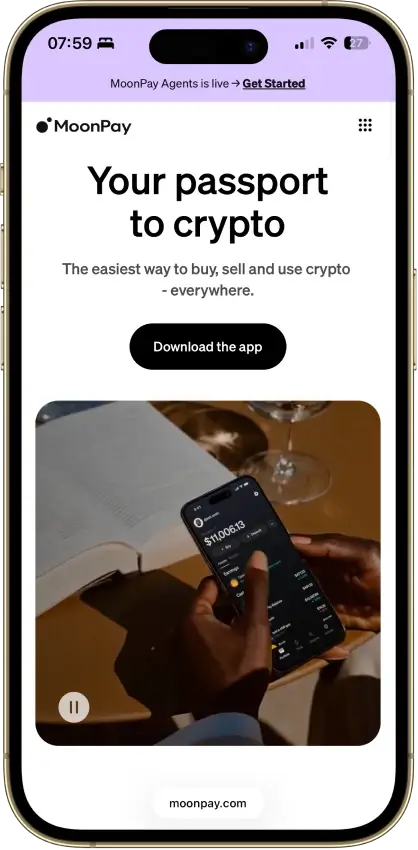
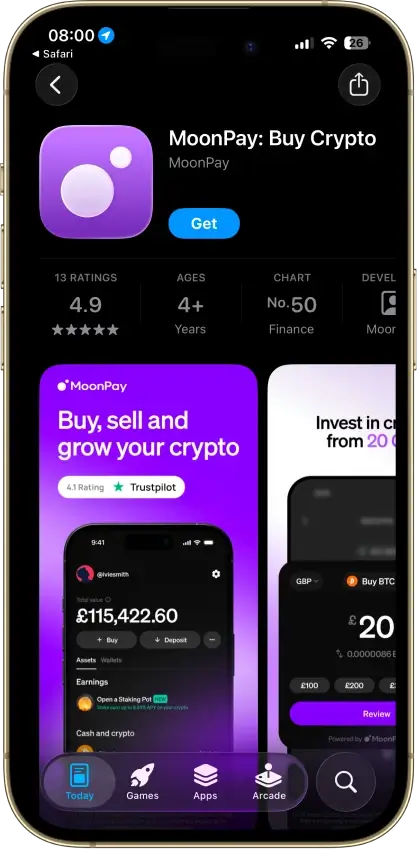
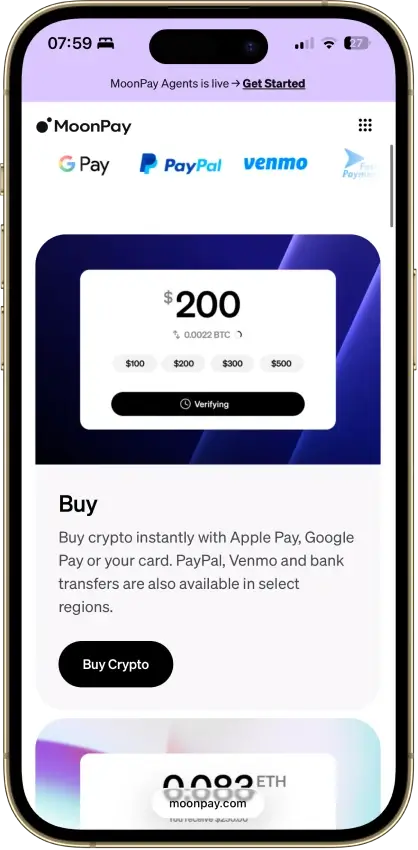
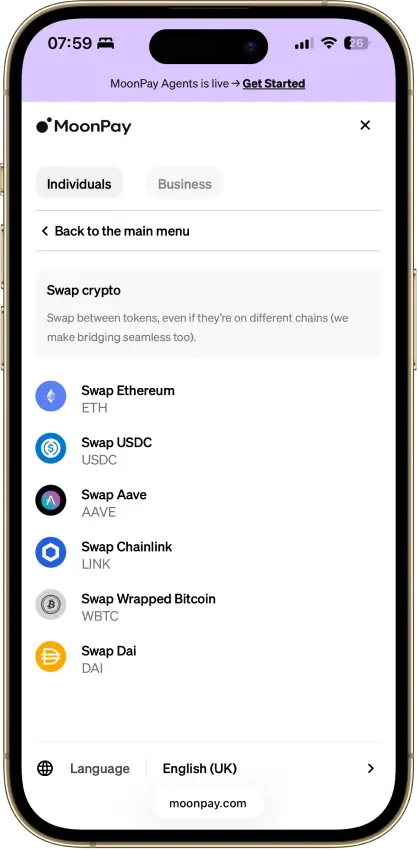
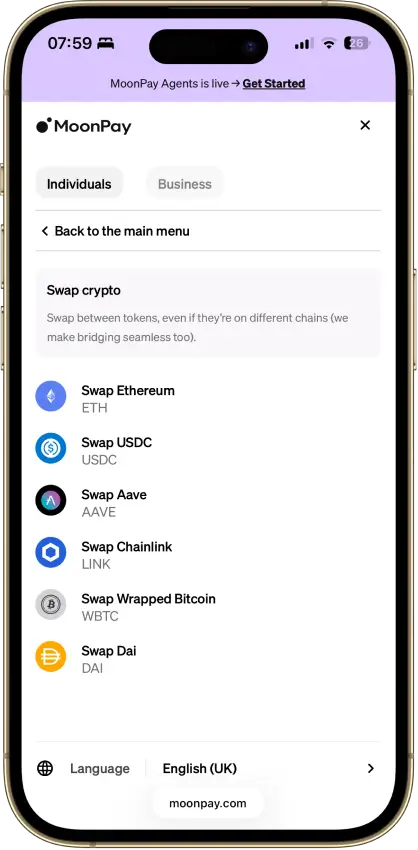
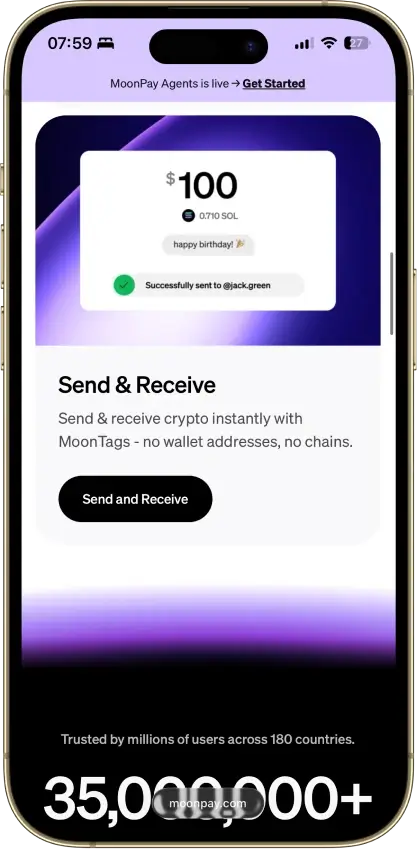


Screenshot 1 of 8
MoonPay Pros and Cons
Pros
- Buying and wallet management in one app
- App Lock is mandatory
- Supports Bitcoin, Solana, TRON and EVM networks
- Recovery export allowed on disabled accounts
Cons
- Consumer app absent from MoonPay's public GitHub
- Minimum fees can dominate small purchases
- Cash-out options vary by state and country
- Trade fee documentation conflicts
Our Verdict on MoonPay Wallet
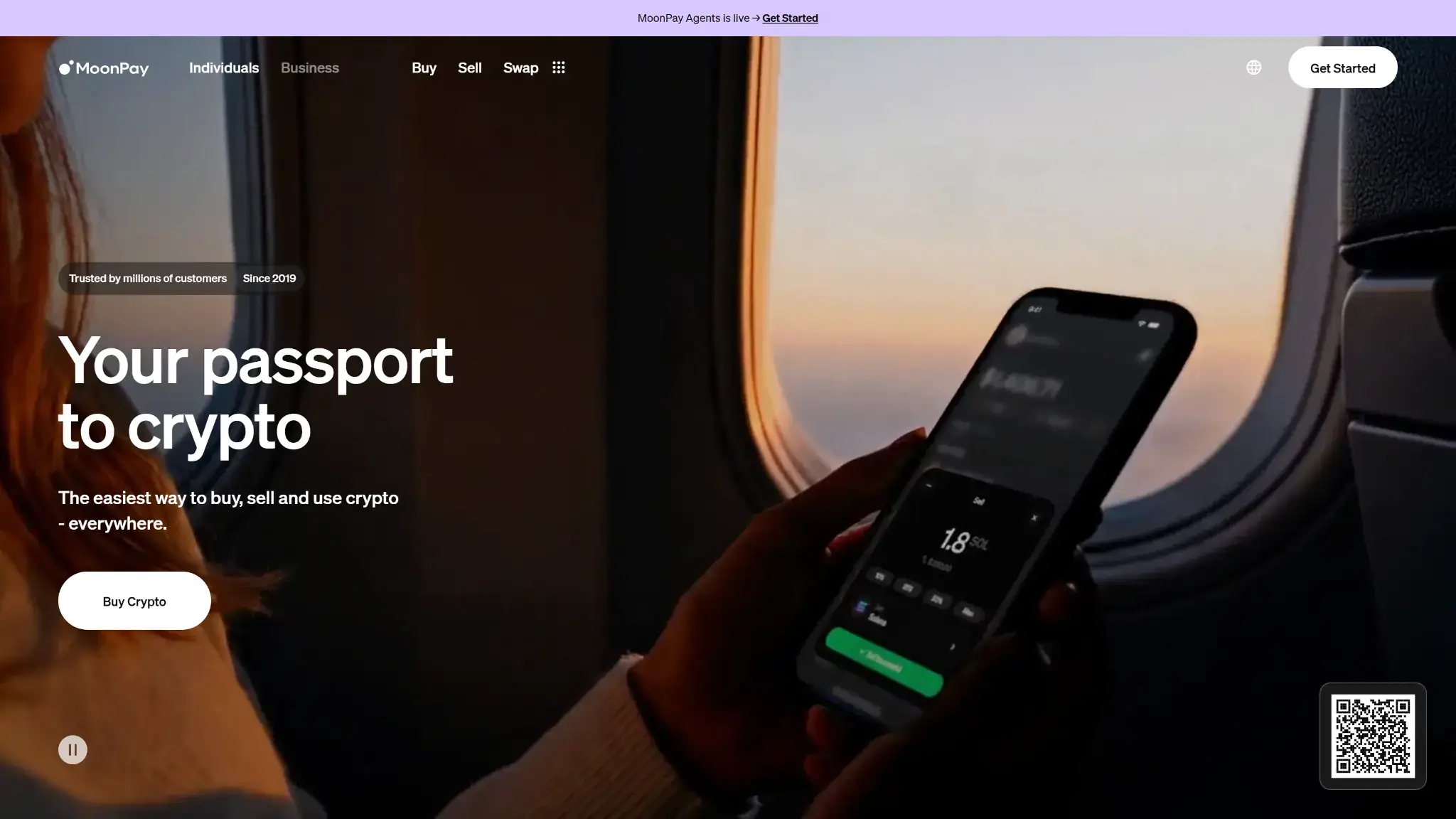
7.8/10. MoonPay suits occasional buyers who want payment methods and a mobile wallet in one place. Exportable recovery gives you a way to move beyond the app. It is a less convincing choice for someone seeking a publicly inspectable wallet application or a predictable flat trading fee. Pots no longer accepts new staking deposits. Separately, the company's current Trade fee pages disagree with each other.
| Key Fact | MoonPay Wallet |
|---|---|
| Wallet Type | Mobile software wallet within the MoonPay app |
| Custody | Self-custody crypto wallets, separate from fiat Balance |
| Platforms | iOS and Android, wallet management requires the app |
| Connectivity | Internet-connected phone and supported blockchains |
| Open Source | Consumer app not listed on MoonPay's public GitHub |
| Assets | BTC, XRP, SOL, TRX and supported EVM tokens |
| Security | Mandatory App Lock, recovery phrase and account-access checks |
| Price | Free download, transaction and payment costs apply |
| Fiat Funding | MoonPay purchases, with methods varying by location |
| Swaps and Staking | Trade routing, Pots closed to new deposits |
| Recovery | Exportable account recovery phrase |
| Company and Jurisdiction | MoonPay group, app-store developer listed in Seychelles, US payment services through MoonPay USA LLC |
| US Availability | Eligible services available, state and payout restrictions apply |
What Is MoonPay Wallet?
MoonPay's mobile app creates crypto wallets within your account. Those wallets can receive and send supported assets, while MoonPay's payment services handle purchases and sales. Using MoonPay checkout with an external wallet such as MetaMask or Trust Wallet leaves that wallet's recovery arrangements separate from a MoonPay account.
The company had a consumer app in 2023, as its Wallet Cards announcement shows. Today's Google Play listing identifies Eighteenth September Limited, with a Seychelles address, as the app developer. The US terms name MoonPay USA LLC for payment and stored-value services. These are different roles within the group, so a single company address does not explain every service's contractual terms.
MoonPay Balance also needs separating from the crypto wallet. Balance holds fiat value for eligible payment transactions. The US terms say that stored value is not FDIC- or NCUA-insured.
Is MoonPay Safe? Custody and Security History
MoonPay puts several crypto wallets behind one account recovery phrase, alongside a separate fiat Balance. That phrase controls the crypto wallets, not the stored-value account. MoonPay says it cannot access the phrase. You still depend on its app to prepare and sign the transactions you approve.
App Lock and Public Security Evidence
App Lock is mandatory and requires a PIN or biometrics. MoonPay's July 2026 guidance says it locks after the app is fully closed or after five minutes of inactivity. Sensitive actions can involve phone verification, and account controls include new-device notices and device removal.
MoonPay reports SOC 2 Type 2 assurance and ISO certifications on its corporate security page, alongside a bug-bounty program. Those controls matter for the company's systems and data handling. They do not establish that every consumer-wallet signing and recovery function has received an independent code audit.
MoonPay's public GitHub lists four repositories, none of which is the consumer wallet app. Its corporate security page links certifications and a bug bounty but does not identify a consumer-app code audit. Those public pages give buyers less visibility into the wallet's implementation than access to the application code would provide.
The Trinity Integration Incident
In February 2020, attackers stole funds from users of IOTA's Trinity wallet through a compromised MoonPay integration. IOTA's postmortem described malicious code delivered through that dependency, and The Block corroborated the incident through reporting and an interview with IOTA's cofounder.
IOTA removed the integration and arranged recovery measures, including migration to new seeds. This was a historical compromise of a payment integration inside Trinity, not evidence that today's MoonPay consumer app suffered the same attack. It does show why control of a recovery phrase cannot eliminate risks from wallet software and its dependencies.
Separately, 2025 reporting by The Block and CTech linked MoonPay executives to a political-donation impersonation scam. Those reports did not establish a consumer-wallet exploit. That distinction matters when assessing claims that MoonPay itself has been “hacked.”
Supported Coins and Networks
MoonPay's wallet account documentation lists the following storage and management support:
| Network Group | Wallet Coverage |
|---|---|
| Bitcoin | BTC |
| XRP Ledger | XRP |
| Solana | SOL |
| TRON | TRX, including USDT on TRC20 |
| EVM Networks | Ethereum, BNB Chain, zkSync Era, Arbitrum, Optimism, Polygon and Base |
The available purchase menu and Trade routes can cover a different selection. An asset appearing in a MoonPay checkout does not, by itself, confirm that the app can hold it on your chosen network.
Before receiving a token, check the app's receive screen for both the token and blockchain. For example, support for USDT on TRON does not make that receiving address suitable for an Ethereum transfer. Local purchase and sale restrictions can also differ from the wallet's technical network support.
Using MoonPay and Backing Up the Wallet
Wallet management requires the mobile app. Website access to a MoonPay account is not a replacement for the app's transfer and recovery controls. The account can also show external wallet addresses used with MoonPay, without giving the app the keys needed to spend from them.
Recovery Phrase and Account Restrictions
MoonPay documents a single recovery phrase for the account's wallets. Its export instructions lead from the account's wallet assets to the key icon and the option to show that phrase. Record the backup privately while you can still access it. Do not send it to support or enter it into a page supplied by a stranger.
Losing a written copy does not automatically mean losing funds if the wallet remains accessible. Losing both access and every usable recovery backup is the dangerous case, because MoonPay cannot recreate your phrase. Moving to another wallet also requires compatible networks and recovery support, not just an app that accepts seed words.
An account restriction can stop MoonPay purchases and sales even though the crypto wallets are self-custodial. The company's disabled-account guidance says recovery-phrase export remains allowed. Fiat Balance refunds follow a separate support process. Exporting a wallet is therefore different from regaining access to MoonPay's payment services.
Help and Day-to-Day Friction
MoonPay provides a Help Center and an embedded support chat. Public Google Play reviews include individual complaints about verification, updating payment-card details and costs. These accounts do not establish how often MoonPay users encounter those problems.
MoonPay Wallet Features
MoonTags for Transfers
A MoonTag substitutes a searchable account username for a long address when sending to another MoonPay user. The transfer still moves between supported blockchain addresses. New tags are searchable by default, and settings let you control discovery by tag and phone number.
The send screen displays a total transfer fee. MoonPay describes that amount as covering transfer costs, including possible operational costs, so it should not automatically be treated as a pure network fee. Check the recipient, asset and displayed total before confirming.
Trade, Swaps and Bridges
Trade can find routes between tokens, including routes that cross blockchains. Your wallet signs the transaction, and the route can involve liquidity providers, bridges and token approvals. The amount displayed before approval is an estimate, with execution affected by price movement, fees and slippage.
MoonPay's fee guidance is inconsistent. Its app walkthrough says there is no MoonPay processing fee, while its July 2026 explanation of Trade lists a Convert fee for direct in-app use. Inspect the actual quote, including the net output and each disclosed charge, before trading.
MoonPay Trade needs no separate account. Card and bank purchases can still require identity and source-of-funds checks, so the Trade account rules should not be read as anonymous access to MoonPay payments.
Pots Is Closed to New Staking
MoonPay deprecated Pots in April 2026. You can no longer create a new Pot or make a new staking deposit through that feature. The closure notice says existing positions remain visible and can be withdrawn.
Older reviews advertising a Pots yield are no longer describing an available entry point. Existing positions stay exposed to the underlying crypto price.
External Wallets and dApp Connections
The US App Store listing names WalletConnect and lists Ledger, MetaMask and Trust Wallet among the wallets MoonPay works with. It does not say which dApps and chains you can connect to, or whether a Ledger can sign for wallets created inside the MoonPay app. If a particular dApp or signing device is essential, confirm that exact connection before choosing the wallet.
Buying Crypto and Withdrawing Cash
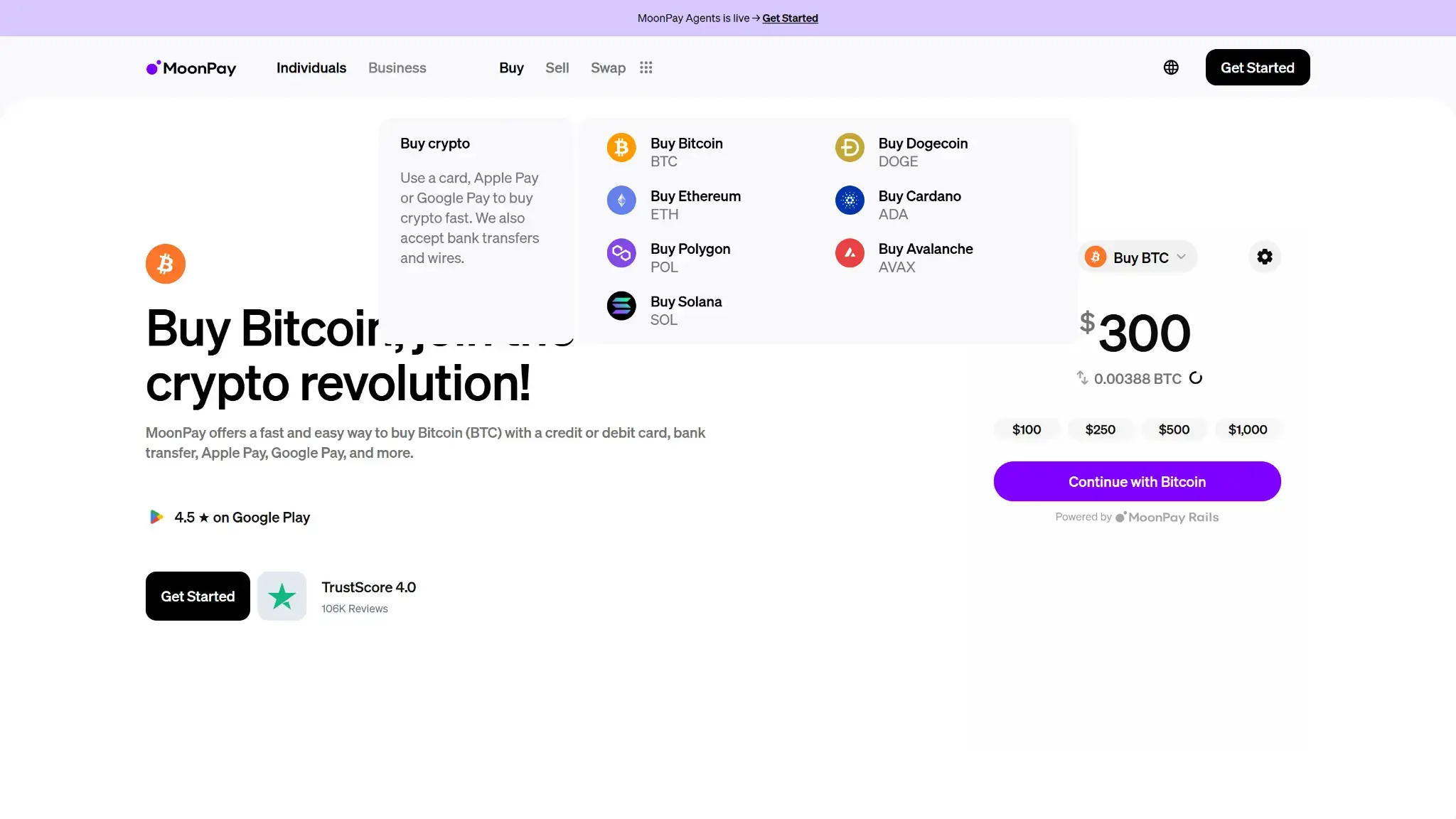
MoonPay offers card and bank-based purchase routes, plus payment options such as Apple Pay and PayPal where supported. The methods you can use depend on location, bank, currency and transaction type. Identity checks and payment settlement can delay an order.
Selling crypto for cash involves an eligible asset and payout method. MoonPay's October 2025 customer payout guidance lists options including US ACH, euro SEPA and UK Faster Payments, along with selected card and digital-wallet payouts. That guidance also lists withdrawal restrictions, including Texas, and limits PayPal and Venmo in New York. Confirm that a usable payout option appears before funding an account for that purpose.
Sending crypto to another blockchain address is a different operation from withdrawing sale proceeds to a bank. Cash-out availability depends on your location and chosen payout method. MoonPay also excludes some countries entirely, as its unsupported-country list sets out.
MoonPay Fees and Total Cost
The app is free to download. Payment and trading costs depend on the transaction, and the quoted MoonPay fee is only one part of the price.
| Cost | What to Check |
|---|---|
| Direct US Purchase or Sale | US pricing disclosure lists a MoonPay fee up to 4.5%, with a minimum up to $3.99 on small orders |
| Partner Checkout | US partner routes also list a MoonPay fee up to 4.5%, with a minimum up to $4.50 |
| Exchange Rate | A spread may be included in the price of the crypto |
| Network and Other Charges | Blockchain, ecosystem and payment-issuer costs can add to the total |
| MoonPay Balance Trading | Zero MoonPay buy/sell fee under the US disclosure, not a promise of zero overall cost |
| Trade Route | Check the quoted output and route charges because the official app-fee guidance conflicts |
A hypothetical $3.99 fee on a $20 order equals 19.95% of the order amount before any other costs.
The figures above come from the US disclosure. Other currencies, products and locations can have different terms. When comparing crypto wallets for repeated purchases, include MoonPay's minimum fee, spread and network charges in your cost calculation.
Who Should Use MoonPay Wallet?
MoonPay is most useful when its supported payment method is the reason you are choosing a wallet. The app keeps purchases and crypto balances together, but you still have to manage backup and transaction costs.
- Consider it for occasional purchases followed by storage or transfers on its supported networks.
- Consider it if you want to pay through MoonPay and retain an exportable crypto recovery backup.
- Look elsewhere if independently inspecting the complete wallet application's code is a requirement.
- Do not choose it specifically for new Pots staking or assume it provides an unrestricted cash-out route.
Review Method
This review draws on public product pages and incident reporting checked September 14, 2026. We did not purchase crypto, test wallet recovery or measure support response times.
Final Verdict
MoonPay puts buying, wallet balances and supported transfers close together. The ability to export a recovery phrase is important if you later stop using its app or lose access to payment services. Its drawbacks are less visible at checkout: minimum fees, spreads, regional payout limits and incomplete public visibility into the consumer wallet's code. Our score is 7.8/10. Choose MoonPay for its payment-and-wallet workflow if it fits your location and assets. Pots is no longer a reason to open an account. Check the quote and complete your backup before relying on it for ongoing use.
Best For
Occasional buyers who want MoonPay payment methods and a mobile wallet together.
Avoid If
- You require complete public app source, predictable flat trade fees or new Pots staking.
Disclaimer: CryptoSlate may receive a commission when you click links on our site and make a purchase or complete an action with a third party. This does not influence our editorial independence, reviews, or ratings, and we always aim to provide accurate, transparent information to our readers.