


Choosing the wrong Bitcoin wallet can create problems fast, whether that means weaker security, less privacy, poor backup options, or limited control over your BTC. And because transactions can’t be reversed, wallet mistakes tend to be expensive.
This guide breaks down the best Bitcoin wallets and BTC wallet options for different needs — including a Bitcoin wallet for iOS, a Bitcoin wallet for Android, hardware wallets for cold storage, Lightning wallets for fast payments, and what to know before using an online Bitcoin wallet for convenience. It also explains how Bitcoin wallet addresses work, how to set up and secure a wallet, and how to send or receive Bitcoin with confidence. For Bitcoin price and market data, see our live tracker.
Top Bitcoin Wallets
- SEAL anti-phishing network member
- Self-custodial Mastercard debit card
- HackerOne bug bounty on wallet code
- Google or Apple login instead of a seed phrase
- One recovery phrase across desktop and mobile
- In-app cross-chain swaps stay non-custodial
- Pre-sign Security Scanner flags risky dApps
- On-device AES-encrypted private keys
- Open-source Wallet Core under Apache 2.0
- Self-custodial in-app wallets with an exportable recovery phrase.
- Buy, sell, send, receive, and convert from one mobile app.
- MoonTags simplify transfers without pasting long wallet addresses.
- Multi-share SLIP39 seed for large balances
- On-device WalletConnect signing for dApps
- 2.5-inch touchscreen for address checks
- Smart-wallet contract is open on GitHub
- Pairs a Ledger via the browser extension
- Card and Apple Pay on-ramp built in
- Built by a Bitcoin whitepaper cypherpunk
- Maker built the Liquid Network it runs
- Signed firmware with anti-rollback boot
- Duress Mode hides funds under coercion
- No seed phrase to write down or lose
- Recovery token plus optional 2FA layer
- Built by the team behind Kraken exchange
- Native Dogecoin support, not wrapped
- Token risk scoring and spam-NFT filter
- Multi-network deposits and withdrawals across major blockchains
- Built-in exchange, credit, and card tools inside one account
- Strong account-level security controls, including whitelisting and anti-scam checks
- Watch-only mode tracks any address
- 0.25% swaps, cheaper than MetaMask
- Address whitelist locks send targets
- Made by the original hardware-wallet maker
- Vendor co-authored the BIP39 standard
- Seed restores on any BIP39 wallet
- Made by the original hardware-wallet maker
- Restores on any SLIP-39-compatible wallet
- Vendor co-authored the BIP39 standard
- Built-in KYC-free swaps via third-party providers
- Cake Pay buys gift cards with crypto
- Polyseed or legacy Monero seed restores
- On-device approval for every transaction
- Pairs with MetaMask as a hardware signer
- Optional passphrase for a hidden wallet
- Largest hardware-wallet maker by units sold
- Deepest app ecosystem in the category
- Seed restores on any BIP39 wallet
- Pre-approval scam and phishing alerts
- Built-in token-approval revoke tool
- Cross-chain bridging in one interface
- Its own first-party hardware device
- Transaction simulation before you sign
- Scam warnings before you approve
- Point the app at your own node
- No payment processor ever sees you
- Runs on mobile and desktop, no extension
- Native Tron support many wallets skip
- One-tap transfers to your Binance balance
- In-app anti-scam transaction tooling
- No vendor kill switch on the signing path
- Pairs with MetaMask over QR codes
- Staking on five chains, keys stay put
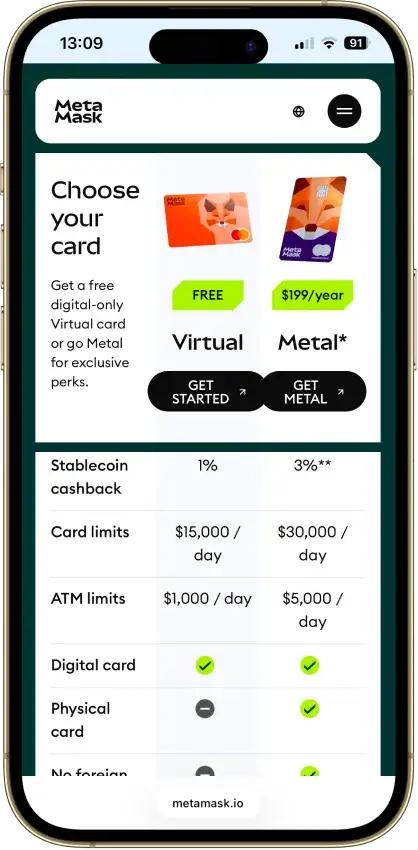
- Metal card as durable as a bank card
- MetaMask and WalletConnect dApp access
- Built by the Amex Centurion card maker
- Keys cloned across cards, not written down
- Optional 12/24-word seed on 2.0 cards
- Wearable Ring runs the same secure chip
- One seed across desktop, mobile, and browser
- Add custom tokens on 21 networks
- In-app swap and fiat on-ramps built in
- Coin control with freeze and thaw outputs
- View-only mode watches funds, keys elsewhere
- Runs on Tails for amnesic, Tor-routed use
- Street Mode hides your balance in public
- PocketChange keeps outputs ready to spend
- KYC-free Exolix swaps inside the app
- SEAL anti-phishing network member
- Self-custodial Mastercard debit card
- HackerOne bug bounty on wallet code
- Google or Apple login instead of a seed phrase
- One recovery phrase across desktop and mobile
- In-app cross-chain swaps stay non-custodial
- Pre-sign Security Scanner flags risky dApps
- On-device AES-encrypted private keys
- Open-source Wallet Core under Apache 2.0
- Built by a Bitcoin whitepaper cypherpunk
- Maker built the Liquid Network it runs
- Signed firmware with anti-rollback boot
- Built by the team behind Kraken exchange
- Native Dogecoin support, not wrapped
- Token risk scoring and spam-NFT filter
- Built-in KYC-free swaps via third-party providers
- Cake Pay buys gift cards with crypto
- Polyseed or legacy Monero seed restores
- Its own first-party hardware device
- Transaction simulation before you sign
- Scam warnings before you approve
- Point the app at your own node
- No payment processor ever sees you
- Runs on mobile and desktop, no extension
- Street Mode hides your balance in public
- PocketChange keeps outputs ready to spend
- KYC-free Exolix swaps inside the app
- Multi-share SLIP39 seed for large balances
- On-device WalletConnect signing for dApps
- 2.5-inch touchscreen for address checks
- Made by the original hardware-wallet maker
- Vendor co-authored the BIP39 standard
- Seed restores on any BIP39 wallet
- Made by the original hardware-wallet maker
- Restores on any SLIP-39-compatible wallet
- Vendor co-authored the BIP39 standard
- On-device approval for every transaction
- Pairs with MetaMask as a hardware signer
- Optional passphrase for a hidden wallet
- Largest hardware-wallet maker by units sold
- Deepest app ecosystem in the category
- Seed restores on any BIP39 wallet
- No vendor kill switch on the signing path
- Pairs with MetaMask over QR codes
- Staking on five chains, keys stay put
- Metal card as durable as a bank card
- MetaMask and WalletConnect dApp access
- Built by the Amex Centurion card maker
- Keys cloned across cards, not written down
- Optional 12/24-word seed on 2.0 cards
- Wearable Ring runs the same secure chip
- SEAL anti-phishing network member
- Self-custodial Mastercard debit card
- HackerOne bug bounty on wallet code
- Google or Apple login instead of a seed phrase
- One recovery phrase across desktop and mobile
- In-app cross-chain swaps stay non-custodial
- Pre-sign Security Scanner flags risky dApps
- On-device AES-encrypted private keys
- Open-source Wallet Core under Apache 2.0
- Smart-wallet contract is open on GitHub
- Pairs a Ledger via the browser extension
- Card and Apple Pay on-ramp built in
- Built by the team behind Kraken exchange
- Native Dogecoin support, not wrapped
- Token risk scoring and spam-NFT filter
- Made by the original hardware-wallet maker
- Vendor co-authored the BIP39 standard
- Seed restores on any BIP39 wallet
- On-device approval for every transaction
- Pairs with MetaMask as a hardware signer
- Optional passphrase for a hidden wallet
- Metal card as durable as a bank card
- MetaMask and WalletConnect dApp access
- Built by the Amex Centurion card maker
- Keys cloned across cards, not written down
- Optional 12/24-word seed on 2.0 cards
- Wearable Ring runs the same secure chip
Best Bitcoin Wallets by Category
The best Bitcoin wallet depends on how you plan to use your BTC. Some wallets are better for long-term cold storage, others are better for everyday spending, and some stand out for Lightning payments, privacy tools, or deeper desktop control. The picks below focus on the clearest strength in each category rather than trying to force one wallet to do everything.
| Category | Recommended wallet | Why it wins this category |
|---|---|---|
| Best overall | Blockstream Green (Blockstream app) | Open-source self-custody with strong on-chain UX, Liquid support, Tor support, watch-only mode, and direct pairing with Blockstream Jade. |
| Best for beginners | BlueWallet | Beginner-friendly Bitcoin wallet app that keeps sending/receiving simple while still offering fee controls and watch-only support. |
| Best wallet app | BlueWallet | A practical everyday wallet app on iOS and Android, with strong transaction controls like RBF (Replace-by-Fee) / CPFP (Child Pays For Parent) fee bumping. |
| Best for Android | Phoenix | A non-custodial Lightning wallet designed for fast, low-fee BTC payments with a simple mobile experience. |
| Best for iPhone | Blockstream Green | A security-first iOS wallet with Liquid support, Tor, watch-only mode, and a clean upgrade path to Blockstream Jade. |
| Best hardware wallet | Trezor Safe 7 | Trezor’s current flagship hardware wallet, with full iPhone compatibility via Bluetooth plus desktop and Android support. |
| Best cold wallet | Coldcard | Built for hardened Bitcoin cold storage with air-gapped signing workflows and source-verifiable firmware. |
| Best hot wallet | Blockstream Green | A strong self-custody hot wallet if you want everyday access plus solid fee tools and a clear path to stronger security later. |
| Most secure | Coldcard | Best suited to users who want offline-first signing and a more locked-down cold storage approach. |
| Best Lightning wallet | Phoenix | One of the clearest picks if you want Lightning payments to feel fast and practical day to day. |
| Best no-KYC wallet | Blockstream Green | You can create a self-custody wallet and receive BTC without mandatory documents or account signup just to use the wallet. |
| Best desktop wallet | Sparrow Wallet | Open-source desktop wallet with advanced coin control, PSBT (Partially Signed Bitcoin Transaction) workflows, and broad hardware wallet support. |
| Best for Mac | Sparrow Wallet | A Mac-friendly desktop wallet for users who want deeper control over fees, UTXOs, and hardware wallet workflows. |
You’ll notice some wallets appear in more than one category. That’s intentional — these categories overlap, and a wallet that’s great overall can also be the best fit on a specific platform or for a specific workflow.
No single wallet wins every category, and that is the main takeaway from the list above. Hardware wallets like Trezor Safe 7 and COLDCARD make more sense for long-term holders who want stronger offline protection, while mobile hot wallets such as Blockstream app and BlueWallet are better suited to everyday access and smaller working balances. If fast, low-fee BTC payments matter most, a purpose-built Lightning wallet like Phoenix stands out.
If you want a fast way to compare your options, this table shows how the top picks differ across custody, platforms, network support (on-chain vs Lightning), transparency, fee tools, and the kind of user each one is best for.
Comparison Table
| Name | Custody | Blockchains | Hardward Support | Staking | Fiat On-ramp |
|---|---|---|---|---|---|
 MetaMask MetaMask | Non-custodial | Ethereum, Arbitrum, Optimism, Polygon, Base, Avalanche, BNB Smart Chain, Solana, Bitcoin, Tron | Yes | Full | Yes |
 Phantom Phantom | Non-custodial | Solana, Ethereum, Base, Polygon, Bitcoin | Yes | Limited | Yes |
 Trust Wallet Trust Wallet | Non-custodial | Bitcoin, Ethereum, BNB Smart Chain, Avalanche, Tron, Arbitrum, Base, Optimism, Polygon, Solana | Yes | Full | Yes |
 MoonPay MoonPay | Non-custodial | Bitcoin, Solana, Tron, Ethereum, Polygon, Base, Arbitrum, Optimism, BNB Smart Chain | Yes | Limited | Yes |
 Trezor Safe 7 Trezor Safe 7 | Non-custodial | Bitcoin, Ethereum, BNB Smart Chain, Avalanche, Arbitrum, Base, Optimism, Polygon, Solana | No | Limited | Yes |
 Base App Base App | Non-custodial | Ethereum, Base, Arbitrum, Optimism, Polygon, Avalanche, BNB Smart Chain, Solana | Yes | Limited | Yes |
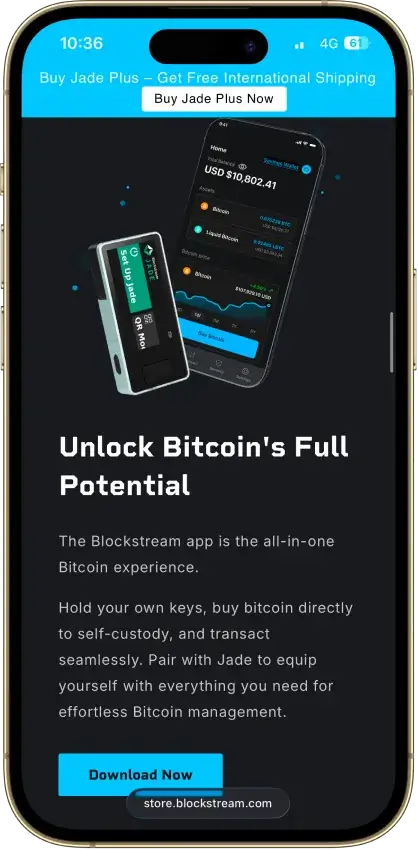
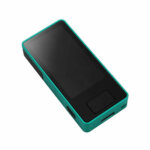 Blockstream Jade Plus Blockstream Jade Plus | Non-custodial | Bitcoin | No | None | Yes |
 Edge Wallet Edge Wallet | Non-custodial | Bitcoin, Ethereum, BNB Smart Chain, Avalanche, Tron, Optimism, Polygon, Solana | No | Limited | Yes |
 Kraken Wallet Kraken Wallet | Non-custodial | Bitcoin, Ethereum, Arbitrum, Base, Optimism, Polygon, Solana | No | Limited | No |
 Nexo Nexo | Custodial | Bitcoin, Ethereum, Base, Polygon, BNB Smart Chain, Arbitrum, Optimism, Solana, Avalanche, Tron | No | Limited | Yes |
 Rabby Wallet Rabby Wallet | Non-custodial | Ethereum, BNB Smart Chain, Avalanche, Arbitrum, Base, Optimism, Polygon | Yes | None | No |
 Trezor Safe 3 Trezor Safe 3 | Non-custodial | Bitcoin, Ethereum, BNB Smart Chain, Avalanche, Arbitrum, Base, Polygon, Optimism, Solana | No | Limited | Yes |
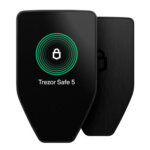 Trezor Safe 5 Trezor Safe 5 | Non-custodial | Bitcoin, Ethereum, BNB Smart Chain, Avalanche, Arbitrum, Base, Optimism, Polygon, Solana | No | Limited | Yes |
 Cake Wallet Cake Wallet | Non-custodial | Bitcoin, Ethereum, Polygon, BNB Smart Chain, Solana, Base, Arbitrum | Yes | None | Yes |
 Ledger Nano S Plus Ledger Nano S Plus | Non-custodial | Bitcoin, Ethereum, BNB Smart Chain, Avalanche, Tron, Arbitrum, Base, Optimism, Polygon, Solana | No | Limited | Yes |
 Ledger Nano X Ledger Nano X | Non-custodial | Bitcoin, Ethereum, BNB Smart Chain, Avalanche, Tron, Arbitrum, Base, Optimism, Polygon, Solana | No | Limited | No |
 OKX Wallet OKX Wallet | Non-custodial | Bitcoin, Ethereum, BNB Smart Chain, Avalanche, Tron, Arbitrum, Base, Optimism, Polygon, Solana | Yes | Limited | Yes |
 Solflare Solflare | Non-custodial | Solana | Yes | Full | Yes |
 Stack Wallet Stack Wallet | Non-custodial | Bitcoin | No | None | No |
 Binance Wallet Binance Wallet | Non-custodial | Bitcoin, Ethereum, BNB Smart Chain, Tron, Arbitrum, Base, Optimism, Polygon, Solana | No | Limited | Yes |
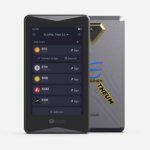 ELLIPAL Titan 2.0 ELLIPAL Titan 2.0 | Non-custodial | Bitcoin, Ethereum, BNB Smart Chain, Avalanche, Tron, Base, Polygon, Solana | No | Limited | Yes |
 Arculus Wallet Arculus Wallet | Non-custodial | Bitcoin, Ethereum, BNB Smart Chain, Avalanche, Tron, Arbitrum, Base, Optimism, Polygon, Solana | No | Limited | Yes |
 Tangem Tangem | Non-custodial | Bitcoin, Ethereum, BNB Smart Chain, Avalanche, Tron, Arbitrum, Optimism, Base, Polygon, Solana | No | Limited | Yes |
 Exodus Exodus | Non-custodial | Bitcoin, Ethereum, BNB Smart Chain, Avalanche, Tron, Arbitrum, Base, Optimism, Polygon, Solana | Yes | Full | Yes |
 Feather Wallet Feather Wallet | Non-custodial | — | Yes | — | No |
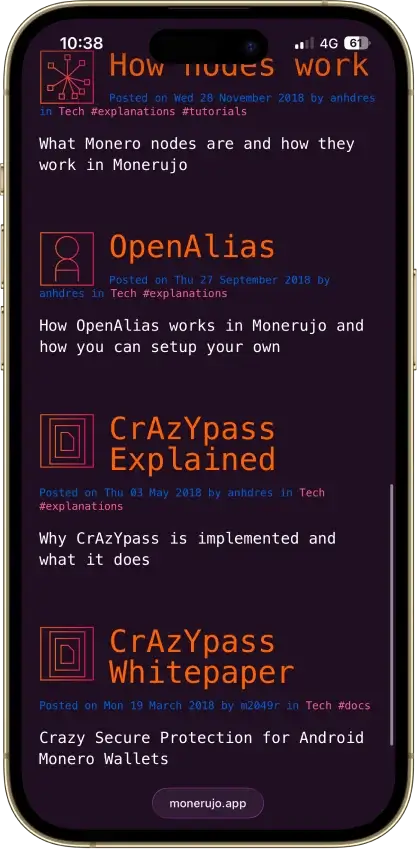
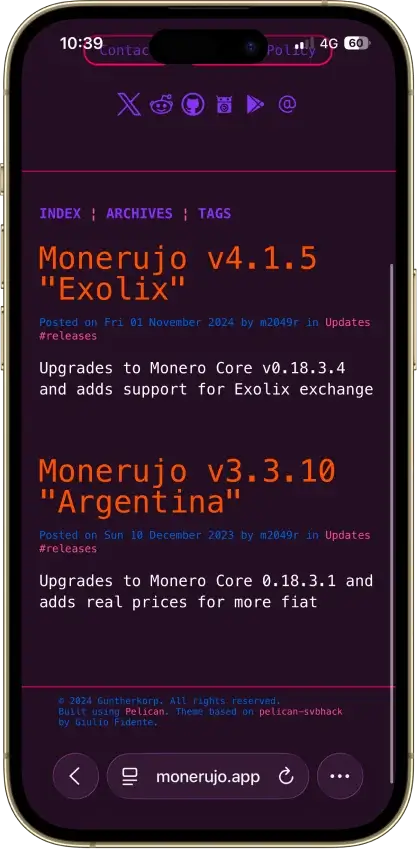
 Monerujo Wallet Monerujo Wallet | Non-custodial | — | Yes | None | No |
The table makes two patterns clear. First, hot wallet vs cold wallet is still the biggest divider: mobile wallets and Lightning wallets are built for speed and everyday access, while hardware wallets are built for long-term protection and offline signing. Second, “best wallet” depends on what you value most — Sparrow and Coldcard are excellent for control-heavy workflows, while BlueWallet and Blockstream Green prioritize day-to-day usability. If fast payments are your priority, a Lightning-first wallet like Phoenix tends to feel dramatically better than trying to bolt Lightning onto a general-purpose wallet.
Lightning Support Snapshot (2026)
- Blockstream app: Lightning is experimental, and new Lightning wallet creation is temporarily unavailable during the current migration. Existing Lightning wallets may have limited functionality.
- BlueWallet: Lightning is available via your own LNDHub/node. BlueWallet’s hosted
lndhub.ioservice was sunset. - Phoenix: Phoenix is the cleanest Lightning-first pick here, with a self-custodial design and a 12-word recovery phrase.
Bitcoin Wallets Reviews
MetaMask
Pros
- Real self-custody, Consensys cannot touch keys
- Native Solana, Bitcoin, and Tron from one phrase
- Default transaction simulation and scam alerts
- Pairs with Ledger and Trezor for cold signing
- Deepest dApp reach of any mainstream hot wallet
Cons
- 0.875% swap fee on top of pool costs
- ETH staking blocked for US and UK users
- Crypto's most drainer-targeted wallet
- Source-available license, not open source
- No secure element, browser-level exposure



Phantom
Pros
- Non-custodial, keys never leave your device
- Nine chains including Bitcoin and Solana
- Audits from Kudelski and Least Authority
- Scam detection and transaction previews
- Native SOL staking plus PSOL liquid staking
Cons
- Core code is closed source
- Disputed 2025 vulnerability lawsuit
- Users are a recurring phishing target
- Cloud login recovery widens attack surface
- No native Arbitrum, Optimism, BSC, Avalanche


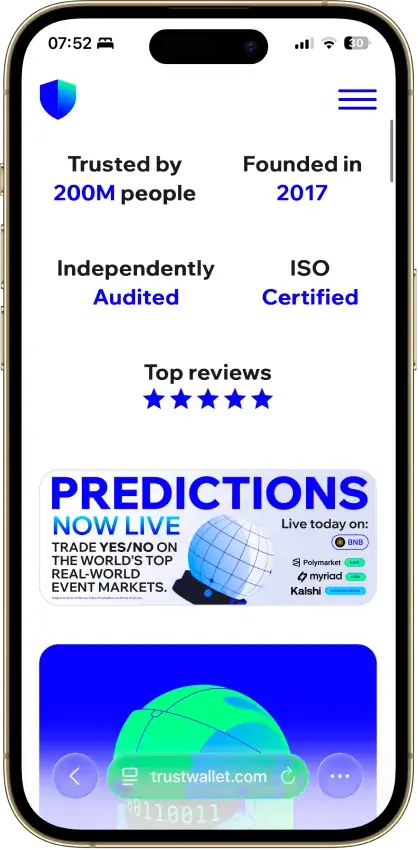
Trust Wallet
Pros
- Real self-custody, only you hold the seed
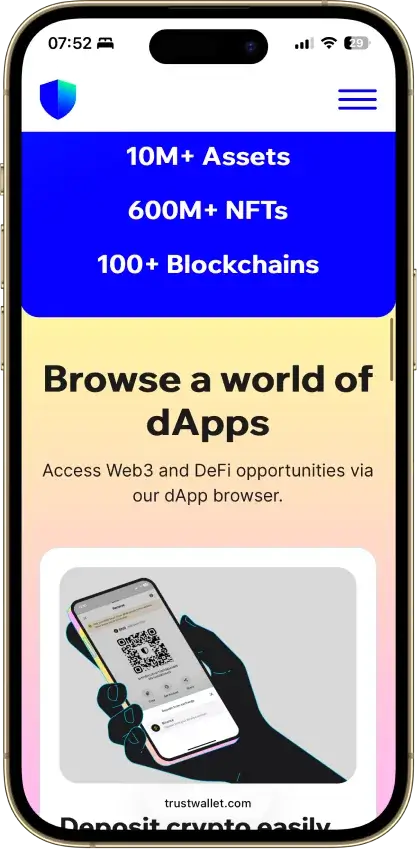
- 100+ chains native, custom EVM chains addable
- Free app, no explicit add-on swap fee
- Kudelski and CertiK audited, ISO 27001
- Staking, NFTs, and a dApp browser built in
Cons
- Three extension incidents in three years
- App and extension are closed source
- Binance-owned, a DOJ-settled parent
- No native desktop app
- Ledger pairing works in the extension only



MoonPay
Pros
- MoonPay’s in-app wallets are non-custodial, and you can export the recovery phrase to import the wallet into another app if you want to leave the MoonPay ecosystem later.
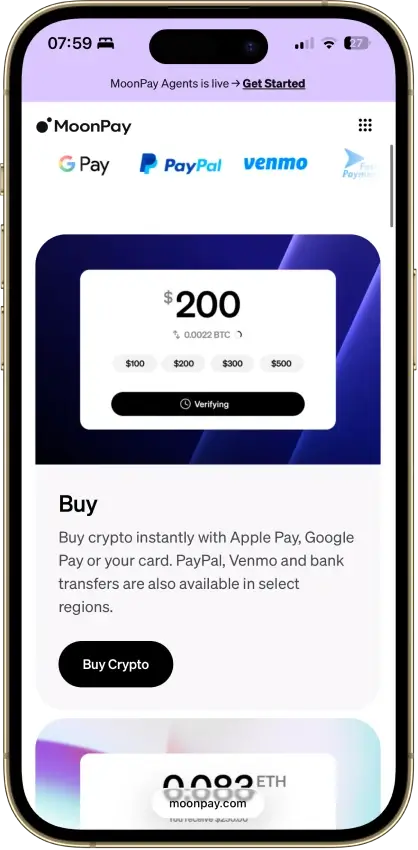
- The mobile app covers the main retail flow in one place: buy, sell, send, receive, and convert, which removes a lot of setup friction for newer users.
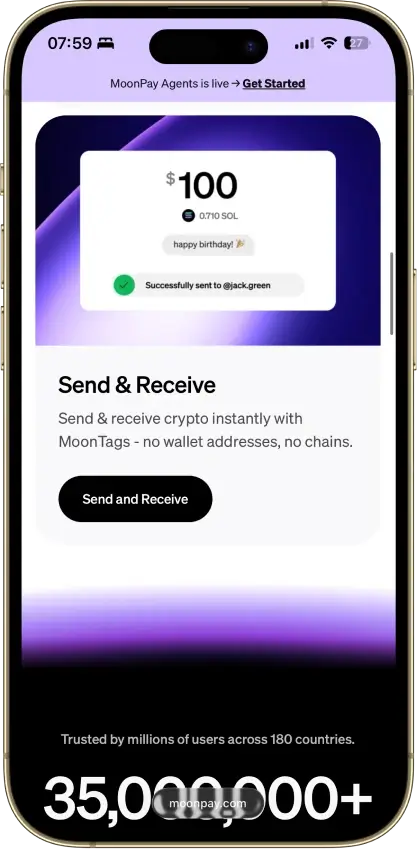
- MoonTags make transfers between MoonPay users easier because you can use a username instead of manually checking long wallet addresses.
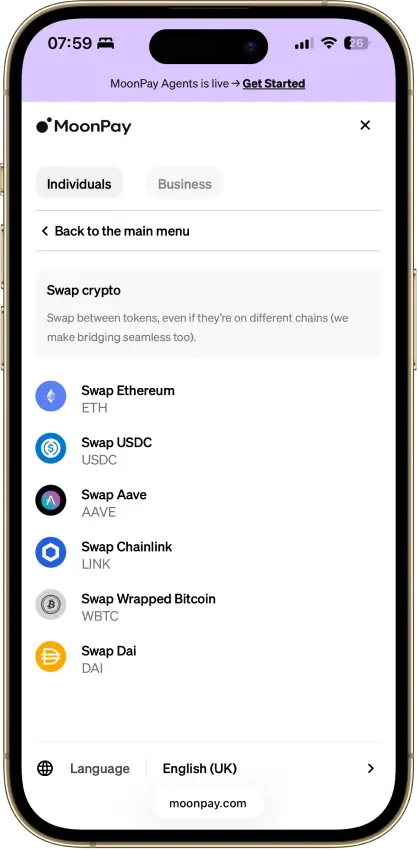
- MoonPay Convert supports same-chain and cross-chain swaps through Swaps.xyz, which is more useful than a basic single-chain token swap tool.
Cons
- - Verification is part of the product, not an edge case. MoonPay requires identity verification to unlock the full range of services, and higher limits or withdrawals can trigger source-of-wealth checks.
- The wallet is mobile-first, with no dedicated browser extension or desktop-native wallet experience for users who spend most of their time in browser-based DeFi and Web3 tools.
- MoonPay’s account-management guidance says the app is currently available only in English, which is a real limitation for a global consumer wallet.
- Key features vary by region. Sell availability, payout methods, and MoonPay Pots access are not universal, so readers need to check whether their country or state is supported before relying on the app.
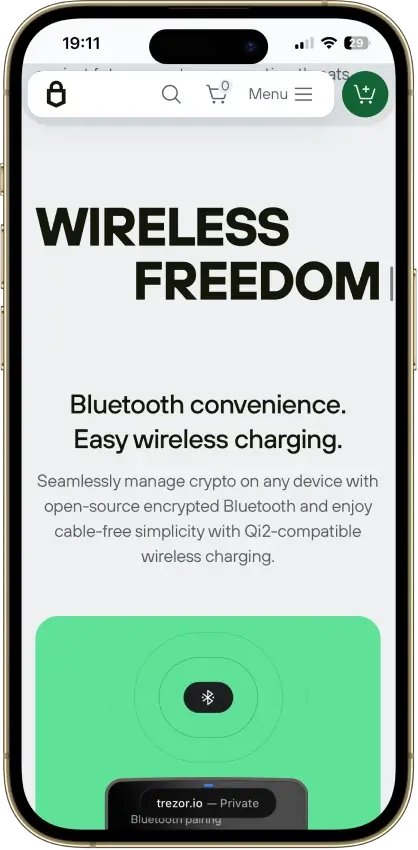
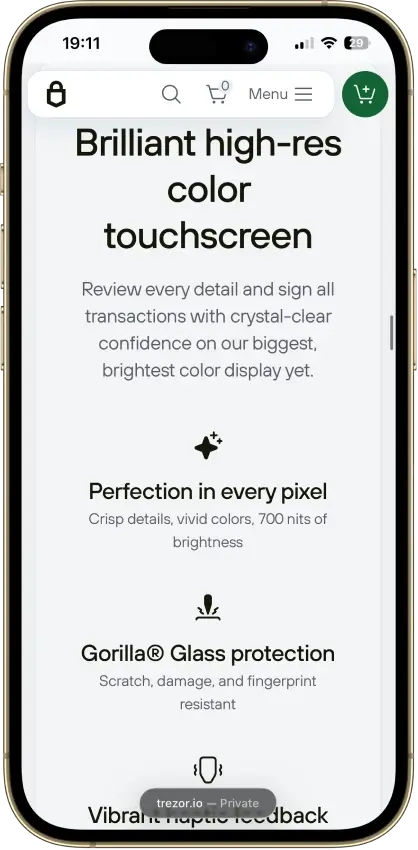
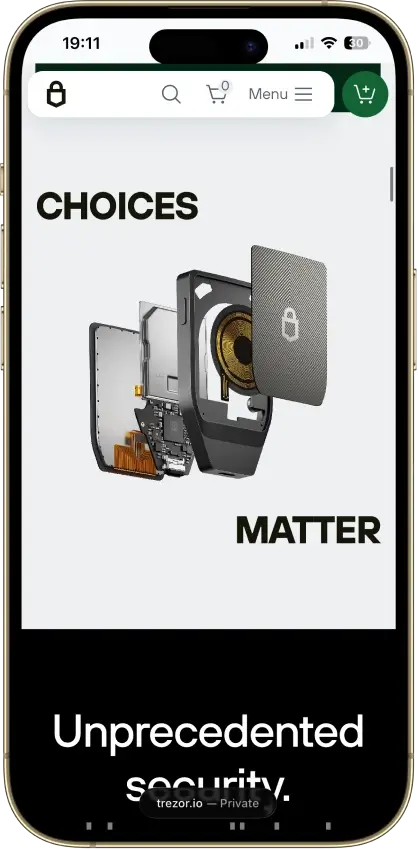
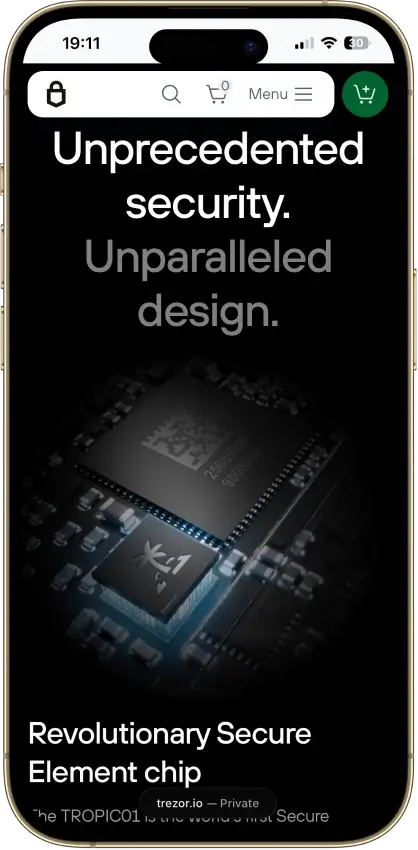
Trezor Safe 7
Pros
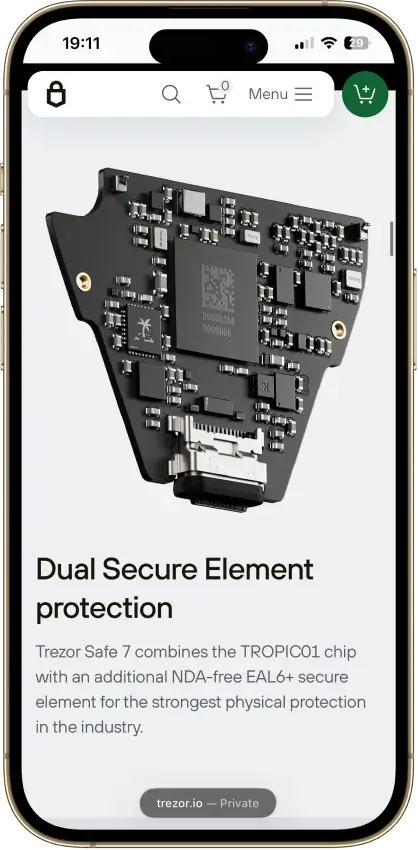
- Only auditable secure element on the market
- Three independent hardware security layers
- Fully open firmware, no black-box signing
- Quantum-ready firmware path (SLH-DSA-128)
- Non-custodial with no KYC at any step
Cons
- $249, nearly double the Safe 5
- Not air-gapped, connected signing only
- Bluetooth radio adds a new attack surface
- No Monero anywhere in the Safe family
- TROPIC01 layer beaten in a 2026 lab attack

Base App
Pros
- Non-custodial, Coinbase never holds your keys
- Passkey smart wallet skips seed-phrase handling
- Ethereum, Base, Solana, and major EVM chains
- Backed by Nasdaq-listed Coinbase Global
- Farcaster feed, mini-apps, encrypted chat
Cons
- Consumer app is closed source
- Parent's 2025 breach fuels impersonation scams
- Multiple setup paths confuse new users
- Swap covers fewer networks than storage
- DOGE and LTC absent from the new Base mode

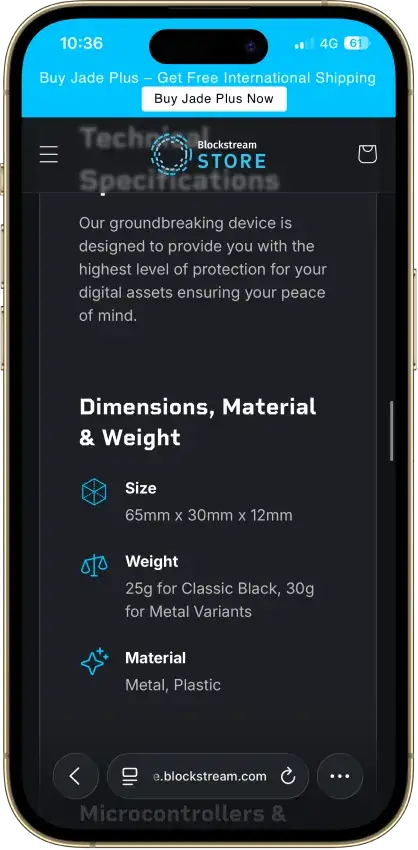
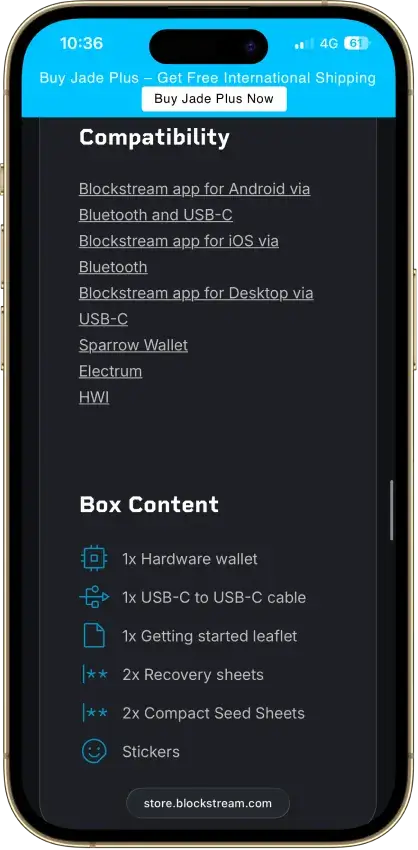
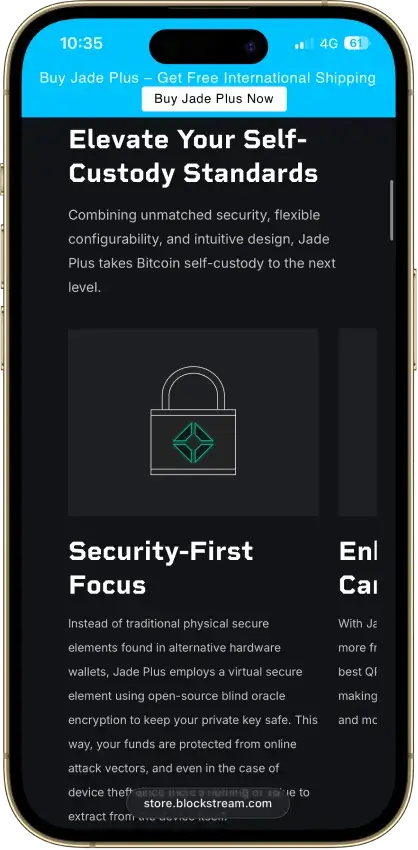
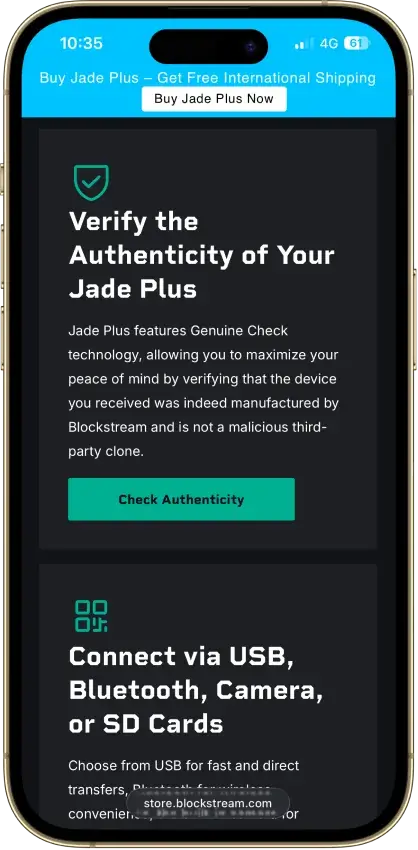
Blockstream Jade Plus
Pros
- Fully open-source firmware and hardware
- Camera QR air-gap for cold signing
- Self-hostable blind-oracle PIN model
- Works with Sparrow, Electrum, and Nunchuk
- Clean fund-safety record since launch
Cons
- No certified secure element chip
- Bitcoin and Liquid only, no altcoins
- Late-2025 firmware flaw needed a patch
- Lightning settles to L-BTC, not native
- Bluetooth radio on a cold-storage device
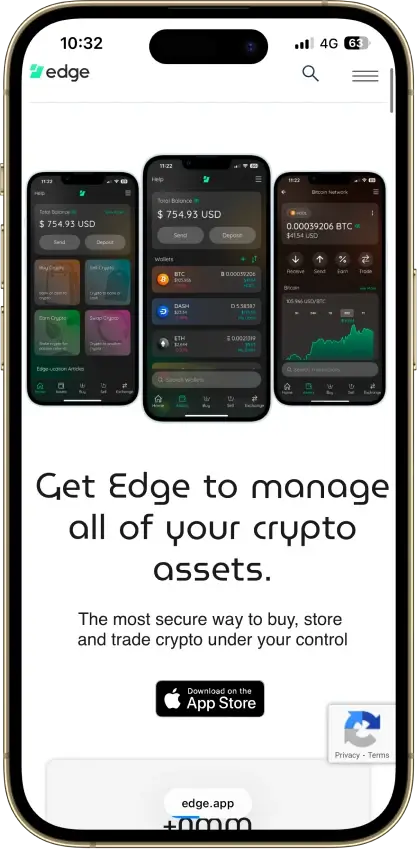
Edge Wallet
Pros
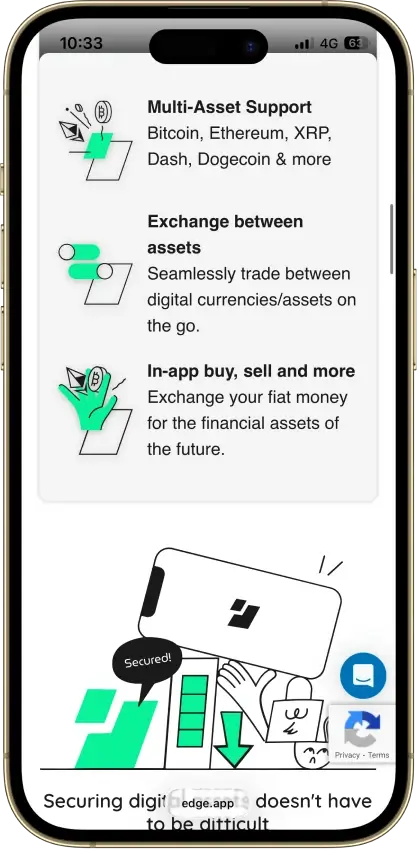
- Public, auditable code (BSD-3-Clause app)
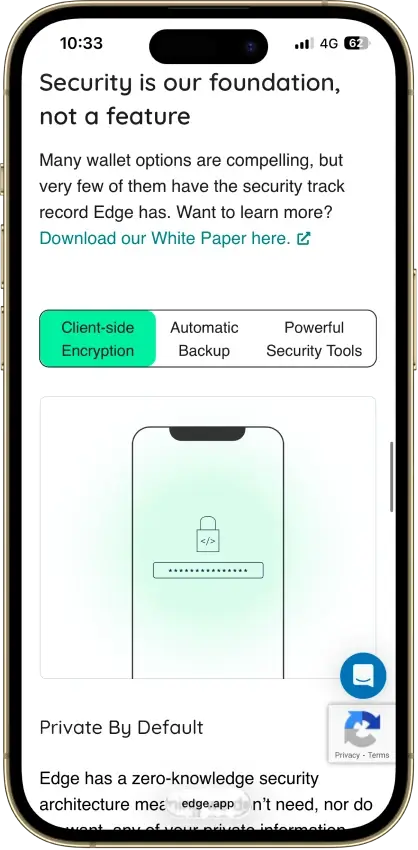
- Non-custodial, zero-knowledge encryption
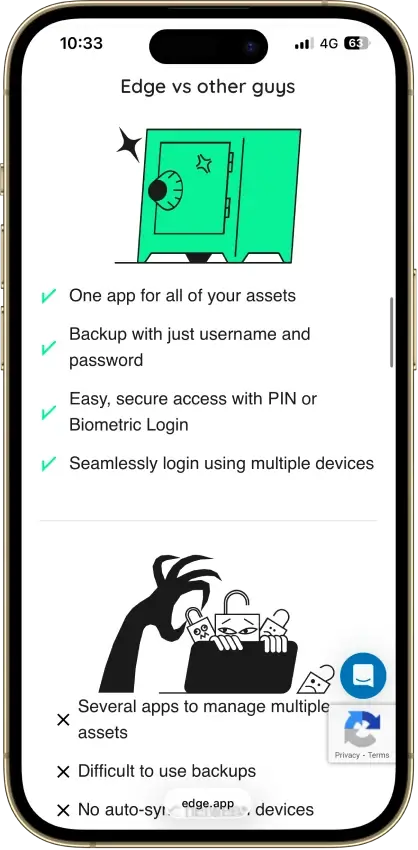
- Password login with multi-device sync
- US company shipping wallets since 2014
- 120+ assets plus major token standards
Cons
- Weak password is a single point of failure
- Encrypted key blobs sit on Edge servers
- 2023 bug exposed about 600 private keys
- No secure element, software-only signing
- Mobile-only, no desktop or extension
Kraken Wallet
Pros
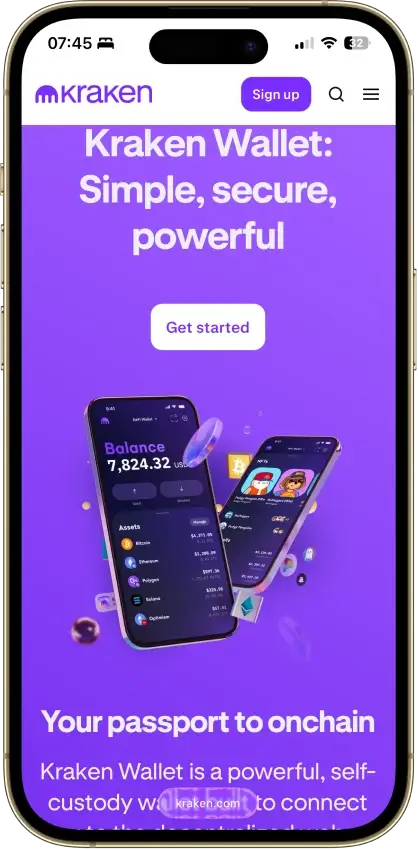
- Fully open source with reproducible builds
- Published Trail of Bits security audit
- No KYC and no Kraken account required
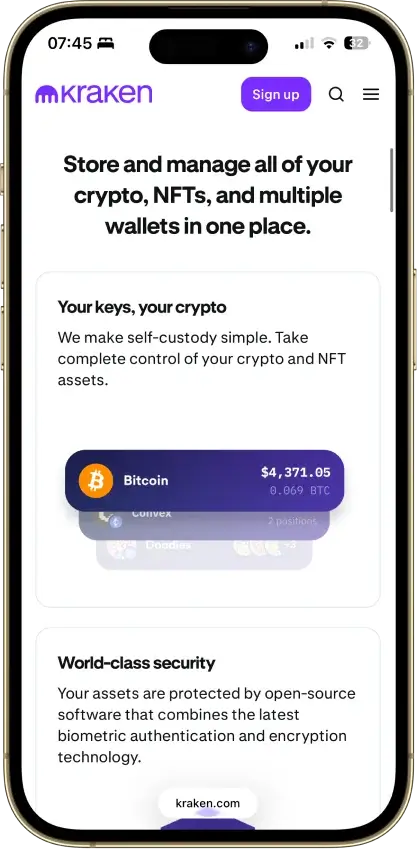
- Non-custodial, keys stay on your device
- US-available with no geo-gate
Cons
- Hot wallet only, no secure element
- No hardware wallet pairing
- No browser extension or desktop app
- Swaps limited to select routes
- No in-wallet fiat on-ramp


Nexo
Pros
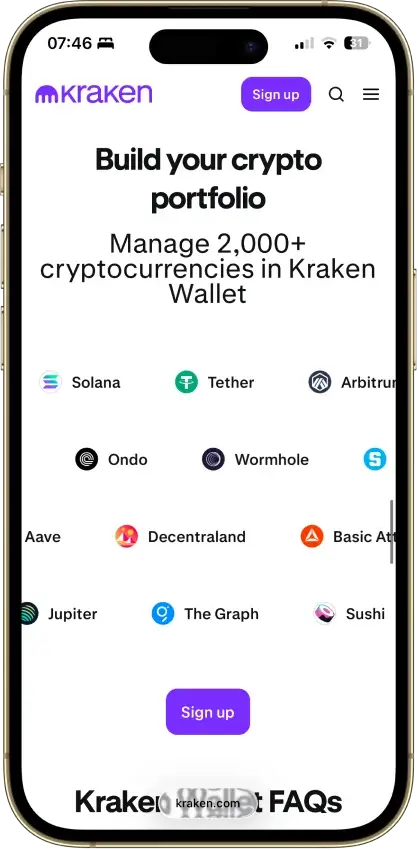
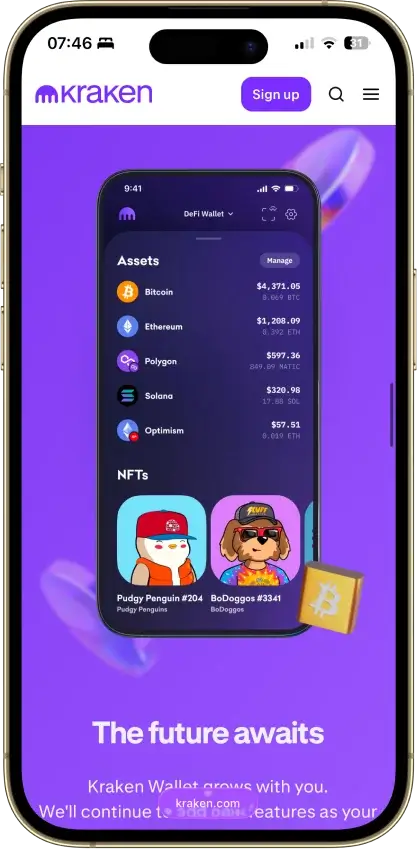
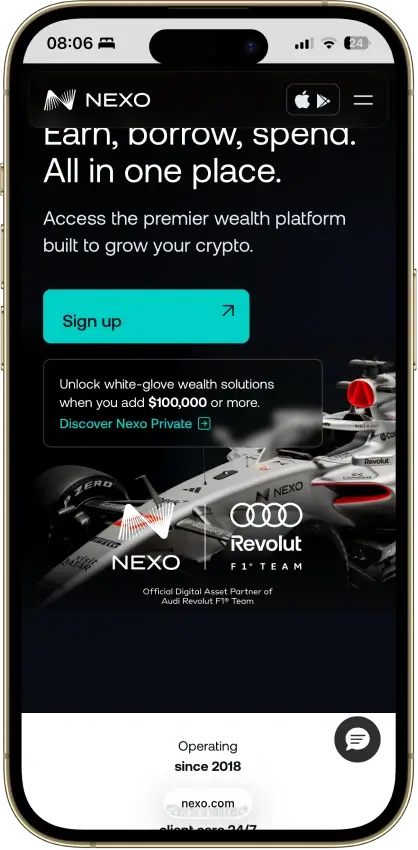
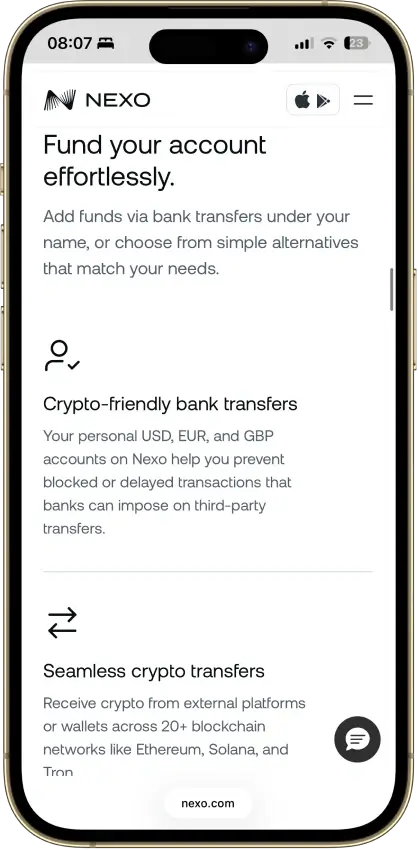
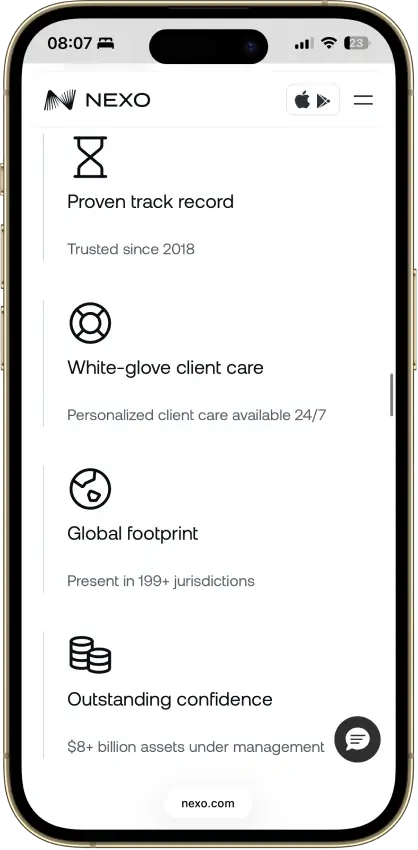
- Supports multi-network deposits and withdrawals across major chains, which makes it easier to move assets over the route Nexo actually supports for each coin.
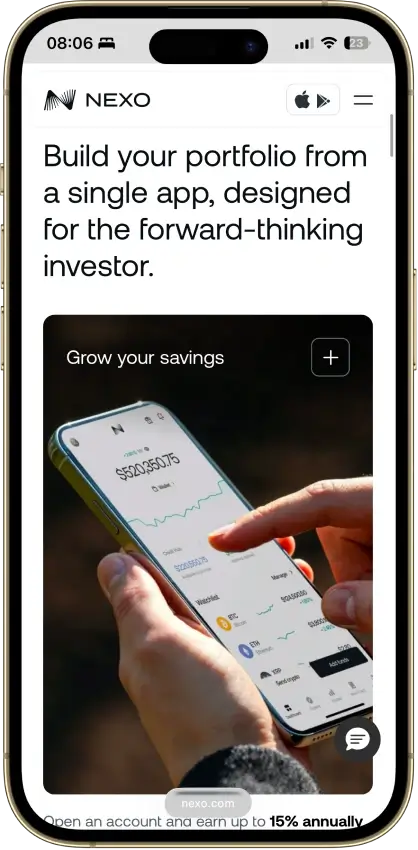
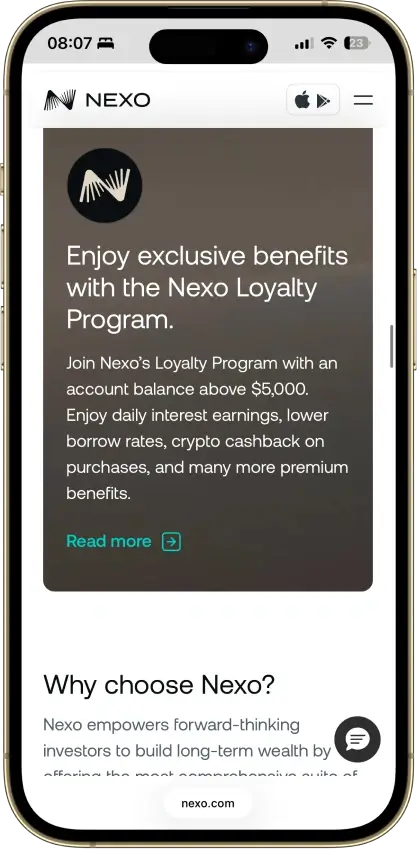
- Combines custody, swaps, Nexo Pro trading, credit lines, and card spending in one account instead of forcing users to split those jobs across multiple apps.
- Uses account-level protections such as authenticator support, biometrics, anti-phishing code, address whitelisting, and anti-scam withdrawal monitoring.
- Available on web, iOS, and Android, so users can manage balances and transfers without being locked to a single device type.
Cons
- Custodial by design, so you do not get a seed phrase or direct control of the private keys for platform balances.
- Not a strong choice for wallet-native Web3 use, because the older Nexo Web3 wallet was sunset and the current product is built around managed account custody.
- Requires full identity verification as part of the account model, which makes it a poor fit for privacy-first users.
- Feature availability varies by jurisdiction and product line, so not every user gets the same mix of card, yield, credit, or transfer features.

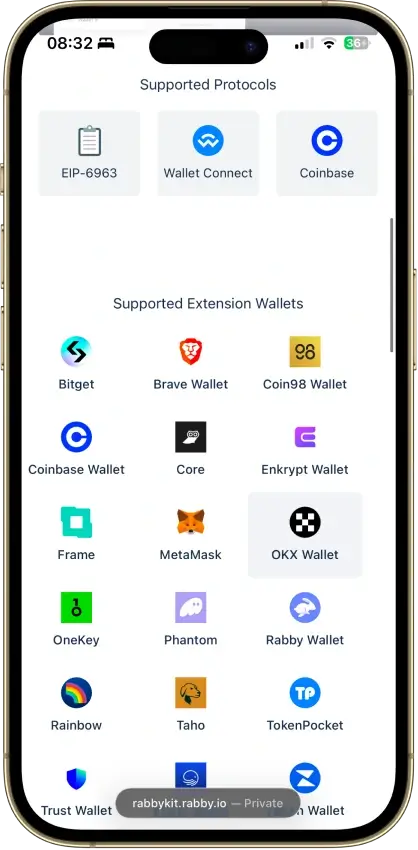
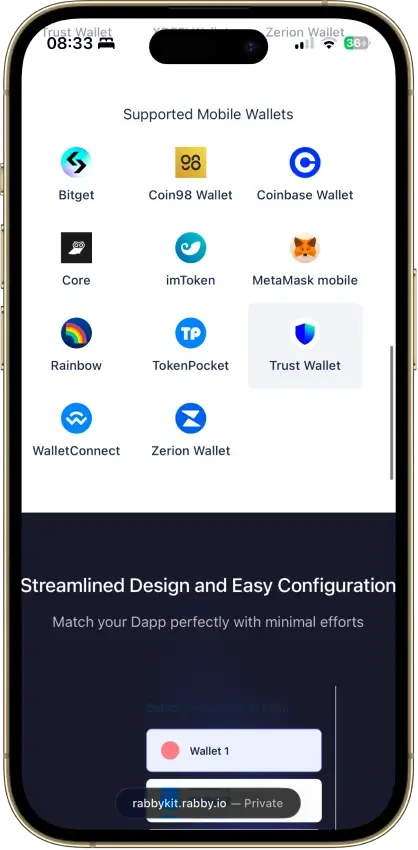
Rabby Wallet
Pros
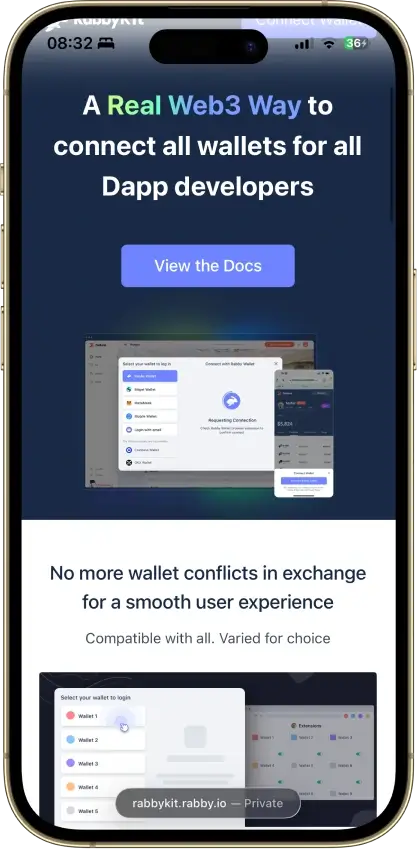
- Fully open source with public repos
- Simulates every transaction before you sign
- Flags scam sites and risky token approvals
- 100+ EVM chains with automatic switching
- Audited by Least Authority and SlowMist
Cons
- EVM only, no Bitcoin, Solana, or XRP
- Dense interface for casual holders
- 2022 swap contract exploit, about $200K
- No native staking or fiat on-ramp
- Seed phrase is the only recovery path
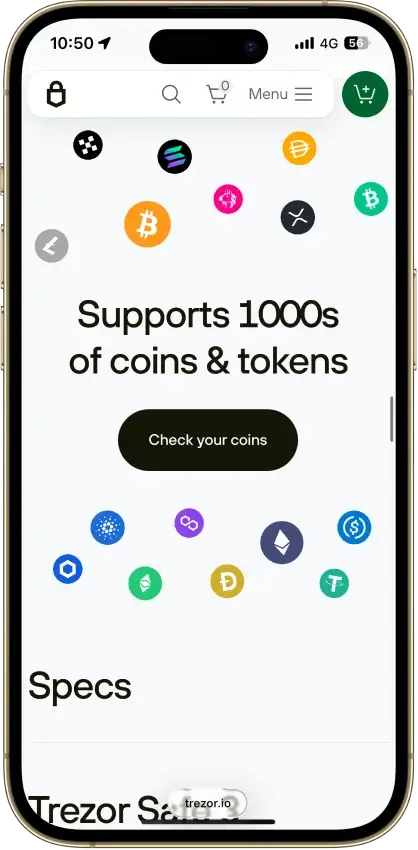
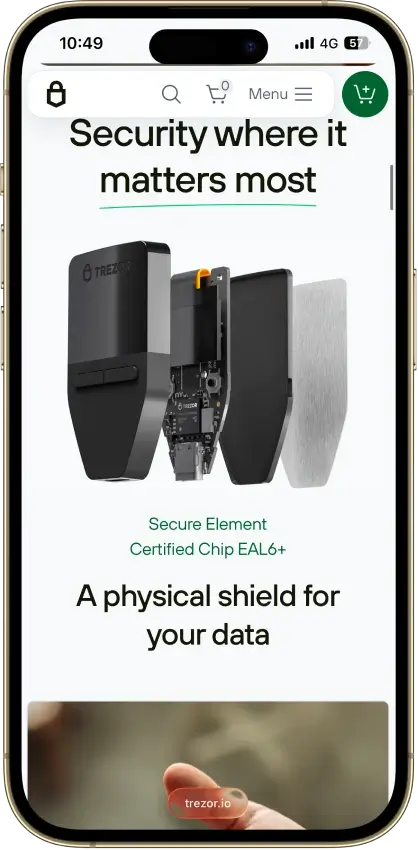
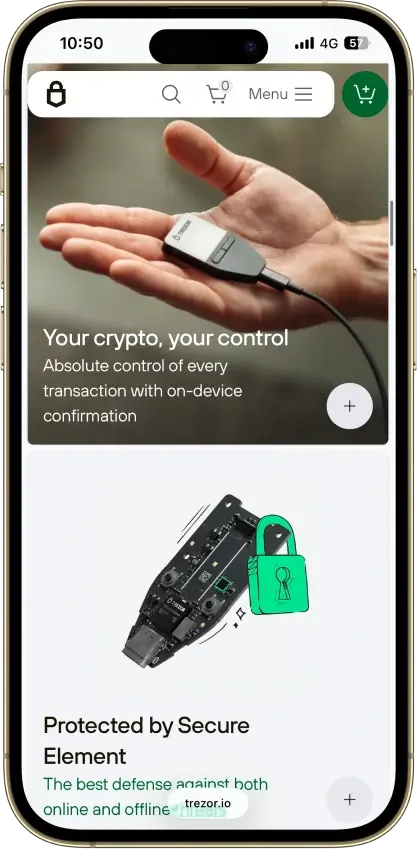
Trezor Safe 3
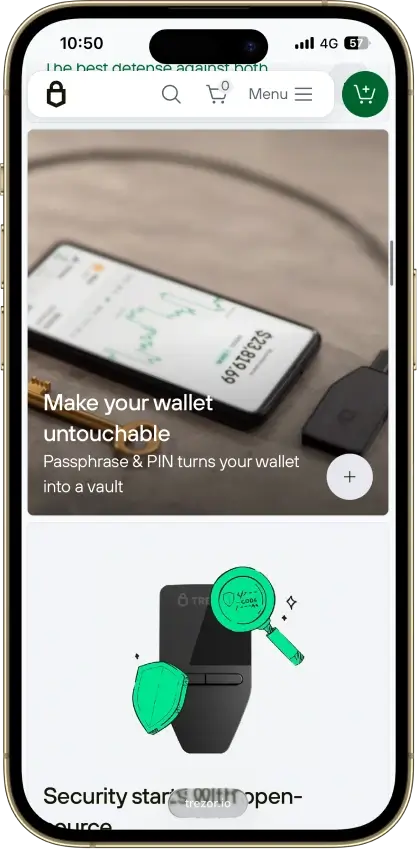
Pros
- Open firmware anyone can audit
- $59 for a certified EAL6+ chip
- Passphrase fully defeats seed extraction
- SLIP39 multi-share backup built in
- No Bluetooth, wired-only attack surface
Cons
- Signing runs outside the secure element
- Disclosed 2025 physical extraction path
- iOS app cannot send transactions
- Small screen, two-button navigation
- Closed Infineon SE limits full audit
Trezor Safe 5
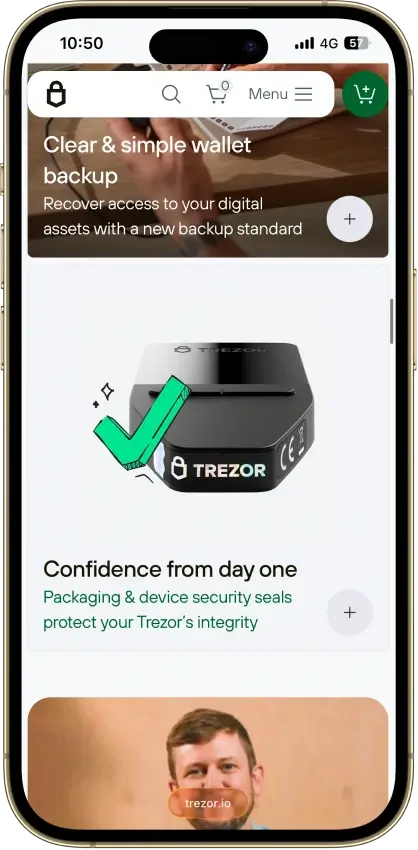
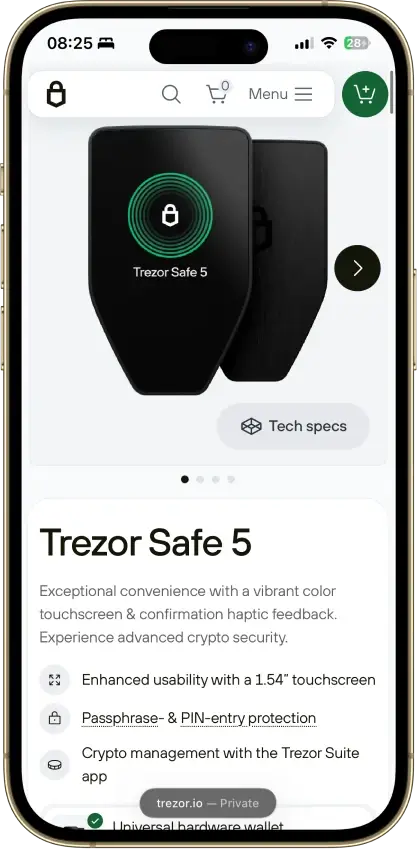
Pros
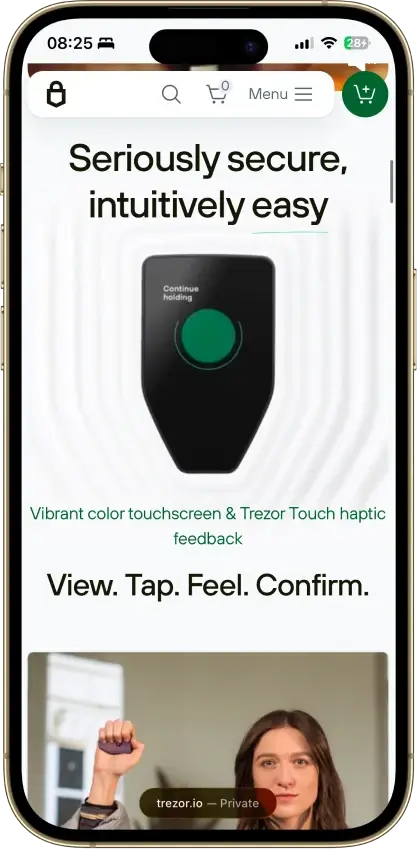
- Newer STM32U5 chip resists the Safe 3 attack
- 1.54-inch color touchscreen with haptic feedback
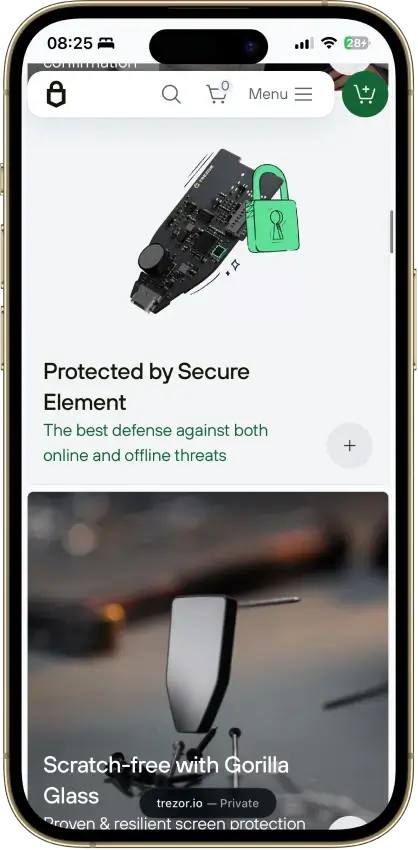
- EAL6+ secure element guards PIN and secrets
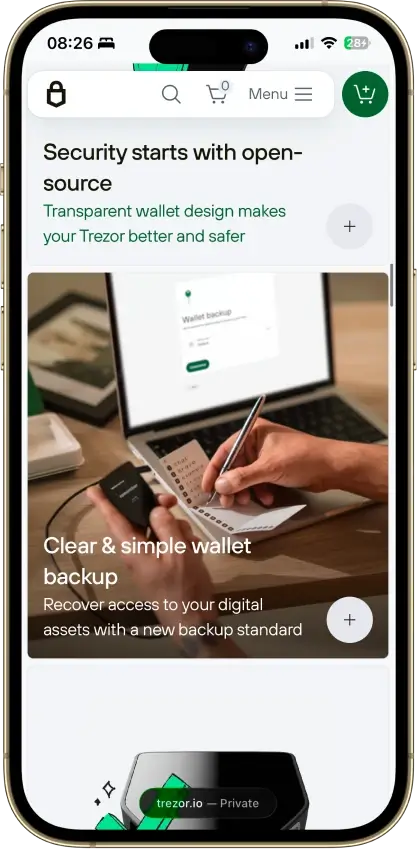
- 20-word SLIP-39 default plus Shamir multi-share
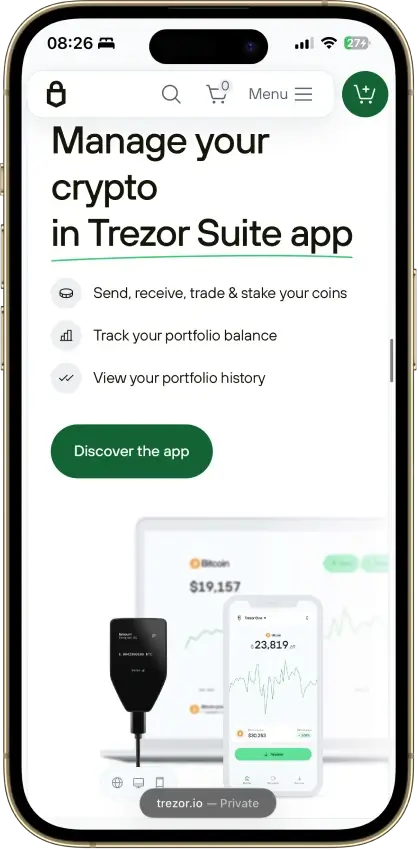
- Open, auditable firmware and Suite software
Cons
- $129, a step up in price from the $59 Safe 3
- Signing runs on the MCU, not the secure element
- No Bluetooth, battery, or QR air-gap option
- iOS app is view-only, no transaction signing
- HBAR, SUI, and some chains need other wallets
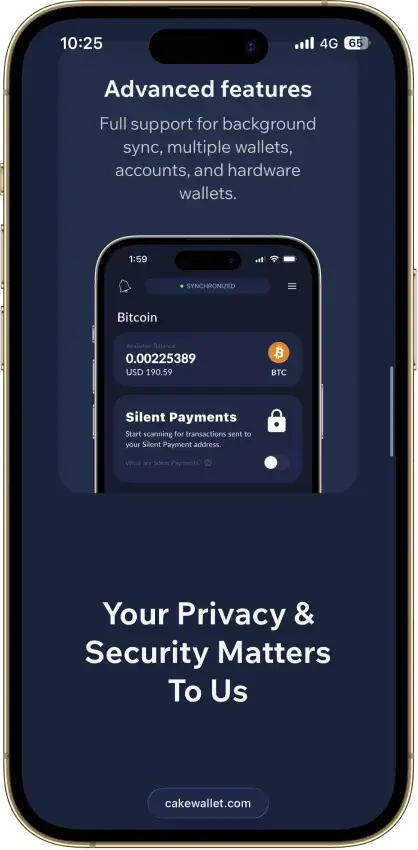
Cake Wallet
Pros
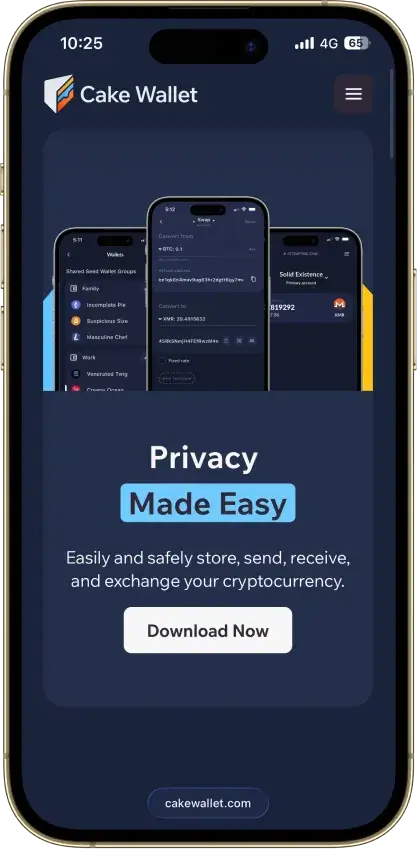
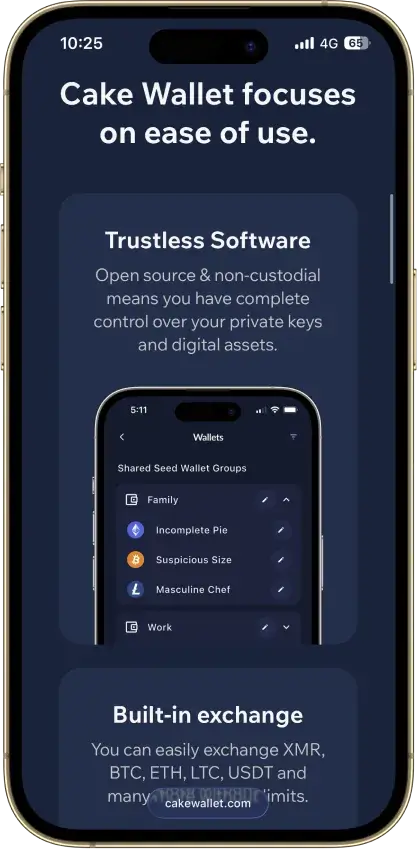
- Fully open source under an MIT license
- Non-custodial, no account, no wallet-level KYC
- Reference mobile Monero wallet since 2018
- 17+ chains and Lightning from one seed
- Pairs with Ledger hardware wallets
Cons
- Hot wallet — keys live on a connected device
- 2021 BTC weak-key bug, fixed in v4.1.7
- Builds not reproducible per WalletScrutiny
- No public third-party audit report
- No browser extension for dApp use

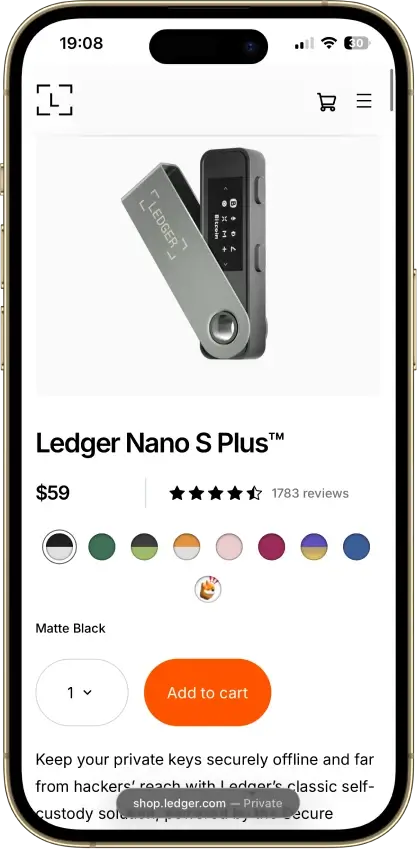
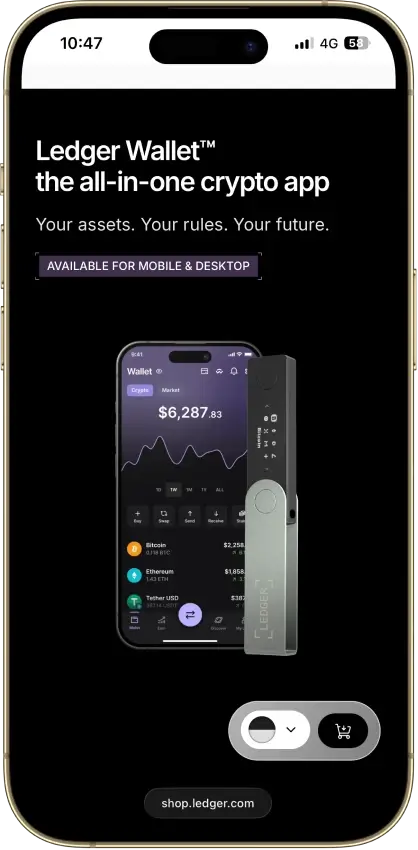
Ledger Nano S Plus
Pros
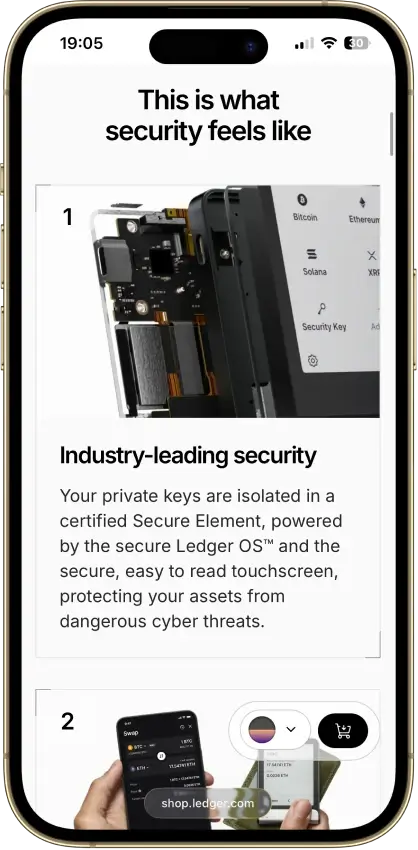
- EAL6+ secure element, out-certifies Nano X
- About $59, cheapest supported Ledger
- No Bluetooth or battery to attack
- Runs about 100 device apps at once
- Portable 24-word BIP39 seed
Cons
- No iPhone or iPad support
- Wired USB-C only, desktop and Android
- Small screen for contract review
- Secure element firmware is closed
- 2020 breach leaked ~270k home addresses
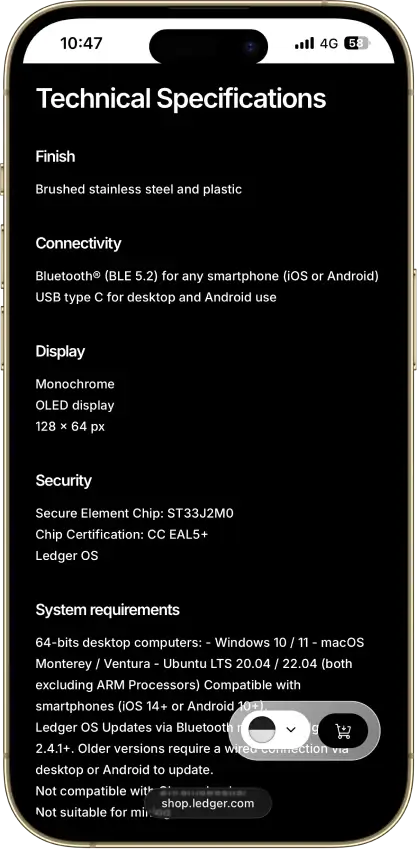
Ledger Nano X
Pros
- Bluetooth plus USB-C, true phone-first signing
- CC EAL5+ secure element with ANSSI CSPN
- 500+ coins native, thousands via third party
- Up to 100 device apps installed at once
- Non-custodial, no KYC, sold worldwide
Cons
- $99, above the EAL6+ Nano S Plus
- Older EAL5+ chip, the S Plus carries EAL6+
- Secure-element OS and firmware are closed
- 2020 breach feeds phishing still active in 2026
- Small non-touch OLED, battery needs upkeep
OKX Wallet
Pros
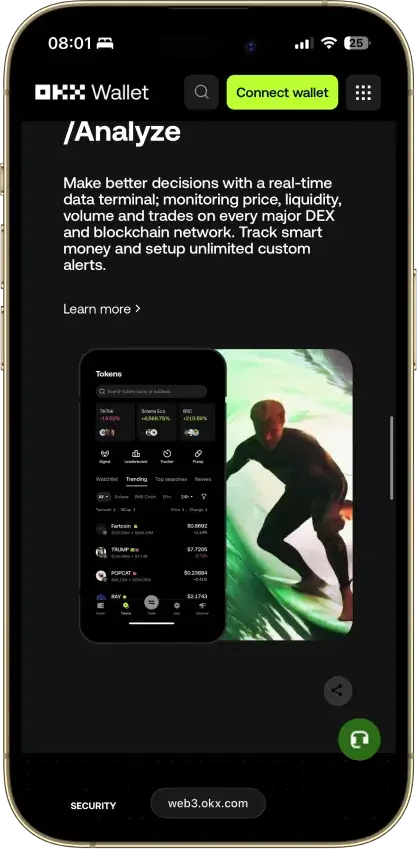
- 130+ native chains in one wallet
- DEX aggregator taps 100+ liquidity sources
- CertiK and SlowMist audits plus bug bounty
- No KYC for standard self-custody use
- Earn staking stays non-custodial
Cons
- $505M DOJ guilty plea, consultant to 2027
- Aggregator laundered ~$100M Bybit funds
- Keyless mode hands OKX one key share
- Client code is not fully open source
- IP geo-blocking can gate wallet access


Solflare
Pros
- No wallet-side exploit on record
- Own EAL6+ Shield hardware from $49
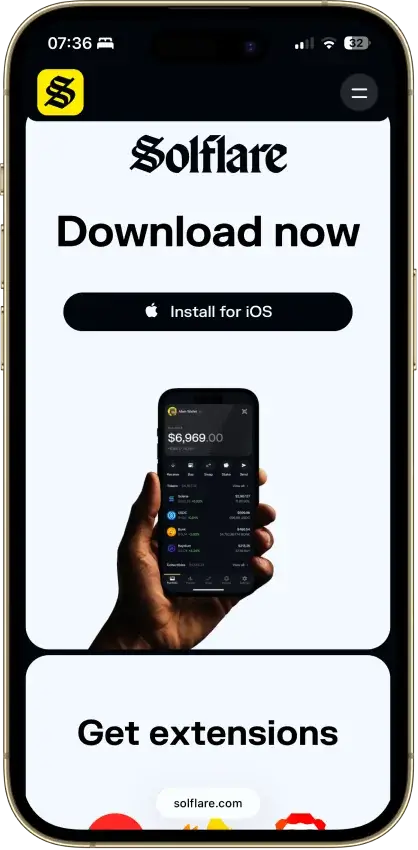
- Ledger and Keystone support on top of Shield
- Native and liquid SOL staking built in
- Jupiter-routed swaps stay non-custodial
Cons
- Solana only, non-Solana access via MetaMask Snaps
- Core wallet lacks a published audit
- No public bug bounty program
- Instant unstake costs a small liquidity-pool fee
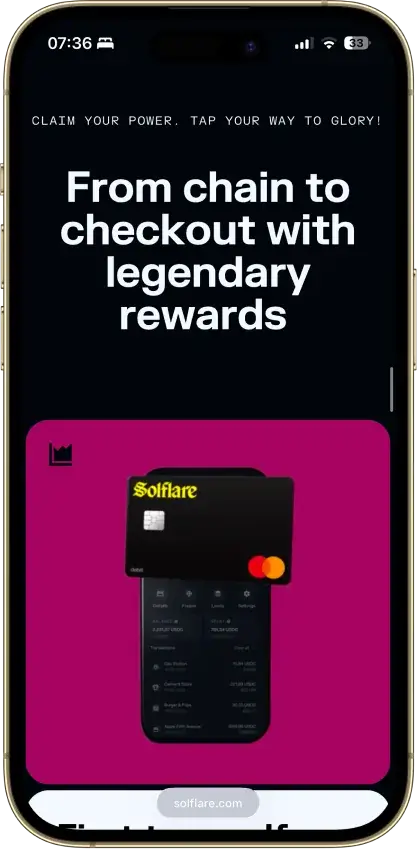
- Card is EEA and UK only, no US access

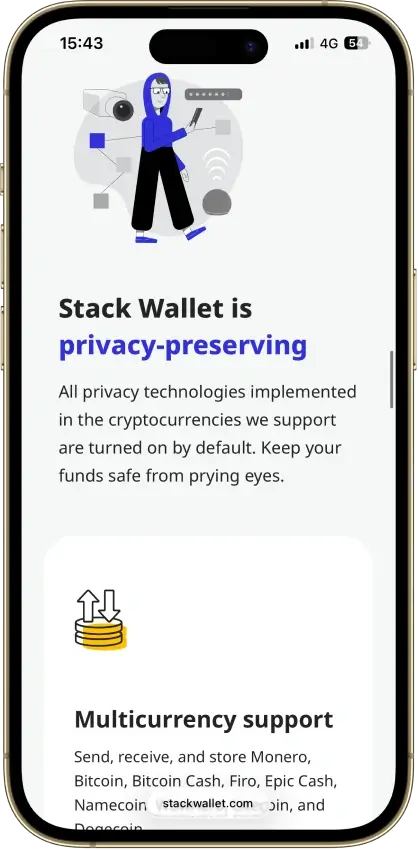
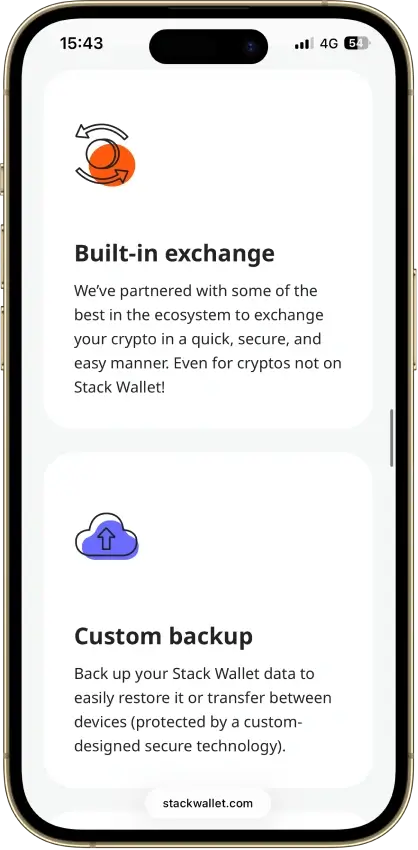
Stack Wallet
Pros
- Fully open source, entire codebase public
- Non-custodial, no account, no wallet KYC
- Clean record — no hacks, no regulatory actions
- Monero, Firo, Epic Cash, Wownero in one app
- Actively maintained — v2.6.0 in June 2026
Cons
- Hot wallet — keys live on a connected device
- No dApp browser or WalletConnect
- No hardware-wallet pairing
- App-level backup restores into Stack only
- No formal third-party security audit
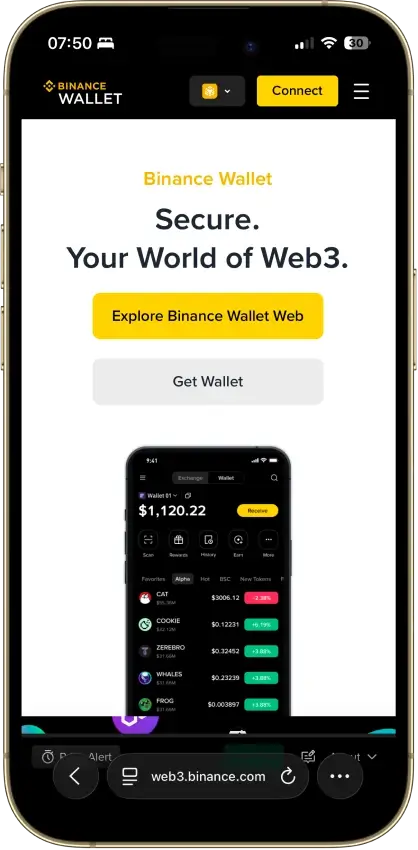
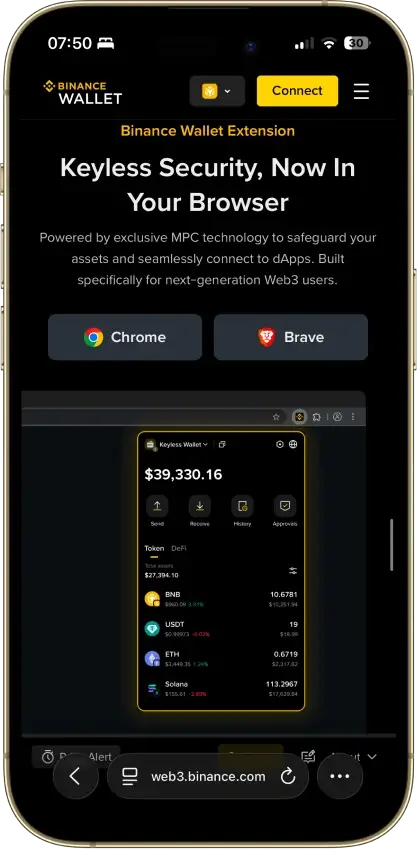
Binance Wallet
Pros
- Genuine multichain reach, BTC to Solana to Tron
- MPC signing with no seed phrase to steal
- SlowMist-audited, no known wallet exploit
- Emergency Export converts to a private key
- Free, and built into the app Binance users have
Cons
- Not available to US users at all
- Requires a verified Binance.com account
- Binance holds one of the three key shares
- Lost password plus lost device is unrecoverable
- Closed source, only TSS tooling is public

ELLIPAL Titan 2.0
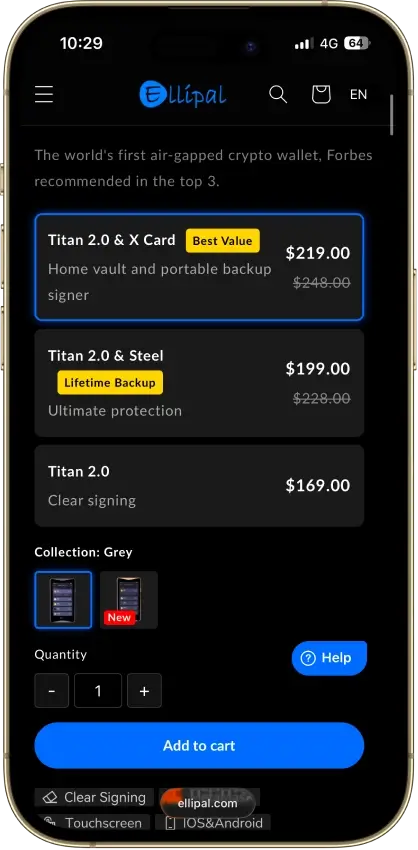
Pros
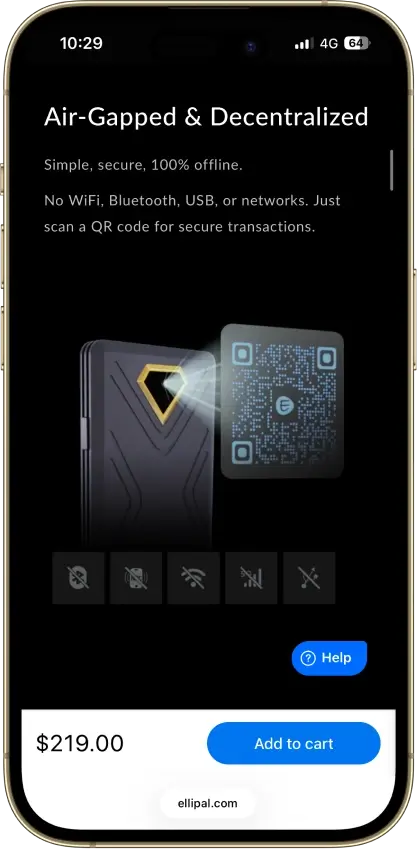
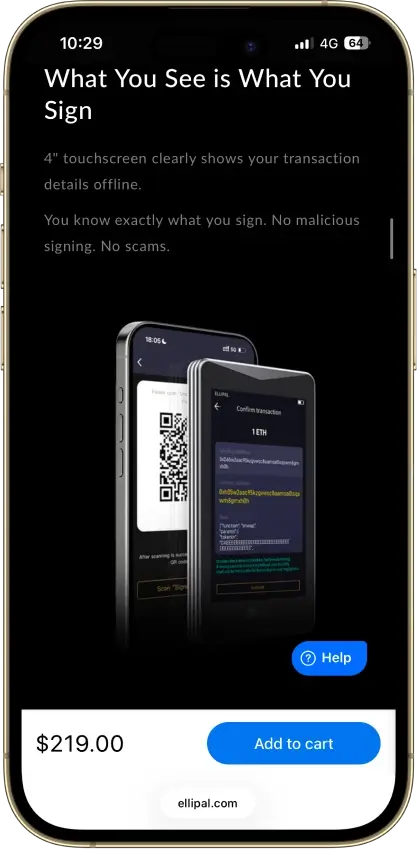
- Fully air-gapped, QR-only signing
- CC EAL5+ certified secure element
- Self-destruct wipes keys on tampering
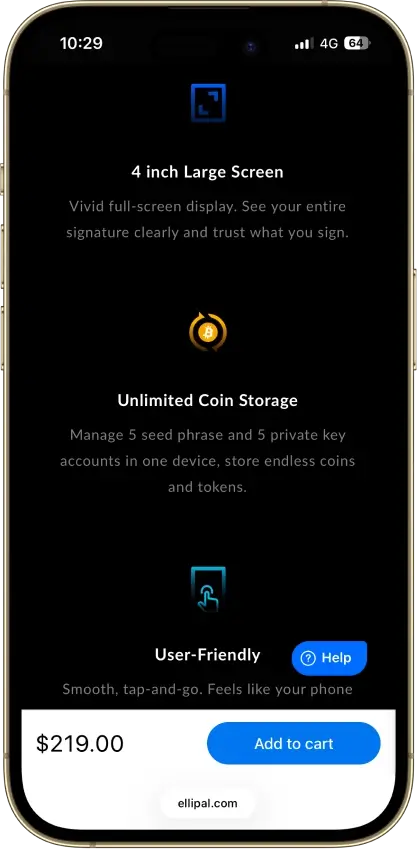
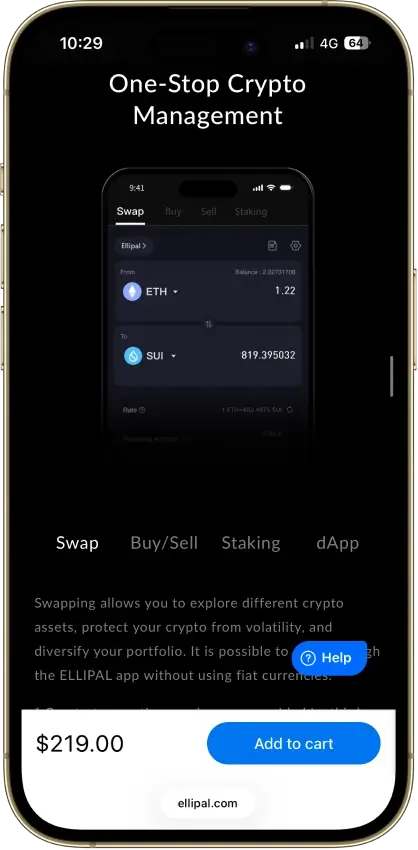
- 40+ chains and 10,000+ tokens natively
- 24-word seed plus optional passphrase
Cons
- Core key-generation firmware is closed
- Hong Kong jurisdiction, limited recourse
- QR send loop slower than USB signing
- Firmware updates need a MicroSD card
- No desktop app beyond MetaMask QR

Arculus Wallet
Pros
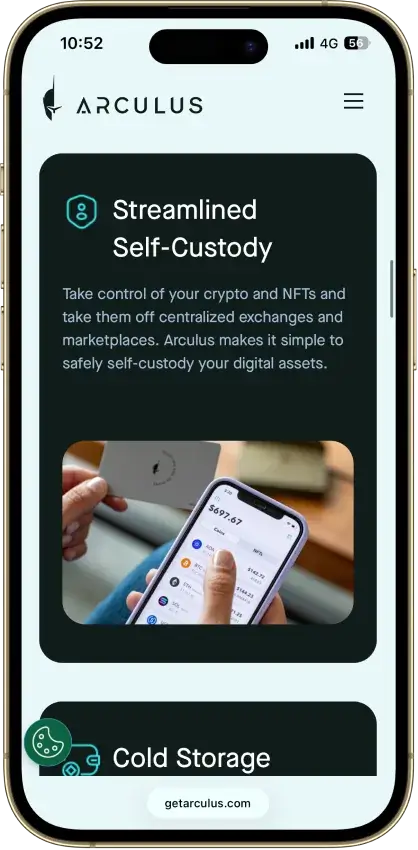
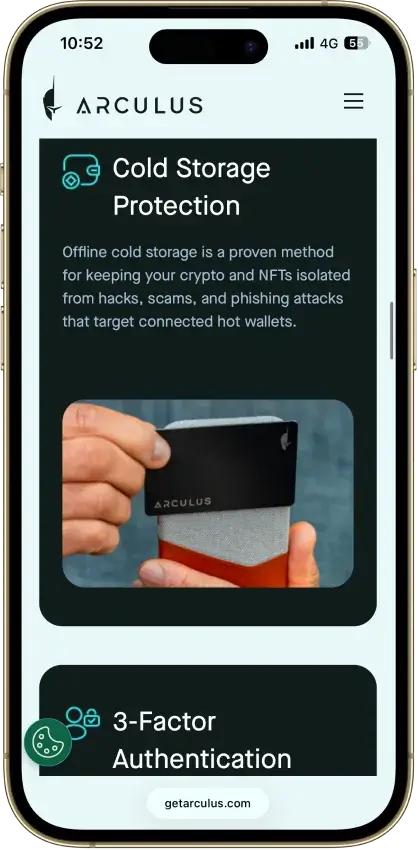
- EAL6+ secure element, same class as Ledger Flex
- NASDAQ-listed US maker (CompoSecure)
- No public hack since 2021 launch
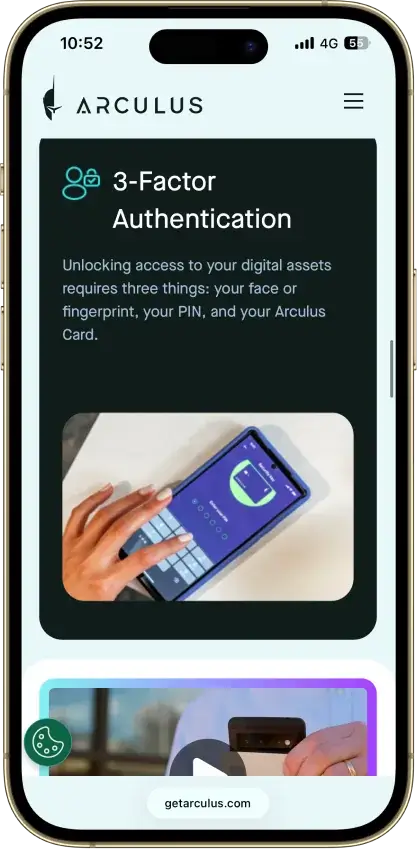
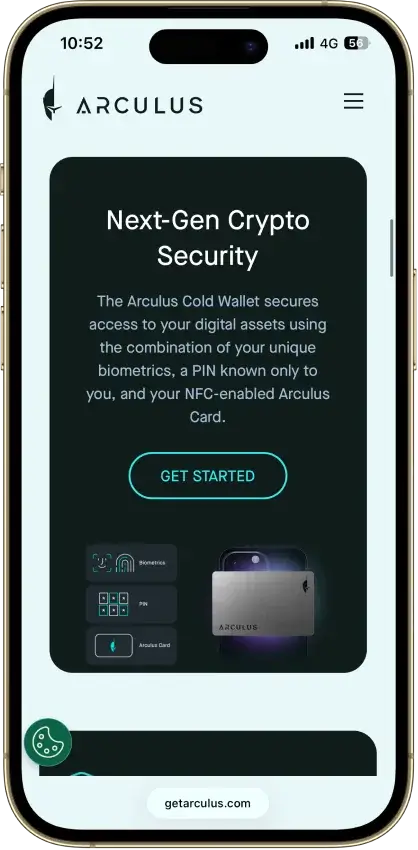
- 3-factor access: card, PIN, biometric
- $99 one-time, no subscription
Cons
- No on-device screen to verify sends
- Closed-source firmware and app
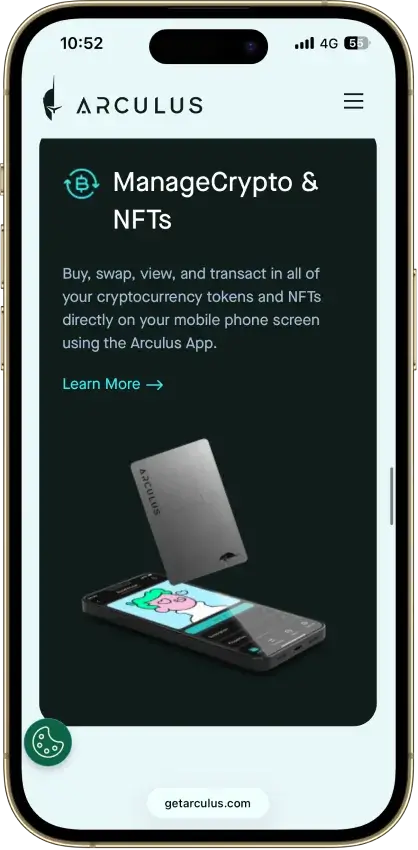
- NFTs and staking limited to select chains
- One wallet per card, no multisig
- Needs the phone app, no desktop
Tangem
Pros
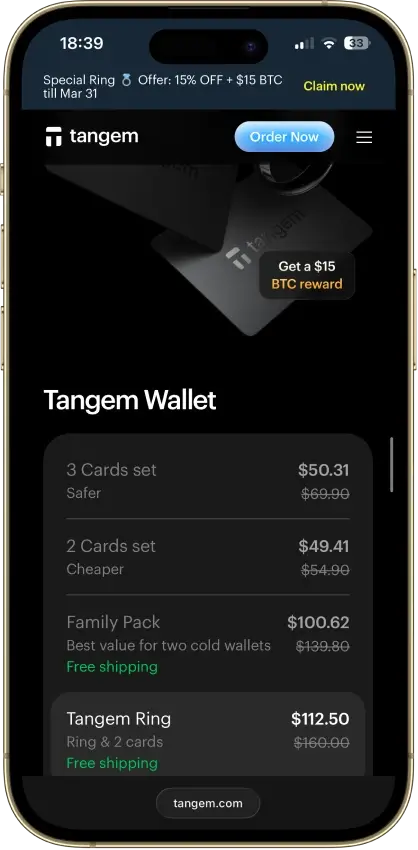
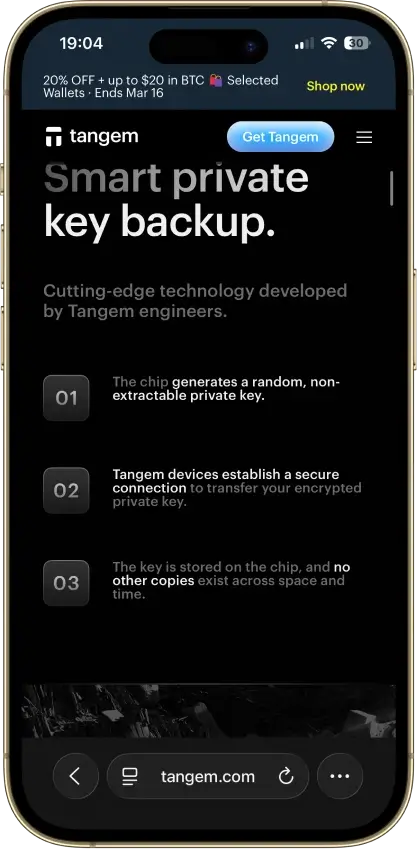
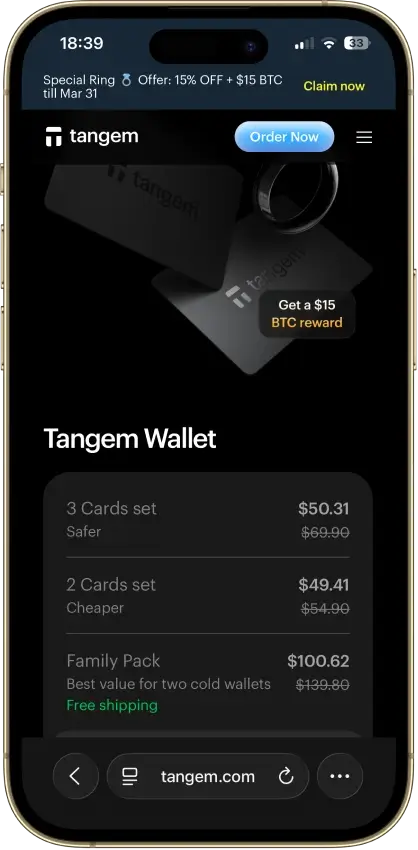
- $54.90 for a certified-SE two-card cold wallet
- EAL6+ Samsung secure element, on-card key-gen
- No seed phrase to photograph, phish, or lose
- Three independent audits, no critical findings
- No battery or cable, 25-year warranty
Cons
- July 2026 laser attack can never be patched
- No screen, the phone shows what you sign
- Lose every card and funds are gone for good
- Cannot add a backup card after setup
- Card firmware is closed-source
Exodus
Pros
- Non-custodial, keys stay on your device
- 50+ networks with custom token support
- Public company, NYSE: EXOD, SEC-reporting
- Benchmark desktop portfolio interface
- Trezor and Ledger hardware pairing
Cons
- Core wallet code is closed source
- $3.1M OFAC settlement in December 2025
- 2025 breach exposed 101,597 user emails
- XO Swap spreads start near 0.5% and climb
- Hot wallet by default, no secure element
Feather Wallet
Pros
- Fully open source (BSD-3 license)
- Reproducible Guix builds, verifiable
- Tor networking by default, optional I2P
- Air-gapped signing via animated QR
- Works with Ledger and Trezor
Cons
- Monero only, no other assets
- Desktop only, no mobile version
- No formal third-party audit
- Small, pseudonymous dev team
- No fiat on-ramp, swaps, or staking
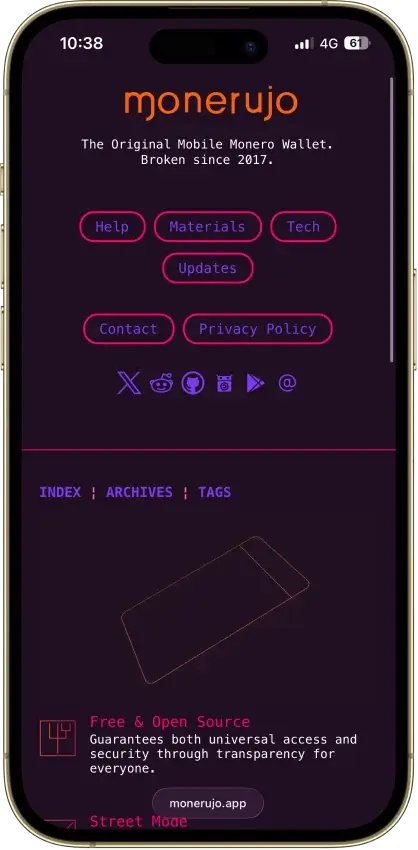
Monerujo Wallet
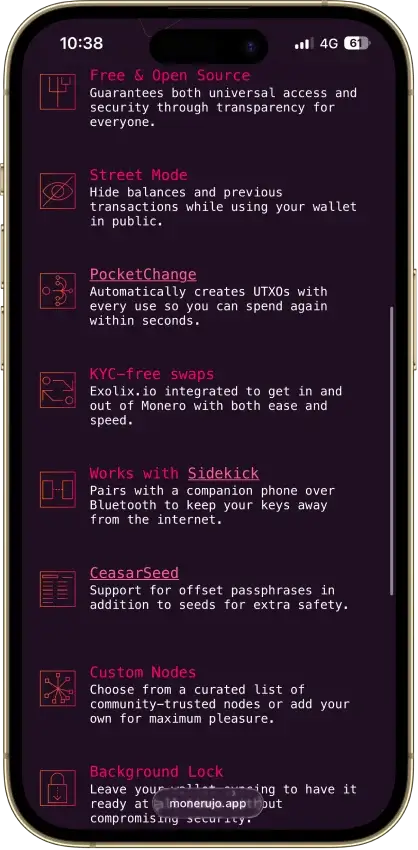
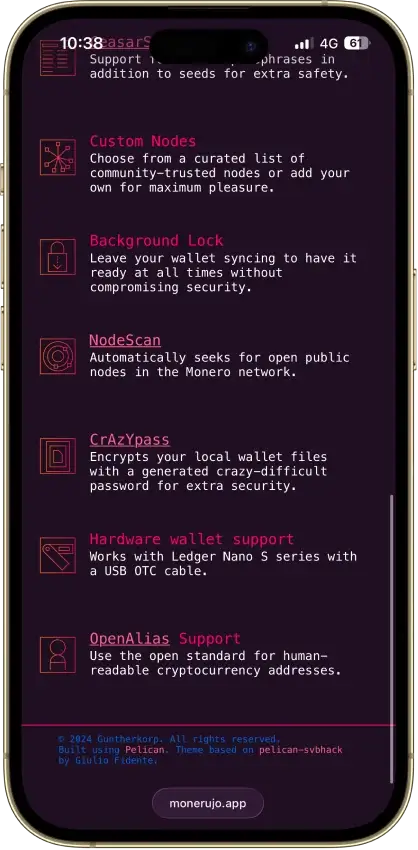
Pros
- Fully open source under Apache-2.0
- Non-custodial, no account, no KYC
- F-Droid builds for Google-free installs
- Sidekick keeps keys on an offline phone
- CeasarSeed passphrase on top of the seed
Cons
- Monero only — no other chains or tokens
- Android only — no iOS or desktop
- Hot wallet without Ledger or Sidekick
- Power features assume technical users
- Small team, one lead developer
What Is a Bitcoin Wallet?
A Bitcoin wallet is the tool that lets you access, manage, and use your BTC. It does not hold Bitcoin inside the app, phone, or hardware device the way a bank account holds cash. Instead, it manages the keys and recovery credentials that prove you can control the Bitcoin recorded on the blockchain.
That is why wallet choice matters. A simple mobile wallet may be enough for everyday spending and smaller balances, while a hardware wallet is usually a better fit for long-term storage and stronger offline protection. In both cases, the wallet is really about control: who holds the keys, how they are protected, and how easily you can recover access if something goes wrong.
Bitcoin Wallet Address Explained
A Bitcoin wallet address is the public destination you use to receive BTC. You can think of it as the receiving side of your wallet: it is the information you share when someone wants to send you Bitcoin. It is safe to share a wallet address, but it is not the same thing as a private key, seed phrase, or any other secret recovery credential.
Bitcoin wallet address format quick check:
bc1q…(native SegWit) andbc1p…(Taproot) are common modern formats.- You may also see addresses starting with
1…or3…(older formats). - If you see something like
lnbc…, that is a Lightning invoice, not an on-chain Bitcoin wallet address.
What is a Bitcoin wallet address?
A Bitcoin wallet address is a string of letters and numbers generated by your wallet for receiving Bitcoin on the Bitcoin network. When someone sends BTC to that address, the transaction is recorded on the blockchain and your wallet shows the funds once they are confirmed.
How to get a BTC wallet address
Most wallets create a BTC wallet address automatically during setup. Once your wallet is ready, open it, select Bitcoin, and tap Receive to display an address and QR code.
How to find your Bitcoin wallet address
To find your Bitcoin wallet address, open your wallet, go to the Bitcoin account, and tap Receive. You should see both a text address you can copy and a QR code you can scan. Before sharing it, make sure you are on the Bitcoin network and not looking at another asset or a Lightning invoice.
Why your wallet address may change
Many wallets generate a fresh receiving address from time to time, and that is normal. This can improve privacy by making it harder for outside observers to link multiple payments to the same address. In many wallets, older addresses may still work, but using a new address when your wallet suggests one is usually the better habit.
Wallet address vs. private key vs. seed phrase vs. wallet identifier
A wallet address is public and meant for receiving Bitcoin. A private key is secret and is what gives spending control over the BTC linked to your wallet. A seed phrase is the backup that can restore the wallet if you lose access to your device. A wallet identifier, where a service uses one, is usually an internal account reference and should not be confused with a Bitcoin receiving address.
Example: Some exchanges and apps show an internal “wallet ID,” username, or account reference for tracking or internal transfers. That is not what you paste into a send screen. If someone is sending you BTC, share the address from your wallet’s Receive screen (or share a Lightning invoice if you’re receiving over Lightning).
The simple rule is this: you can share a wallet address, but you should never share your private key or seed phrase.
Types of Bitcoin Wallets
Here’s a quick way to compare the most common Bitcoin wallet types and what they’re actually best for.
| Wallet type | What it is | Best for | Key advantage | Main trade-off |
|---|---|---|---|---|
| Custodial wallet | A platform holds the keys for you | Convenience and frequent trading | Easier logins and account recovery | You’re trusting a third party with your BTC |
| Non-custodial wallet | You control the keys and backups | Self-custody and long-term holding | Stronger ownership and portability | You’re responsible for seed phrase backups |
| Hot wallet | Internet-connected wallet (mobile/desktop) | Everyday spending and smaller balances | Fast and convenient for sending/receiving | More exposure than cold storage |
| Cold wallet | Offline signing (typically hardware) | Long-term storage and larger balances | Stronger protection through offline workflow | Less convenient for frequent spending |
| Mobile wallet | Wallet app on your phone | First wallet setups and daily use | Portable and easy to use | Not ideal for large long-term holdings |
| Desktop wallet | Wallet on a computer | Power users, fee control, advanced setups | More control and visibility | Depends on the security of your computer |
| Online/web wallet | Browser-based wallet (an online Bitcoin wallet) | Quick access and convenience | Easy to access across devices | Higher trust/exposure; better for small balances |
| Hardware wallet | Dedicated signing device | Serious self-custody and long-term holders | Keeps signing access more isolated | Costs money and requires careful setup |
| Paper wallet | Printed/written key or recovery record | Niche use cases | Fully offline by design | Easy to lose/damage; high user-error risk |
| Lightning wallet | Wallet designed for Lightning payments | Fast, low-fee BTC payments | Better experience for small frequent payments | Different workflow (invoices/LNURL) |
| Multisig wallet | Requires multiple keys/approvals | Businesses and shared control | Reduces single points of failure | More complex setup and recovery planning |
If you zoom out, the table highlights two big patterns. First, convenience vs. control: custodial and web wallets are easier to recover and use, but they introduce more third‑party trust, while non-custodial setups give you stronger ownership at the cost of personal responsibility. Second, hot vs. cold storage: hot and mobile wallets are great for everyday access and smaller “spending” balances, while hardware wallets and other cold storage workflows are a better fit for long-term holding. If you’re searching for the best online Bitcoin wallet, keep expectations realistic—online convenience often comes with higher trust or exposure.
Hardware Wallets, Cold Storage, and Paper Wallets
When people search for a physical Bitcoin wallet, a Bitcoin hard wallet, or the best cold wallet for Bitcoin, they are usually talking about a hardware wallet. A hardware wallet is a dedicated device that keeps signing access more isolated from internet-connected phones and computers.
Cold storage is really about reducing exposure. If you only hold a small amount of BTC for everyday use, a good mobile or desktop wallet may be enough. But once your balance grows, or you plan to hold Bitcoin for the long term, paying for a hardware wallet usually starts to make more sense.
Paper wallets still come up in older Bitcoin discussions, but they are much less practical for most users today. Printing keys or recovery information may sound simple, yet paper is easy to lose, damage, misread, or store badly. In most cases, a modern hardware wallet paired with a properly stored recovery phrase is a safer and more realistic option than relying on a paper Bitcoin wallet alone.
| Option | Best for | Main strength | Main risk | Cost |
|---|---|---|---|---|
| Hardware wallet | Long-term holders | Offline signing and stronger isolation | Requires careful setup and backup discipline | Paid |
| Cold storage setup | Larger BTC balances | Reduces online exposure | Less convenient for frequent spending | Varies |
| Paper wallet | Niche use cases | Fully offline by design | Easy to lose/damage; high user-error risk | Low |
How to Choose the Best Bitcoin Wallet
Choosing a Bitcoin wallet is mostly about trade-offs. The “best” option is the one that fits how you use BTC, how much you plan to store, and how much responsibility you want to take on for backups and security.
Use this checklist to narrow down your options:
- Security model: Look for clear information on how keys are protected and what protections exist against common mistakes.
- Self-custody and control: Decide whether you want full control (non-custodial) or you prefer a service to manage access for you (custodial).
- Privacy and KYC: If you want fewer account-level frictions, choose a self-custody wallet. If you’re using an exchange or on-ramp, expect KYC in most cases.
- Backup and recovery: Make sure the recovery process is clear and that you understand how to restore access using a seed phrase.
- Device support: Pick a wallet that matches how you actually use Bitcoin (mobile, desktop, hardware).
- Lightning support: If you plan to make fast, low-fee payments, choose a Lightning-first wallet rather than treating Lightning as an afterthought.
- Fees and fee controls: A good wallet should make fees understandable, especially when the network is busy.
- Bitcoin-only vs. multi-asset: Bitcoin-only wallets tend to focus more on BTC workflows; multi-asset wallets prioritize convenience.
- Ease of use: A wallet can be secure on paper, but if the interface encourages mistakes, it’s not the best fit.
Quick guidance by user type:
- Beginners: Start with a reputable wallet app and keep balances small while you learn.
- Long-term holders: Use a hardware wallet (cold storage) for meaningful BTC.
- Daily spenders: Use a hot wallet and keep only a spending balance there.
- Privacy-focused users: Prefer self-custody and avoid address reuse.
- Lightning users: Choose a wallet designed around Lightning for day-to-day payments.
How to Get a Bitcoin Wallet and Set It Up
Setting up a Bitcoin wallet is straightforward, but the details matter. Most wallets are free to download — so a free Bitcoin wallet usually means a free app, not free BTC — and you still pay network fees when you send Bitcoin.
If you see claims like “free Bitcoin wallet with money” or “free BTC for signing up,” treat it as a red flag. Legitimate wallet apps don’t give away free Bitcoin, and those offers are often used to push fake apps or phishing links.
- Choose the wallet type. For everyday use, a reputable wallet app is usually enough. For long-term storage, a hardware wallet (cold storage) is often a better fit.
- Download from the official source. For a Bitcoin wallet app download, use the wallet’s official website or the official app store listing and double-check the publisher name. If you’re doing a download Bitcoin wallet for PC, use official sources and avoid ads.
- Create a new wallet. In a self-custody wallet, there’s usually no “Bitcoin wallet sign up” step—you simply create a wallet. (If an app forces account creation, treat it more like a platform wallet.)
- Back up the recovery phrase offline. Write your seed phrase down and store it somewhere private. Avoid screenshots, cloud notes, email drafts, or anything that can sync online.
- Lock the wallet. Set a strong PIN or password and enable biometrics if you want extra convenience.
- Confirm your receiving address. Tap Receive and make sure you’re looking at a Bitcoin (BTC) on-chain address (not a Lightning invoice) before you share it.
- Test with a small transaction first. Send a small amount of BTC to the wallet, then try a small outgoing send once it arrives.
If you’re storing meaningful Bitcoin, it’s usually safer to keep a smaller spending balance in a hot wallet and hold the rest in cold storage.
How to Get a BTC Wallet Address and Receive Bitcoin
Receiving Bitcoin is usually as simple as opening your wallet and tapping Receive, but it’s worth slowing down for two details: (1) making sure you’re using the right network (Bitcoin on-chain vs. Lightning), and (2) double-checking the address or invoice before you share it.
- Open your wallet and tap Receive. Most wallets show a BTC address and a QR code.
- Choose the right receiving option. If your wallet supports both, select Bitcoin (on-chain) for standard BTC transfers, or Lightning if the sender is paying over the Lightning Network.
- Copy the address carefully. Use the copy button rather than selecting text manually. If you’re using a QR code, have the sender scan it directly.
- Do a quick sanity check. Verify the first and last few characters match what you expect before the sender confirms.
- Test with a small amount first. If it’s your first time receiving BTC to that wallet, a small test deposit can prevent an expensive mistake.
- Wait for confirmations. On-chain BTC transfers typically need confirmations before the funds are considered settled.
Common mistakes to avoid when receiving or sending BTC
- Mixing up on-chain vs. Lightning: A Lightning invoice often starts with
lnbc…and is not the same as a Bitcoin on-chain address.- Copy/paste malware: Always verify the first and last few characters after pasting an address.
- Wrong destination type: Don’t share exchange “wallet IDs” or usernames — share the address from your wallet’s Receive screen.
- Sending your full balance: Leave room for network fees (especially when sweeping funds).
- Reusing the same address repeatedly: Address rotation helps reduce unwanted address linking.
How to Send Bitcoin to Another Wallet
Sending BTC is simple, but it’s also unforgiving. Once a Bitcoin transaction is broadcast, you usually can’t reverse it, so the most important step is confirming you’re using the right network and the right destination before you hit send.
- Confirm what you’re sending: If you’re sending a standard Bitcoin transfer, you need a Bitcoin (on-chain) address. If you’re paying over Lightning, you’ll typically need a Lightning invoice or LNURL.
- Open the Send (or Withdraw) screen: In your wallet app (or on an exchange), select Bitcoin (BTC) and choose Send / Withdraw.
- Paste or scan the destination: Paste the recipient’s Bitcoin wallet address, or scan their QR code. For Lightning, paste the invoice or scan the Lightning QR code.
- Verify the recipient details: Double-check the first and last few characters of the address/invoice match what the recipient provided.
- Enter the amount (and consider a test send): If it’s your first time sending to a new address, a small test transaction can prevent expensive mistakes.
- Choose a fee level: Higher fees usually confirm faster during busy periods.
- Review and confirm: Check the network, destination, amount, and fees one last time, then confirm and send.
- Save the transaction ID (TXID): Save it if you need to track status or share proof of payment.
- Track confirmation status: On-chain BTC transfers usually need confirmations before they’re considered settled.
Troubleshooting (common issues):
- The transaction is stuck or pending for a long time: The fee may be too low. If your wallet supports fee bumping, you may be able to speed it up. Otherwise, you may need to wait.
- The address changes after you copy/paste: This can be a clipboard malware sign. Re-copy the address and verify the first/last characters.
- Wrong network confusion (on-chain vs. Lightning): A Bitcoin on-chain address is not the same as a Lightning invoice.
- Sending from Cash App: choose Bitcoin Network for on-chain withdrawals or Lightning for Lightning payments, and match the destination type before you send.
- Sending from an exchange: use the Bitcoin network and verify that you are pasting a Bitcoin on-chain address, not a Lightning invoice.
Bitcoin fees and confirmation times
Bitcoin fees are paid to miners, not to your wallet. When the network is busy (more transactions waiting in the mempool), low-fee transactions can take longer to confirm. Most wallets offer fee presets, and some let you set a custom fee rate.
Bitcoin blocks are mined roughly every ~10 minutes on average, but confirmation times vary. Many services treat a payment as more final after multiple confirmations—especially for larger amounts. If a transaction is stuck, some wallets support fee bumping tools like Replace-by-Fee (RBF) or CPFP (Child Pays For Parent). If your wallet doesn’t support that, the safest option is usually to wait rather than panic-send again.
How to Add Bitcoin to a Wallet and How to Sell Bitcoin From a Wallet
If you’re wondering how to add Bitcoin to a wallet, there are three common paths: receive BTC from another wallet, withdraw BTC from an exchange into your wallet, or buy Bitcoin directly inside a wallet (if the wallet supports it). Selling Bitcoin from a wallet is usually the reverse flow: you either sell through an in-wallet partner feature, or you send BTC to an exchange and sell it there.
How to add Bitcoin to a wallet
1) Receive BTC from another wallet
Open your wallet and tap Receive to show your Bitcoin wallet address (and QR code). Share that address with the sender and ask them to double-check it before sending.
2) Withdraw BTC from an exchange to your wallet
- Copy your wallet’s Bitcoin (on-chain) address from the Receive screen.
- Paste it into the exchange withdrawal form.
- Confirm the exchange is using the Bitcoin network (not another chain).
- Start with a small test amount if you’re unsure.
3) Buy Bitcoin and send it to your wallet
Some wallets let you buy BTC directly through integrated partners. If you use this option, confirm fees, limits, and what identity checks (if any) apply.
How to sell Bitcoin from a wallet
Option 1: Sell through an in-wallet feature (if supported)
Some wallet apps offer “sell” options via third-party partners. Availability and fees can vary by region, so review the total cost before confirming.
Option 2: Send BTC to an exchange and sell it there
- Open your exchange and find the Deposit BTC screen to get a deposit address.
- Go back to your wallet, tap Send, and paste the exchange deposit address.
- Confirm the network is Bitcoin on-chain and send the amount.
- Once the deposit confirms, sell BTC for your preferred asset.
How to Check a Bitcoin Wallet Balance and Transactions
Checking a Bitcoin wallet balance is usually instant inside the wallet app, but what you’re seeing can vary depending on confirmations and what your wallet counts as “spendable.”
How to Check a Bitcoin Wallet Balance
- Open your wallet and select Bitcoin (BTC). Most wallets show a total balance plus a separate “available” or “spendable” amount.
- Look for pending vs. confirmed funds. Many wallets won’t treat a new incoming transfer as fully spendable until it has enough confirmations.
- Double-check you’re looking at the right wallet/account. If you use multiple wallets (or a watch-only wallet), confirm you’re in the correct BTC account.
How to View Wallet Transactions
Your wallet’s History tab is the easiest way to check transactions. If you need more detail, copy the TXID (or use a “view on explorer” link) and check it in a block explorer.
A BTC wallet address lookup in an explorer can help confirm whether a transaction hit the blockchain and how many confirmations it has, but it does not prove who owns the address.
Private and No-KYC Bitcoin Wallets
Many people search for an anonymous Bitcoin wallet or a no-KYC Bitcoin wallet when what they really want is less account-level friction. A self-custody wallet can help because you typically don’t need to create an account or upload documents just to generate a BTC address and hold Bitcoin.
That said, it’s important to set expectations: using a private Bitcoin wallet does not automatically make your Bitcoin activity “untraceable.” Bitcoin transactions are recorded on a public ledger, and activity can often be analyzed, especially when funds touch regulated exchanges, payments are linked to real-world identities, or addresses are reused.
What “no-KYC Bitcoin wallet” Usually Means
In practice, “no-KYC” usually means the wallet itself does not require identity checks to download, create an address, or self-custody BTC. This is different from buying Bitcoin. If you purchase BTC through an exchange or an in-wallet partner, you may still face KYC depending on the provider and your region.
Address Reuse, Address Rotation, and What Actually Helps
Good wallets encourage address rotation, meaning they generate a fresh receiving address over time. This can improve privacy because it makes it harder to link multiple payments to a single address. The biggest habit to avoid is address reuse, especially for public donations or repeated payments.
Limits of Bitcoin Privacy On-chain
Even the best anonymous Bitcoin wallet cannot guarantee anonymity on a public blockchain. Treat “untraceable Bitcoin wallet” as marketing language, not a promise a wallet can realistically make.
Bitcoin-Only vs Multi-Asset Wallets
The wallet’s asset scope affects more than convenience. Bitcoin-only and bitcoin-first wallets usually focus more on BTC-native workflows like UTXO control, PSBT signing, Lightning support, and clearer fee handling. Multi-asset wallets can be easier if you use more than one network, but they often trade some Bitcoin-specific depth for broader coverage.
| Wallet type | Best for | Examples in this guide | Main strength | Main trade-off |
|---|---|---|---|---|
| Bitcoin-only / Bitcoin-first | Users who mainly hold or spend BTC | BlueWallet, Phoenix, Sparrow, COLDCARD | Better focus on Bitcoin-native workflows | Less useful if you manage many non-BTC assets |
| Bitcoin + Liquid | Users who want BTC plus Blockstream’s sidechain tools | Blockstream app | Useful for BTC and Liquid in one wallet | Not a general multi-chain wallet |
| Multi-asset with BTC support | Users who want one wallet for broader crypto use | Trezor Suite-compatible Trezor devices | More flexible across assets | Usually less Bitcoin-specialized than BTC-first wallets |
If your goal is long-term BTC storage, fee control, privacy habits, or Lightning payments, a bitcoin-first wallet usually makes more sense than a general crypto wallet. If you mainly want one interface for several assets, broader wallet support may matter more than Bitcoin-specific depth.
Bitcoin Wallet Security, Backup, and Recovery
A Bitcoin wallet is only as safe as the habits around it. Even the most secure Bitcoin wallet can’t protect you if you install a fake app, store your seed phrase in the cloud, or lose your backup with no recovery plan.
How to Secure Your Bitcoin Wallet
- Download from official sources and bookmark the real website.
- Lock your wallet with a strong PIN/password.
- Keep your recovery phrase offline (paper or metal) and never store it in screenshots or cloud notes.
- Keep software/firmware updated.
- Treat your hot wallet like a spending account and keep long-term holdings in cold storage.
Seed Phrases, Backups, and Passphrases
Your seed phrase is the backup that can restore your wallet. If someone gets it, they can usually take your BTC. If you lose it, recovery may be impossible. A passphrase (if used) can improve security, but forgetting it can also lock you out.
What to Do if You Lose Access to a Wallet
- If you have the seed phrase, restore the wallet in a compatible app/device.
- If you used a custodial wallet or exchange account, recovery is account-based (email/2FA/support).
- Be cautious with “Bitcoin wallet recovery services.” No legitimate service needs your seed phrase.
How to Find an Old Bitcoin Wallet
Check old devices, backups, USB drives, password managers, and paper notes. If you previously used a Bitcoin Core wallet, look for wallet backups like wallet.dat (and move carefully — older setups can be fragile).
How to Spot Fake Wallet Apps and Recovery Scams
If anyone asks for your seed phrase or private key, it’s a scam. Avoid downloading wallets from ads, and verify publisher names and domains before installing.
Bitcoin Wallet vs. Exchange
A Bitcoin wallet and a crypto exchange can both “hold” BTC, but they work very differently. A wallet (especially a non-custodial wallet) is designed to give you direct control over your Bitcoin. An exchange account is designed for buying, selling, and trading—and usually means the platform controls the keys.
| What changes | Bitcoin wallet | Exchange account |
|---|---|---|
| Control of keys | You control keys in self-custody | The platform controls keys in most cases |
| KYC | Typically no KYC to create a wallet | KYC is common for fiat rails and withdrawals |
| Recovery model | Seed phrase/backup (you’re responsible) | Account recovery (email/2FA/support) |
| Fees | Network fees when you send BTC | Trading fees + possible withdrawal fees |
| Best use case | Self-custody, holding, and direct payments | Buying/selling and trading |
Pros and Cons of Bitcoin Wallets
A Bitcoin wallet gives you a clearer path to self-custody and direct control over BTC, but it also shifts responsibility onto you.
| Pros | Cons |
|---|---|
| More control over your BTC (especially in self-custody) | You’re responsible for backups and recovery |
| Portability: you can switch wallets without being locked into one platform | Mistakes can be irreversible once a transaction is sent |
| Better long-term storage options through cold storage and hardware wallets | Seed phrase loss or exposure can mean permanent loss |
| Potential privacy benefits by avoiding account-level data collection | Setup takes more effort than leaving BTC on an exchange |
| Support for Lightning and advanced features (depends on the wallet) | Hardware wallets cost money if you want stronger cold storage |
How We Rank
Bitcoin Wallets uses the Crypto Wallets scoring rubric.
Control of funds, exportability, and wallet portability.
How clearly keys and signing responsibilities are explained.
Audits, bug bounties, and credible third-party security review.
Backup, recovery, and loss-prevention options for normal users.
Protections against phishing, drainers, malicious dApps, and scams.
Past incidents, disclosure quality, and response maturity.
WalletConnect, browser, mobile, chain, and dApp compatibility.
How clearly users can understand, review, and approve signatures.
Smart-account features, passkeys, batching, and gas abstraction.
Fiat on/off ramps, cards, bank links, and payment functionality.
To stay consistent with the evaluation approach used across all crypto-wallets, we focus on the core wallet quality factors that matter most for safety and user control.
Bitcoin-specific factors we also consider: Lightning support, fee controls, hardware wallet compatibility, and whether the wallet gives users enough clarity to avoid wrong-network mistakes.
Which Bitcoin Wallet Type Is Right for You?
If you’re not sure where to start, match your wallet to your use case. Most people end up with a simple two-wallet setup: a hot wallet for spending and a hardware wallet (cold storage) for savings.
| If you are… | Best wallet type | Suggested pick | Why it fits | Keep in mind |
|---|---|---|---|---|
| Buying your first BTC | Mobile, self-custody wallet app | BlueWallet | Simple to set up and easy to understand | Backups matter—store your recovery phrase offline |
| Holding long term | Hardware wallet (cold storage) | Trezor Safe 7 or Coldcard | Stronger offline protection | Keep only a spending balance in hot wallets |
| Spending actively | Hot wallet (mobile) | Blockstream app or BlueWallet | Fast access for everyday transactions | Don’t keep your full BTC stack in a hot wallet |
| Paying with Lightning | Lightning-first wallet | Phoenix | Designed for fast, low-fee payments | Lightning uses invoices/LNURL, not on-chain addresses |
| Focused on privacy | Self-custody wallet + good habits | Sparrow Wallet | Stronger privacy posture, Tor support, private server options, and full coin control | Avoid address reuse; be mindful where you buy/sell |
| Managing funds as a business/team | Multisig + hardware wallets | Sparrow + hardware wallets | Shared control and fewer single points of failure | Multisig requires clear recovery planning |
Choosing the Right Bitcoin Wallet Depends on How You Use Bitcoin
The best Bitcoin wallet is the one that matches your real-life use: a hot wallet for convenience and smaller spending balances, and cold storage for long-term holding and stronger protection. If you’re unsure where to start, use the comparison section to narrow down trade-offs, then follow the setup and security steps before you move meaningful BTC. A little extra care upfront is usually the difference between a wallet that feels simple and one that becomes stressful later.
Bitcoin Price and News
BTCBitcoin News

TeraWulf’s Bitcoin mining revenue fell 73% as AI related leases reached 71% of sales
HPC leasing generated $31.9 million in the quarter as the company spent heavily to expand its data-center capacity.
Bitcoin treasury Strive bought 20 BTC, but 110,000 new shares left holders with less Bitcoin exposure

How dumping 1,200 Bitcoin helped a cellular chipmaker completely erase its debt and double its cash

