Table of Contents
- In This Article
- In This Article
- Show Full Guide

 Atomic Wallet Review in 2026 - Is it Safe to Use?
Atomic Wallet is a popular multi-chain Web3 wallet that supports more than 1,200 cryptocurrencies. Since its launch in 2017, the wallet has attracted nearly 10 million users globally.
In our detailed Atomic Wallet review, we’ll share some impactful insights from our first-hand research on using its features. This review will outline the wallet’s features and shed light on its cost-effectiveness for the average trader or investor.
Keep reading on to find out if Atomic Wallet is worth using in 2026.
Our extensive research on Atomic Wallet reveals that it’s ideal for beginners who hold cryptos across multiple chains and prefer not to rely on exchanges.
Atomic Wallet stands out for its massive crypto support, a simple user interface, and useful tools like staking. It’s especially handy for users who value convenience but still want custody of their private keys.
That said, our analysis indicates that the fees for swapping tokens and fiat crypto purchases are significantly higher compared to other industry alternatives. Also, the 2023 security breach has affected user confidence in the wallet. Although Atomic’s team has taken steps to improve safety, many users are cautiously optimistic about the wallet.
It’s also worth mentioning that the wallet’s code is only partially open-source, meaning users still need to trust the Atomic team on a few security aspects.
Atomic Wallet is a Web3 wallet founded by Konstantin Gladych, who is the former CEO of Changelly. Konstantin and his team designed the wallet with a vision of combining true decentralization with a user-friendly interface, particularly for beginners.
The wallet is non-custodial, meaning only you have full control of your funds. When you create an Atomic Wallet, it will generate a 12-word seed phrase and private keys locally on your device, unlike custodial crypto wallets, which store your private keys for you.
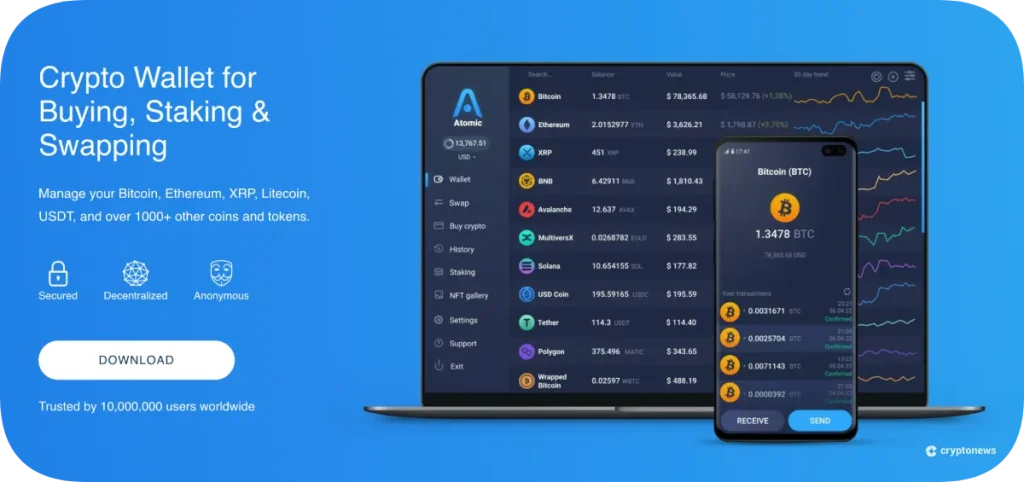
Since its 2017 debut, Atomic Wallet has evolved well beyond a typical crypto wallet. It began its journey as a desktop app and later expanded to mobile, releasing on Android in 2018 and iOS in 2019. The platform currently has more than 5 million app downloads and roughly 10 million users across its desktop and mobile versions.
Atomic Wallet supports over 1,200 cryptos, 20 fiat currencies, and offers built-in trading via atomic swaps and partner exchanges. The wallet also provides staking for several coins and integrates services like an encrypted email and an AML compliance tool.
Adding to the list of comprehensive Web3 features, the wallet features an NFT gallery. It currently allows you to view NFTs on networks like Ethereum, Solana, and Binance Smart Chain within the wallet.
Atomic Wallet falls into the category of “hot” software wallets, meaning it runs on internet-connected devices.
It is also classified as a multi-currency HD wallet (Hierarchical Deterministic wallet). In simple words, the wallet allows you to generate addresses for multiple blockchains from a single seed phrase.
Beginner investors should note that Atomic Wallet is not an exchange or a web wallet. Instead, it’s an application that you can control.
There’s no account signup or username, so your identity on the wallet is simply your cryptographic keys. This design makes Atomic similar to other top non-custodial wallets like Best Wallet or Trust Wallet.
Our research shows that Atomic Wallet provides a reasonable level of security for everyday use. But users still need to take appropriate safety measures, as the wallet comes with a few inherent risks.
Here’s a quick breakdown of Atomic Wallet safety:
In June 2023, Atomic Wallet suffered its largest-ever security breach. Hackers stole around $100 million in crypto from over 5,000 users worldwide. The attack made headlines not just for the scale of losses but also because investigators suspected the Lazarus Group, a North Korean state-backed hacking group. But later reports suggested that other groups may have also been involved in the theft.
Starting around June 2, 2023, some Atomic Wallet users discovered that their wallets had been drained without their authorization. The nature of these transactions suggested it was a coordinated attack rather than random individual hacks.
Atomic’s team was alerted on June 3 when users flooded support with reports of unauthorized transactions. In response, Atomic temporarily halted wallet activity and hired blockchain analytics firms like Chainalysis and Crystal to trace the stolen funds.
While the exact root cause of the hack remains unclear, Atomic’s official statement lists potential causes like malware on user devices or malicious code. But none of these were proven, and no new cases occurred after the initial wave. External security researchers speculated that the wallet’s code might have had a weakness exposing the seed phrase.
Nonetheless, Atomic Wallet then rolled out an updated version of the app with improved security, though they didn’t publicly detail changes, perhaps for security reasons.
Atomic Wallet supports more than 1,200 coins and tokens at the time of writing. Among its supported assets are the top cryptos like Bitcoin, Ethereum, and XRP, as well as many low-cap tokens on multiple chains.
Interestingly, if a specific token isn’t pre-listed in Atomic, you can add it manually if it’s on a supported chain. For example, any Ethereum ERC-20 token can be added by entering its contract address. This flexibility is great for users who invest in lesser-known hot coins, as you won’t need a separate wallet just because Atomic hasn’t heard of it yet.
Atomic Wallet does not support certain coins that require special wallets or have unusual protocols. For instance, some NFT chains or Layer-2 networks might not be directly supported in the main Atomic app. You can check out Atomic’s official asset list on their website if you’re unsure about a particular coin.
It’s clear that Atomic Wallet aims to be more than just a place to store coins. Below, we’ve highlighted the wallet’s key features in detail:
Atomic Swaps is a type of peer-to-peer (P2P) trade where two parties can exchange cryptos directly without a middleman.
Currently, Atomic supports true atomic swaps for major coins such as BTC and ETH, and a few others. Within the app, there’s a section where you can create or take an atomic swap offer.
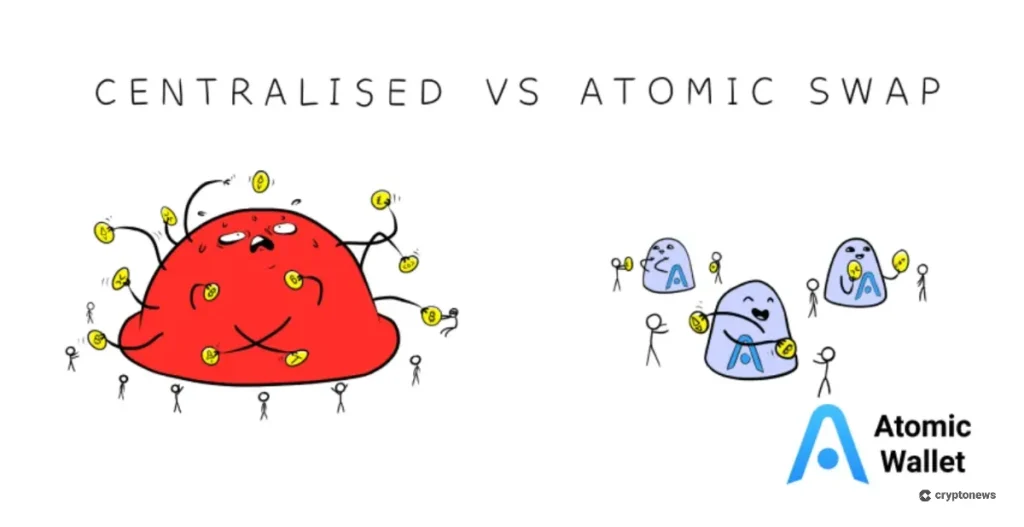
These swaps are done using the “hashed time-locked contracts (HTLC)” technology on the respective blockchains. HTLC enables secure and trustless exchanges of cryptos directly between parties without any intermediary.
Atomic Wallet offers a built-in staking platform that allows you to earn passive income on your holdings of certain Proof-of-Stake (PoS) coins.
Staking through Atomic is very straightforward, as you just need to enter the amount you want to stake and confirm. Atomic will then handle the backend work of delegating your tokens to a validator.
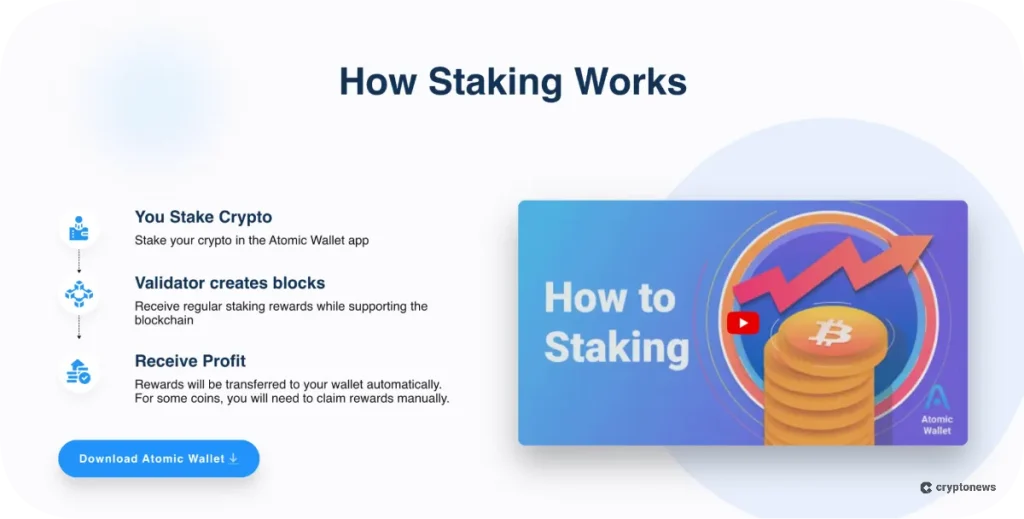
The wallet supports staking for nearly 30 popular coins like ETH, SOL, BNB, and others. For example, the staking portal currently shows a 5% APY for Tron (TRX) and 7% for Texos (XTZ). Users can even stake Atomic’s native Atomic Wallet Token (AWC) for a 20% APY.
Atomic does not charge any additional fee beyond what the blockchain itself may take as a validator commission.
While the Atomic Wallet app itself doesn’t have a built-in dApp browser like some mobile wallets do, the team has introduced the Atomic Web3 Wallet Extension for browsers and a dApps Store within the Atomic ecosystem.
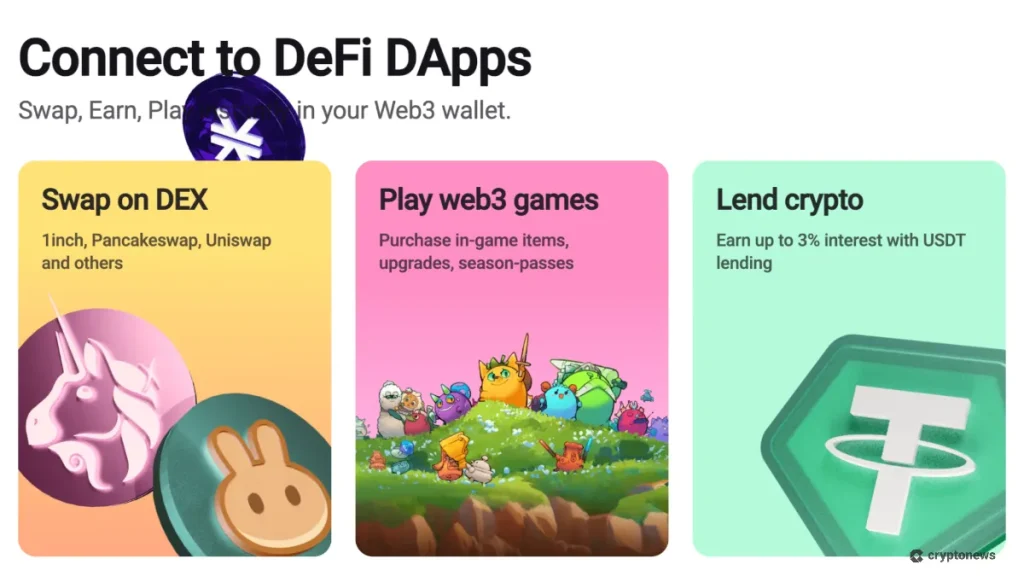
Atomic offers a Chrome browser extension that works similarly to MetaMask. This extension allows you to connect to Web3 sites and dApps, enabling you to use your Atomic Wallet accounts to interact with DeFi protocols.
For example, with the Atomic Web3 extension, you could go to Uniswap, PancakeSwap, or 1inch and connect your Atomic Wallet to trade or lend.
On supported chains like Ethereum or Polygon, Atomic Wallet can display your NFTs in-app (the Atomic mobile app has an NFT gallery section). But minting or trading NFTs would require connecting to marketplaces via the Web3 extension.
You can easily convert fiat currency to crypto within Atomic Wallet through its on-ramp feature. It’s useful for anyone who wants to purchase crypto without leaving the wallet app. Atomic integrates with third-party payment processors like Simplex to allow users to buy crypto with a credit or debit card.
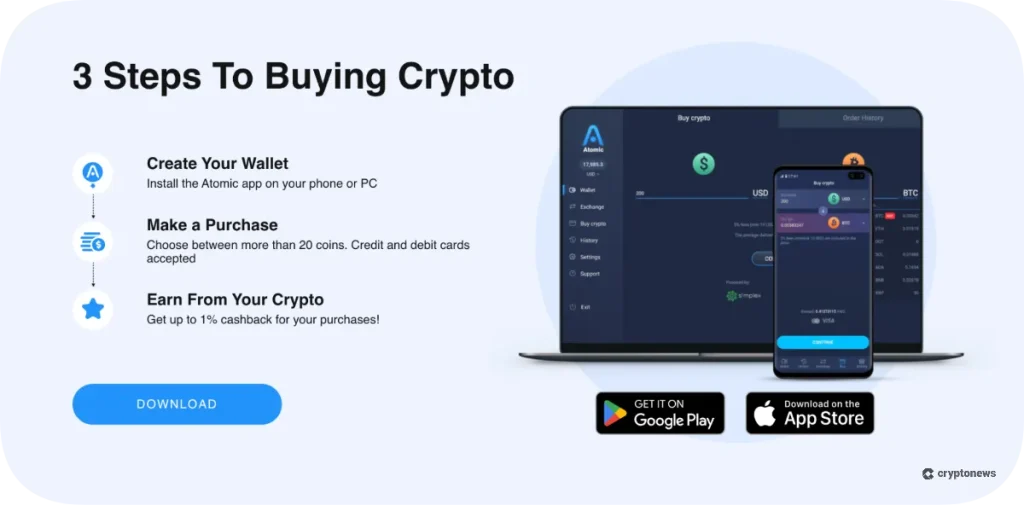
Atomic currently supports purchasing 20 different cryptos directly, including BTC, ETH, XRP, Litecoin, USDT, SOL, ADA, and others. Per the wallet’s official website, you can even earn a cashback of up to 1% on your fiat purchases.
Atomic Mail is an encrypted email service offered by the Atomic team. While not part of the wallet app itself, it’s a complementary product for privacy-conscious users.
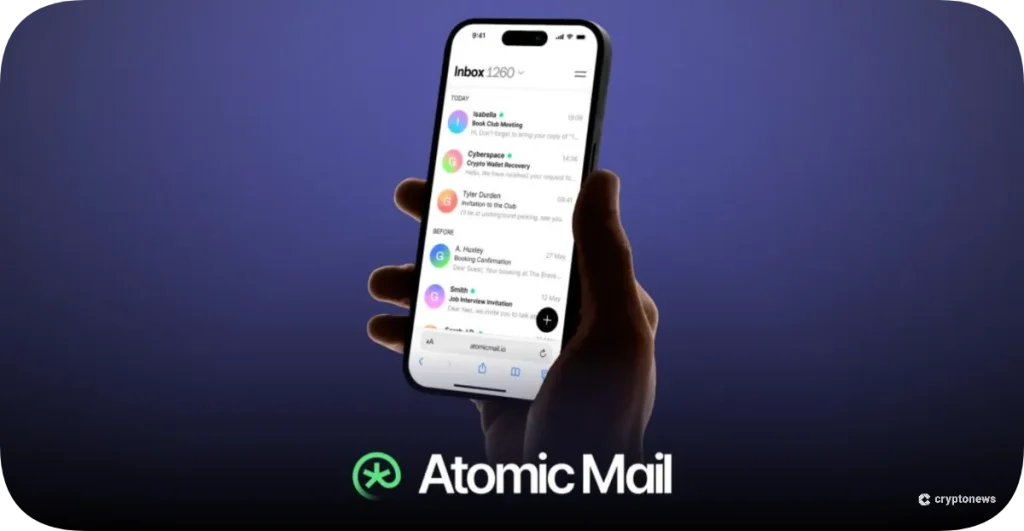
This feature basically provides full encryption for emails, meaning only you and your intended recipient can read the messages. The service is designed with Web3-level security, with features like self-destructing emails, 2FA, and alias email addresses.
Atomic Mail uses a seed phrase account recovery system. This means that when you create an Atomic Mail account, you receive a secret recovery phrase (similar to a crypto wallet). If you forget your email password, you can use the seed phrase to recover access without providing any personal information or resetting your password.
Atomic Wallet is non-custodial, so it doesn’t run its own anti-money laundering (AML) tools within the wallet. Instead, AML/KYC checks are done by partners like Simplex or MoonPay when you buy crypto with a card or swap coins in the app.
Those partners handle ID checks and monitor transactions, often using services like Chainalysis or CipherTrace. If you use these services, you might be asked to upload documents and pass screenings.
Outside of that, Atomic Wallet doesn’t collect your personal ID and keeps your activity private. For companies or power users who need compliance tools, Atomic suggests using external providers like StarCheck or other leading AML solutions.
While Atomic Wallet is free to download and install, it’s important for traders and investors to account for the transaction fees.
Here’s a detailed breakdown of the fee structure:
The wallet doesn’t charge its own fee for sending or receiving crypto, but you have to pay the blockchain’s network fee to get your transaction confirmed. The fee typically changes based on traffic, the type of coin, and the transaction size.
For example, ETH uses gas that varies, and Bitcoin fees depend on miner demand and the complexity of the transfer. Atomic Wallet features a slider that allows you to choose your fee: higher for faster transactions, and lower if you’re willing to wait.
While using atomic swaps, users don’t have to pay a fee to Atomic Wallet. Both parties involved in the P2P transaction will simply pay their own network fees for the swap transactions. In this case, the only concern is agreeing on the right price and efficiently matching with a counterparty.
Using Atomic Wallet’s regular swap feature will attract a few extra charges. For instant exchanges, there’s a 0.5% service fee from Atomic Wallet, plus network fees on both the sending and receiving chains, and a variable commission from the swap partner.
A small but relevant point is that all fees are shown before you confirm. These swaps are quick and convenient, but the total cost is usually higher than on centralized exchanges. If you plan to invest regularly, you could save a lot by using a cheaper method on another platform and then transferring the crypto into Atomic.
Despite the 1% cashback on fiat purchases, buying crypto via Atomic’s third-party partner could still prove to be relatively expensive.
To put things in perspective, Atomic itself charges a flat 5% fee on all fiat purchases made through the wallet (with a minimum fee of $10 per operation).
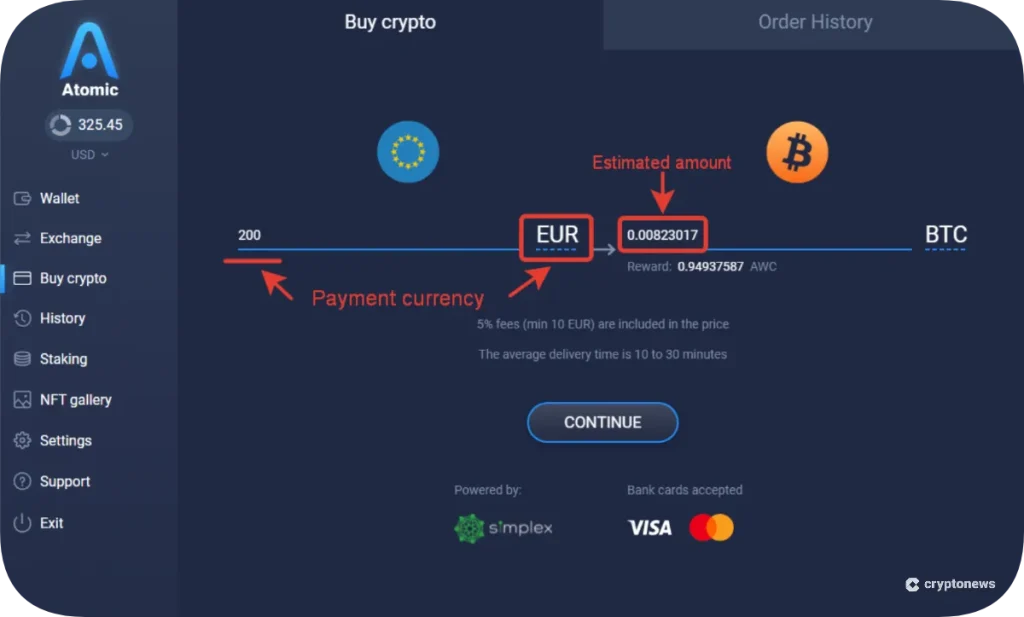
On top of that, the cardholder’s bank will also charge a fee, typically ranging from 2% to 5%. It’s worth mentioning that buyers will also need to account for network fees for transacting on the blockchain.
In our experience, Atomic Wallet is relatively easy to set up and use on both desktop and mobile.
Users can download the wallet app from either the App Store or Google Play Store on their phones to quickly create a new wallet. They can download the app for their desktop directly from Atomic Wallet’s website.
Upon installing the app, Atomic Wallet will first ask you to create a six-digit numeric passcode or a classic text password.
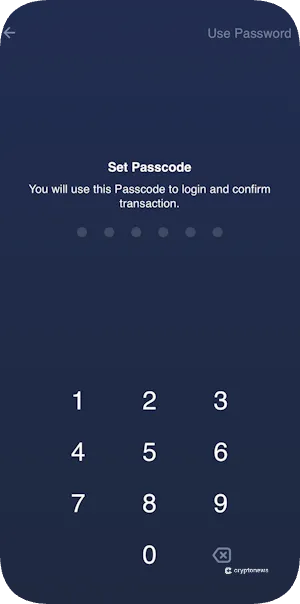
Once you’ve set that up, the app will generate a 12-word backup phrase for you to safely note.
The wallet also doesn’t require any additional account registration. It didn’t need an email or any other form of identification to create an account. It took us around a minute to create a new wallet account on Atomic Wallet.
From an interface perspective, Atomic Wallet offers a clean interface with a dark blue theme and clear menus. When you open the app, you first land on the “Wallet” section, which shows your list of coins and their balances.
It’s organized and not overly technical; coin names and logos are displayed, with your holdings and fiat values. There’s a search bar at the top of the wallets section for you to quickly find a new token.
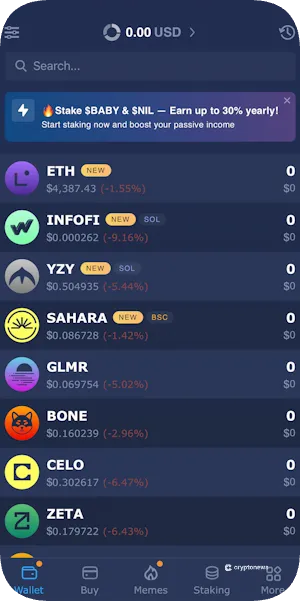
The desktop and mobile apps mostly have the same features, with only the layout changing. Desktop uses a sidebar for key sections, while mobile uses a bottom navigation bar.
However, we think that when performing certain operations like a large swap or adding a custom token, the interface could provide more feedback or warnings.
Atomic Wallet features a comprehensive Knowledge Base that covers the most frequently asked questions. This is directly accessible via their website or through the app’s “Support” section on the “More” tab.
The articles give clear step-by-step guides on things like restoring a wallet, adding custom tokens, and staking.
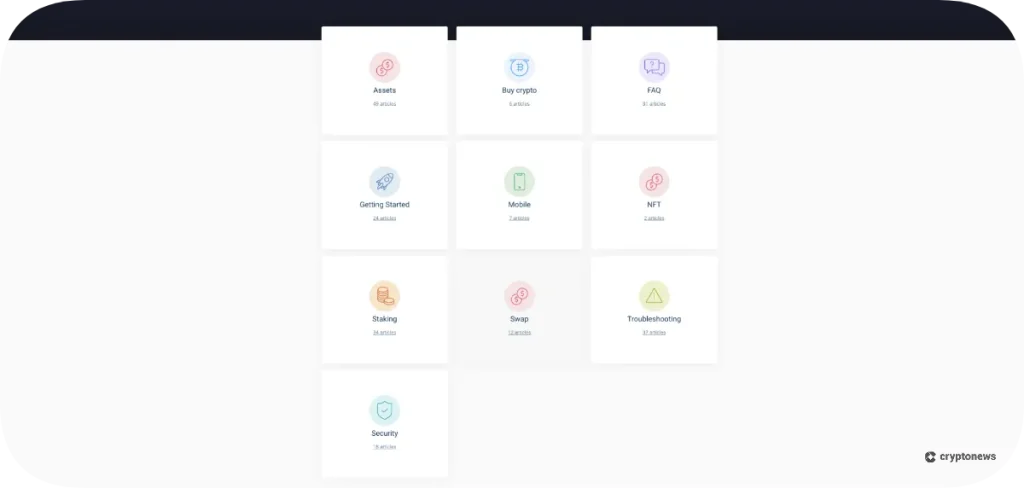
Given that the support portal features around 200 articles, most of the customer concerns can be resolved by referring to these resources. But if you still need more assistance, you can reach Atomic’s tech support team by emailing [email protected].
The app also offers a “Contact Support” option, which allows you to describe your problem and provide your email address to them.
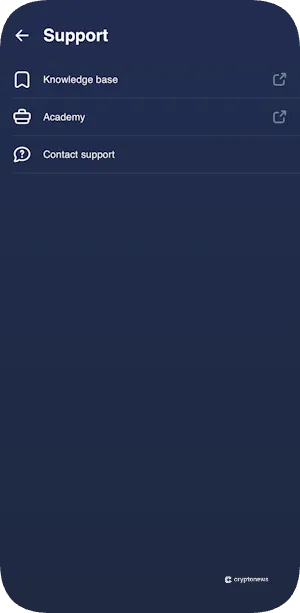
In the mobile app, there’s no instant “live chat” option. Instead, you have to describe your issue and then wait one to two days for a response.
Before using Atomic wallet, it’s crucial to keep in mind the following drawbacks:
There are a few promising Web3 wallet alternatives available on the market. Here’s how Atomic Wallet compares to them:
Our top recommended alternative is Best Wallet. Like Atomic, Best Wallet is a self-custody multi-chain wallet, but it provides a far more secure platform. Best Wallet uses multi-party computation (MPC) technology, which splits the private keys into multiple parts to reduce a single point of failure.
It also has no history of hacks or breaches, which is reassuring for users who are now wary after Atomic’s hack incident.
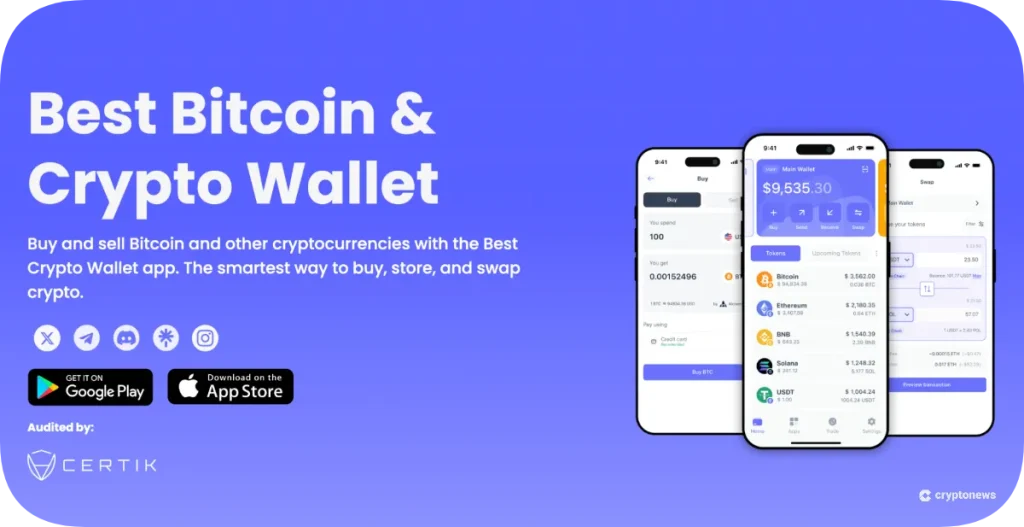
More importantly, Best Wallet uses a DEX aggregator to find the most favorable rates for swaps. This means that when you swap in Best Wallet, you’ll receive a more favorable rate compared to Atomic’s partner exchange.
Best Wallet has its own utility token called BEST, which will help its token holders reduce fees and earn higher staking rewards.
Visit Best WalletAnother popular alternative to Atomic Wallet is Zengo. Similar to Best Wallet, Zengo also offers MPC protection; there’s no single private key and hence no seed phrase which could potentially be compromised.
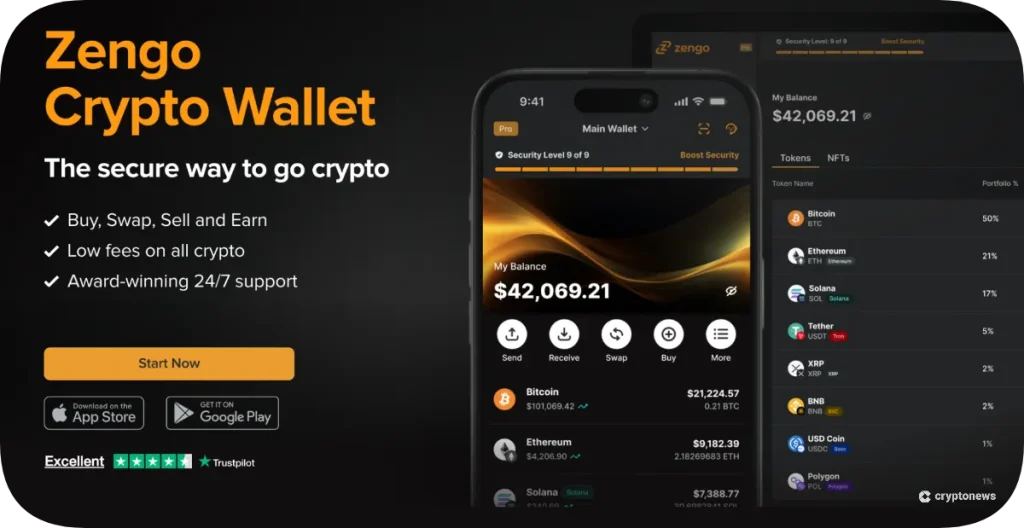
Zengo also has an excellent security track record with no known compromises. In fact, they’ve run challenges inviting hackers to try and break their wallet with no success.
Trust Wallet is a non-custodial wallet that’s one of the most popular mobile wallets globally. Unlike Atomic, it’s entirely open-source, allowing anyone to inspect its code on GitHub.
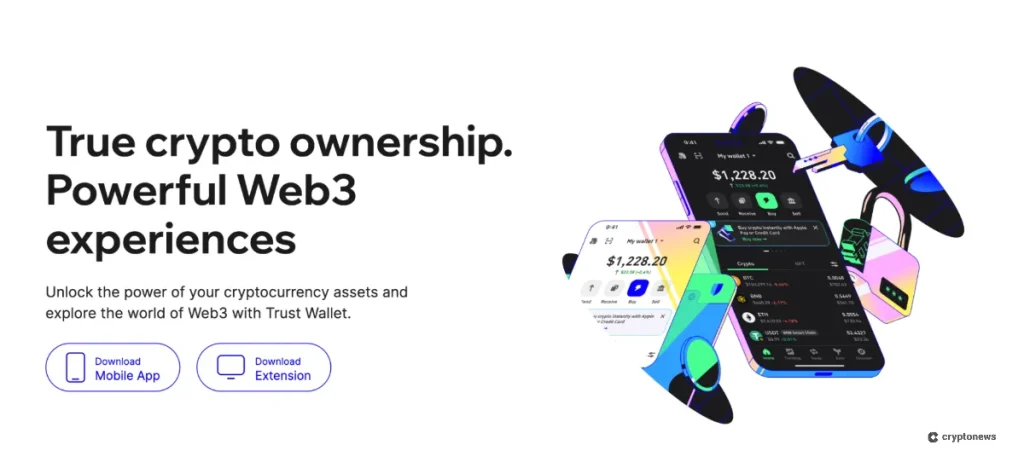
Trust Wallet hasn’t suffered any known hacks of its core wallet. And being backed by Binance, it benefits from a large pool of development and security resources. It also features a built-in dApp browser within its mobile app, allowing you to directly access DeFi apps.
Here’s a quick guide on setting up Atomic Wallet and using it for the first time:
Go to the Atomic Wallet official website and click on “Download.” After that, select the wallet version that’s compatible with your device.
Atomic currently supports Windows, macOS, Ubuntu, Debian, and Fedora for desktop. If you’re using a mobile phone, you can simply search for Atomic Wallet on the Google Play Store for Android and the App Store for iOS.
After launching the Atomic Wallet app, you’ll be greeted with an option to “Create New Wallet” or “Restore from Backup.”
Since this is your first time, select the new wallet option. As we previously saw, the app will prompt you to set a password for your wallet (either a six-digit code or a strong password). After that, the wallet will take a few seconds to generate your account, creating your address and securing your private keys.
Once your wallet is created, Atomic Wallet will display a 12-word backup seed phrase. The wallet will also display a QR code that contains this backup phrase for your reference.
You can then write down the seed phrase and store the QR code in a safe location. Here’s an example of a new Atomic Wallet’s seed phrase:
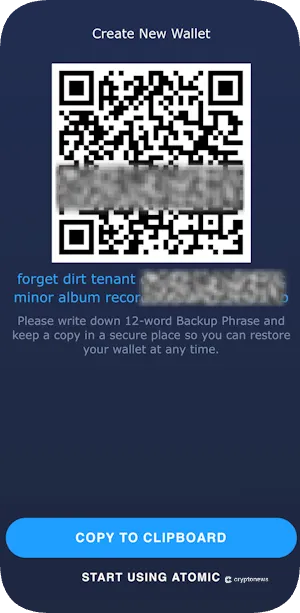
These words can recover your entire wallet if you ever lose access to this device or forget your password. Anyone with this phrase can steal your funds, so keep it absolutely safe.
Once you’ve set up your wallet, you’ll be redirected to the main dashboard. You can then take a moment to familiarize yourself.
By default, Atomic Wallet will show you a list of top assets with zero balances. You can then click on any asset to view options for buying or depositing.
To trade crypto on Atomic Wallet, you’ll either need to deposit a particular asset or buy with fiat currency. For instance, you can click or search “Ethereum” and then click on “Receive” to deposit ETH from any other wallet to Atomic.
You can copy the on-screen address and go to the exchange or wallet where your coins currently are, and initiate a withdrawal to the copied address.
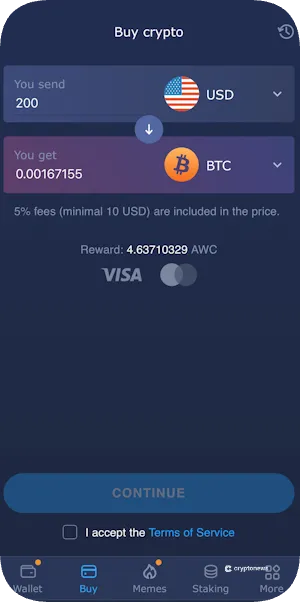
If you don’t have any crypto, Atomic allows you to purchase with a credit or debit card. Go to Atomic Wallet’s “Buy” tab, select the fiat currency and crypto coin you want to buy. You can then enter the amount you wish to purchase, but it’s worth keeping in mind that the 5% fee will be included in the price. Moreover, the minimum purchase amount is $10.
Our in-depth research indicates that Atomic Wallet offers impressive features for Web3 users, but also comes with a few caveats.
The wallet’s broad asset support, along with support for features like in-built staking, makes it ideal for beginners. Even the Atomic Wallet’s user experience, from a quick sign-up to an intuitive wallet interface, is a huge plus point that reduces the onboarding time for new users.
But there are a few genuine concerns raised in our Atomic Wallet review that could hinder the wallet’s mass adoption. For example, the high fees for in-app swaps and fiat purchases are much higher compared to alternatives like Best Wallet. Also, the 2023 security breach has significantly hurt user confidence, and its partially open-source code limits the platform’s transparency.

Overall Best Crypto Wallet
 Claim Offer
Our Atomic Wallet review is the result of a research process designed to provide an unbiased analysis of its platform.
We’ve downloaded and installed Atomic Wallet on multiple platforms to ensure a hands-on experience. We then went through the entire user flow, including basic actions like creating a new wallet, backing up seed phrases, and sending and receiving various cryptos. Our team has also tested some of Atomic Wallet’s flagship features like atomic swap.
Moreover, we didn’t evaluate Atomic Wallet in isolation. We compared it against other wallets by actually using those alternatives. Our comparisons in the alternatives section are based on actual use, allowing us to highlight real differences rather than just theoretical ones.
How do I get my money out of Atomic Wallet?
Can I recover my funds if Atomic Wallet shuts down?
Is Atomic Wallet open-source?
Is Atomic Wallet decentralized?